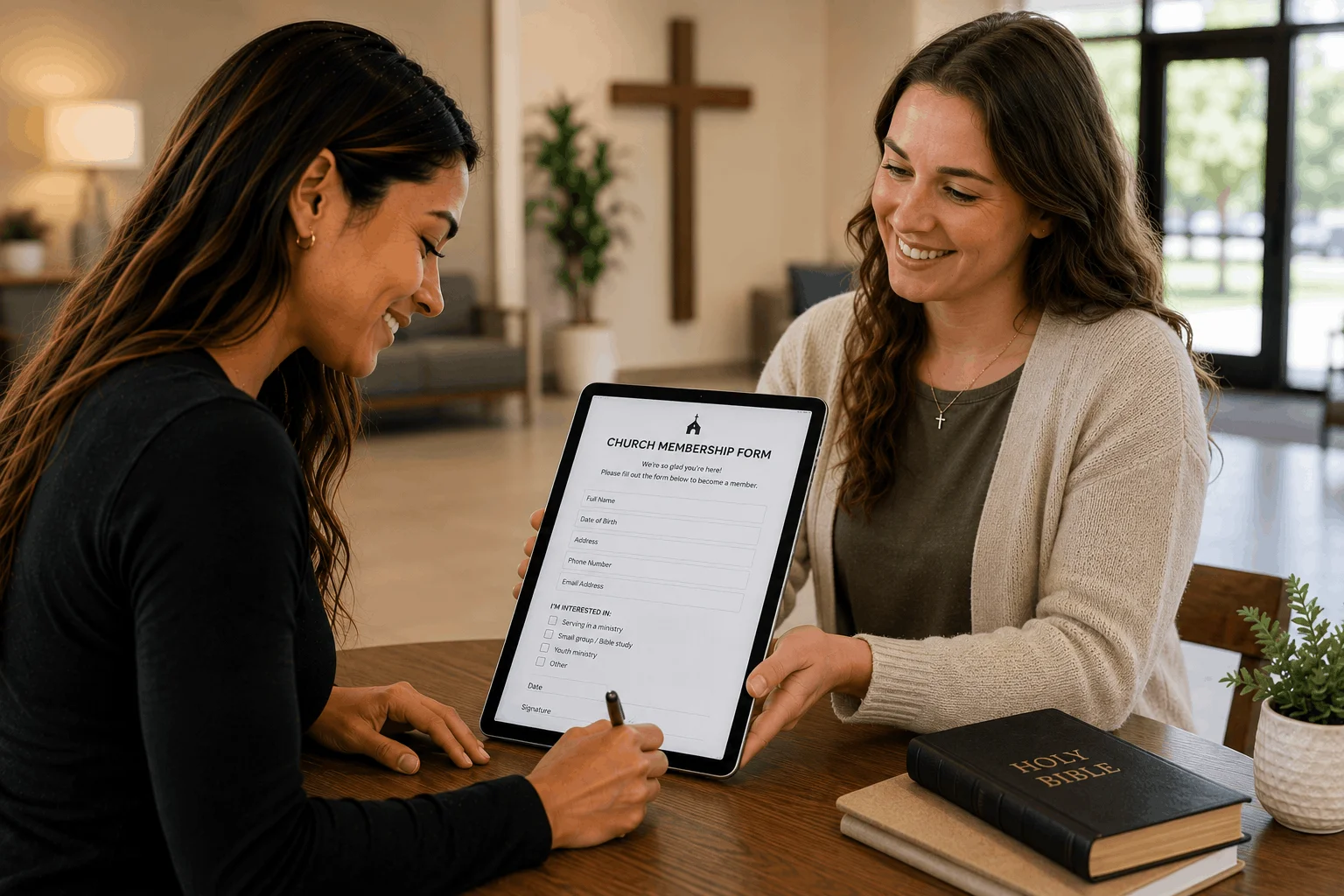
A church membership form is the form someone completes when they want to become a member of a church. It records their contact and household details, how they are joining, how they would like to get involved, and their agreement with the church's membership commitments.
Whether you call it a church membership form, a new member form, a membership application or a membership card, it is often the first piece of information your church keeps about a new member. A clear, friendly form makes joining feel welcoming, helps your staff follow up, and gives you an accurate member record from day one.
This guide covers what a church membership form is, what to ask new members, privacy considerations, a sample form you can adapt, and how to collect church membership forms online.
What is a church membership form?
A church membership form collects the information a church needs to welcome and care for a new member. Depending on your church, it may be:
- a membership application that is reviewed by pastors or elders before membership is confirmed
- a new member form completed during a membership class or welcome lunch
- a membership update form for existing members to keep their details current
Most churches use the form alongside a membership class, a conversation with a pastor, or a public welcome in a service.
Why churches use a new member form
A membership form helps your church:
- keep an accurate member directory and contact list
- follow up personally with each new member
- connect people with small groups, ministries and serving teams
- record baptism and transfer details where your church requires them
- understand which members have children for children's and youth ministry
- document each member's agreement to the church covenant or statement of faith
What should a church membership form include?
Ask for what your church actually uses. Shorter forms are completed more often.
1. Personal and contact details
- full name and preferred name
- date of birth (if you use it for birthdays or age-based ministries)
- address, phone number and email
2. Household and family members
- spouse or partner
- children and their ages
- whether other household members also wish to join
3. How they are joining
Many churches ask how someone is becoming a member, for example:
- by baptism or profession of faith
- by transfer from another church
- by statement or reaffirmation of faith
4. Faith background and baptism
- whether and when they were baptised, and where
- previous church and denomination, if any
- how long they have been attending your church
5. Ministry and serving interests
Offer checkboxes for the ministries and teams people can join, such as worship, children's ministry, hospitality, small groups, outreach, prayer, media or administration. This turns the form into a starting point for involvement, not just a record.
6. Small groups and pastoral care
Ask whether they would like to join a small group, meet with a pastor, or receive pastoral care or prayer.
7. Communication preferences
- preferred contact method (email, text, phone)
- whether they want to receive the church newsletter or announcements
8. Directory and photo consent
Ask separately whether their details may appear in the member directory and whether photos of them can be used in church communications. Keep both optional.
9. Membership covenant or statement of faith
If your church has a membership covenant, statement of faith or member responsibilities, include it in the form or link to it, and ask the new member to confirm they have read it and agree.
10. Signature and date
Finish with the member's signature and the date, and for a household, a signature from each adult joining.
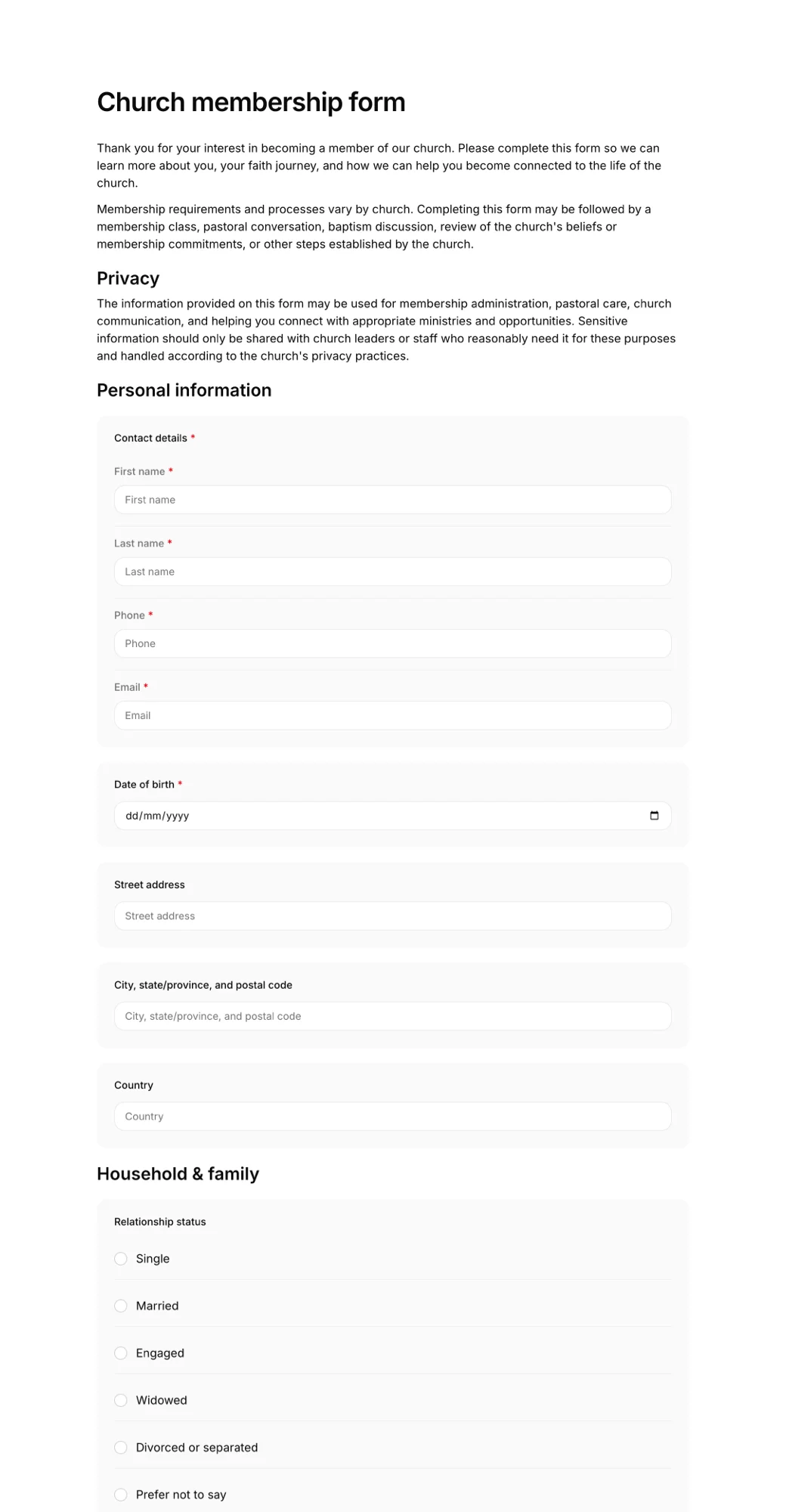
Privacy and data protection
Church membership forms can include sensitive information, such as religious affiliation, family details and, sometimes, pastoral notes. Data protection laws in many places treat religious beliefs as a special category of personal data. Good practice includes:
- only asking for information your church will actually use
- explaining how the information is used and who can see it
- getting clear, separate consent for the member directory and photos
- limiting access to staff and leaders who need it
- updating or deleting records when people leave or ask you to
Check the rules that apply in your country, and keep a short privacy notice with the form.
Church membership form sample
Use this outline as a starting point and adapt it to your church.
[Church Name] Membership Form
About you: full name, preferred name, date of birth, address, phone, email.
Household: spouse or partner, children and ages, other household members joining.
Joining: I am joining by baptism / transfer from [previous church] / statement of faith.
Baptism: I was baptised on [date] at [church].
Getting involved: I'm interested in [worship / children's ministry / hospitality / small groups / outreach / prayer / other].
Care: I would like to meet with a pastor / join a small group / receive prayer.
Communication: Please contact me by [email / text / phone]. I would like to receive the church newsletter: yes / no.
Directory and photos: You may include my details in the member directory: yes / no. You may use photos of me in church communications: yes / no.
Covenant: I have read the [Church Name] membership covenant and statement of faith and agree to them.
Signature and date.
Online vs paper church membership forms
Paper cards work, but they are easy to lose, hard to read, and need retyping into your church database. An online church membership form lets new members fill it in on their phone after a service or at home, and gives you a complete, readable record straight away.
Share it in your:
- membership class or welcome lunch
- weekly announcements and newsletter
- church website and social media
- welcome desk, with a QR code people can scan
Other church forms
Churches often use a few related forms alongside membership:
- church event registration form for retreats, trips and special events
- Sunday school registration form for children's ministry
- prayer request form
- church incident report form
- church activity liability waiver for youth trips and physical activities
Browse every church template.
How to create a church membership form online
Here is how to set one up with AgreeDock:
Step 1: Start from the template
Open the church membership form template, or describe your membership process to the AI waiver generator to get a draft written for your church.
Step 2: Make it your church's form
Add your church name, membership commitments, ministries and serving teams, and remove anything you don't need.
Step 3: Share the link or QR code
Send the link to people in your membership class, and put the QR code on your welcome desk, bulletin or screens.
Step 4: Follow up with new members
Every completed form appears in your Signatures list with the member's answers, and you can download each one as a PDF for your records.
Frequently asked questions
What is the difference between a church membership form and a visitor card?
A visitor or connection card collects basic contact details from guests. A church membership form is for people who are joining, so it usually asks more, such as household details, baptism, how they are joining, ministry interests and agreement with the church's membership commitments.
What questions should a new member form ask?
Most churches ask for contact details, household members, how the person is joining, baptism and previous church, ministry and small group interests, pastoral care requests, communication preferences, directory and photo consent, and agreement with the membership covenant.
Should children fill in a church membership form?
Churches handle this differently. Many record children on a parent's form under household members, and use a separate process for older children or teenagers who want to become members themselves.
How should churches store membership information?
Keep membership records secure, limit access to the people who need them, and only collect what you use. Religious affiliation can be sensitive personal data, so check the data protection rules that apply to your church.
Can a church membership form include a statement of faith?
Yes. Many churches include their statement of faith or membership covenant in the form, or link to it, and ask new members to confirm they have read it and agree before signing.
How often should members update their details?
Many churches ask members to review their details once a year, for example when updating the member directory, and whenever they move, change contact details or have a new family member.
Can new members sign the form on their phone?
Yes. An online church membership form can be shared by link or QR code, and members can complete and sign it on their phone, tablet or computer.
Is the church membership form template free?
Yes. You can use the church membership form template for free, customise it for your church, and collect up to 10 completed forms a month on the Free plan.