Intake form
Online intake forms clients complete before they arrive
Collect contact details, health history, goals and signed consent in one form. Share it by link or QR code and keep every response ready before the first appointment.
- Free to start
- Ready in 5 min
- E-signatures included


Start from an intake form template
Pick a template, change the questions to suit your practice, and send it to clients today.
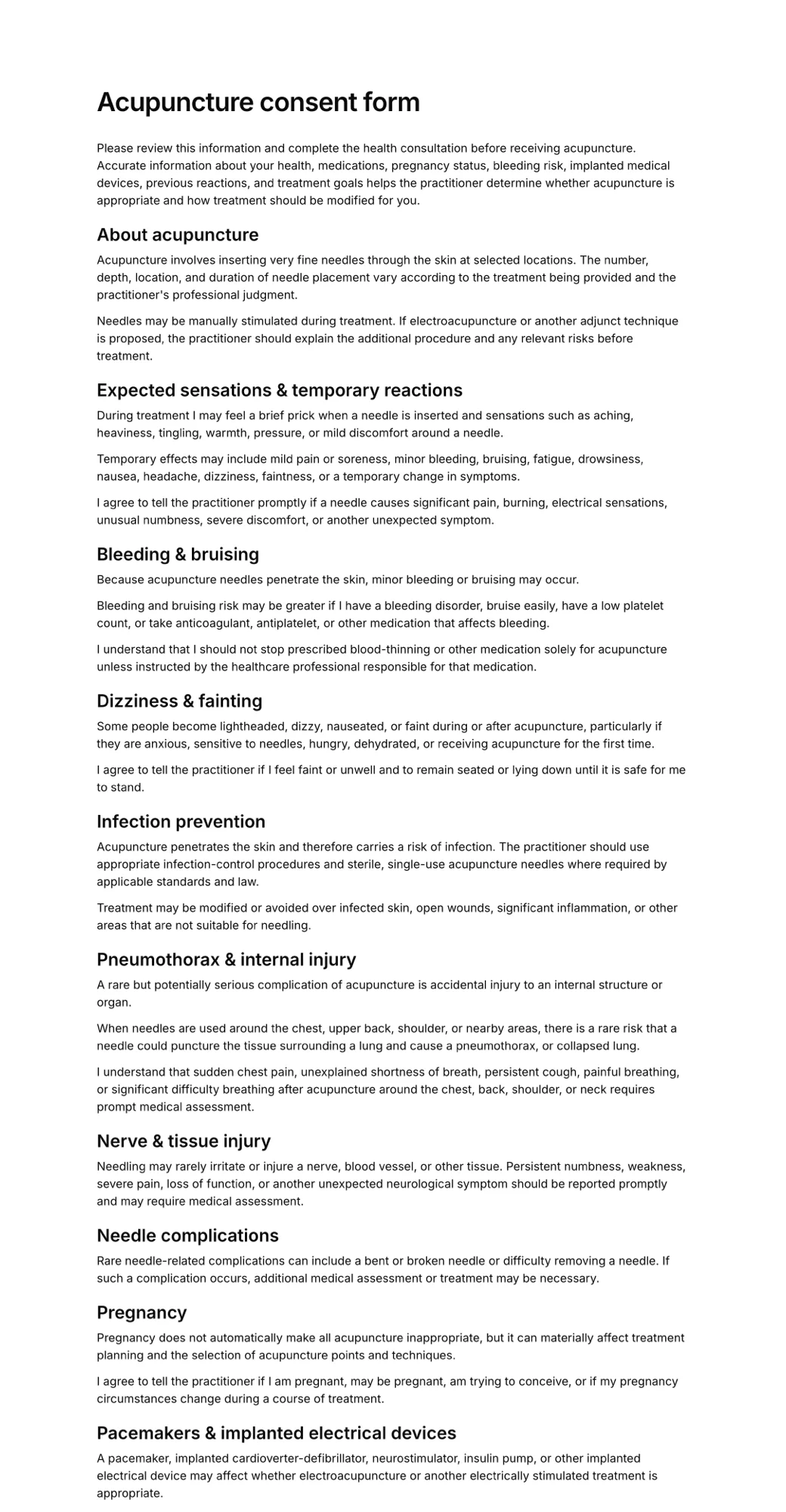
Less paperwork at the front desk, better prepared appointments
Collected before they arrive
Send the form with a booking confirmation, or put a QR code at reception for walk-ins. Clients fill it in on their own phone, so the appointment starts on time.
Intake and consent in one step
Ask about health history and goals, show your policies, and capture an electronic signature in the same form. No separate paperwork to chase.
Built in minutes
Start from a template or describe your practice and let AI draft the questions. Add checkboxes, dates, multiple-choice and contact fields without code.
Every answer on file
Completed intake forms are stored together. Search by client name and download a signed PDF of exactly what they submitted.
What is an intake form?
An intake form is the first set of questions a new client answers before working with you. It tells you who they are, why they are coming, and anything that could change how you deliver the service, such as an injury, an allergy or a medication.
Collecting this in advance lets you review answers before the session, spot anything that needs follow-up, and keep a dated record of what the client told you and agreed to.
An online intake form replaces the clipboard: clients complete it on their own device, nothing has to be typed up afterwards, and signed copies are stored in one place instead of a filing cabinet.
For a worked example, see our guide to yoga intake forms and what to ask new students.
How to create an online intake form
- 1
Choose a template or describe your form
Start with an intake form template, or tell AI what your practice does and get a first draft with the right questions.
- 2
Add your questions and consent
Edit fields, add your policies and consent wording, and finish with a signature field.
- 3
Share it and collect responses
Send the link before appointments or show a QR code at reception. Review answers and download signed PDFs any time.
What to include in a client intake form
Ask only what you will use. These are the fields most practices rely on, and every one can be edited or removed.
- Name, date of birth and contact details
- Emergency contact
- Reason for the visit and goals
- Relevant medical history and medications
- Allergies, injuries or contraindications
- Previous treatments or sessions
- How they heard about you
- Policies: cancellations, privacy, payment
- Consent to treatment or services
- Signature and date
Who uses intake forms?
Any business that needs to know a client before the first session. A few of the most common:
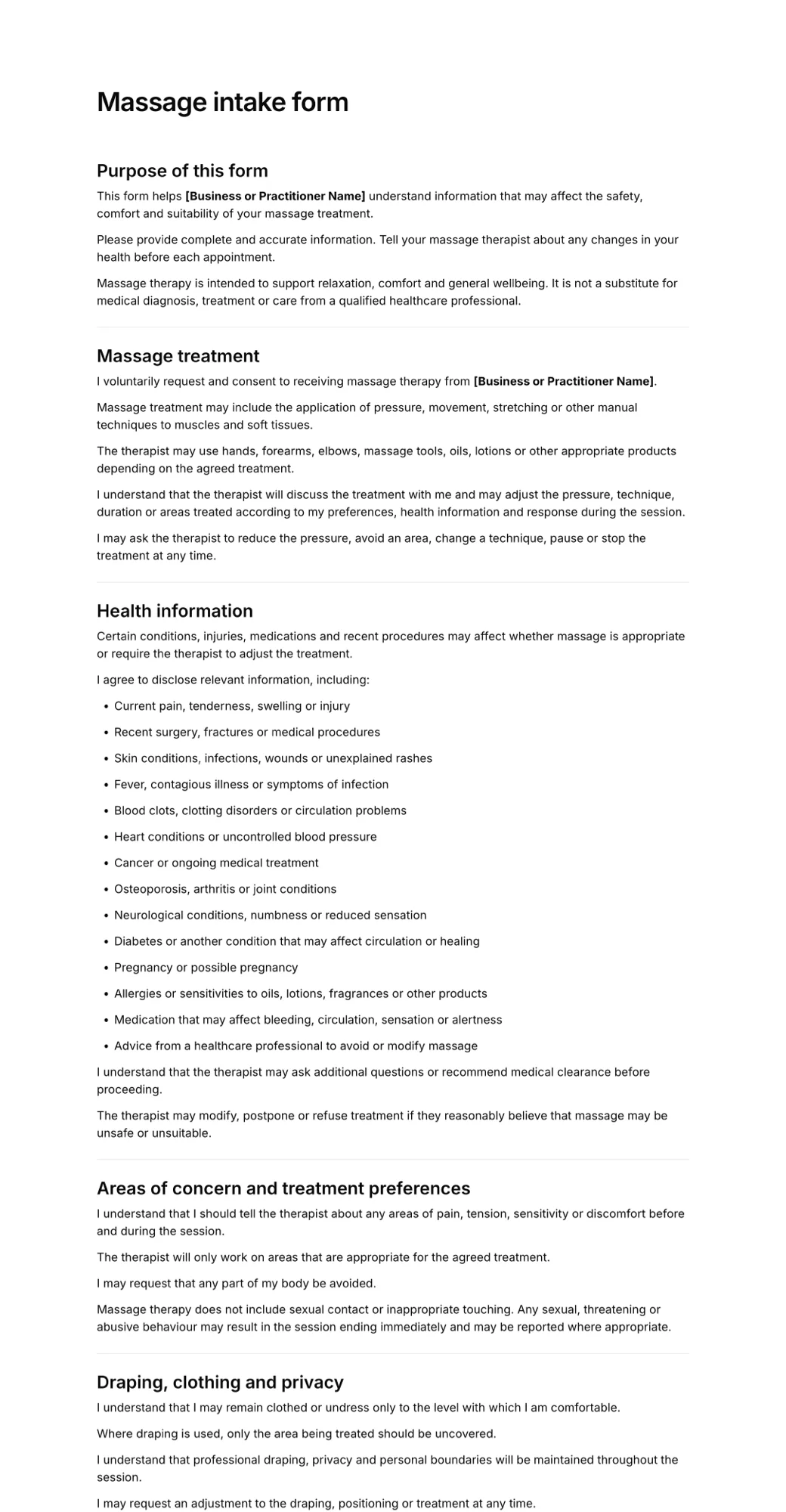
Massage and spa
Pressure preferences, areas to avoid, and health conditions that affect treatment.
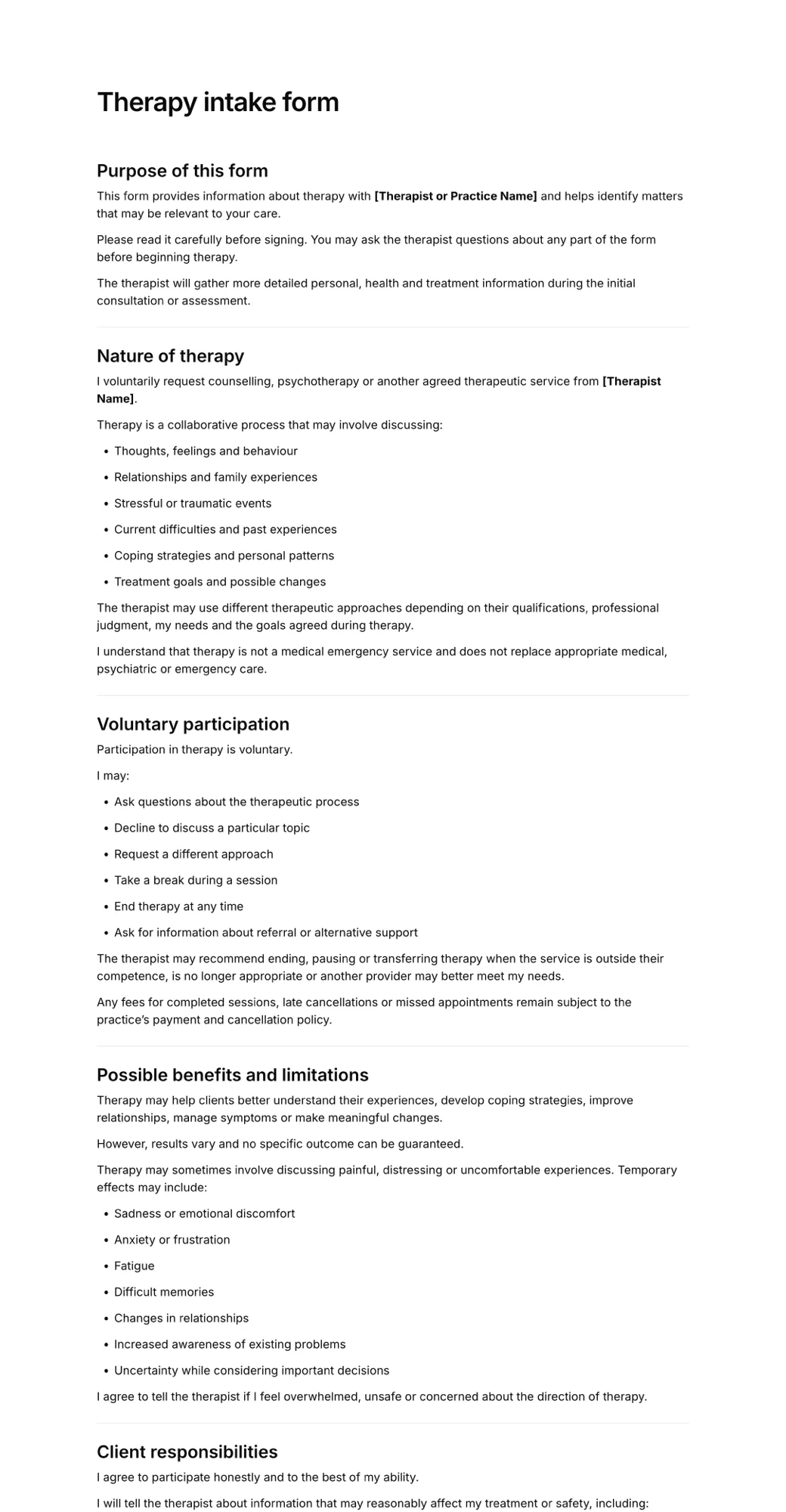
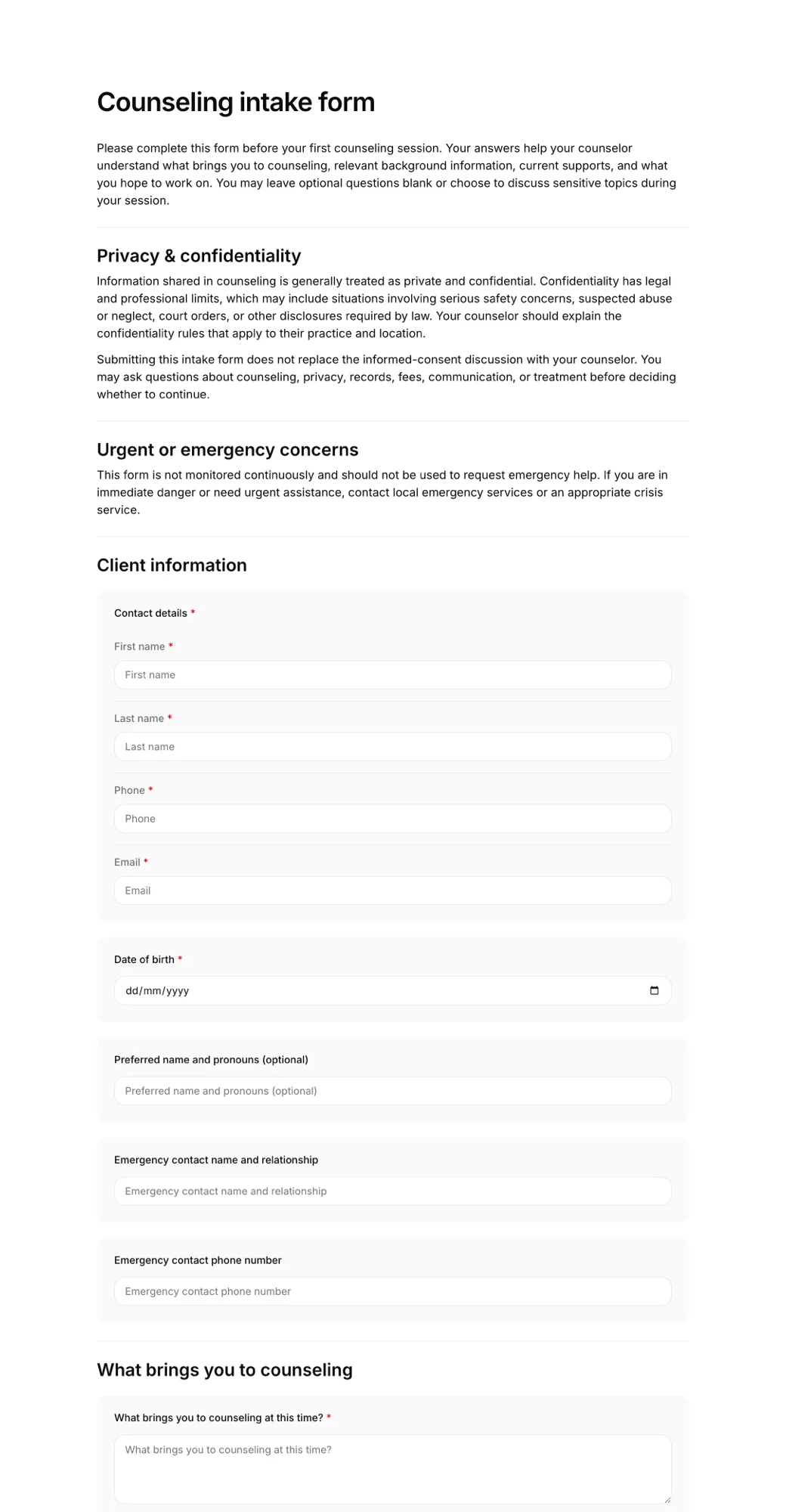
Therapy and counseling
Presenting concerns, history, goals and the practice's confidentiality terms.
Wellness clinics
Acupuncture, chiropractic, physiotherapy and IV therapy new-patient forms.
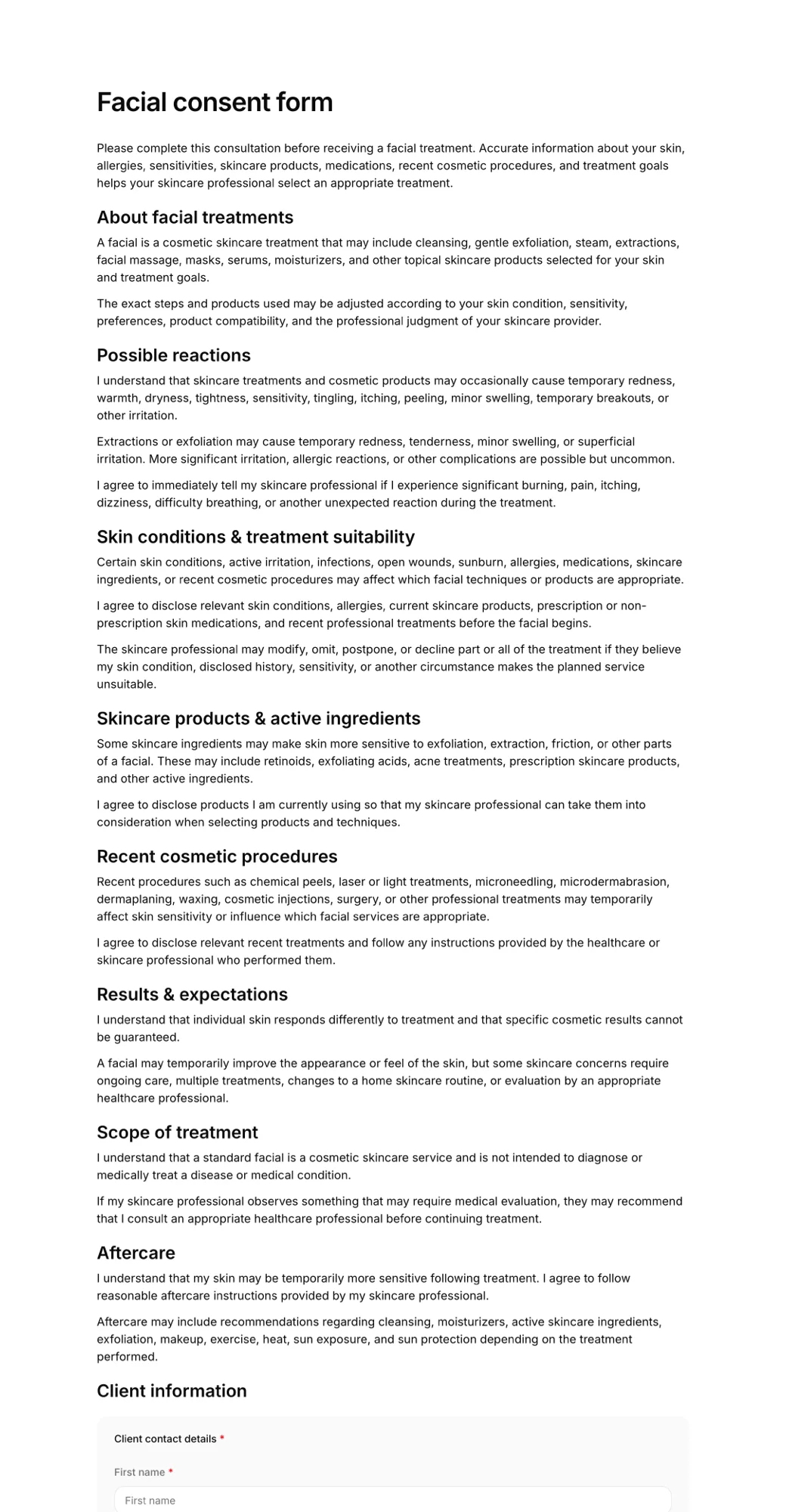
Beauty and aesthetics
Skin type, allergies and recent treatments before facials, peels or injectables.
Fitness and yoga
Injuries, experience level and goals before personal training or a first class.
Coaching and services
Project scope, budget and expectations before a discovery call or onboarding.
Need a signed release too? See online consent forms.
Frequently asked questions
What is an intake form?
An intake form is the questionnaire a new client completes before their first appointment or engagement. It gathers contact details, the reason for their visit, relevant history and any agreements they need to accept, so you can prepare and spend the first session on the client rather than on paperwork.
What should a client intake form include?
Most intake forms cover contact and emergency details, the client's goals, relevant health or background information, your policies, and a consent statement with a signature. Keep it to the questions you actually use: shorter forms get completed more often and leave you with less sensitive data to look after.
How do clients fill in an online intake form?
Share a link by email, text or in your booking confirmation, or display a QR code at your front desk. Clients open the form on their phone, tablet or computer, answer the questions and sign with a finger or mouse. You see the completed form straight away.
Can an intake form include a consent signature?
Yes. Add your consent or policy wording to the form and finish with a signature field. The signed record keeps the exact text the client agreed to along with their answers, and you can download it as a PDF.
Is an online intake form secure?
Completed forms are stored in your AgreeDock workspace and are only visible to your team. If you handle health information, check which rules apply to your practice (such as HIPAA in the United States) and only ask for information you need for the service.
Can I use my own intake questions?
Yes. Start from a template and edit any question, or build the form from scratch. You can add text, checkbox, multiple-choice, date and contact fields, and rewrite the terms to match your practice.
How much does an intake form cost?
AgreeDock is free for up to 10 signed forms each month. Pro costs $15 per month, or $10 per month billed yearly, and includes unlimited forms and signatures.
Send your first intake form today
- Free to start
- Add your questions
- Collect signatures