Free AI waiver generator
AI Waiver Generator
Describe your business and get a complete liability waiver, release or consent form in seconds. Edit it, share it by link or QR code, and collect electronic signatures.
- Free to start
- No credit card
- Edit before you share
Why use an AI waiver generator?
A full draft in seconds
Skip the blank page. The generator writes the intro, sections and acknowledgement for you, ready to review.
Specific to your activity
The AI names the real risks, equipment and rules of what you describe instead of generic boilerplate.
Fully editable
Everything lands in a document editor. Rewrite sections, add fields, or paste in your lawyer's wording.
Ready to sign
Contact details, an agreement checkbox and a signature field are already in place. Share it and start collecting.
How to create a waiver with AI
- 1
Describe your business and activity
Write a sentence or two about what you do, the risks involved, and anything customers must agree to. Add your business name and rules if you have them.
- 2
Review the AI draft in the editor
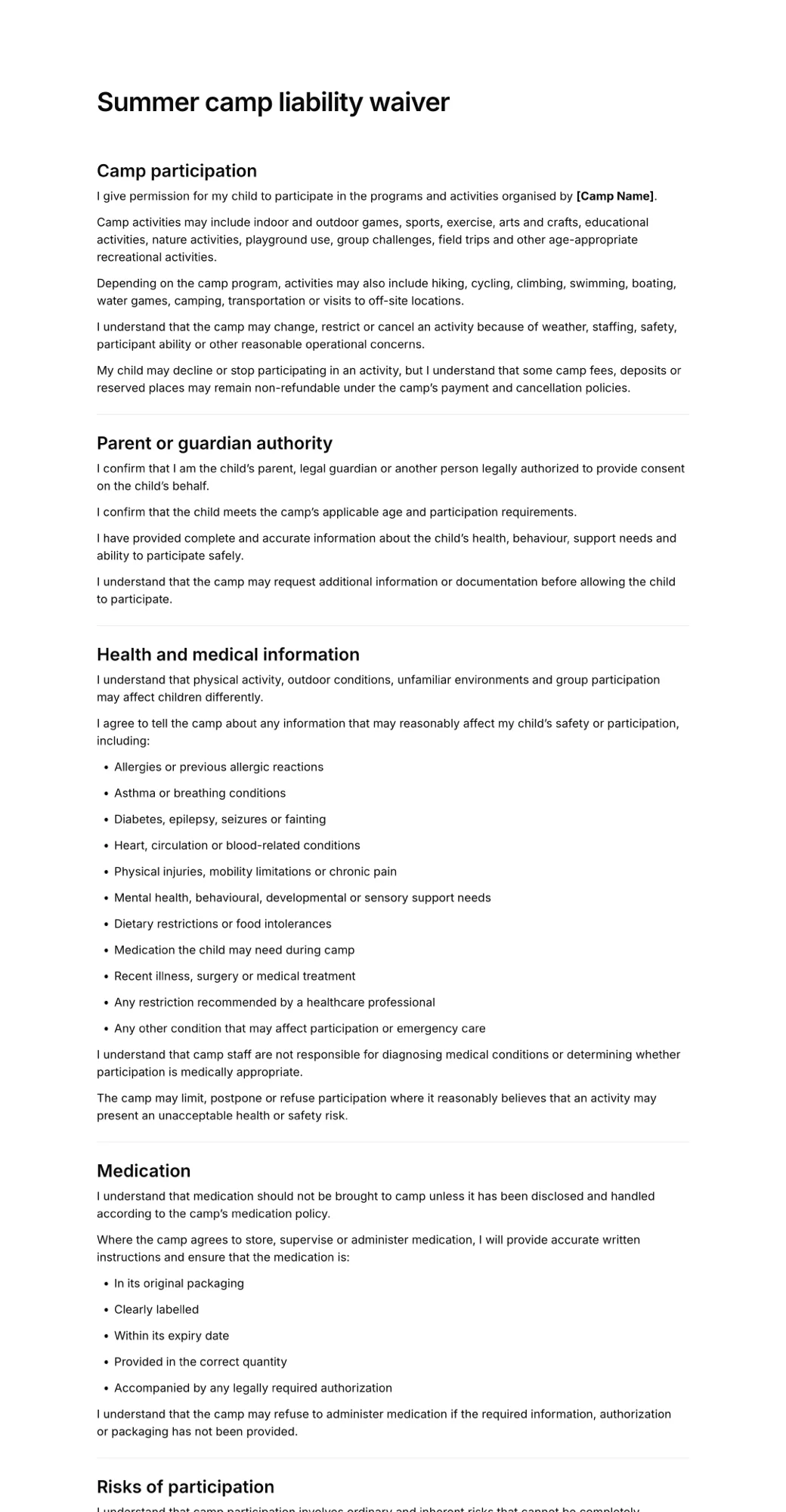
In seconds you get a structured waiver with sections, risk lists and signature fields. Edit any wording, fill in highlighted placeholders, or add questions.
- 3
Share it and collect signatures
Publish the waiver and send the link or show a QR code. Every signed copy is stored and downloadable as a PDF.
What the AI includes in your waiver
Every draft is a complete, ready-to-sign document organised into clear sections. The generator picks the ones that fit your activity.
- Introduction explaining the agreement
- Assumption of risk for your activity
- Release and waiver of liability
- Medical and health disclosure
- Rules and participant responsibilities
- Aftercare or equipment terms, where relevant
- Photo and media consent, where relevant
- Signer contact details
- Agreement checkbox and signature
- Placeholders for details you still need to add
Waivers you can generate with AI
From gyms to rentals to tattoo studios, describe the activity and the generator writes a waiver for it. A few prompts to start from:
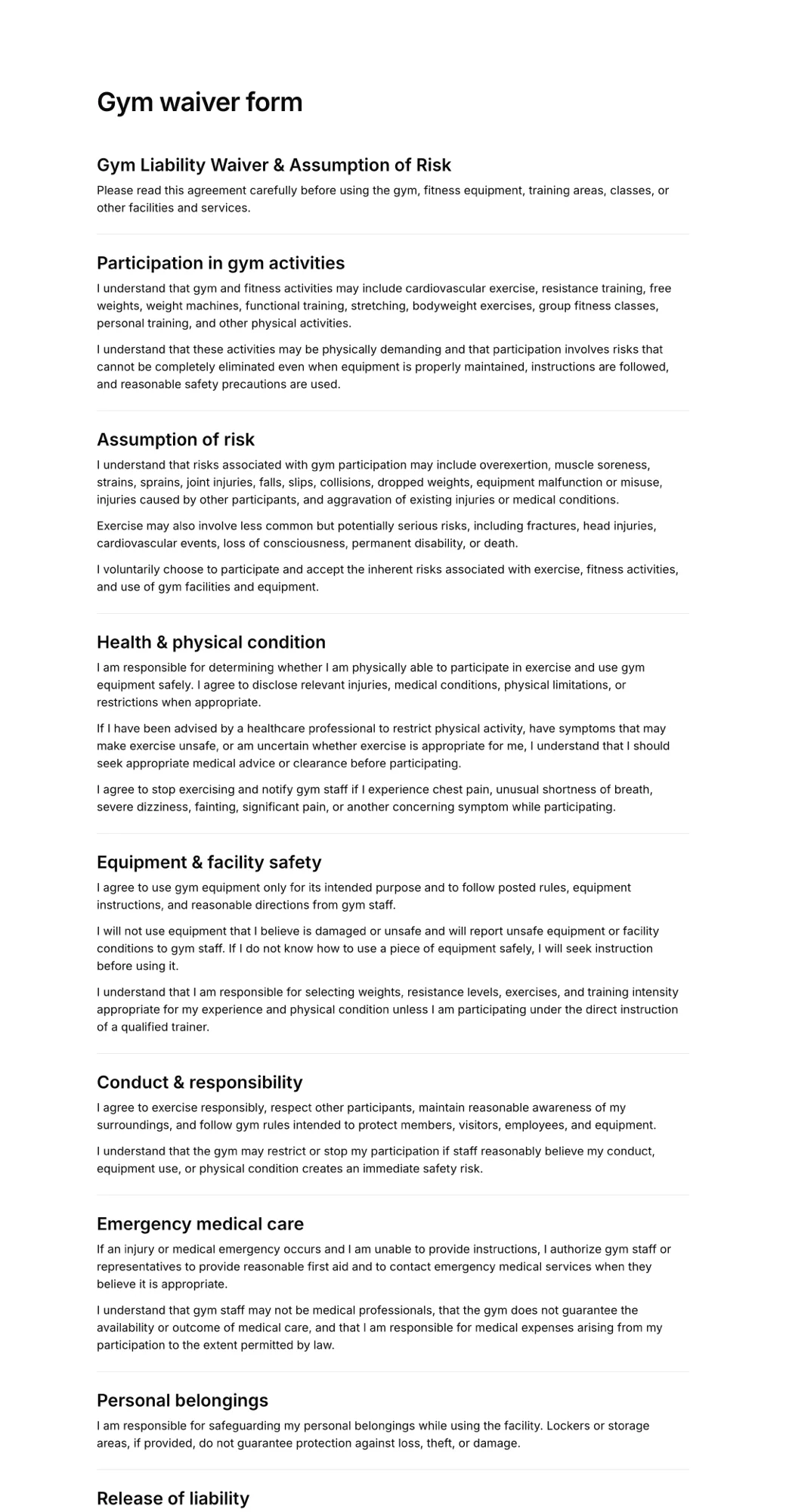
Gym and fitness waivers
“Personal training studio with strength classes and open gym access.”
Or start from a templateRental agreements
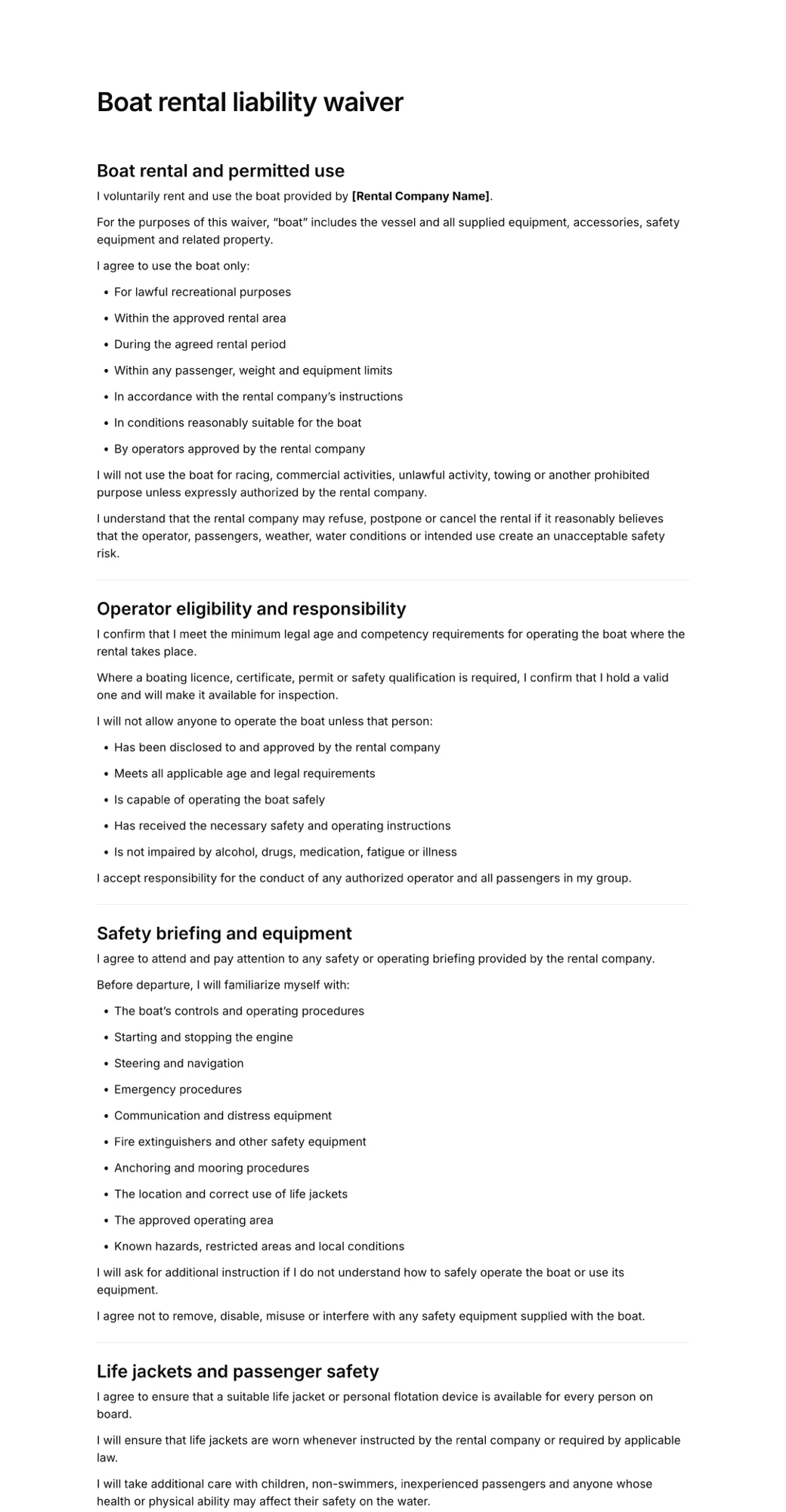
“E-bike rental with helmet rules, damage charges and late returns.”
Or start from a templateBeauty consent forms
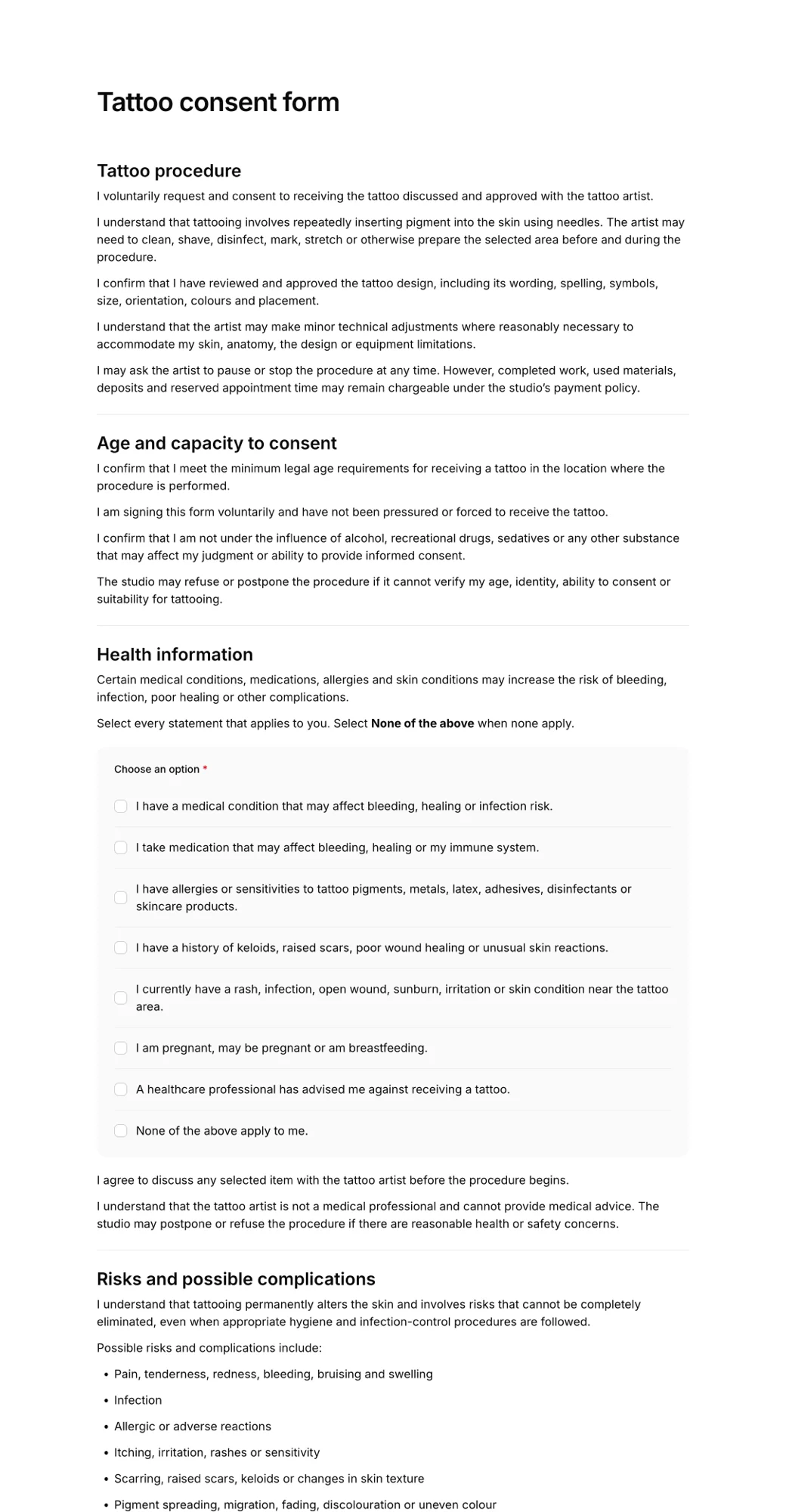
“Lash extensions with allergy questions, patch test and aftercare.”
Or start from a templateCamps and youth activities
“Weekend scout camp with hiking, campfires and parental consent.”
Or start from a templateEvents and parties
“Trampoline birthday party for kids with a parent signing for each child.”
Or start from a templateReleases and agreements
“Photo shoot model release covering usage rights for social media.”
Or start from a templateAI generator or template?
Use the AI waiver generator when your activity is specific, unusual, or combines several services, such as a climbing gym that also rents gear and runs kids' parties. The AI writes around exactly what you describe.
Use a ready-made template when your business is a common fit, such as a gym, tattoo studio or bike rental. Templates are ready-made starting points you can edit in the same way.
Either way, the result is an editable document you can share and sign online. Browse all waiver templates, or read our guide on how to write a liability waiver.
Popular waiver templates
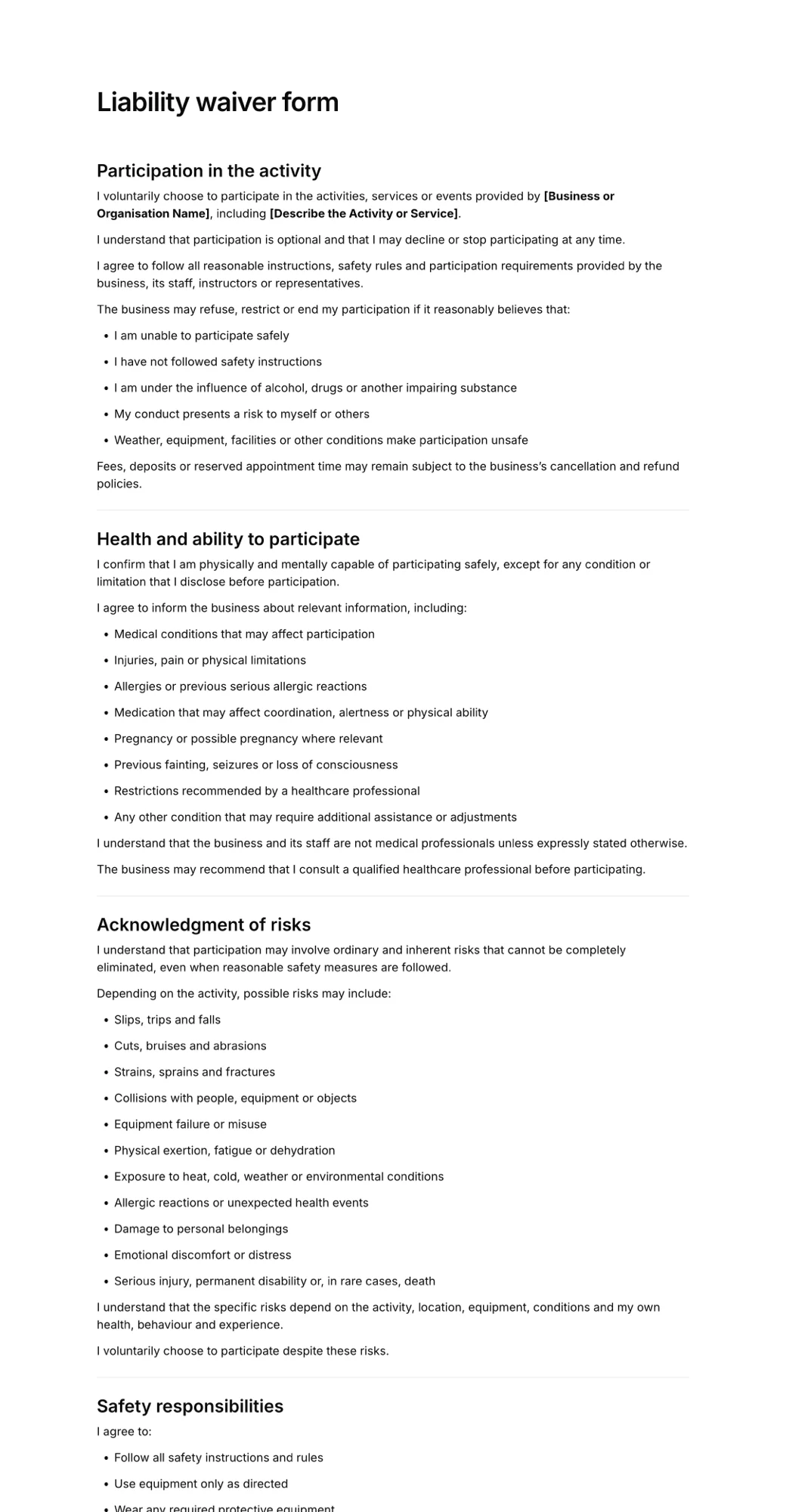
Prefer to start from a finished document? These are the templates businesses use most.
Frequently asked questions
What is an AI waiver generator?
An AI waiver generator drafts a liability waiver from a short description of your business. Instead of starting from a blank page or a generic template, you describe your activity and the AI writes a structured document with the risks, release terms, rules and signature fields that fit it.
Is the AI waiver generator free?
Yes. Creating an AgreeDock account is free, and the Free plan lets you generate and edit waivers and collect up to 10 signatures a month. Pro adds unlimited signatures and forms.
Are AI-generated waivers legally binding?
A waiver's enforceability depends on its wording, how it is presented and signed, the activity, and the law where you operate. The AI draft is a starting point, not legal advice. Review it, adjust it to your business, and have it checked by a lawyer if you need certainty.
Can I edit the waiver the AI creates?
Yes. The draft opens in AgreeDock's document editor where you can rewrite any section, fill in the highlighted placeholders, add or remove questions, and change the signature fields before you publish.
What can the generator create besides liability waivers?
Anything customers read and sign: release of liability forms, consent forms for treatments, rental agreements, participation waivers, parental consent forms, photo and model releases, and intake forms with an agreement.
What should I write in the prompt?
Say what your business does, the activity or service customers take part in, the main risks, and anything they must agree to, such as age limits, health disclosures, rules or damage charges. Including your business name means it is filled in for you.
How do customers sign the generated waiver?
Once published, each waiver gets a signing link and a QR code. Customers sign on their phone, tablet or computer, and you can search every signed record and download it as a PDF.
Do I need an account to use it?
You can write your description on this page without an account. When you press generate we ask you to sign up or log in, then the waiver is drafted automatically from what you wrote.
Generate your first waiver free
- Describe your business
- Edit the draft
- Collect signatures