Electronic waiver app
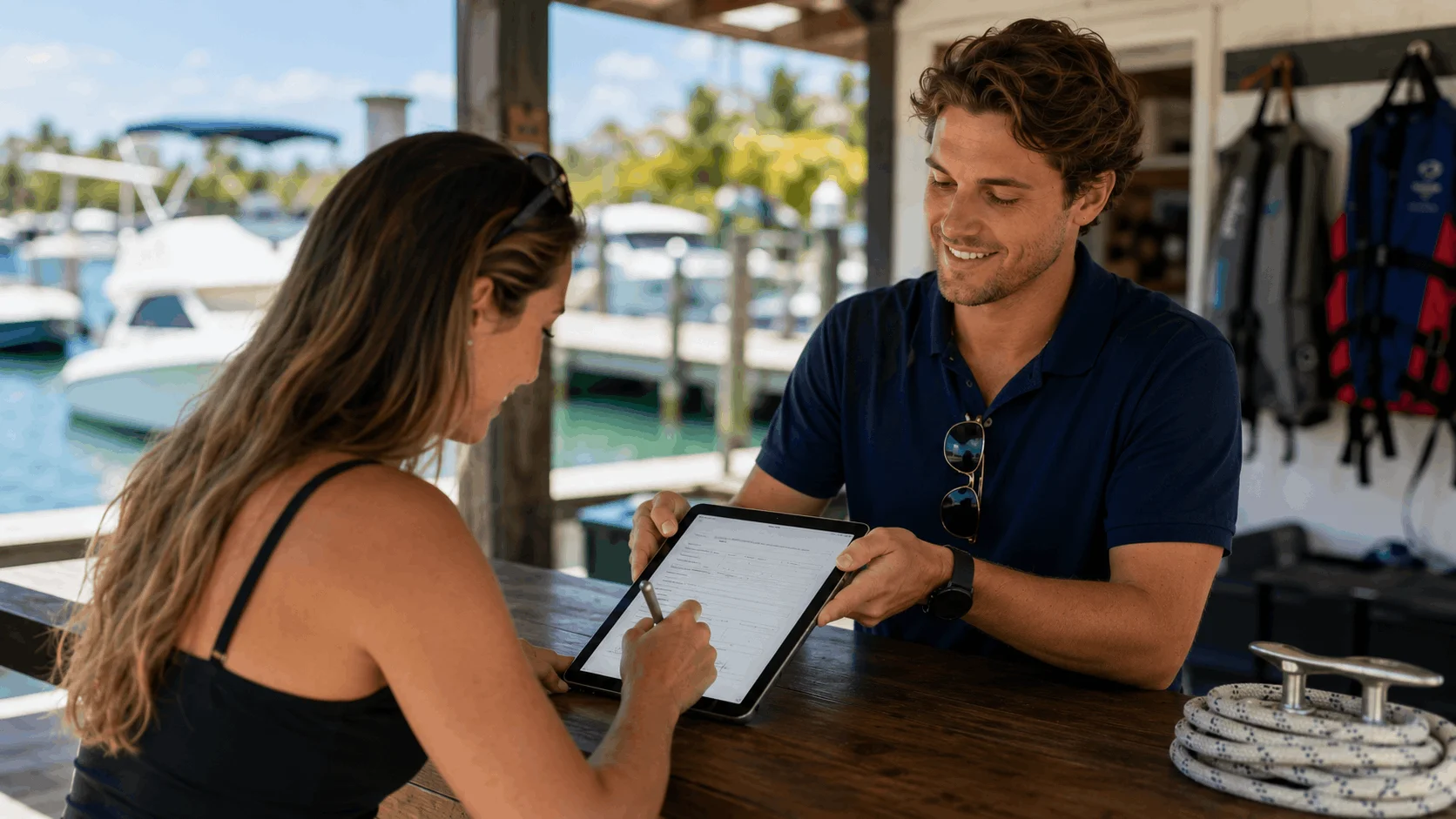
Waivers customers sign on their own phone
Create an electronic waiver in minutes, share it by link or QR code, and collect signatures on any phone, tablet or computer. Nothing for customers to download.
- Free to start
- Works in any browser
- Signed PDF records


An e-waiver app without the app download
Nothing to install
Customers open your waiver in the browser they already have. No app store, no account, no password.
Link or QR code
Send the link before a booking, or print a QR code for the front desk, rental counter or event gate.
A record of what they signed
Each signature keeps the exact waiver wording the customer accepted, even after you edit the form.
Every waiver in one place
Search signers by name and download a signed PDF when an insurer or customer asks for one.
Why move waivers from paper to electronic?
Paper waivers slow down check-in, get lost in filing boxes, and are often hard to read when you finally need one. Customers fill them in at the counter, in a hurry, while a queue builds behind them.
With an electronic waiver, customers sign before they arrive or scan a QR code while they wait. You see who has signed, the form is always complete and legible, and you can find any signed copy in seconds.
Not sure where to start? Read our guide to online waiver forms, or let the AI waiver generator write a first draft.
How to start collecting electronic waivers
- 1
Create your waiver
Pick a template, paste your own wording, or describe your business and let AI draft the waiver for you.
- 2
Share the link or QR code
Add the link to booking confirmations and your website, and print the QR code for walk-in customers.
- 3
Customers sign on their device
They fill in their details, tick the agreement boxes and sign with a finger. The signed record lands in your dashboard.
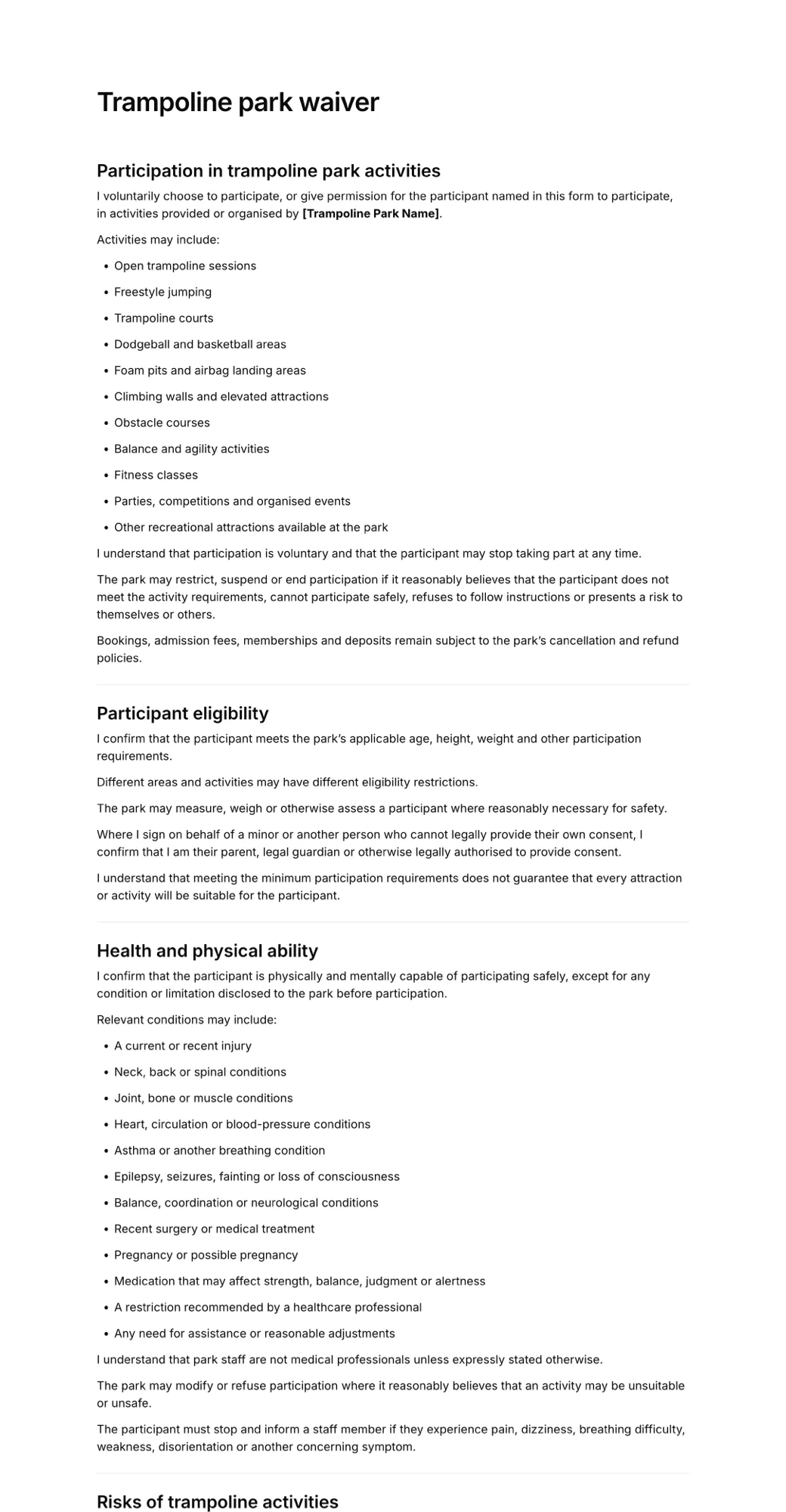
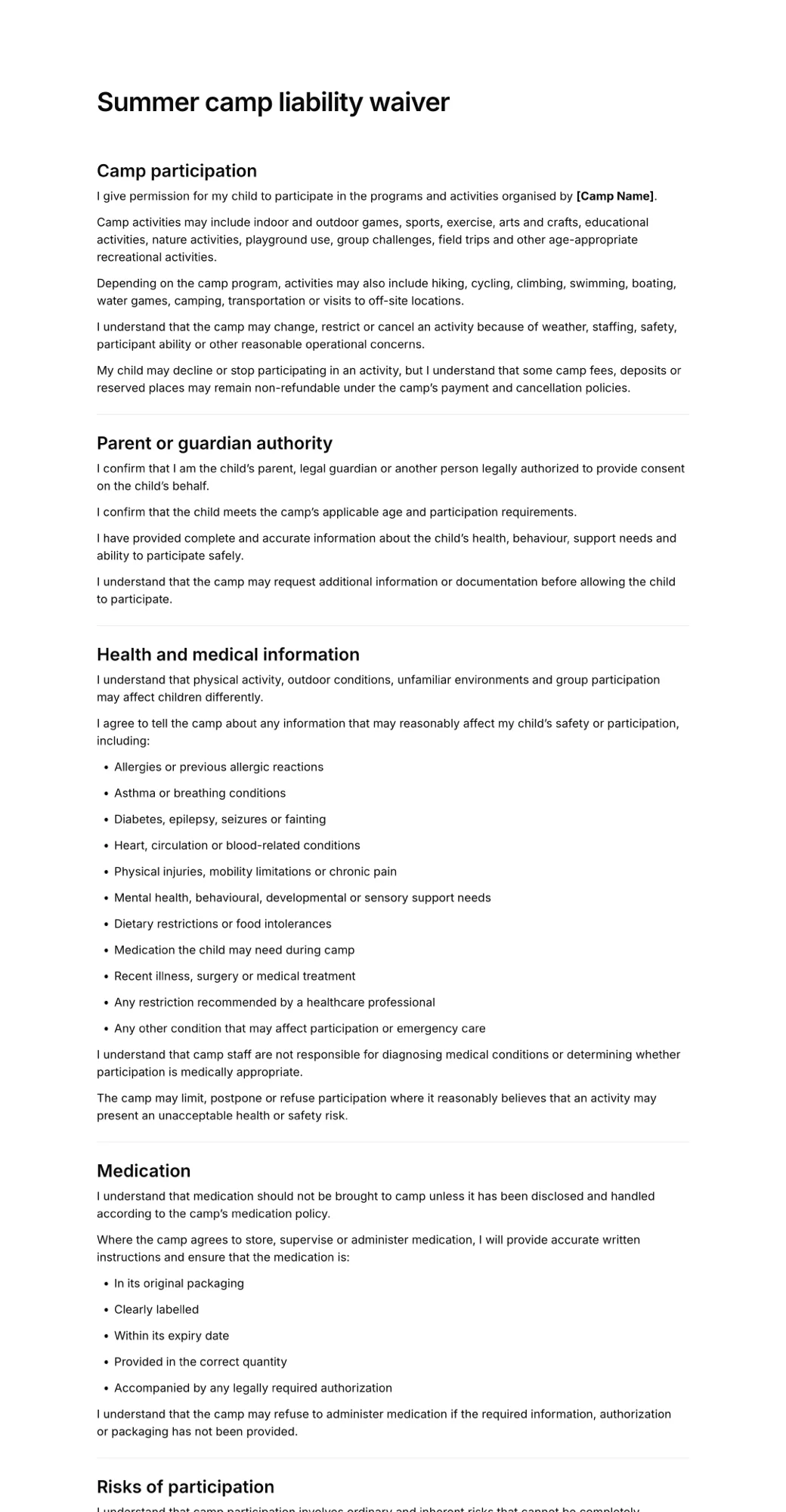
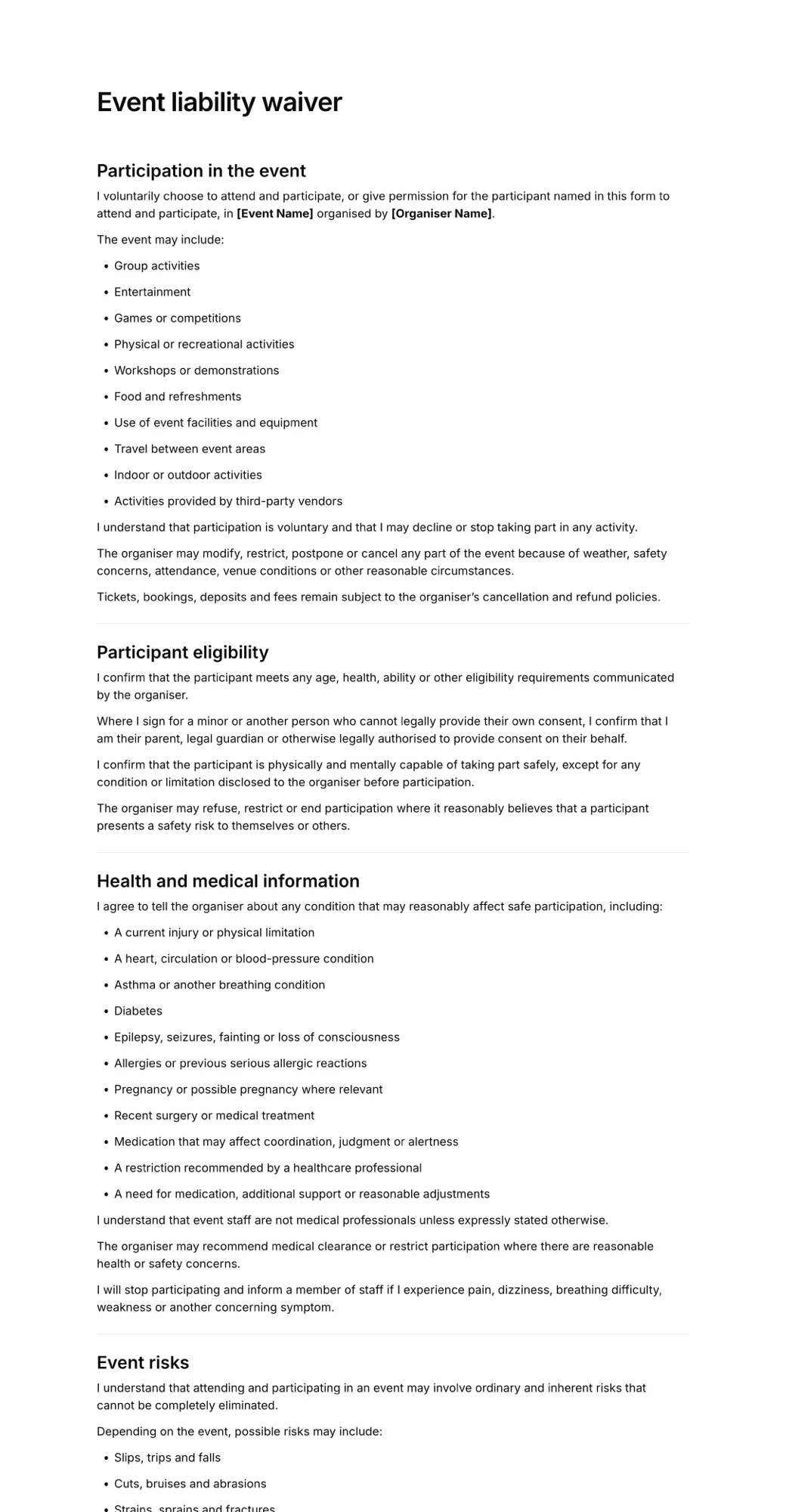
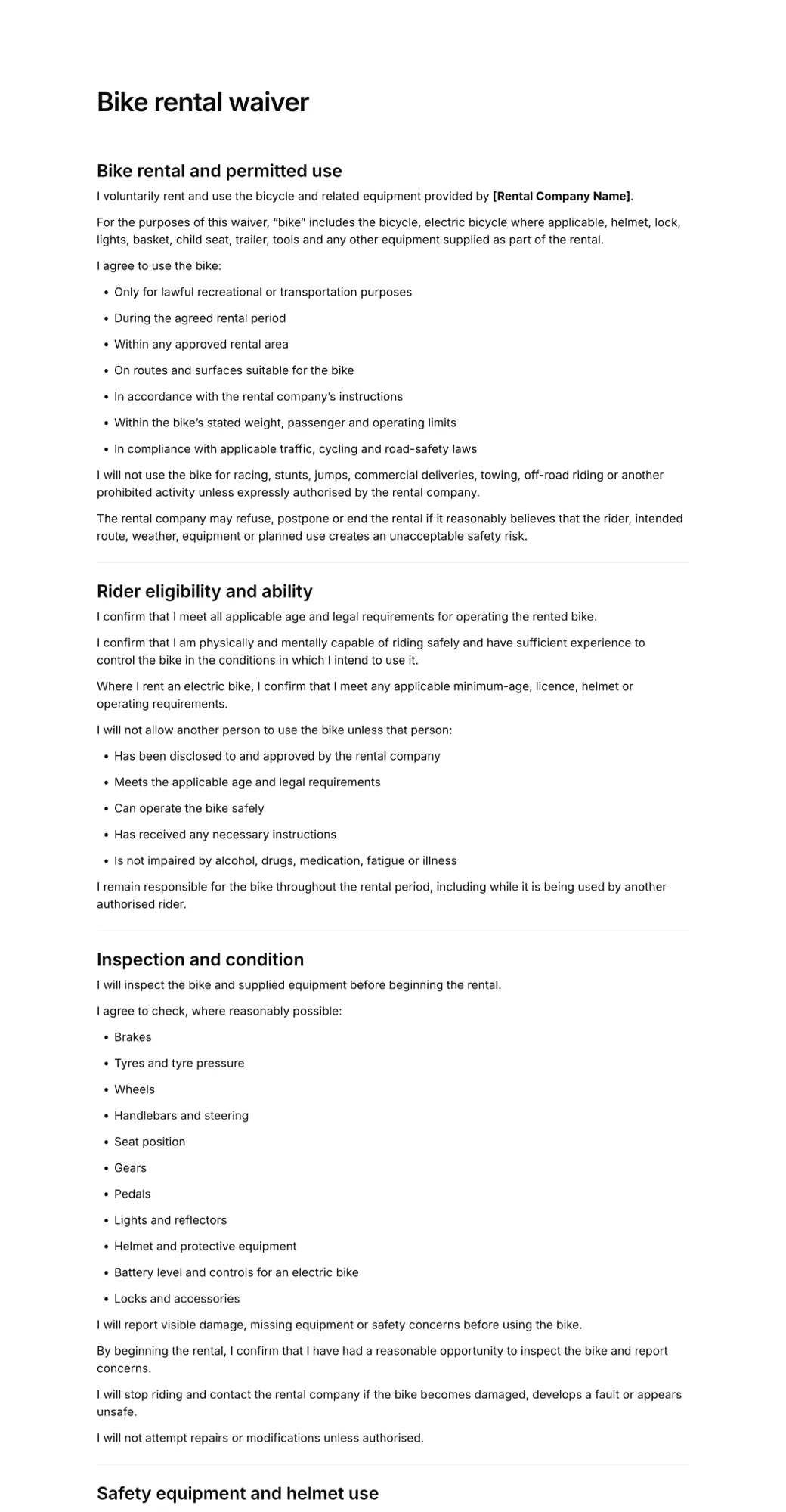
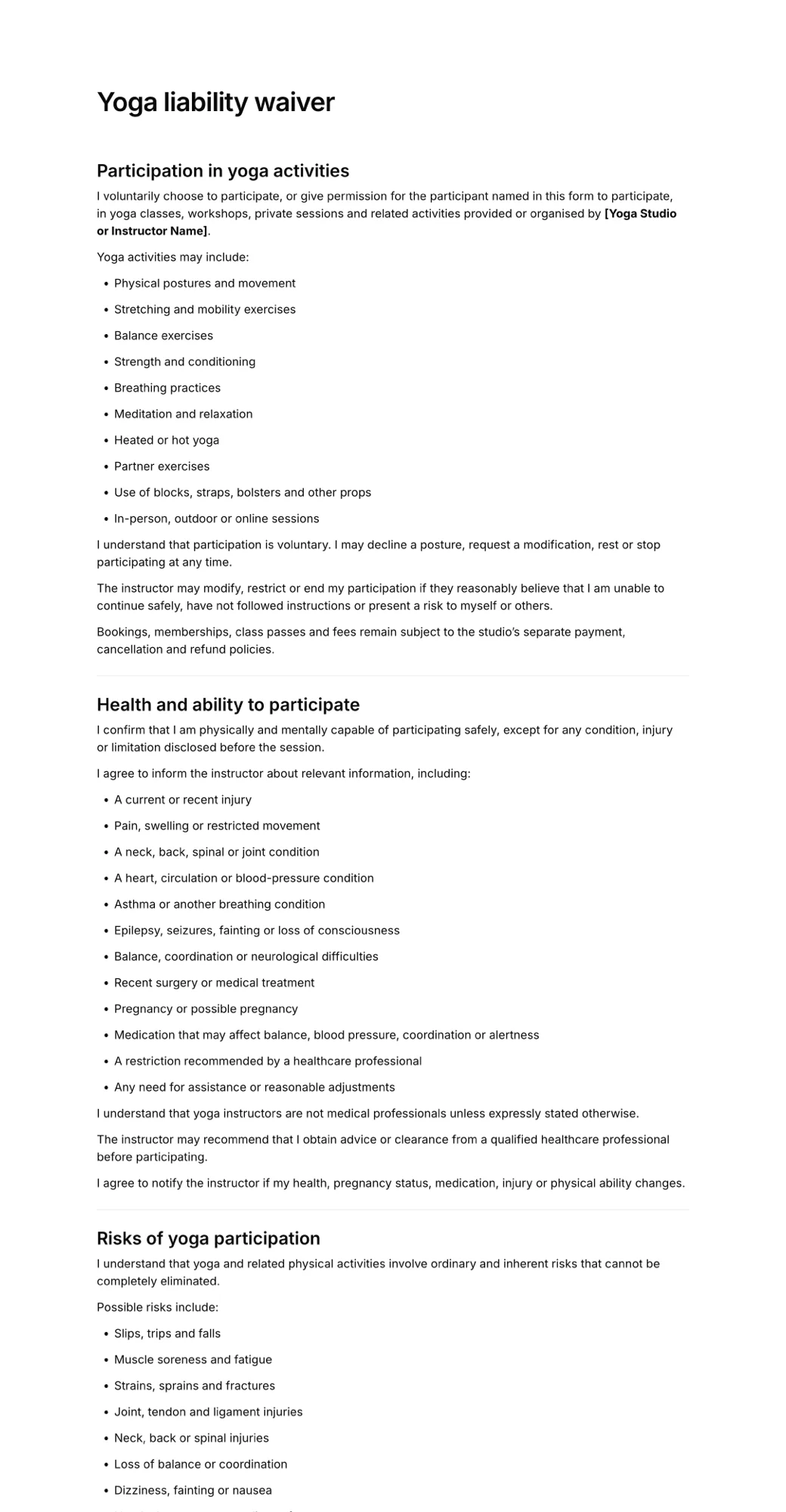
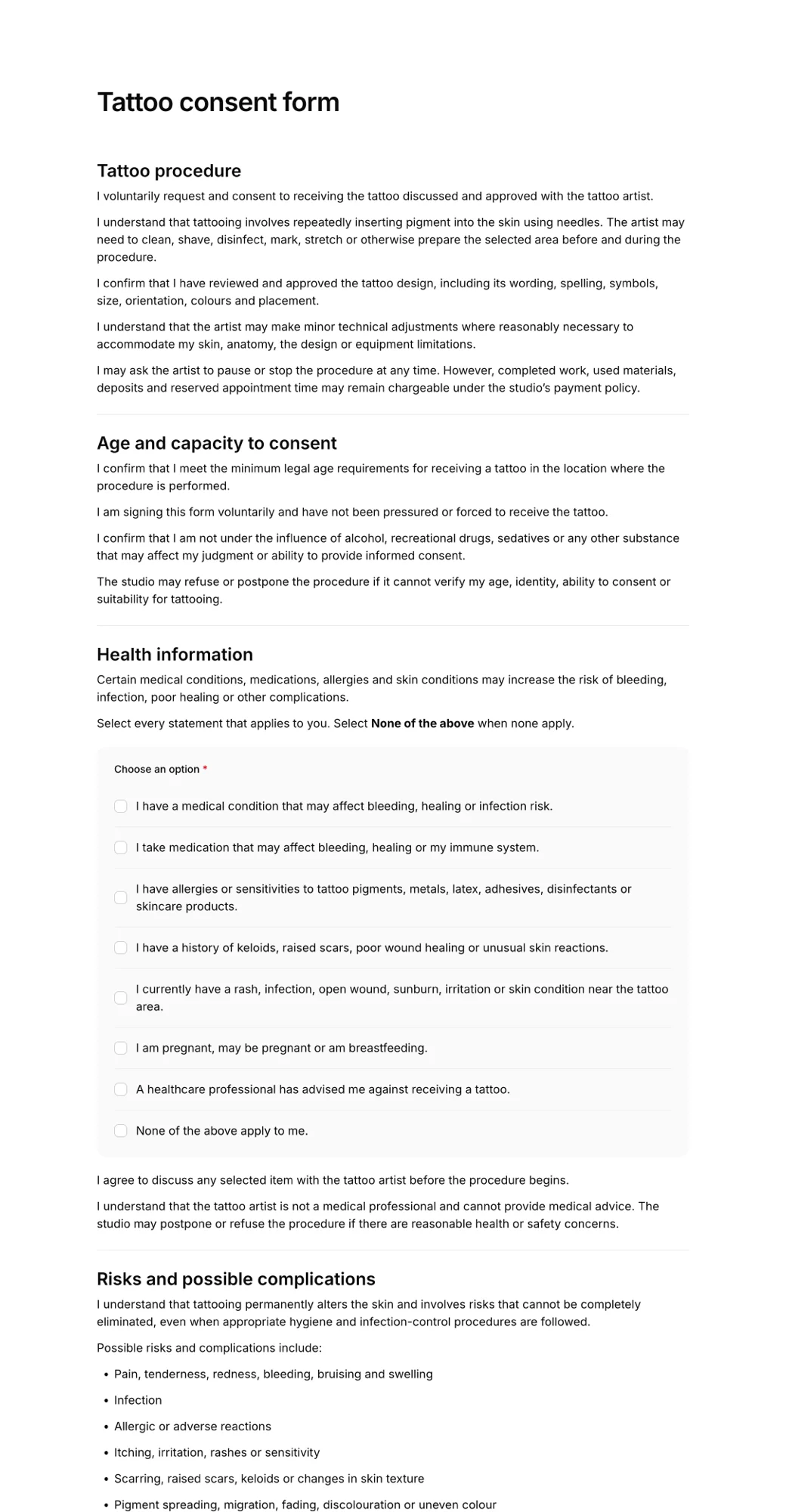
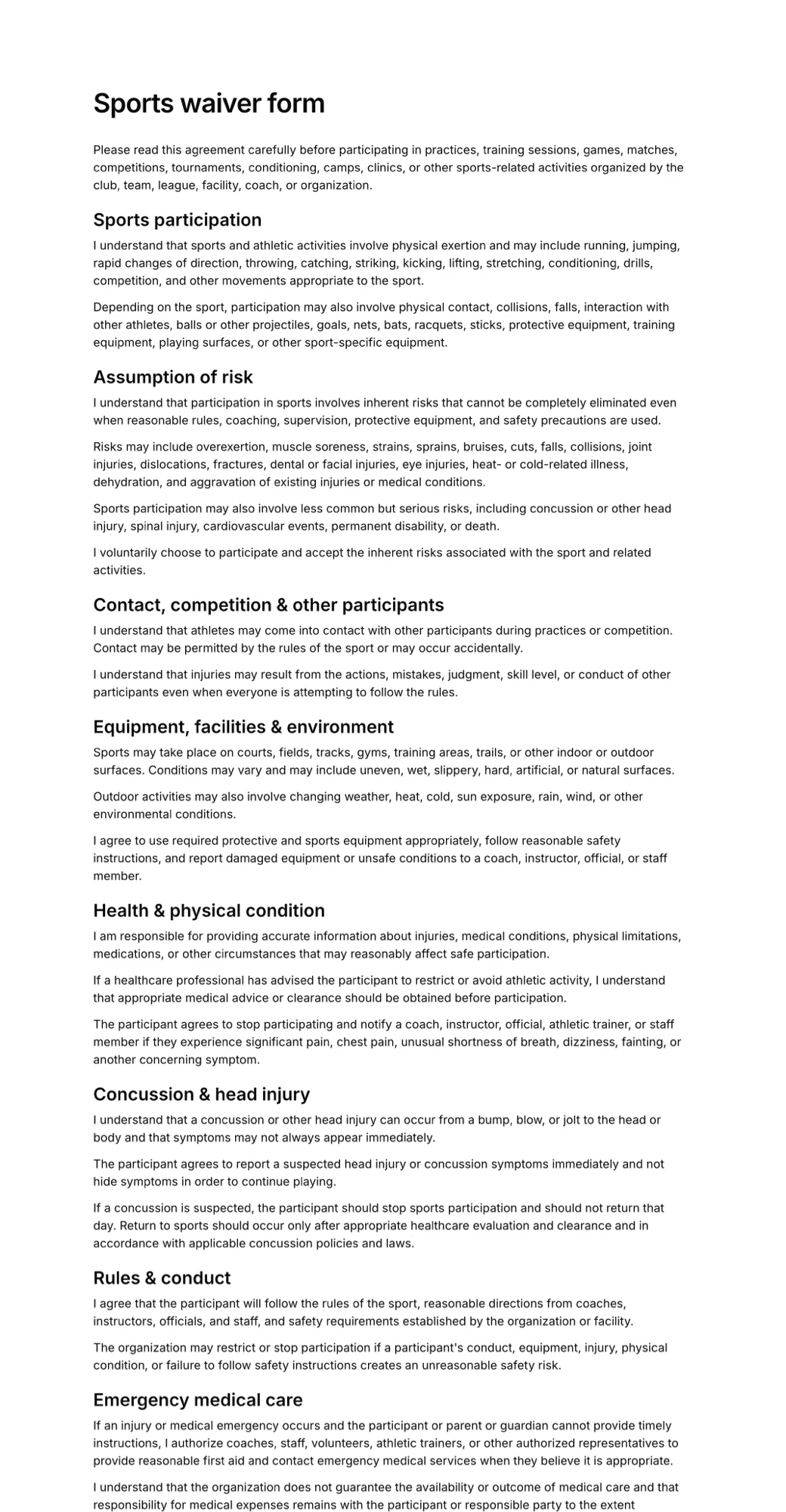
Start from an electronic waiver template
Edit the wording to match your activity and publish it in minutes.
What to include in an electronic waiver
The format changes, the content does not. These sections cover what most waivers need.
- Your business name and the activity being waived
- Assumption of risk in plain language
- Release and waiver of liability
- Health questions and medical disclosure
- Rules the participant agrees to follow
- Photo or media consent, where relevant
- Parent or guardian details for minors
- Emergency contact
- Agreement checkboxes
- Electronic signature, name and date
Who uses an electronic waiver app
Any business that asks customers to accept risks before taking part:
Gyms and studios
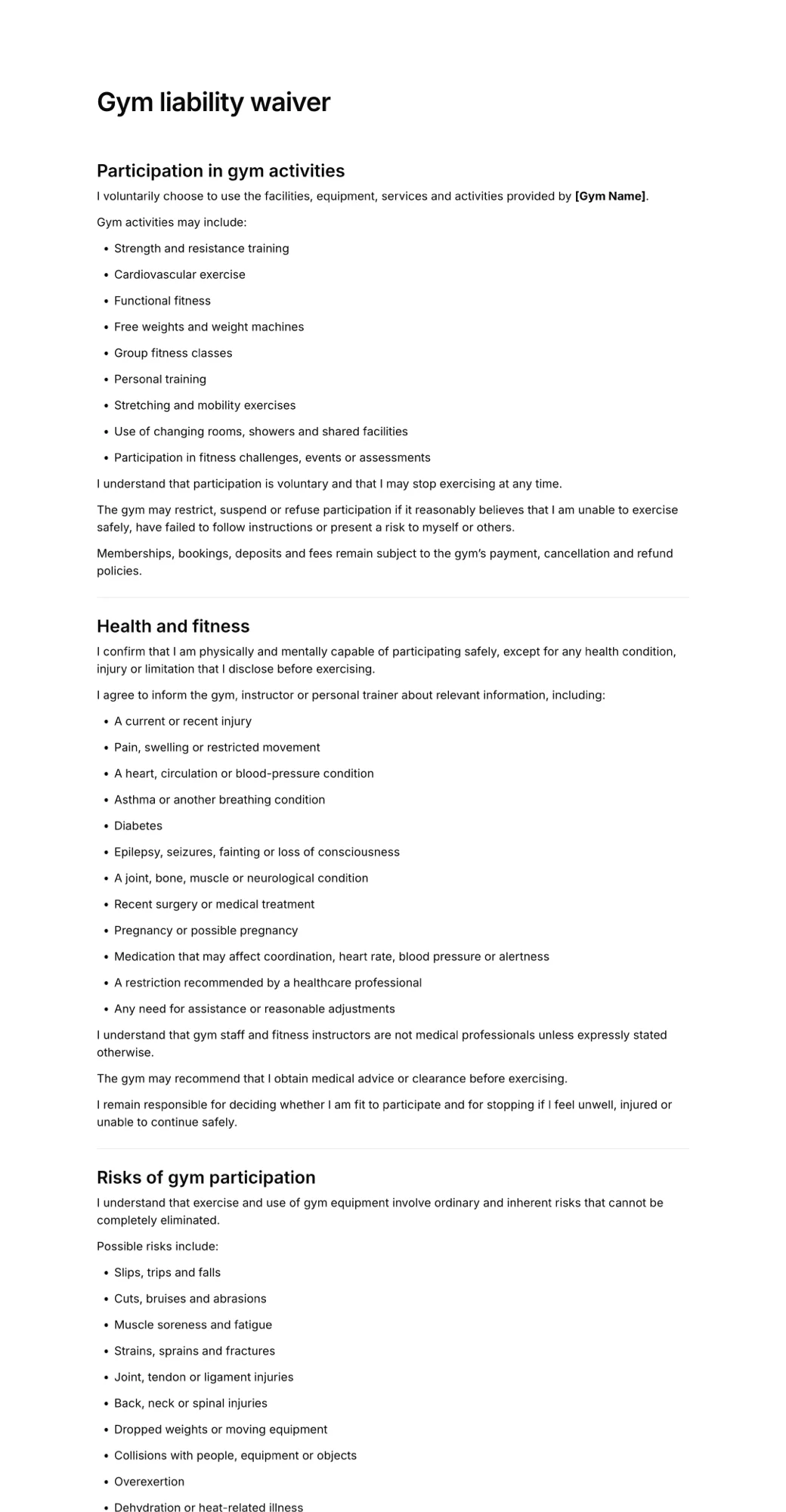
New members sign before their first class, from the email or the QR code at reception.
Rentals
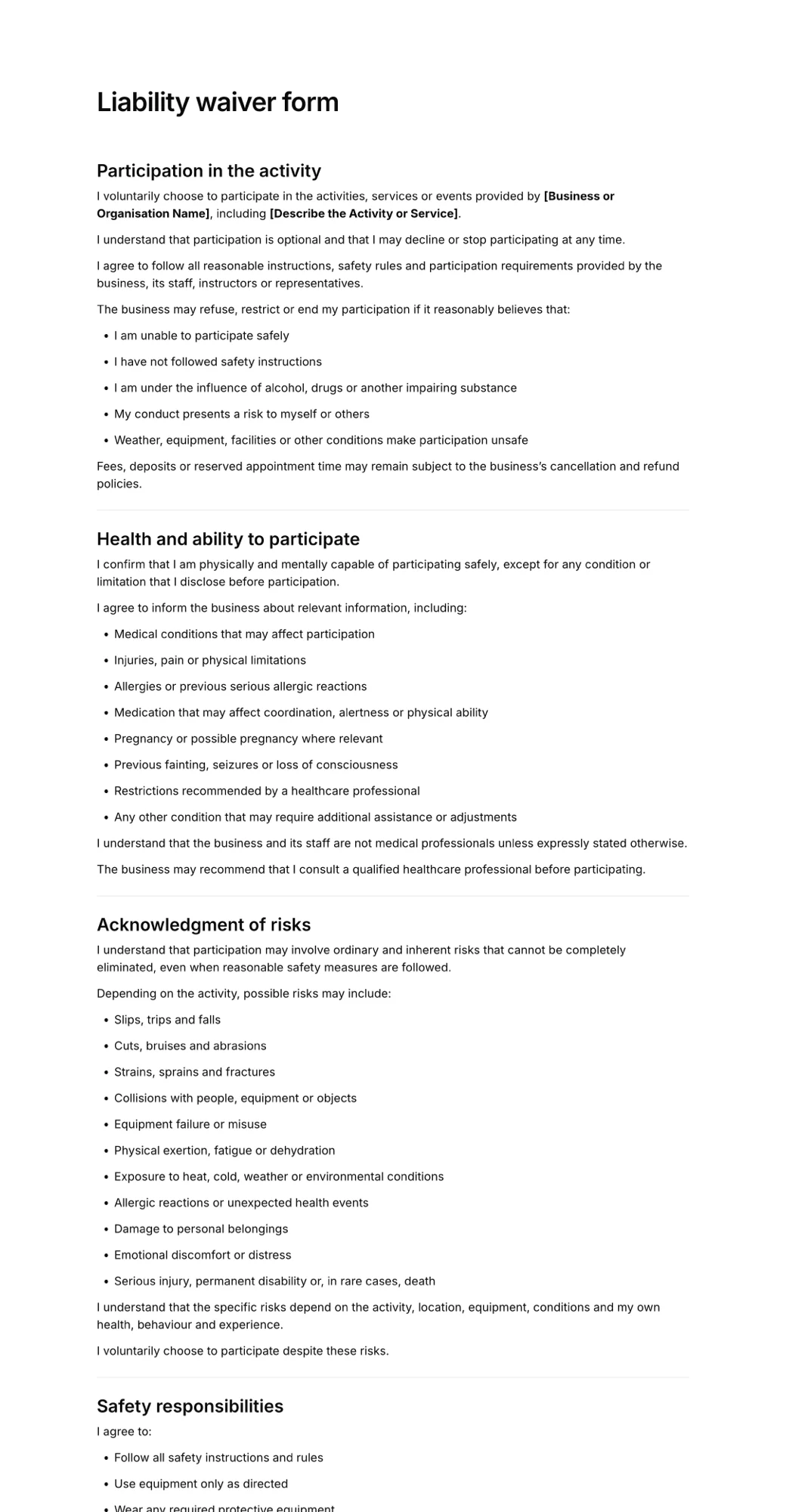
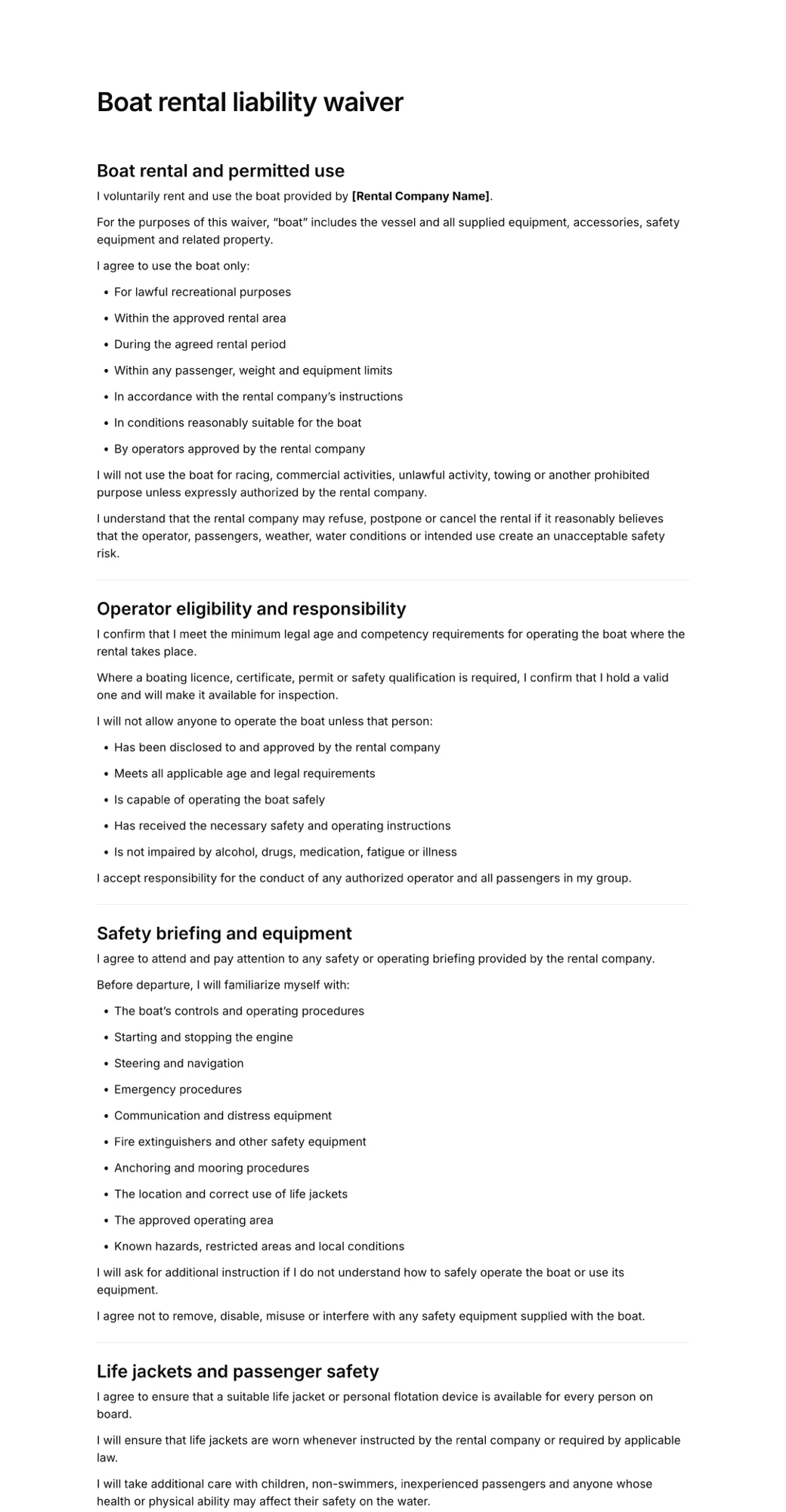
Bikes, boats, kayaks and gear: customers sign on their phone while you prepare the equipment.
Camps and events
Parents sign for their children ahead of time, so check-in day is a quick name lookup.
Beauty and wellness
Consent forms and health questions signed before the appointment instead of in the chair.
Activity parks
Trampoline, climbing, go-kart and paintball venues handling groups of walk-ins.
Recurring customers
Expiration tracking shows who needs to sign again for the new season or year.
Need a consent form instead? See online consent forms.
Simple pricing
Start for free, upgrade when you need more signatures.
Free
For trying AgreeDock or collecting occasional signatures.
$0
/month
- 10 signatures per month
- 1 active waiver
- Signing link and QR code
Pro
For businesses collecting waivers regularly.
$10
$15
/month
- Unlimited signatures
- Unlimited waivers
- Signing link and QR code
- Expiration tracking
- Signed PDF records
- Priority support
Frequently asked questions
What is an electronic waiver app?
An electronic waiver app lets customers read and sign a liability waiver on a phone, tablet or computer instead of on paper. The business creates the waiver once, shares it with customers, and every signed copy is stored online with the date, the signer's details and their signature.
Do my customers need to download an app?
No. AgreeDock runs in the browser, so customers just open a link or scan a QR code. That removes the most common reason people give up on signing ahead of time.
Can I use a tablet at the front desk?
Yes. Open your waiver link on any tablet and hand it to customers. After each signature they tap a button to start a fresh form for the next person. See how to set up a waiver kiosk on a tablet.
Are electronic waivers legally binding?
Electronic signatures are recognised in many countries, including under the ESIGN Act and UETA in the United States. Whether a waiver is enforceable also depends on its wording, how it was presented and local law, so have your terms reviewed for where you operate. AgreeDock templates are a starting point, not legal advice.
Can parents sign an electronic waiver for a child?
Yes. Add fields for the child's name and date of birth and the parent or guardian's details. A parent signing for several children can start a new form straight after the first one.
How much does the electronic waiver app cost?
AgreeDock is free for up to 10 signatures each month. Pro costs $15 per month, or $10 per month billed yearly, with unlimited waivers and signatures and no per-signature fees.
Send your first electronic waiver today
- Free to start
- Ready in 5 min
- No app download