
Zipline waiver template
Use our zipline waiver template to collect rider details, confirm weight limits, acknowledge fall and collision risks, and gather electronic signatures online.
- Ready in 5 min
- Add your details
- Collect signatures
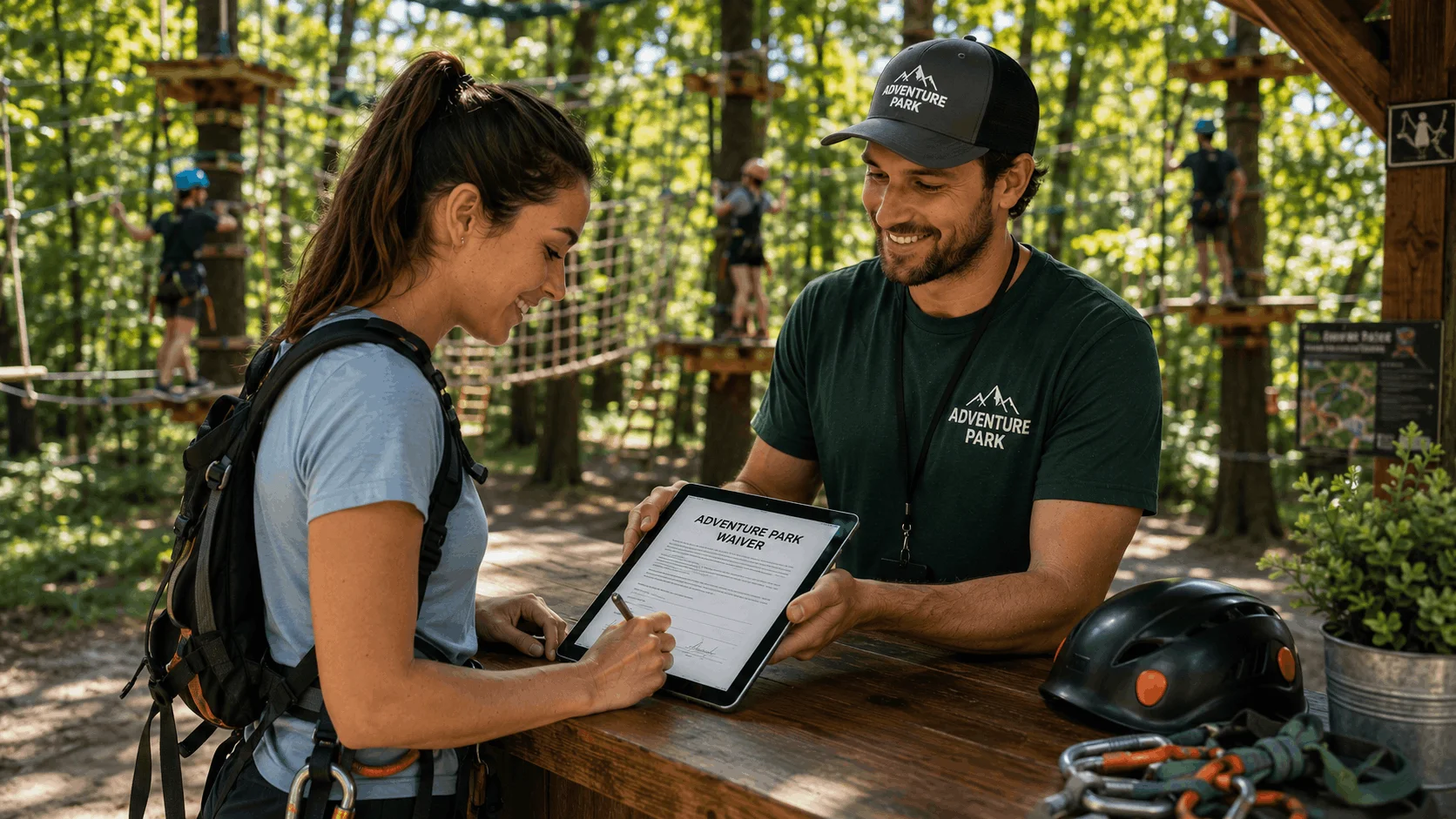
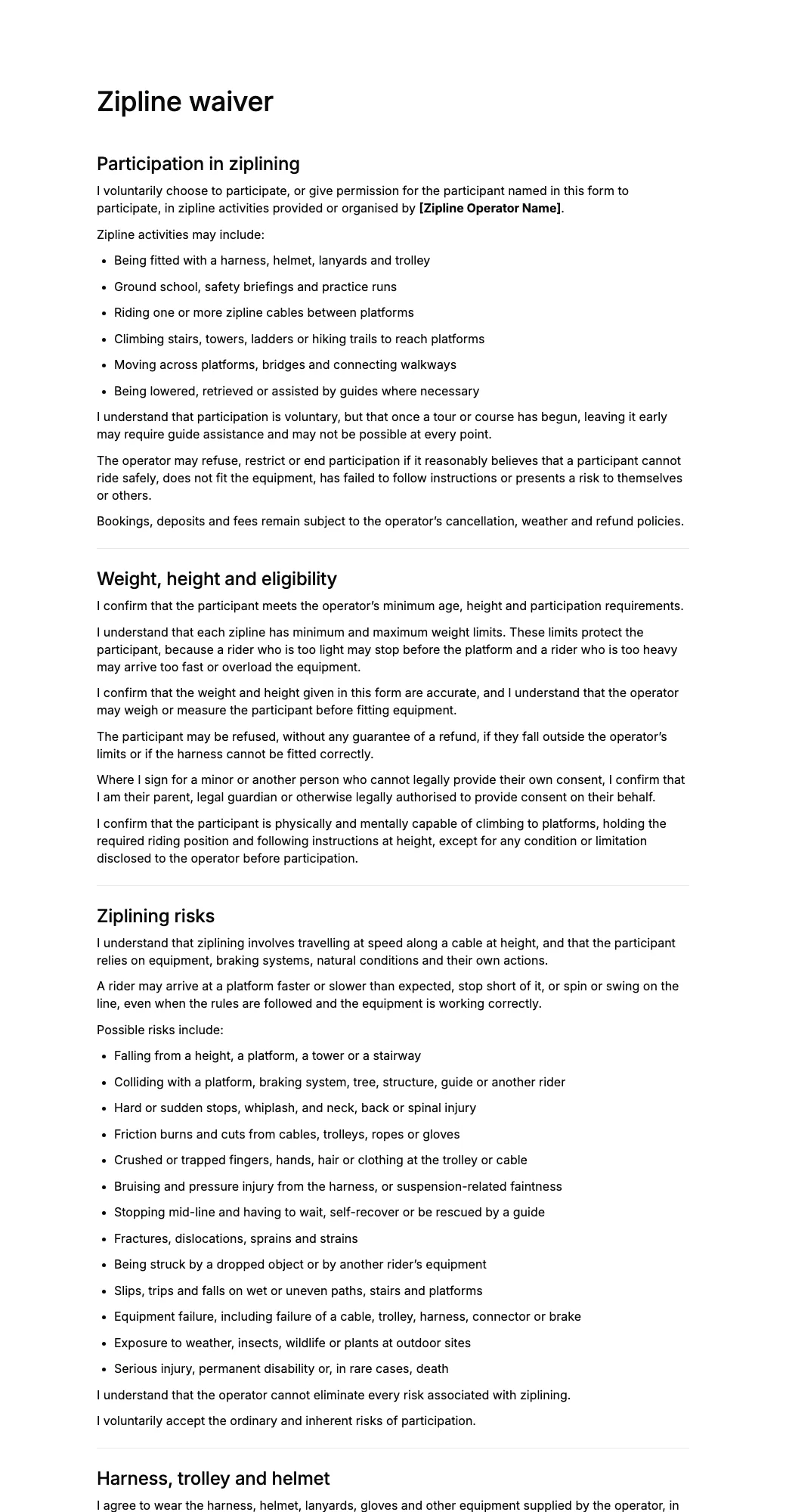

What is a zipline waiver?
A zipline waiver is a document that riders review and sign before taking part in a zipline tour, adventure park course, or canopy experience.
The form explains the risks of riding a cable at speed and height, records the participant’s decision to take part, and confirms their agreement to follow guide instructions, stay clipped in, and use the braking method shown for each line.
A zipline liability waiver may include participant details, weight and height confirmation, health disclosures, assumption of risk, harness and platform rules, weather stop terms, parental consent for minors, and an electronic signature.
Zipline tour operators, adventure parks, resorts, and outdoor centres can customise this template to reflect their lines, braking systems, weight limits, and local requirements.
How to create a zipline waiver
- 1Create with AI or pick a templateDescribe the form you need and let AI create it, or start with a zipline waiver template. Add your business details, questions and terms.
- 2Share it with customersSend a signing link, sign in person, or display a QR code for customers to scan.
- 3Collect and manage signaturesSee who has signed, search customer records, and download signed zipline waiver PDFs whenever you need them.
Free AI waiver generator
Make a custom zipline waiver with AI
Describe your business and our AI waiver generator drafts a zipline waiver tailored to your activity, rules and risks. Edit it, share it by link or QR code, and collect e-signatures.
- Free to start
- No credit card
- Edit before you share
Questions
Anything else? Write to info@agreedock.com
What should a zipline waiver include?
A zipline waiver should generally include the participant’s name and contact details, a description of the activity, weight and height confirmation, acknowledgement of risks, harness and platform rules, release terms, and a dated signature.
It may also cover braking instructions, weather stops, loose items, health disclosures, and parental consent for younger riders.
Can I create a zipline waiver PDF?
Yes. Riders can complete and sign the zipline waiver online, after which the completed document can be downloaded as a PDF.
A digital PDF gives the operator a clear record of the participant’s details, stated weight and height, acknowledged risks, and electronic signature.
Is an online zipline waiver legally binding?
An online zipline waiver may be legally valid when the terms are clearly presented, the participant has an opportunity to review them, consent is actively provided, and the business keeps a reliable signed record.
Enforceability depends on the wording of the waiver, how it was signed, and the laws where the operator works. The template should be customised for the business and does not constitute legal advice.
What risks should a zipline waiver mention?
A zipline waiver may address risks such as falls from height, collisions with platforms or other riders, hard stops, friction burns, trapped fingers or hair, stopping mid-line, and equipment failure.
The form should reflect the actual lines, braking systems, terrain, and supervision used on the course.
Why does a zipline waiver ask for weight and height?
Most lines have minimum and maximum weight limits, because a rider’s weight affects their speed, how they brake, and how well the harness fits. Asking for these details in advance gives staff a chance to raise any problem before the group reaches the first platform.
A form field does not replace on-site checks, so many operators also weigh or measure riders at check-in.
Can a zipline waiver cover weather stops?
Yes. The waiver can explain that guides may pause or end rides because of lightning, high winds, heavy rain, or poor visibility, and that riders may need to wait on a platform or walk out.
Refunds and rescheduling are usually better handled in the booking terms, and the waiver can simply refer to them.
Can a parent sign a zipline waiver for a minor?
The template can be adapted to collect the child’s details and permission from a parent or legal guardian, along with any minimum age, height, or weight the operator applies.
Whether a parent can waive particular legal claims on behalf of a minor varies by jurisdiction, so operators should confirm local rules and insurance conditions.
Why use a digital zipline waiver?
A digital waiver lets the person who booked share one link with their group, so everyone can sign from a phone before arriving or by scanning a QR code at check-in.
Guides spend less time on paperwork before ground school, and signed PDF copies stay organised and easy to find.
Related templates
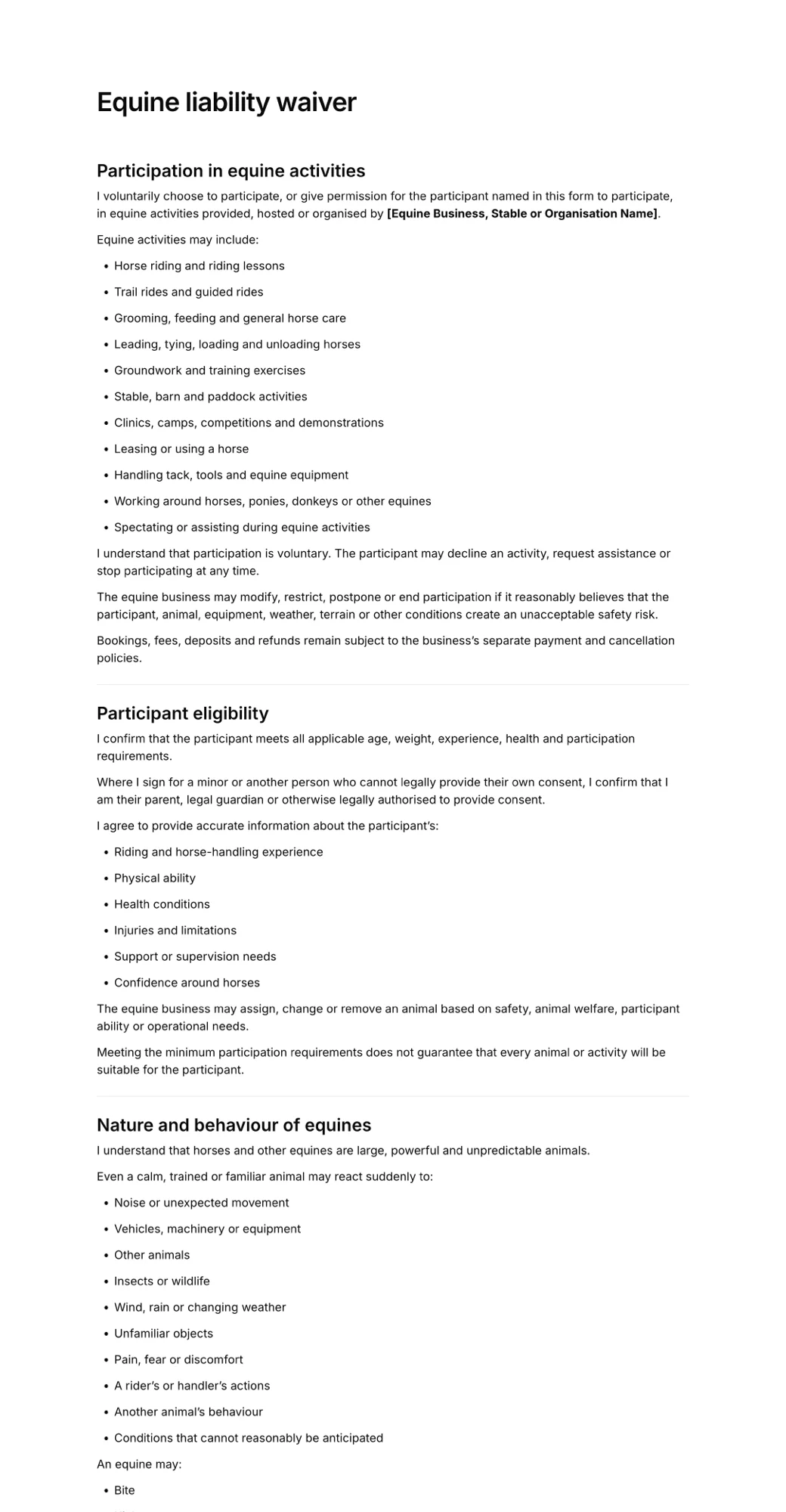
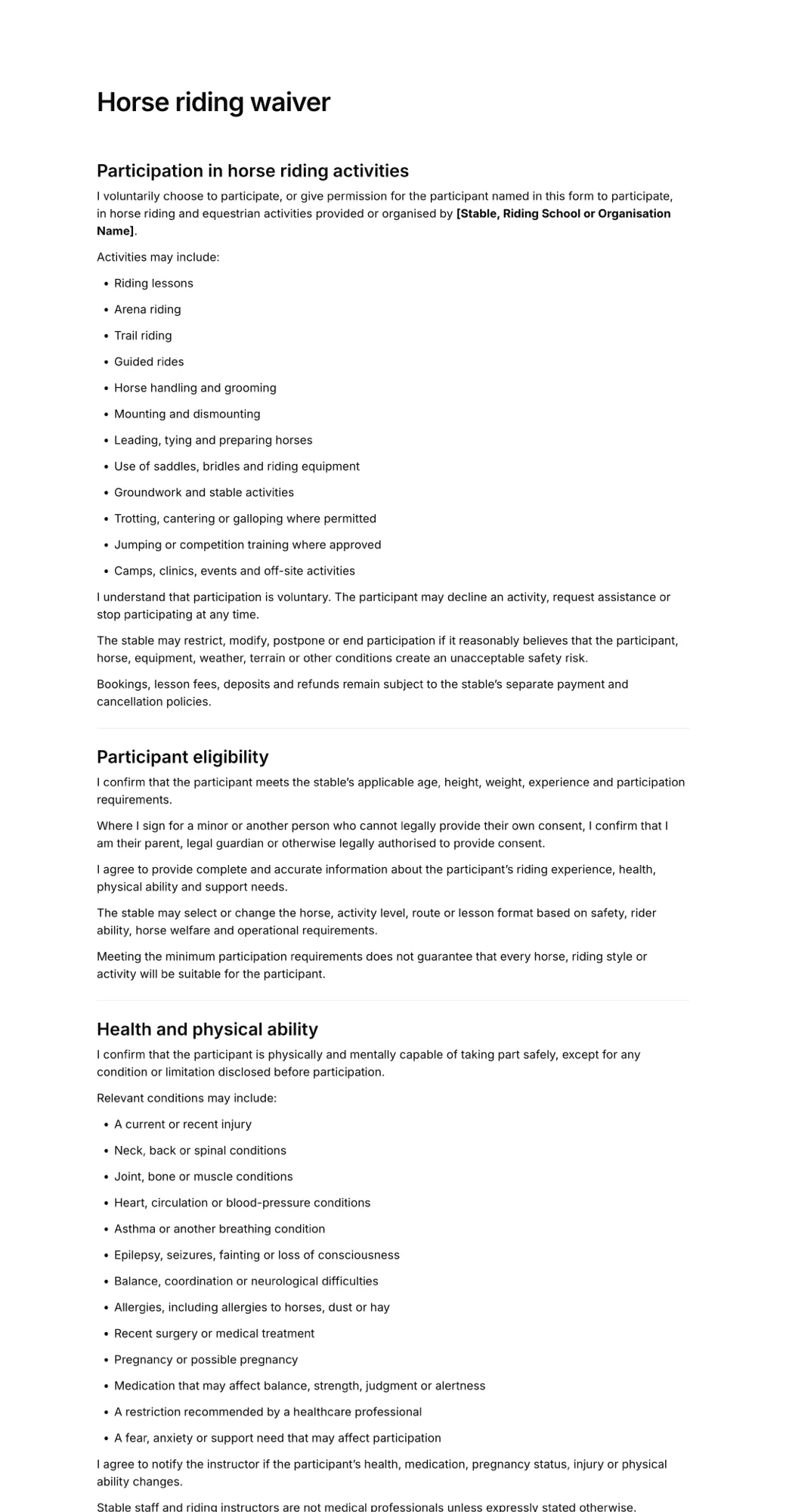
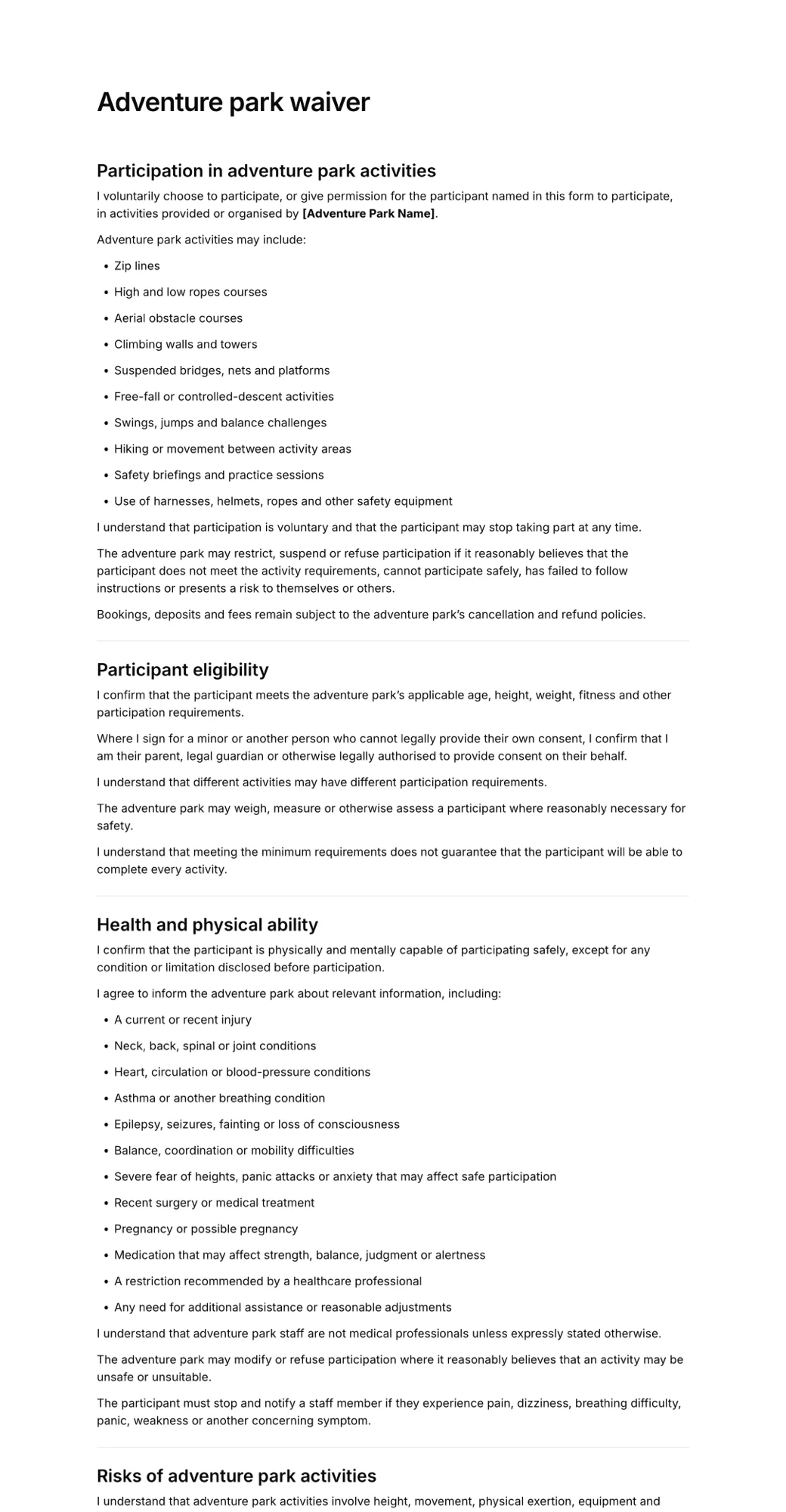
More forms businesses use alongside the zipline waiver.
Create your zipline waiver in minutes
- Create in minutes
- Add your details
- Collect signatures