
Ninja gym waiver template
Use our ninja gym waiver template to collect participant details, acknowledge obstacle and fall risks, confirm gym rules, and gather parent e-signatures online.
- Ready in 5 min
- Add your details
- Collect signatures

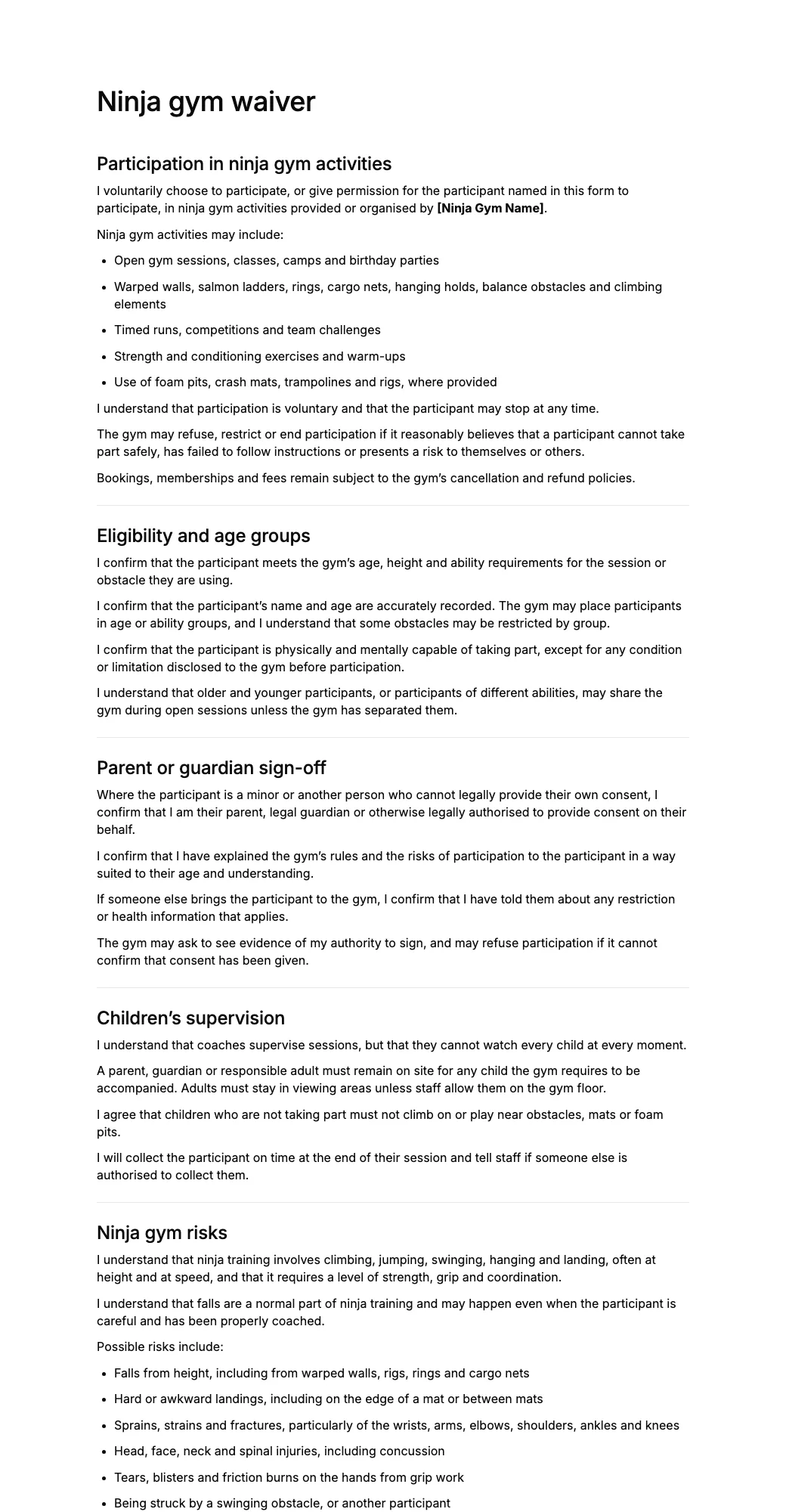

What is a ninja gym waiver?
A ninja gym waiver is a document that participants, or their parents and guardians, review and sign before taking part in a ninja class, open gym, camp, birthday party, or competition.
The form explains the risks of climbing, swinging and falling, records the participant’s details, and confirms the signer’s agreement to follow gym rules, supervise children as required, and tell staff about relevant health conditions.
A ninja gym liability waiver may include participant details, age groups, health disclosures, assumption of risk, warped wall and landing terms, grip and rig terms, spotting limits, parent or guardian sign-off, and an electronic signature.
Ninja gyms, obstacle course centres, kids’ activity centres, and camp organisers can customise this template to reflect their obstacles, age groups, supervision rules, and local requirements.
How to create a ninja gym waiver
- 1Create with AI or pick a templateDescribe the form you need and let AI create it, or start with a ninja gym waiver template. Add your business details, questions and terms.
- 2Share it with customersSend a signing link, sign in person, or display a QR code for customers to scan.
- 3Collect and manage signaturesSee who has signed, search customer records, and download signed ninja gym waiver PDFs whenever you need them.
Free AI waiver generator
Make a custom ninja gym waiver with AI
Describe your business and our AI waiver generator drafts a ninja gym waiver tailored to your activity, rules and risks. Edit it, share it by link or QR code, and collect e-signatures.
- Free to start
- No credit card
- Edit before you share
Questions
Anything else? Write to info@agreedock.com
What should a ninja gym waiver include?
A ninja gym waiver should generally include the participant’s name and age, the signer’s contact details, a description of the activities, acknowledgement of risks, gym rules, supervision terms, release terms, and a dated signature.
It may also cover obstacles, foam pits, spotting limits, health disclosures, and parent or guardian consent.
Can I create a ninja gym waiver PDF?
Yes. Parents and participants can complete and sign the ninja gym waiver online, after which the completed document can be downloaded as a PDF.
A digital PDF gives the gym a clear record of the participant’s details, acknowledged risks, accepted rules, and electronic signature.
Is an online ninja gym waiver legally binding?
An online ninja gym waiver may be legally valid when the terms are clearly presented, the signer has an opportunity to review them, consent is actively provided, and the business keeps a reliable signed record.
Enforceability depends on the wording of the waiver, how it was signed, and the laws where the gym operates. Because many participants are children, the rules on minors matter here. The template should be customised for the business and does not constitute legal advice.
What risks should a ninja gym waiver mention?
A ninja gym waiver may address risks such as falls from height, hard or awkward landings, wrist and arm fractures, concussion, hand tears from grip work, equipment failure, and collisions with other participants.
The form should reflect your actual obstacles, mats, age groups, and level of coaching.
Do mats and spotting make a ninja waiver unnecessary?
No. Mats, foam pits, and spotting can reduce some risks, but they do not prevent all injuries, and a coach cannot spot every attempt.
The waiver helps explain those limits to parents and participants, while safe equipment, inspections, and coaching remain the gym’s responsibility.
How should a ninja gym handle birthday parties?
Many gyms ask each child’s parent or guardian to sign before the party, because the person who booked the party may not have authority to sign for other families’ children.
A signing link can be shared with the party invitation, so parents can complete the form before arrival. Check your insurance conditions and local requirements.
Can a parent sign a ninja gym waiver for a minor?
The template is set up for a parent or legal guardian to give the participant’s name and sign on their behalf, with any age limits or supervision rules that the gym applies.
Whether a parent can waive particular legal claims on behalf of a minor varies by jurisdiction, so gyms should confirm local rules and insurance conditions.
Why use a digital ninja gym waiver?
A digital waiver lets parents sign from a phone before the class or party, without handing round clipboards at the front desk while children wait to start.
Staff spend less time on paperwork at check-in, and signed PDF copies stay organised and easy to find.
Related templates
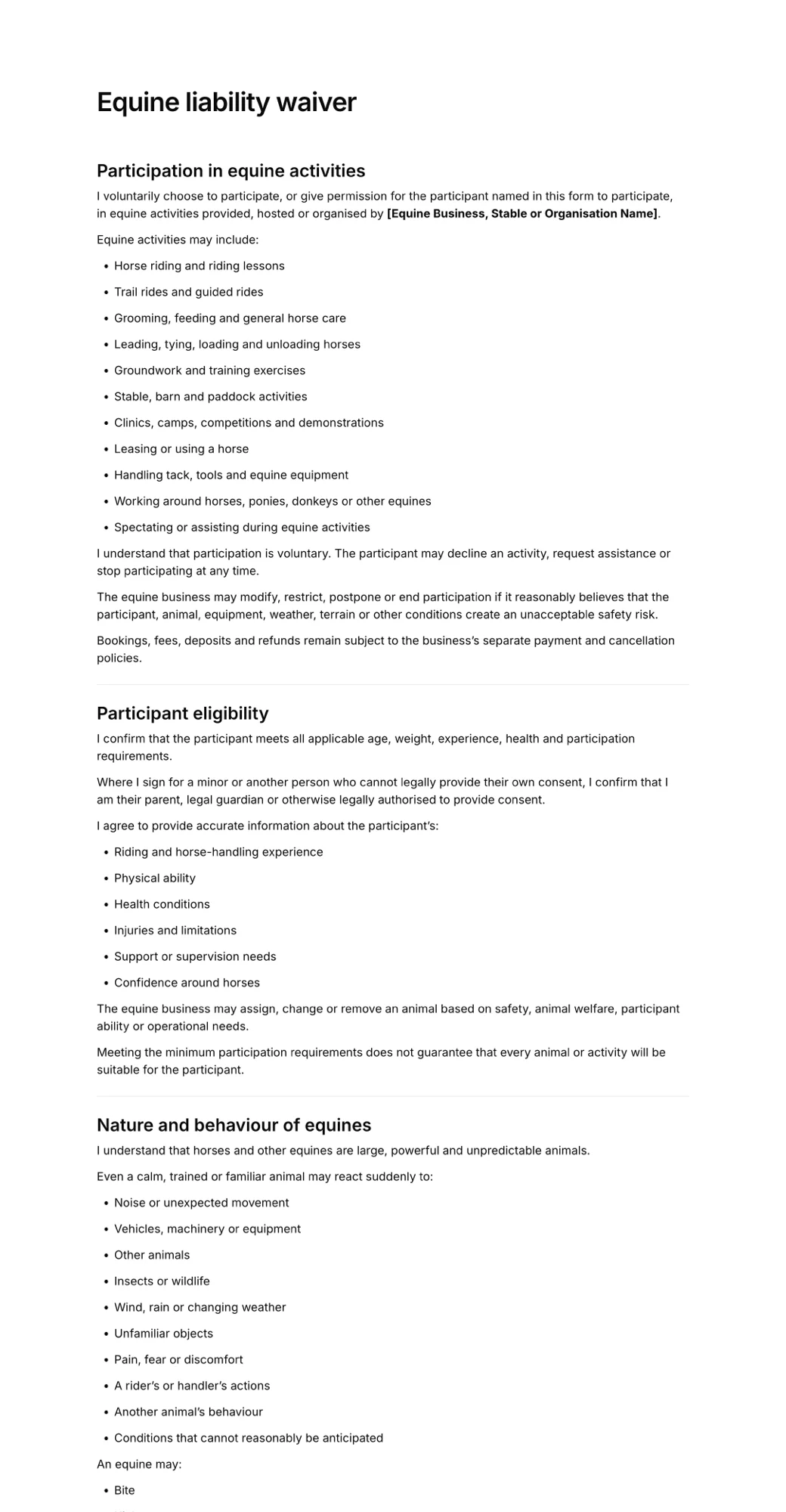
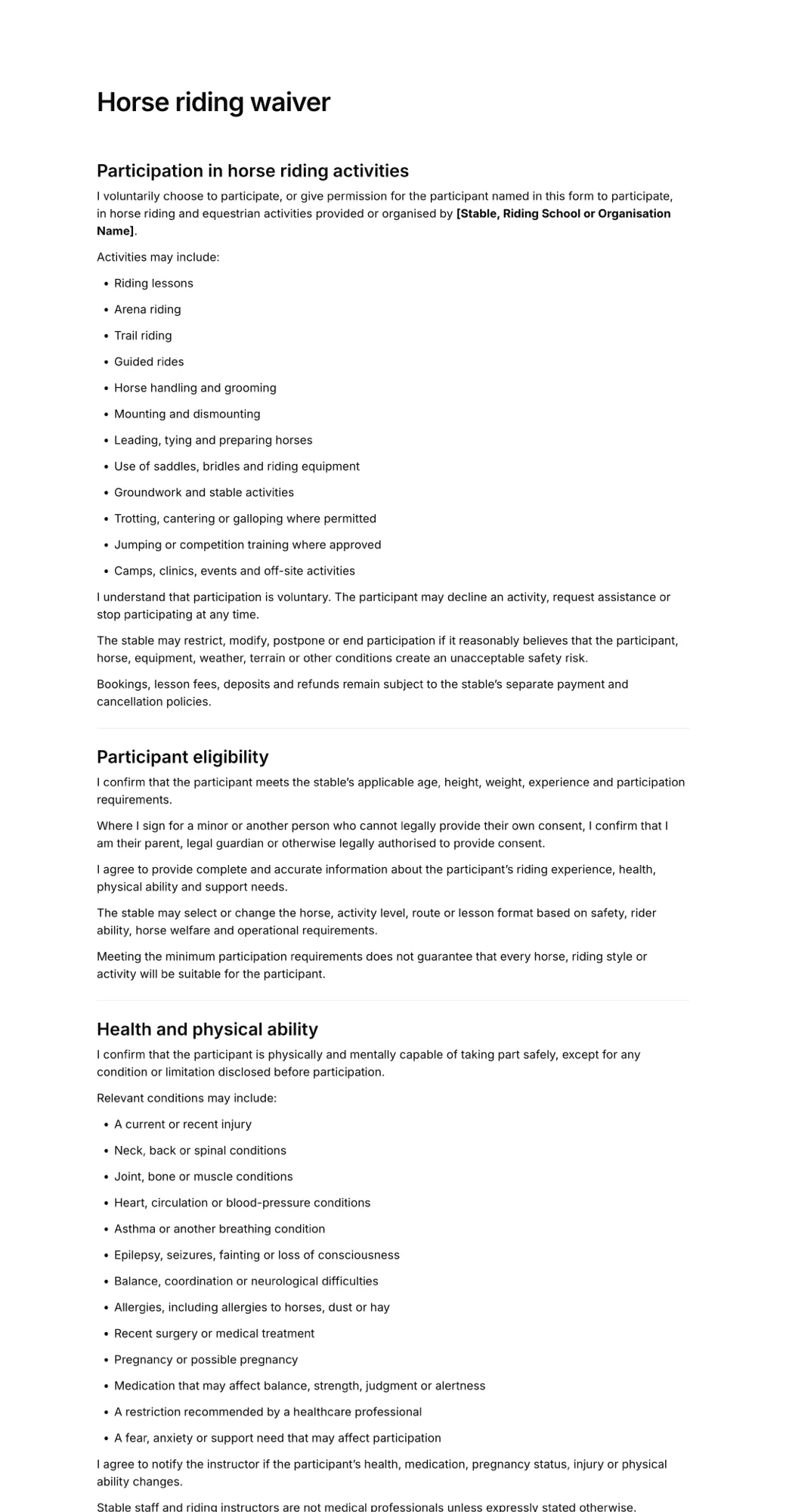
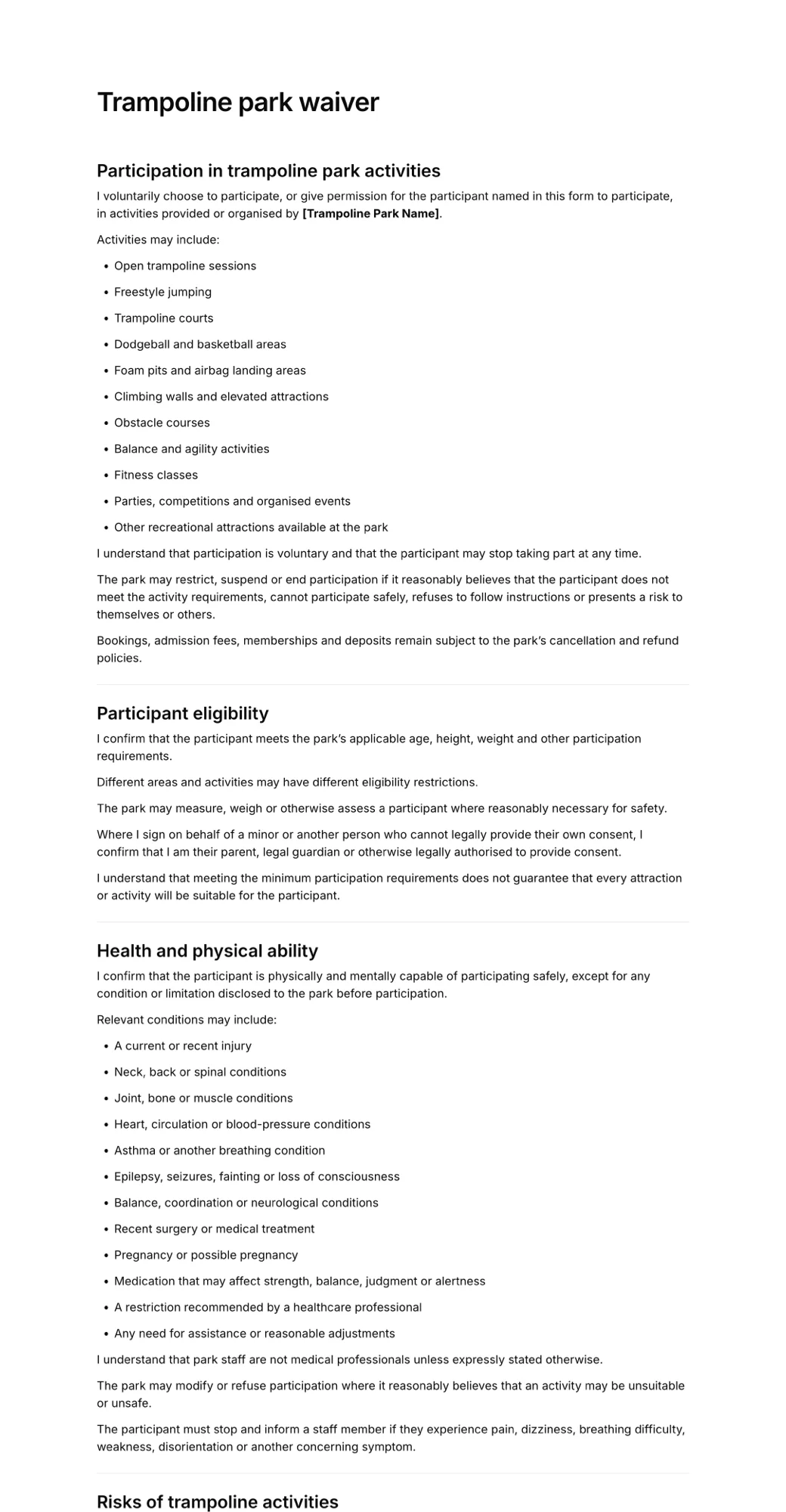
More forms businesses use alongside the ninja gym waiver.
Create your ninja gym waiver in minutes
- Create in minutes
- Add your details
- Collect signatures