
Consent form app
The consent form app clients sign on their own phone
Build a consent form in minutes, share it by link, QR code or a tablet at reception, and keep every signed consent in one place. Nothing for you or your clients to install.
- Free to start
- Works on any device
- Signed PDF records


A consent app without the app download
Nothing for clients to install
Clients open the form in the browser they already have. No app store download, no account and no password.
Their phone or your tablet
Send a link before the appointment, or hand over a tablet at reception that resets for the next client after each signature.
The exact wording they agreed to
Every signed consent keeps the version the client accepted, so editing your form later never rewrites past records.
Every consent one search away
Look up clients by name, see when they signed, and download a signed PDF for your records or an insurer.
Why use an app for consent forms?
Paper consent forms pile up in folders, get filled in half-way, and are hard to find when a client comes back with a question. Clients rush through them at the counter while your next appointment waits.
A consent form app lets clients read the risks and aftercare at home, tick each statement and sign before they arrive. You see who has signed, every form is complete and legible, and any signed copy is a quick search away.
New to consent forms? Start with our overview of online consent forms, or read what studios include in tattoo consent forms.
How to collect consent with the app
- 1Create your consent formPick a template, paste your own wording, or describe your treatment and let AI draft the form.
- 2Share it before or at the appointmentAdd the link to booking confirmations, print the QR code for the counter, or open it on a tablet at reception.
- 3Clients sign, you keep the recordThey answer the questions, tick each statement and sign with a finger. The signed PDF appears in your dashboard.
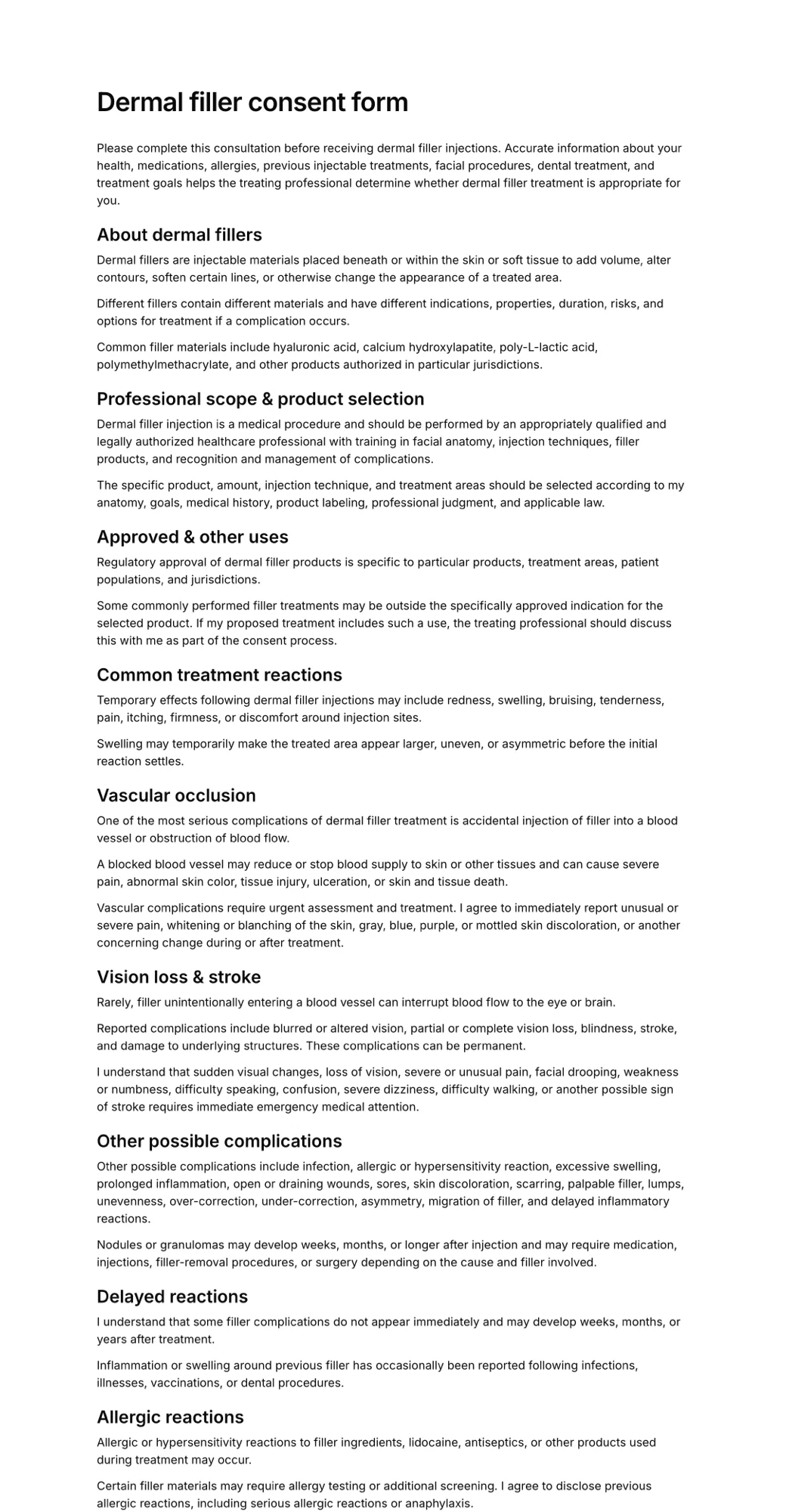
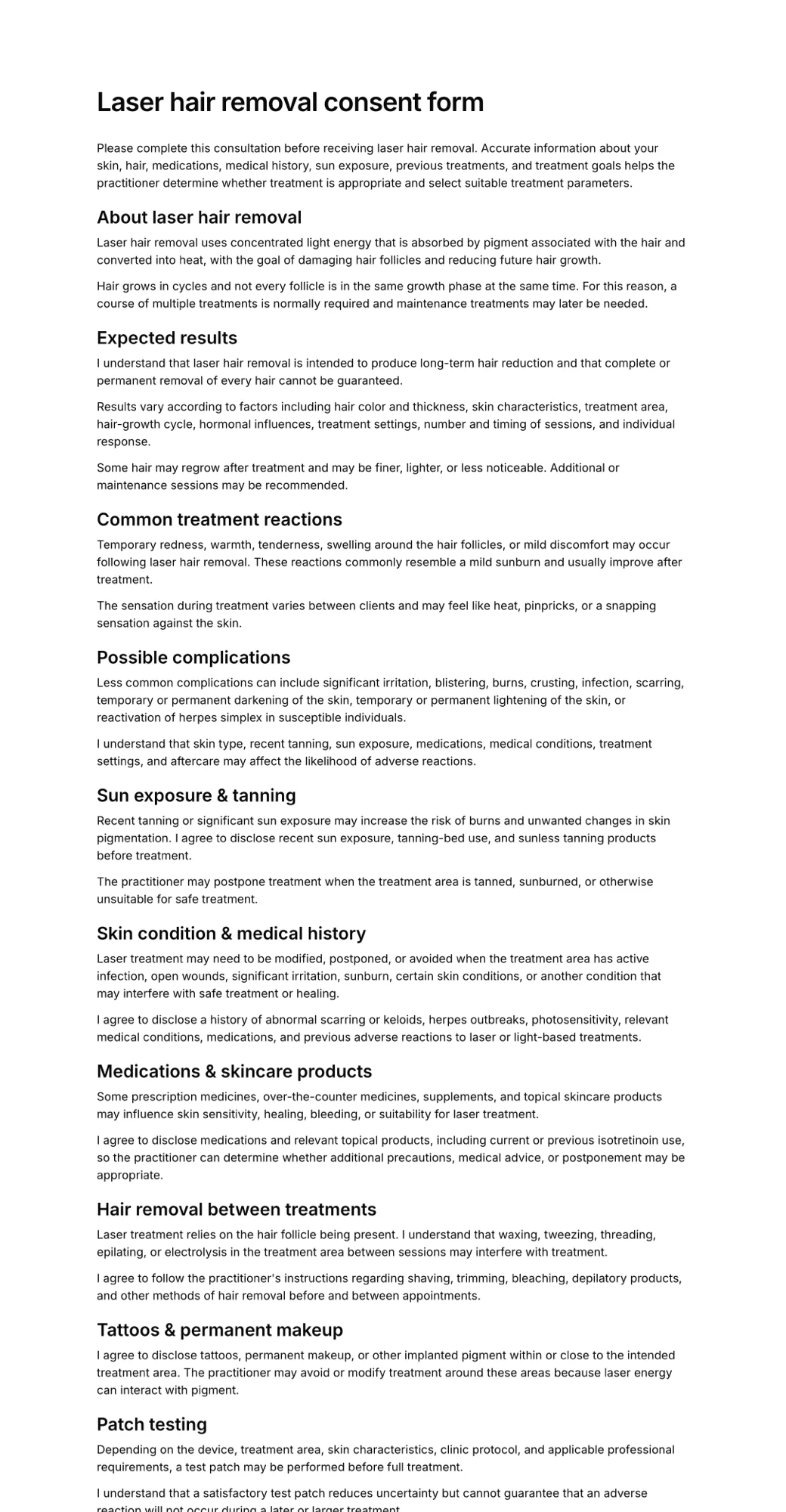
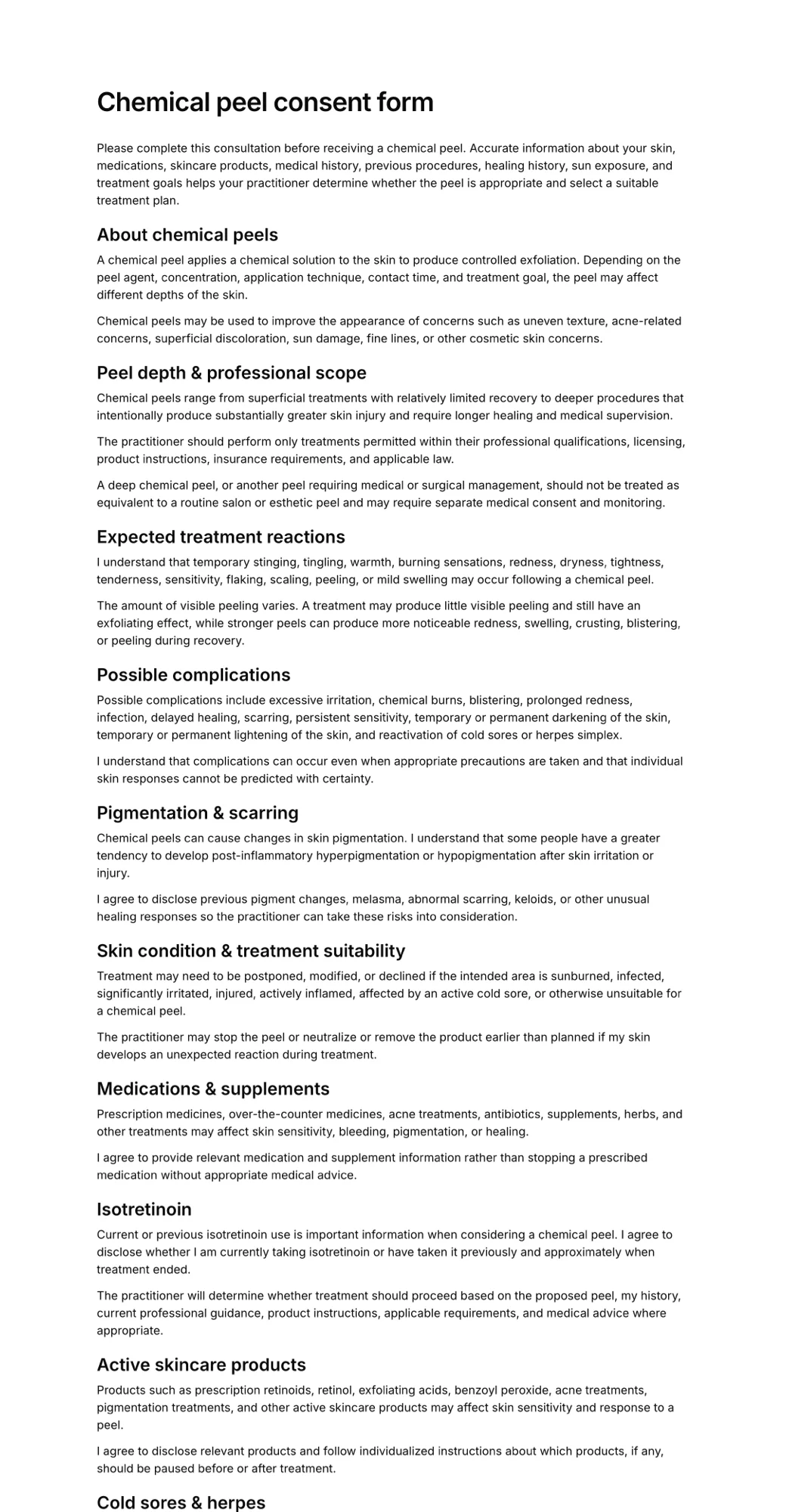
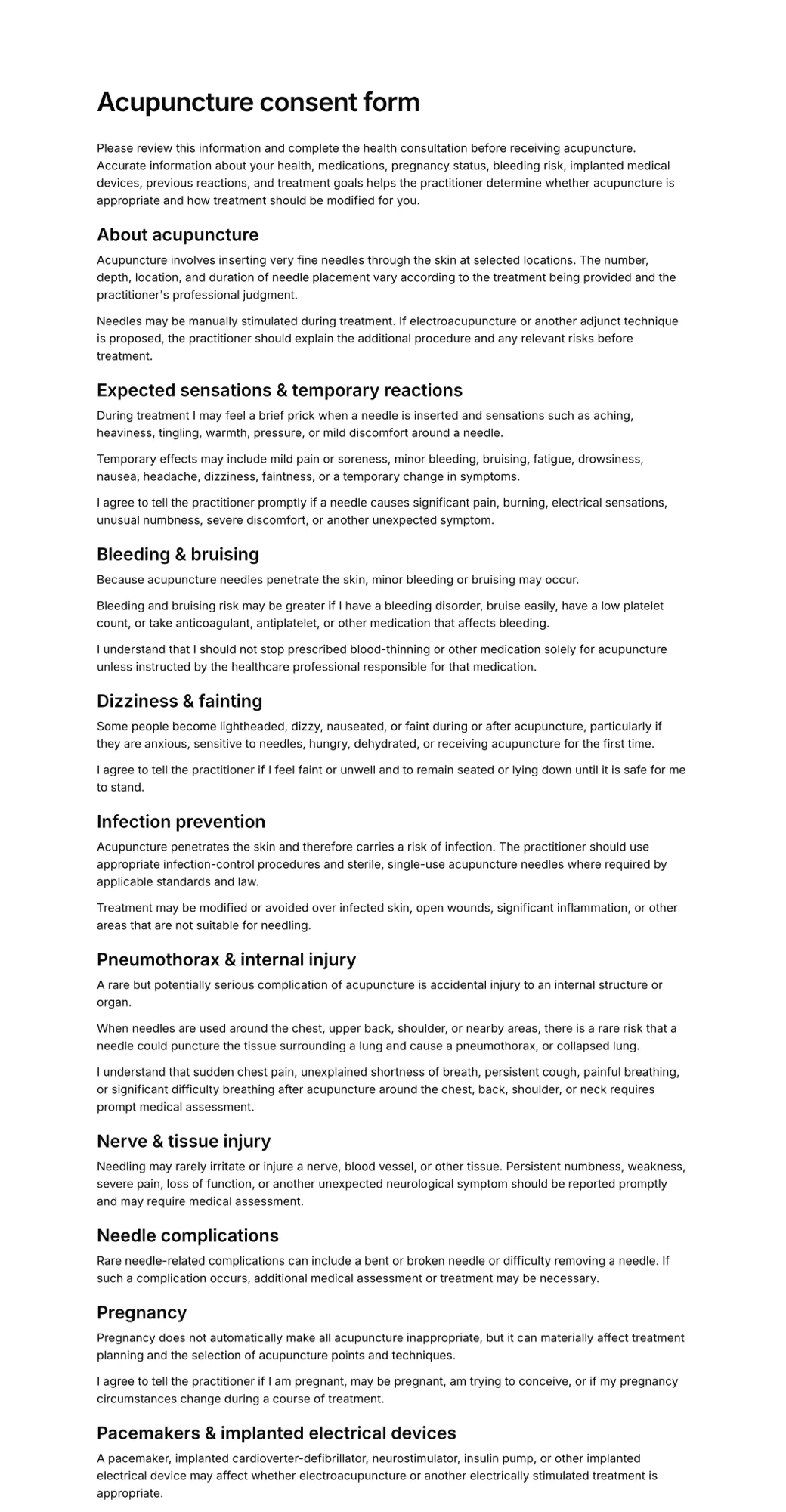
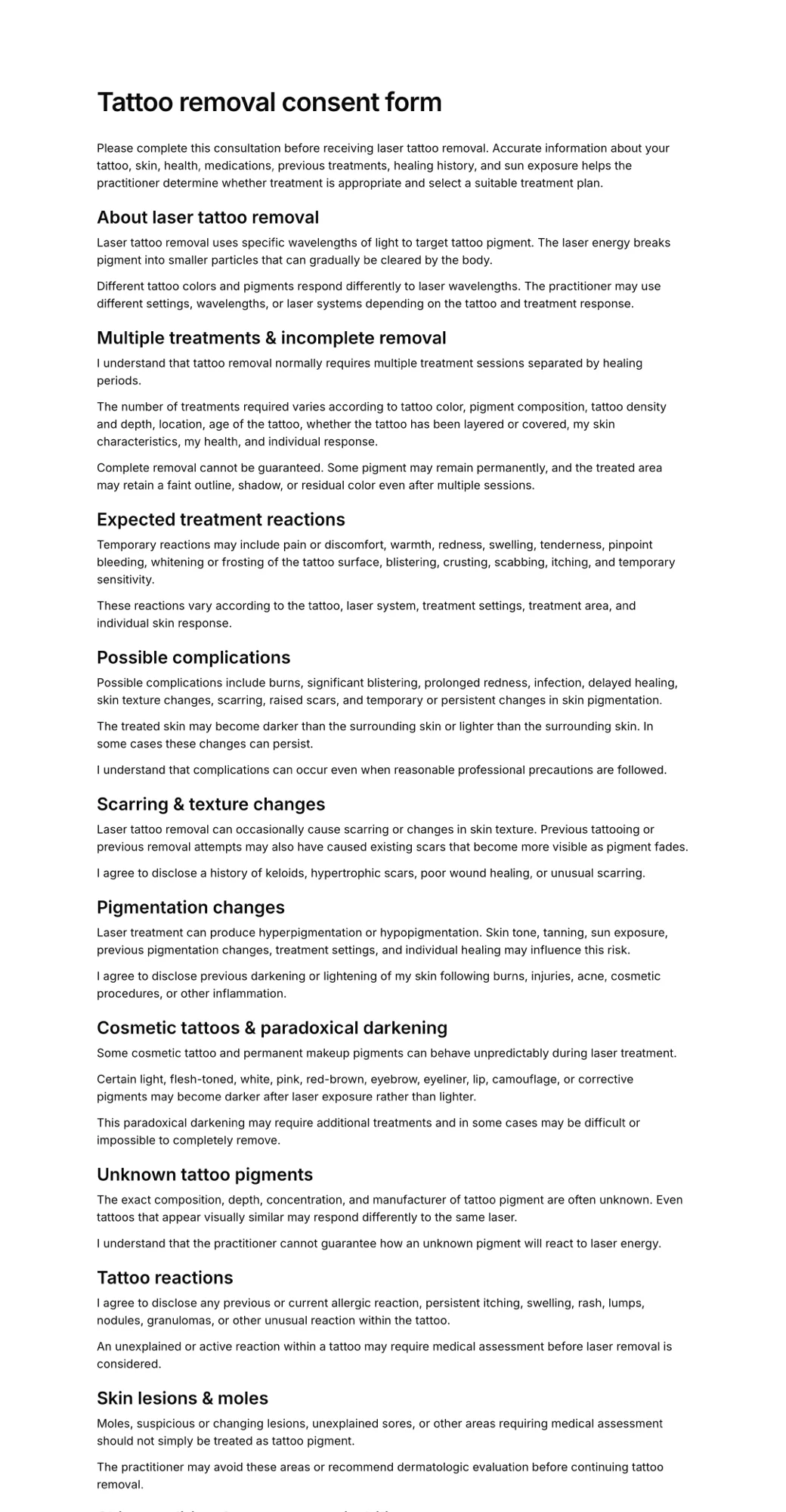
Consent form templates ready for the app
Edit the wording to match your service and publish it in minutes.
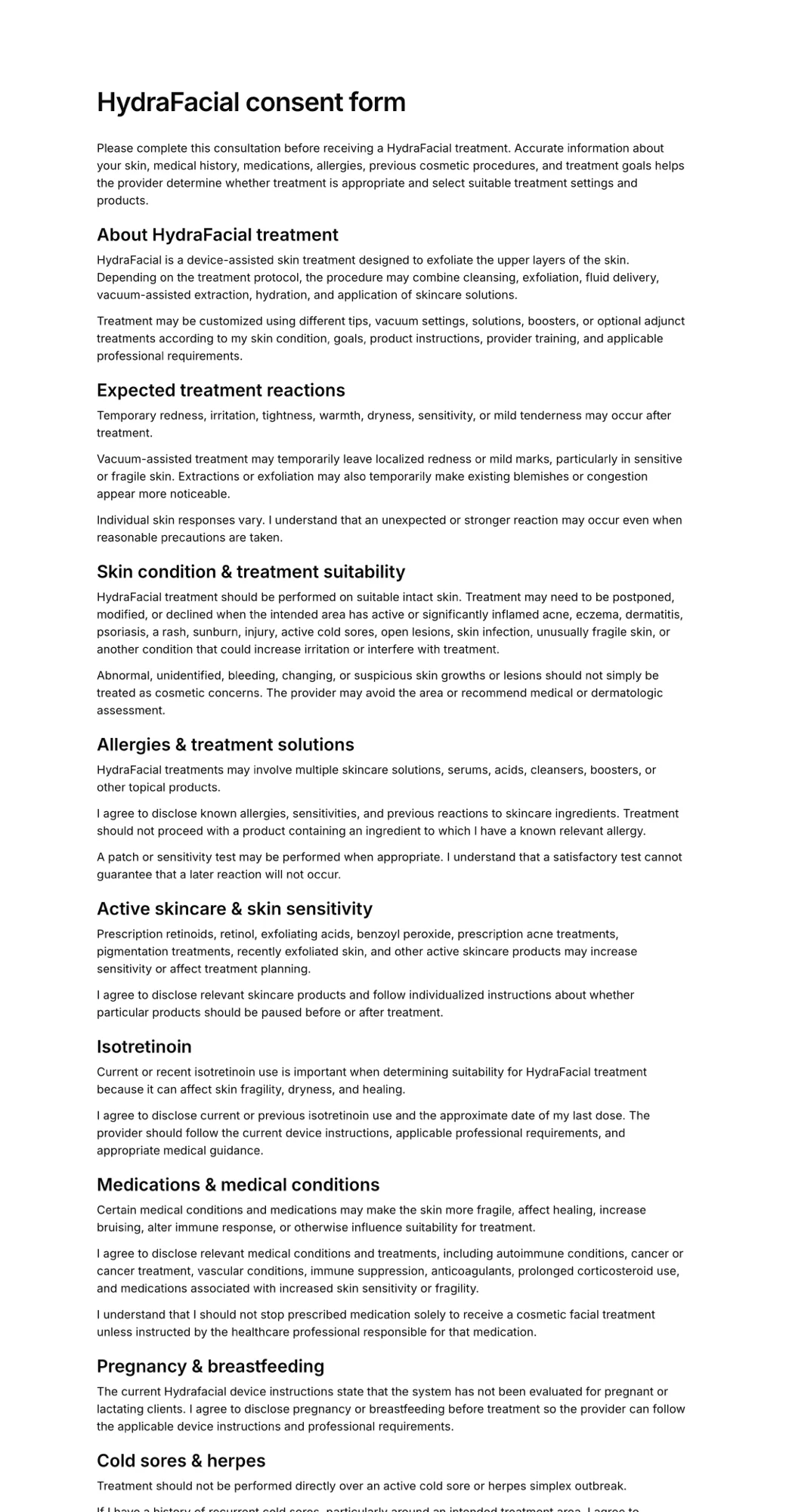
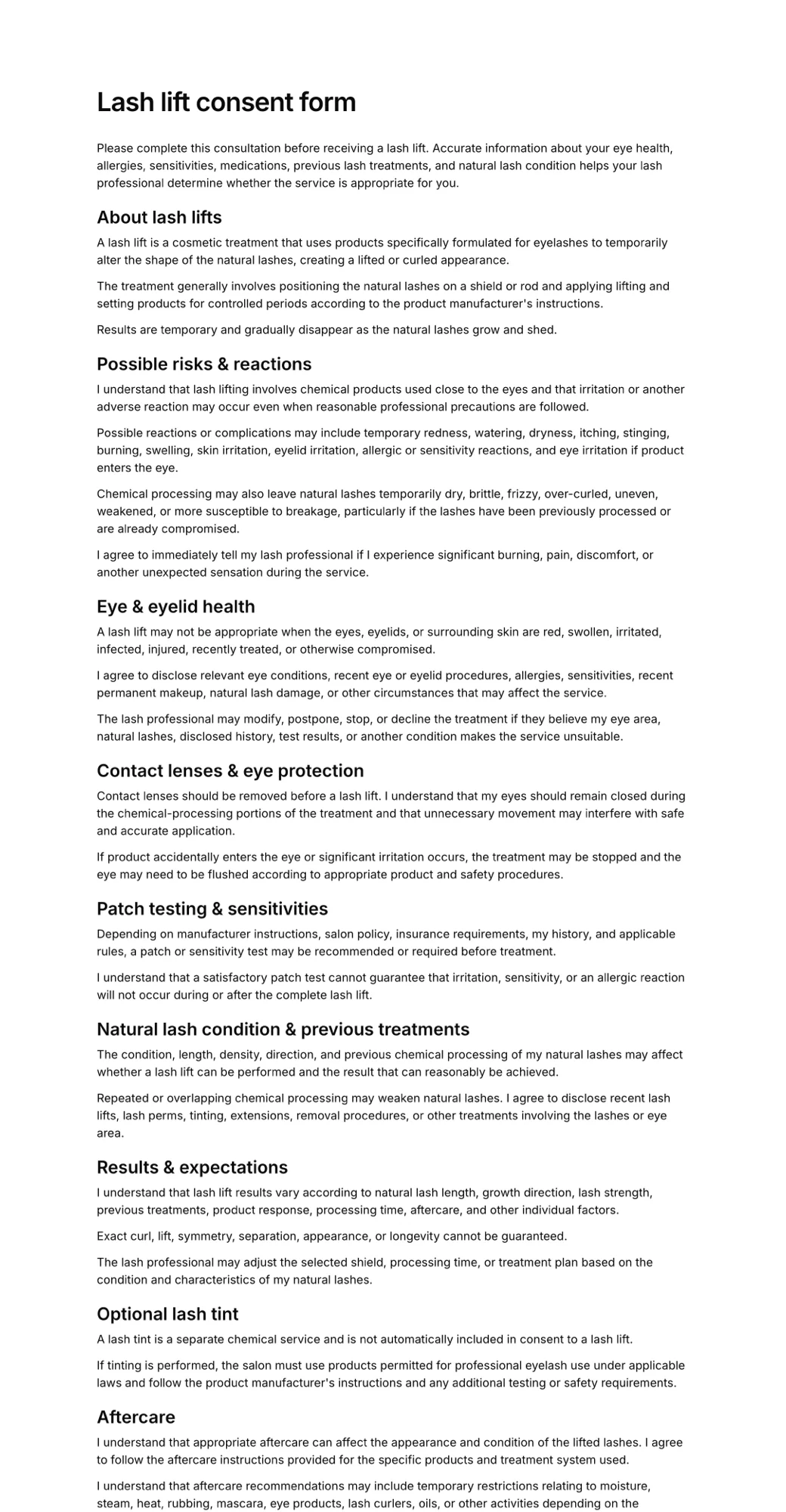
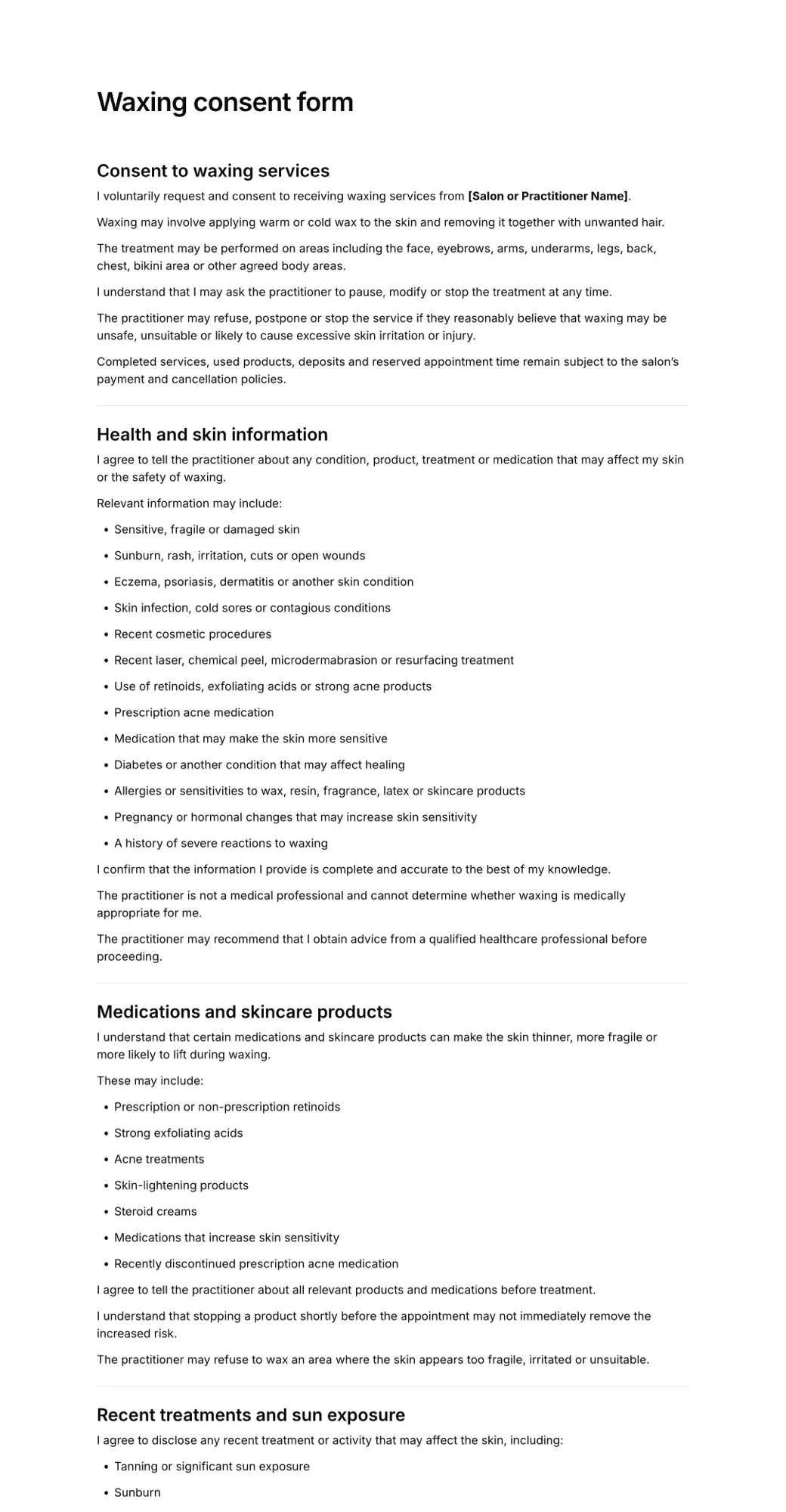
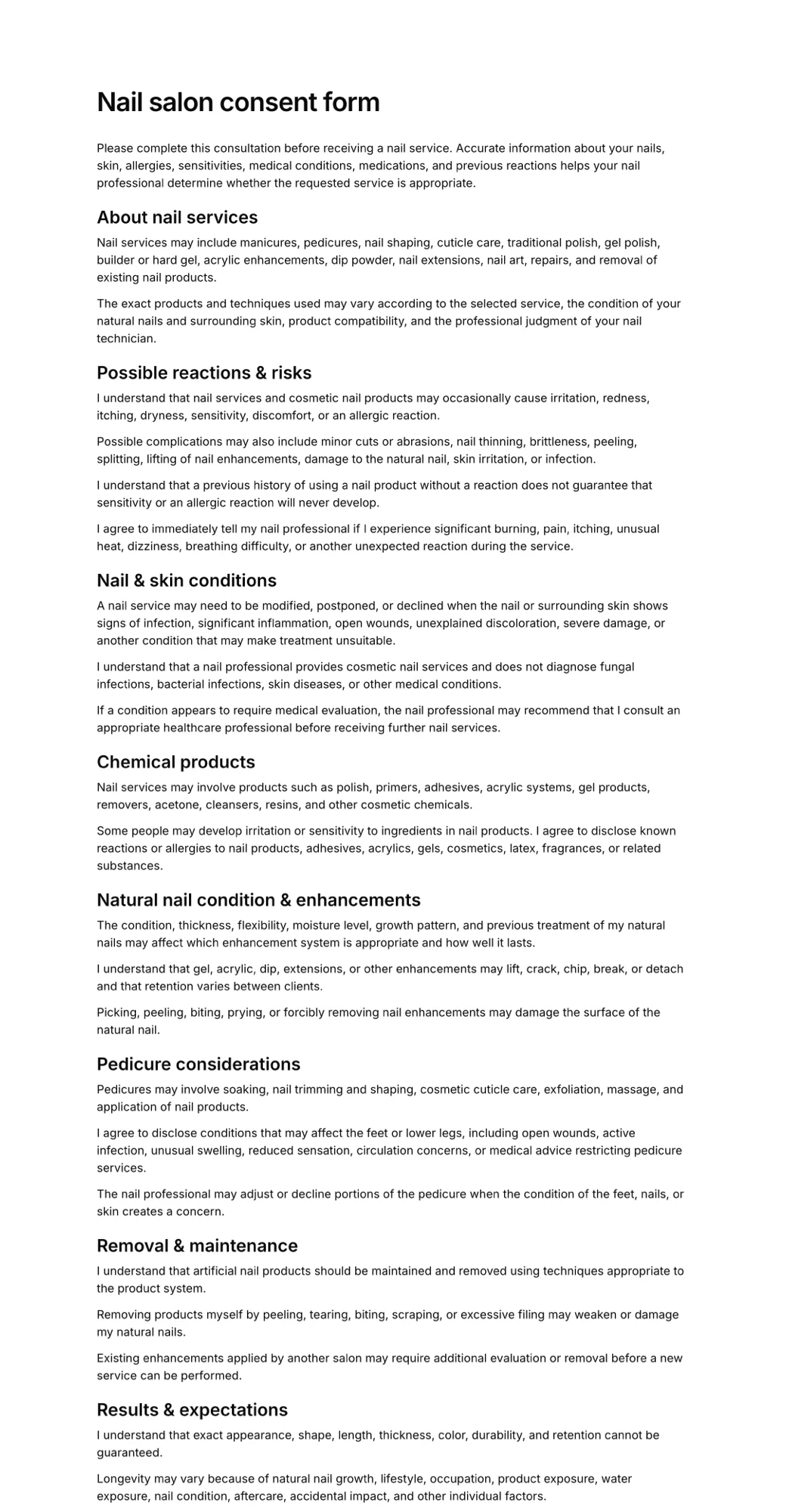
What you get in the consent form app
Everything you need to replace paper consent forms, on every plan.
- Consent forms that clients can sign on any phone, tablet or computer
- Templates for aesthetics, beauty, tattoo, wellness and minors
- AI that drafts a consent form from a short description of your service
- Required checkboxes for each risk and statement
- Health questions, contraindications and file uploads
- Parent or guardian signatures for under-18 clients
- Shareable link and printable QR code
- Tablet mode that starts a fresh form after each signature
- Signed PDF with date, name and signature for every client
- Expiration tracking so you know who needs to sign again
Who uses a consent form app
Any business that needs informed consent before a treatment, session or activity:
Med spas and aesthetics
Injectables, fillers, peels and laser treatments, with photo consent and aftercare in one form.
Salons and beauty
Colour, chemical services, lashes, brows, waxing and nails, signed before the client sits down.
Tattoo and piercing
ID and age checks, health disclosures and design approval collected while the client waits.
Wellness practitioners
Massage, acupuncture, IV therapy and bodywork sessions with health questions up front.
Photographers and creators
Photo and media release forms signed on location from a QR code.
Clubs, schools and camps
Parental consent for trips, sports and activities, signed by parents from home.
Need a liability waiver as well? See the electronic waiver app.
Simple pricing
Start for free, upgrade when you need more signatures.
Free
For trying AgreeDock or collecting occasional signatures.
$0/month
- 10 signatures per month
- 1 active waiver
- Signing link and QR code
Pro
For businesses collecting waivers regularly.
$10$15/month
- Unlimited signatures
- Unlimited waivers
- Signing link and QR code
- Expiration tracking
- Signed PDF records
- Priority support
Questions
Anything else? Write to info@agreedock.com
What is a consent form app?
A consent form app lets clients read and sign consent forms on a phone, tablet or computer instead of on paper. You build the form once, share it by link or QR code, and every signed consent is stored online with the client's details, the date and their signature.
Do my clients need to download anything?
No. AgreeDock runs in the web browser, so clients just tap a link or scan a QR code. There is nothing to install for you or for them, and it works the same on iPhone, Android, iPad and desktop.
Can I use the consent form app on an iPad at reception?
Yes. Open your form on any tablet and hand it to clients as they arrive. After each signature the form resets for the next person. See how to set up a tablet kiosk.
Are consent forms signed in an app legally valid?
Electronic signatures are recognised in many countries, including under the ESIGN Act and UETA in the United States. Whether a particular consent holds up also depends on its wording, how it was presented and the rules for your profession, so have your terms reviewed for where you operate. AgreeDock templates are a starting point, not legal advice.
Can I use my own consent form wording?
Yes. Paste in the consent form you already use and add fields, checkboxes and a signature around it, or start from a template and edit it. You can also describe your service and let the AI generator write a first draft.
How much does the consent form app cost?
AgreeDock is free for up to 10 signed forms each month. Pro costs $15 per month, or $10 per month billed yearly, with unlimited forms and signatures and no per-signature fees.
Move your consent forms into an app today
- Free to start
- Ready in 5 min
- No app download