The best nail salon software for most salons is Fresha if you want marketplace bookings, Square Appointments if you want a free plan that works with Square payments, and GlossGenius if you're a solo nail artist who cares about your brand. Mangomint suits a growing multi-tech salon that wants forms included. If you already have a nail salon booking app and only need a signed nail salon consent form, a standalone forms tool like AgreeDock is the cheapest add-on.
Nail salons have a different rhythm from hair salons or spas. Lots of short appointments, a steady stream of walk-ins, several techs working at once, and clients who come back every two or three weeks. That changes what you need from software: fast check-in, booking that handles a full row of stations, and a consent form clients can sign in under a minute at the front desk. This guide is for nail salon owners, nail techs renting a station and solo nail artists. AgreeDock is our product, so we've included it, and we've tried to be straight about where other tools fit better. AgreeDock doesn't do booking, so it's listed as a consent forms tool only. Prices were checked on vendor websites in November 2026 and can change.
Quick comparison
| Tool | Best for | Client forms | Starting price |
|---|---|---|---|
| Fresha | Marketplace-driven salons | Consultation forms | Check vendor pricing page |
| Square Appointments | Free plan, Square payments | Contracts on all plans | Free; Plus $49/mo |
| GlossGenius | Solo nail artists | Gold plan and up | $24/mo; forms from $48/mo |
| Vagaro | Booking plus marketplace | Paid add-on | Check vendor pricing page |
| Mangomint | Growing multi-tech salons | Included | $120/mo + $10/user |
| Jotform | Forms with photo uploads | Form builder | Free; Bronze $34/mo |
| AgreeDock | Consent forms only | Yes, all plans | Free; Pro $15/mo |
How we chose
We compared nail salon software based on vendor sites and public documentation, with a busy nail salon in mind:
- Walk-ins and multiple techs. Can the front desk see who's free and fit in a walk-in quickly?
- Fast client forms. Clients should be able to sign on their phone or a front desk tablet in seconds, not fill out a clinical intake.
- Repeat visits. Fills every two to three weeks mean you want forms signed once and easy to find, not paperwork every visit.
- Cost per seat. Many salons have several techs, so per-member or per-calendar pricing matters as much as the headline price.
- Forms on your plan. The cheapest plan that actually includes client forms, not just booking.
Booking software with forms vs a separate consent form tool
A nail salon booking app with built-in forms is convenient: when a client books a gel manicure or pedicure, the form can go out automatically and the signed copy sits on their client profile. Fresha includes consultation forms and can send them before specific services, Vagaro sells a Forms add-on, GlossGenius includes forms from its Gold plan, and Mangomint includes them in its price.
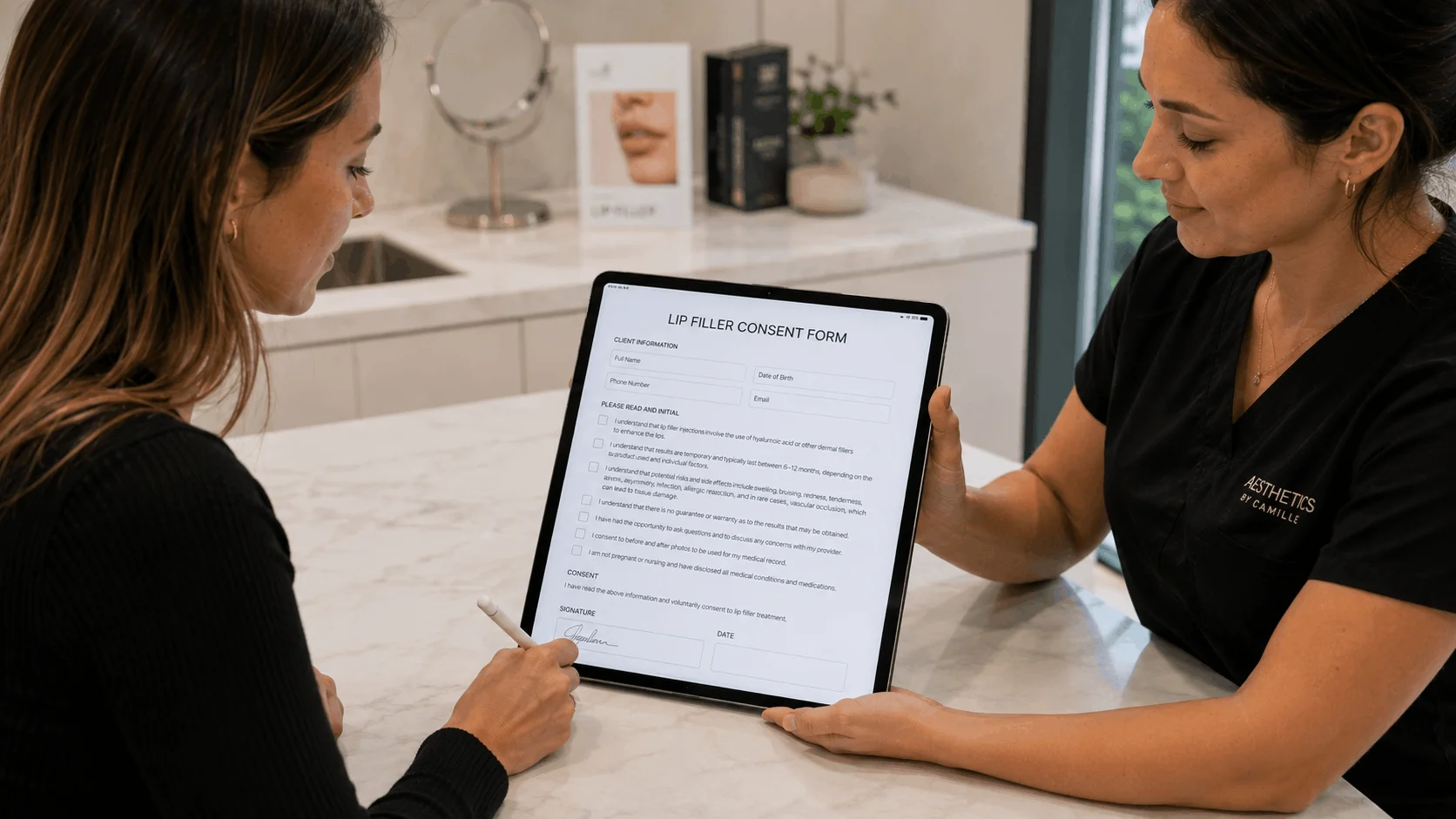
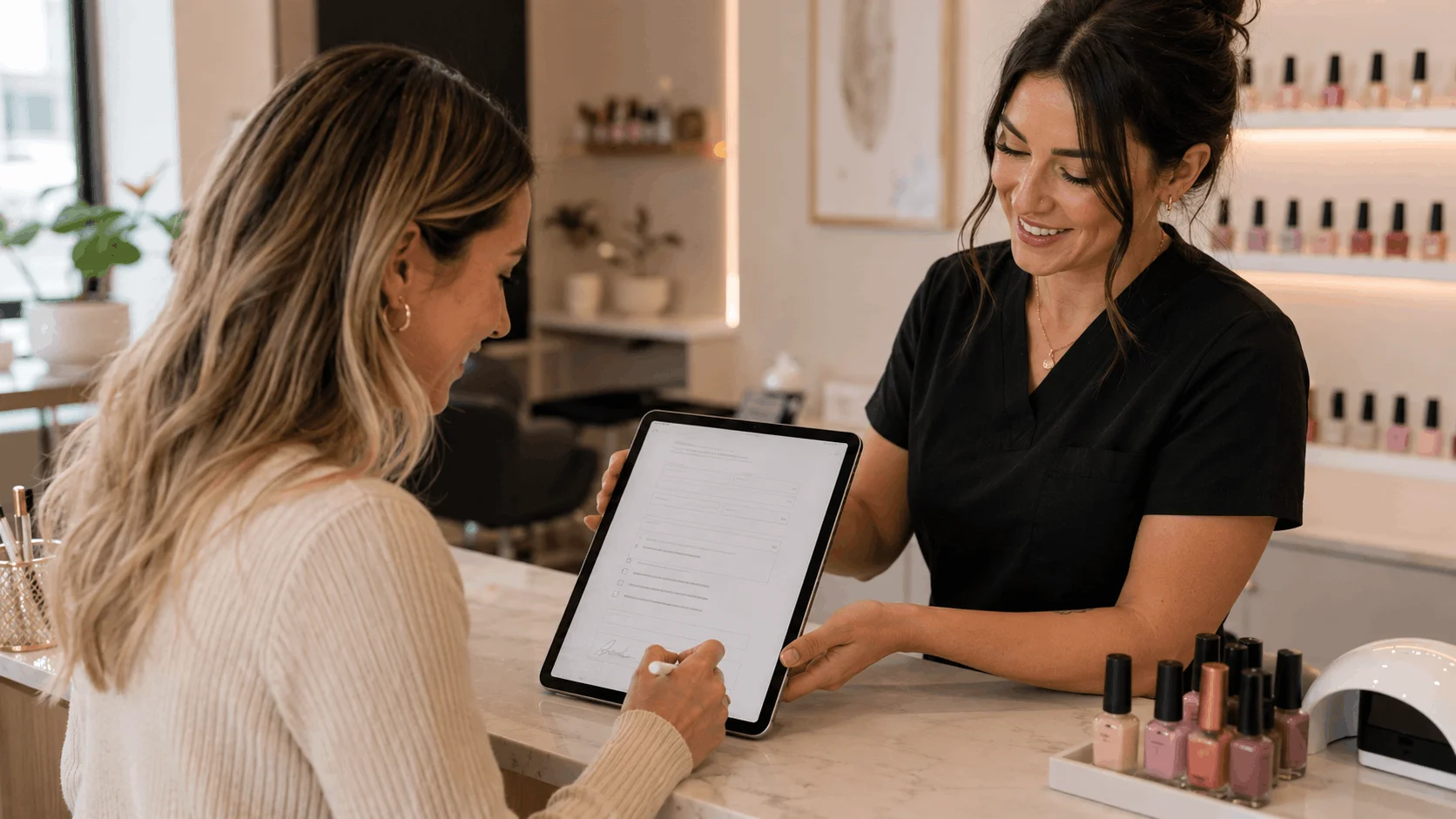
The gap is walk-ins. Booking-triggered forms only work when a client books first. A walk-in client at a nail salon needs something they can sign on the spot, which is where a tablet at the front desk or a QR code on the counter helps. Fresha's locked client mode lets a client sign on the staff device, and standalone tools like AgreeDock run in kiosk mode on any tablet so clients can sign one after another.
A separate consent form tool also makes sense when forms aren't on your current plan. Paying for an upgrade or add-on just to get one signed nail salon consent form can cost more than a flat-priced forms tool. The trade-off is that a separate tool won't send forms automatically per booked service or attach them to the booking profile, so you rely on a link in your confirmation message or the front desk.
1. Fresha
Fresha is salon and spa booking software with a large consumer marketplace, which is why it's popular with nail salons that want new clients finding them online. It charges a subscription plus usage fees, including card processing and a one-time fee per new client who comes from the marketplace. Consultation forms are part of the product: they can be sent before specific services, once or every visit, with reminders for incomplete forms. A locked client mode lets clients sign on a staff device, and staff can fill in a form on a client's behalf.
Best for: Nail salons that rely on marketplace bookings.
Pricing: Independent plan for one bookable member, Team plan priced per member, Enterprise for 20+ members. Check the vendor's pricing page for current prices. 7-day trial; no free plan.
Strengths:
- Marketplace exposure for new clients
- Forms sent per service, once or every visit
- Locked client mode for front desk signing
Drawbacks:
- Marketplace fees on new clients
- Per-member pricing grows with each tech
- Forms only work inside Fresha
2. Square Appointments
Square Appointments is a natural fit for nail salons already using Square for card payments. Square's US pricing page lists contracts, contract templates and e-signature on every plan, including Free, along with automatic contracts sent when a client books. Plus adds custom contract fields such as checkboxes, text fields and questions, and the option to require a signature. Square's help center describes automated appointment forms as a Plus or Premium feature, so check which plan covers your setup.
Best for: Nail salons that want a free plan and already take payments with Square.
Pricing: Free $0/month per location; Plus $49/month per location; Premium $149/month per location, as listed in November 2026. Plus and Premium include a 30-day free trial.
Strengths:
- Free plan with contracts and e-signature
- Booking, POS and payments from one company
- Simple signed policies per appointment
Drawbacks:
- Custom questions, such as allergies, need Plus
- Built around contracts, not intake forms
- Not a walk-in kiosk for forms
3. GlossGenius
GlossGenius is booking, payments and website software for beauty pros, popular with solo nail artists who want a polished booking page. Forms and waivers with customizable templates are attached to bookings from the Gold plan.
Best for: Solo nail artists and small studios with up to 9 staff.
Pricing: Standard starts at $24/month billed annually ($28 monthly) without forms. Gold, the cheapest plan with forms and waivers, starts at $48/month billed annually ($56 monthly), as listed in November 2026. 14-day free trial, no card.
Strengths:
- Clean, branded booking for nail artists
- Forms attached to bookings on Gold
Drawbacks:
- Forms need Gold, twice the Standard price
- Kiosk and photo uploads weren't confirmed on its pricing page
4. Vagaro
Vagaro is an all-in-one salon, spa and fitness platform with booking, POS, marketing and a consumer marketplace. Its Forms add-on includes a drag-and-drop builder, an AI tool that converts PDF, Word or image files into forms, signatures, client photo uploads, form expiration dates and auto-sending by service type or membership.
Best for: Nail salons that want booking and a marketplace with optional add-ons.
Pricing: Pricing depends on the number of bookable calendars, and Forms is a paid add-on. Check the vendor's pricing page for current US prices. 30-day free trial.
Strengths:
- Photo uploads, so clients can share nail art inspiration
- Converts your existing paper consent form
- Form expiration dates prompt re-signing
Drawbacks:
- Paid add-ons raise the total
- Forms only work inside Vagaro
5. Mangomint
Mangomint is salon and spa software with forms and charting included in its flat pricing. You can build branded forms with toggles, multiple choice and signatures, and send them automatically to new clients or when specific services are booked. Clients don't need to log in.
Best for: Established multi-tech nail salons that want forms bundled with booking.
Pricing: $120/month per location plus $10/month per user, with forms included, as listed in November 2026. Free trial available.
Strengths:
- Forms included, no add-on
- Auto-send by service, such as pedicures
Drawbacks:
- Expensive for a single nail tech
- Per-user fees add up with a large team
6. Jotform
Jotform is a general form builder, not booking software. It's useful for nail salons that want a consent form with file uploads, for example so a client can attach a photo of the nail art they want, or conditional logic that asks follow-up questions only when a client reports an allergy.
Best for: Salons that want uploads or conditional logic without changing booking software.
Pricing: Free Starter plan with 5 forms, 100 submissions and 10 signed documents per month. Bronze starts at $34/month billed annually ($39 monthly), as listed in November 2026.
Strengths:
- File uploads and conditional logic
- Large template library
Drawbacks:
- Free plan caps signed documents at 10 per month
- Not tied to bookings without integrations
7. AgreeDock (best for consent forms only)
AgreeDock is a standalone consent form tool, not a nail salon booking app. It's for salons that already have booking sorted and want a quick, signed consent form for every client. Start from the nail salon consent form template, edit it, and share it by link or a QR code on the counter. For walk-ins, open it on a front desk tablet in kiosk mode so clients sign one after another. Every signed form is stored with the answers and exact wording, searchable by client name and downloadable as a PDF, so you can find a regular's form months later.
Best for: Nail salons and booth renters who want signed consent forms next to any booking tool, at a flat price.
Pricing: Free plan with 1 active form and 10 signatures per month. Pro is $15/month, or $10/month billed yearly, with unlimited signatures at any volume.
Strengths:
- Kiosk mode on any tablet for walk-ins
- Flat price no matter how many techs or clients
- Works with any booking app, or none
Drawbacks:
- No booking, POS or payments
- No automatic sending per booked service
- No photo upload field or conditional logic
- Needs internet; no offline signing
What a nail salon consent form should include
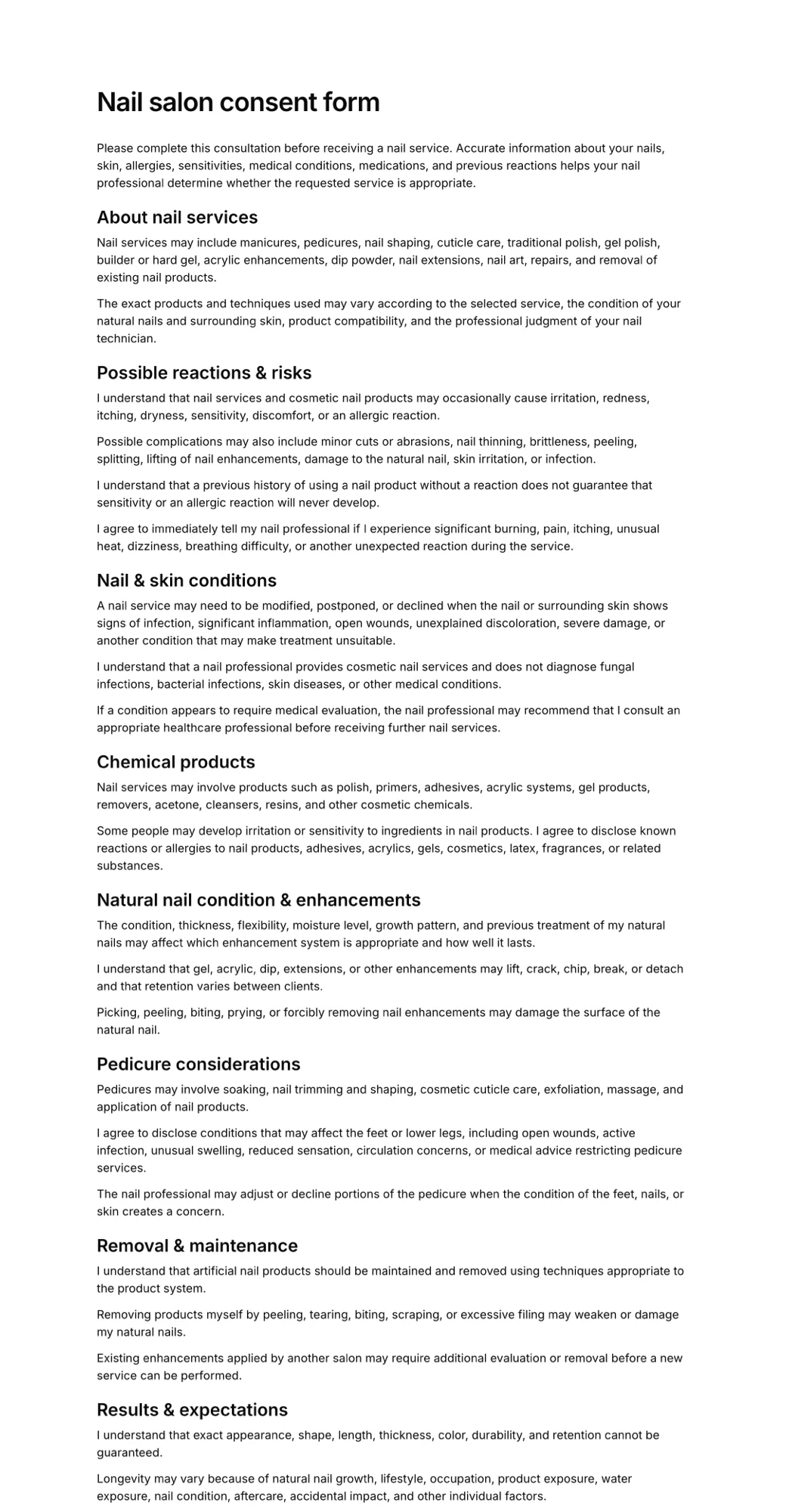
Nail services are low risk, but problems do happen: allergic reactions to acrylic or gel products, infections after a pedicure, or cuts from tools. A short, clear form records that the client told you about relevant conditions and accepted the normal risks. A typical nail salon consent form covers:
- client name, phone and email
- allergies, especially to acrylics, gels, adhesives or polish removers
- conditions that affect nail services, such as diabetes, circulation problems, or skin and nail infections
- for pedicures, any cuts, open wounds or recent leg shaving the client should tell you about
- acknowledgement of normal risks such as minor nicks, irritation or nail damage when removing enhancements
- salon policies: cancellations, late arrivals, fix or redo windows
- optional photo release if you post client nails on social media
- signature and date
Keep it short so walk-ins sign it quickly, and ask returning clients to update it if their health changes. This is general information, not legal advice; check your state board's rules and your insurer's requirements. For lash, brow and chemical services in the same salon, see our salon consent form software guide.
How to choose nail salon software
Mostly walk-ins? Prioritize a fast front desk and a form clients can sign on a tablet or by QR code. Booking-triggered forms won't reach walk-ins.
Want new clients from a marketplace? Fresha and Vagaro have consumer marketplaces. Check Fresha's new client fees before you commit.
Tight budget? Square Appointments has a free plan. A free or flat-priced forms tool can cover consent without upgrading your booking plan.
Several techs? Compare per-member and per-user pricing (Fresha Team, Mangomint) against flat plans. Count every tech who needs a calendar.
Solo nail artist? GlossGenius gives you a polished booking page, with forms on Gold. If Standard plus a separate forms tool is cheaper, that works too.
Need photos in the form? Vagaro forms and Jotform accept uploads. AgreeDock doesn't have an upload field.
Also offer waxing or facials? See our wax studio software and esthetician software guides.
Frequently asked questions
What is the best nail salon software?
For marketplace bookings, Fresha. For a free plan with Square payments, Square Appointments. For solo nail artists, GlossGenius. For multi-tech salons that want forms included, Mangomint. If you only need consent forms next to your current booking tool, AgreeDock is a flat-priced option.
What is the best nail salon booking app for walk-ins?
Most nail salon booking apps handle walk-ins at the front desk. For consent forms, choose a tool where walk-ins can sign on the spot, such as Fresha's locked client mode on a staff device or AgreeDock's kiosk mode on any tablet.
Is there free nail salon software?
Square Appointments has a free plan with booking and contracts with e-signature. AgreeDock's free plan includes 1 active form and 10 signatures per month, and Jotform's free plan includes 10 signed documents per month.
Do nail salons need a consent form?
It isn't always required, but many salons use one to record allergies and health conditions and the client's acceptance of normal risks. Some insurers expect it. Check your state board's rules and your insurance policy.
What should a nail salon consent form include?
Client details, allergies to nail products, conditions such as diabetes or infections, normal risks of the service, salon policies, an optional photo release, and a signature and date. Our nail salon consent form template covers these.
Does Fresha have consent forms for nail salons?
Yes. Fresha includes consultation forms that can be sent before specific services, once or every visit, with reminders for unsigned forms. Clients can also sign on a staff device in locked client mode.
How often should nail clients sign a consent form?
Many salons have clients sign once and update it if their health or allergies change. Some ask again for higher-risk services or after a reaction. Choose software that keeps dated records so you can see when each client last signed.