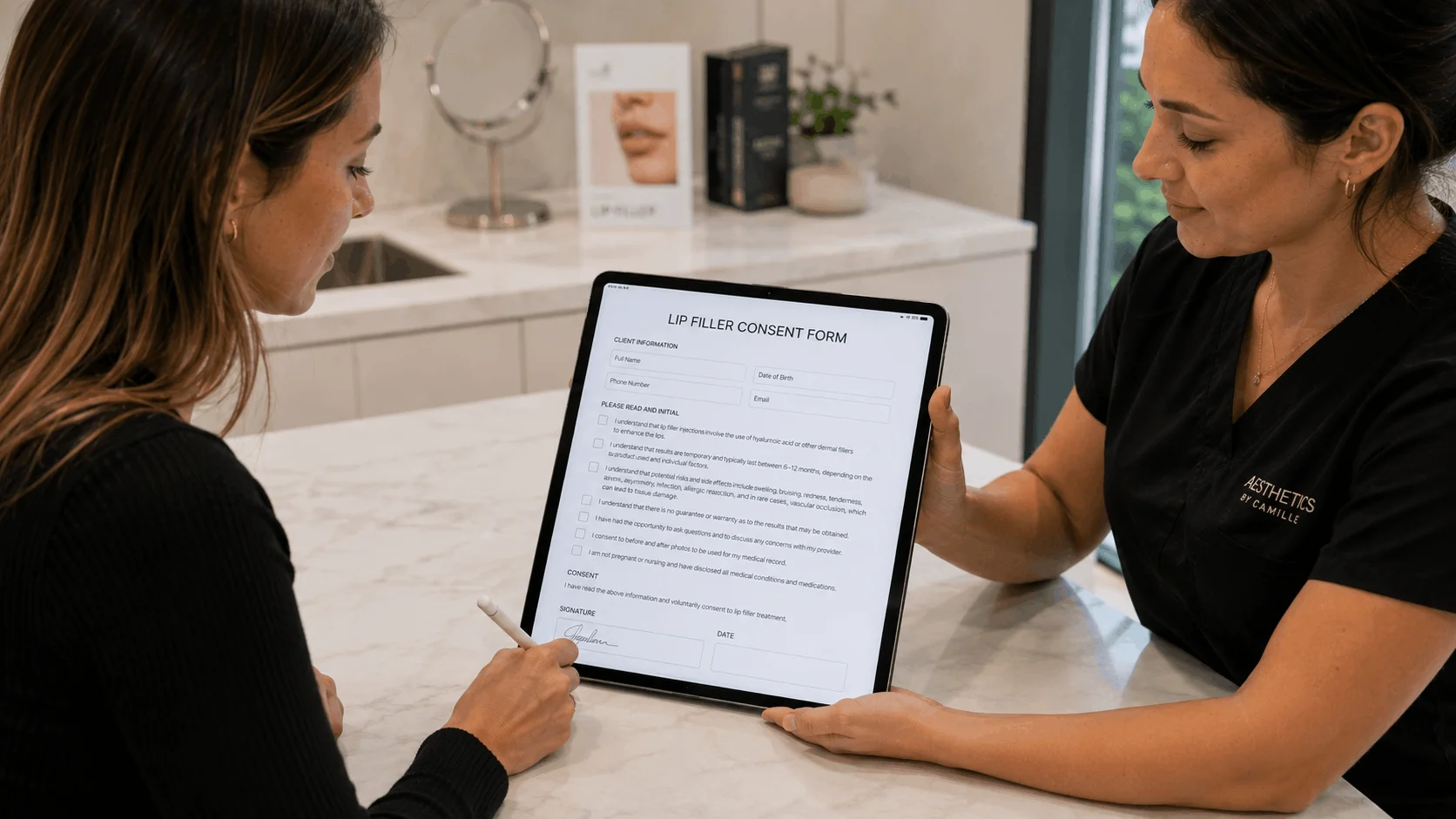
The best tattoo consent form software for most artists and small studios is a digital release form clients sign on their own phone before they sit down. AgreeDock is our pick for that, with unlimited signed forms at a flat price. If you want ID storage and age verification built in, REV23 is the dedicated studio choice, DaySmart Body Art and Porter add booking and payments, and Smartwaiver offers native apps with ID scanning and offline signing.
Every tattoo and piercing needs a signed record: who the client is, that they're old enough, what they disclosed about their health, which risks they acknowledged, and what aftercare they were given. A digital tattoo release form makes that faster than a clipboard and keeps the record searchable for as long as your local rules require. This guide is for tattoo artists, piercers and studio owners comparing tattoo waiver apps. AgreeDock is our product, so we've included it, and we've tried to be straight about where other tools fit better. Prices were checked on vendor websites in November 2026 (Smartwaiver's in October 2026) and can change.
Quick comparison
| Tool | Type | ID handling | Starting price |
|---|---|---|---|
| AgreeDock | Standalone consent forms | Manual check, no scanning | Free; Pro $15/mo |
| REV23 | Tattoo studio forms | ID storage, age checks | $19.99/mo |
| DaySmart Body Art | Studio management | Check with vendor | $29/mo |
| Porter | Artist booking platform | Check with vendor | $65/mo with waivers |
| Smartwaiver | Digital waiver platform | License scanning | $22/mo for 100 |
| Jotform | Form builder | Photo upload of ID | Free; paid from $34/mo |
How we chose
We focused on what a body art studio needs from a tattoo waiver app, based on vendor sites and public documentation.
- Fast signing. Clients sign on their phone before arriving or on a studio tablet at check-in.
- Age and identity. How the tool helps you confirm age and keep an ID record.
- Minors and guardians. Whether a parent can co-sign where your local law allows it.
- Health questions. Space for medical history, medications, allergies and skin conditions.
- Records. Locked, searchable signed forms you can produce if an inspector or insurer asks.
- Price for a small studio. Including how pricing scales with artists.
Booking software forms vs standalone consent form software
Studio platforms such as DaySmart Body Art and Porter combine booking, deposits, payments and consent forms. The form goes out with the booking, and the signed release sits on the client record. That's convenient if you want to run the whole shop in one system, though you pay for the full platform, and on Porter consent forms need the Pro tier.
Standalone tools, such as AgreeDock, REV23, Smartwaiver and Jotform, focus on the forms. They work alongside whatever booking setup you already have, including Instagram DMs and a paper diary. REV23 sits in between: it's built for body art and adds kiosk check-in, booking and records, but its core is the release form. If you're happy with how you book, a standalone tool is usually cheaper.
1. AgreeDock
AgreeDock is a standalone consent form tool with ready tattoo consent form and piercing consent form templates, plus permanent makeup and tattoo removal consent. Clients sign on their phone from a link or QR code, or one after another on a studio tablet in kiosk mode. You can add a guardian and minor section where your local law allows minors with parental consent. Each signed form is stored with the answers and exact wording, searchable by name and downloadable as a PDF.
AgreeDock has no ID scanning or photo capture. To verify age, check the client's ID in person and record it on the form, for example with a date of birth field and an "ID checked by artist" checkbox.
Best for: Independent artists, piercers and small studios that want simple digital release forms at a flat price.
Pricing: Free plan with 1 active form and 10 signatures per month. Pro is $15/month, or $10/month billed yearly, with unlimited signatures.
Strengths:
- Flat price at any volume, no per-artist fees
- Tattoo, piercing and permanent makeup templates
- QR code and tablet kiosk signing
- Guardian and minor section
Drawbacks:
- No ID scanning, ID photo or upload field
- No booking, deposits or payments
- No offline mode; needs a connection
- No native iOS or Android app
2. REV23
REV23 is long-running software built for body modification studios. Clients sign release forms on their phone before arriving or on a studio tablet, with kiosk walk-in check-in, guardian co-signing, locked completed PDFs, medical history, and ID storage with restricted access. Its site also lists age verification.
Best for: Tattoo and piercing studios of any size that want a dedicated release form system with ID records.
Pricing: Private Studio (1 to 2 artists) starts at $19.99/month, Small Studio (3 to 6 artists) at $45.99/month, as listed in November 2026. All features on every plan, and non-tattooing staff are free. 14-day free trial, no card.
Strengths:
- Built for body art, with ID storage
- Guardian co-sign and kiosk check-in
- Every feature on every plan
Drawbacks:
- Price rises with artist count
- Only suited to body art studios
3. DaySmart Body Art
DaySmart Body Art is studio management for tattoo and piercing shops, covering booking, POS and digital forms. Digital forms are included on every plan. Its pricing page doesn't spell out consent or release forms, so confirm how they work in a trial.
Best for: Studios that want booking, POS and forms in one system.
Pricing: Basic starts at $29/month for 1 user, and Deluxe at $69/month for 3 users, as listed in November 2026. 14-day free trial, no card.
Strengths:
- Booking, POS and forms together
- Forms on every plan
Drawbacks:
- Consent and ID features not detailed on its pricing page
- More than you need if you only want release forms
4. Porter
Porter is a platform built for tattoo artists and studios, with booking, deposits, payments, marketing and automated liability waivers and consent forms on its Pro plans.
Best for: Independent artists who want booking, deposits and automated consent in one place.
Pricing: Artist Pro, the cheapest plan with waivers and consent forms, starts at $65/month, as listed in November 2026. Artist Essentials ($35/month) doesn't list waivers. Studio Pro is $250/month for unlimited artists. 30-day trial on artist plans.
Strengths:
- Built around tattoo booking and deposits
- Automated waivers and consent forms
Drawbacks:
- Consent forms need the Pro tier
- Pricey for a whole studio
5. Smartwaiver
Smartwaiver is a general digital waiver platform for activity businesses that some tattoo shops also use. It has native iOS and Android apps with offline collection, driver's license scanning, automatic photo capture, an open API and integrations. Compare it with AgreeDock on our Smartwaiver alternative page.
Best for: Busy studios that want ID scanning and a native tablet app that works offline.
Pricing: Basic starts at $22/month for 100 waivers per month on monthly billing, as listed in October 2026. Higher plans raise the waiver cap. Free trial, no free plan.
Strengths:
- Driver's license scanning and photo capture
- Offline signing in native apps
- API and integrations
Drawbacks:
- Costs rise with waiver volume
- Not specific to body art
- No free plan
6. Jotform
Jotform is a general form builder with ready tattoo release templates, signatures, conditional logic and file uploads, so clients can upload a photo of their ID.
Best for: Artists who want a free or cheap form with ID photo uploads.
Pricing: Free Starter plan with 5 forms, 100 submissions and 10 signed documents per month. Bronze starts at $34/month billed annually ($39 monthly), as listed in November 2026.
Strengths:
- Tattoo release templates
- File upload for ID photos
- Conditional logic for health questions
Drawbacks:
- An uploaded ID photo isn't verification, someone still has to check it
- Low signed document cap on the free plan
- Not built for studios
ID checks and age verification, honestly
No consent software can promise a client is who they say they are. Tools differ in how much they help:
- ID scanning. Smartwaiver scans driver's licenses in its native apps.
- ID storage. REV23 stores ID with restricted access, and lists age verification on its site.
- ID upload. Jotform lets clients upload a photo of their ID, which someone still needs to compare with the person in front of them.
- Manual check. With AgreeDock, the artist checks the ID in person and records it on the form.
Whatever tool you use, the artist should look at a valid photo ID before starting. Minimum ages, parental consent rules and how long you must keep records vary by state and country, and some places don't allow tattooing minors at all, even with a parent's consent. Our guide to waivers for minors covers guardian signatures in general. This is general information, not legal advice.
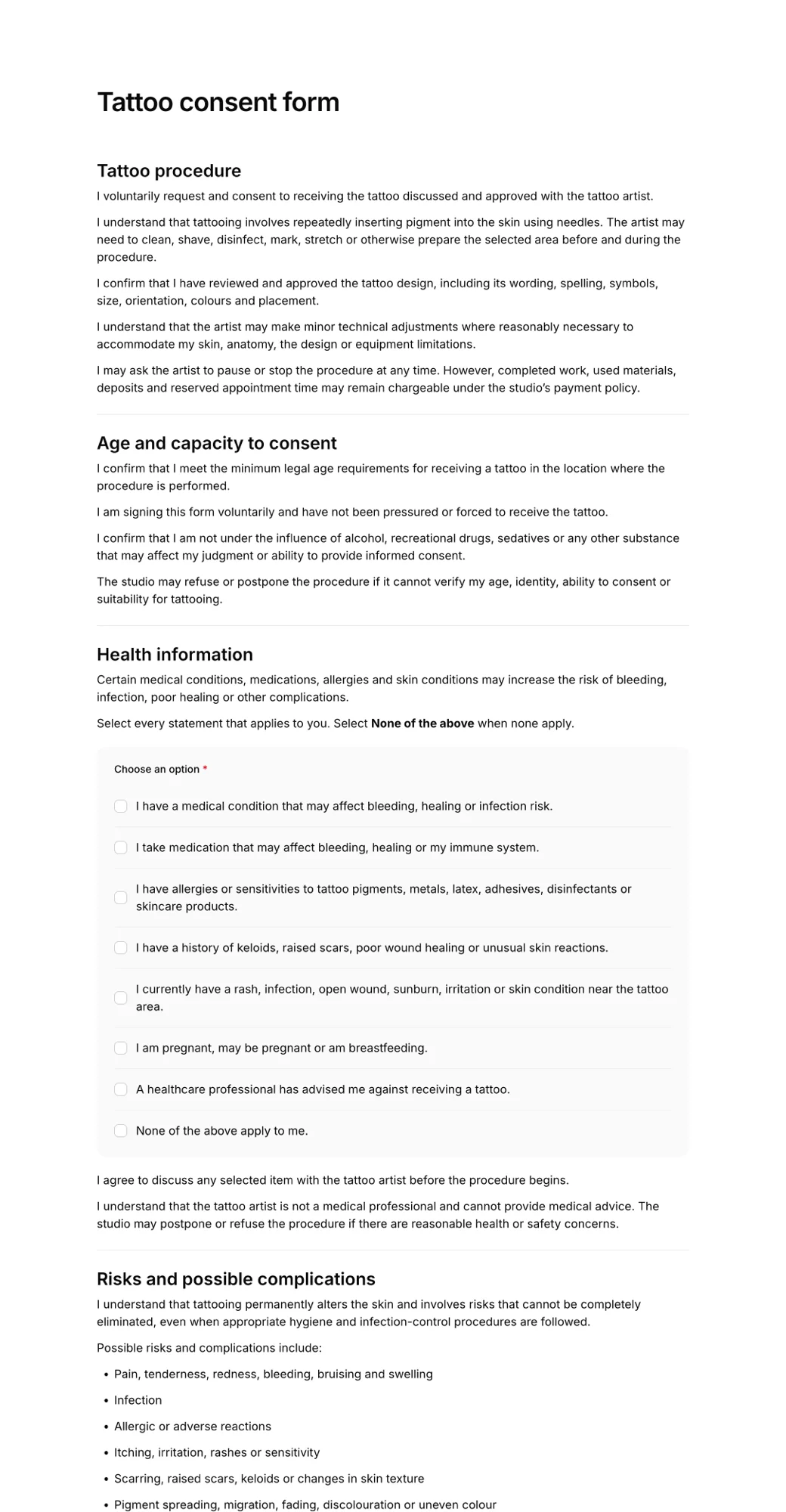
What a tattoo consent form should include
- client name, date of birth and contact details
- ID type and confirmation it was checked
- health history: medications, allergies, skin conditions, pregnancy, blood-borne conditions
- the design, placement and artist
- risks such as infection, allergic reaction and scarring
- aftercare instructions and confirmation they were given
- separate permission to photograph and post the finished tattoo
- client signature and date, plus a guardian signature where allowed
For a full walkthrough, read our guide to tattoo consent forms.
How to choose tattoo consent form software
Do you need ID scanning? If you want the tool to capture the license, choose Smartwaiver. If you want ID stored with each release, choose REV23. If an artist checks ID in person, any tool works.
Do you want booking and deposits too? Porter and DaySmart Body Art cover the whole shop. If you already book another way, a standalone tool is cheaper.
How many artists? REV23 and Porter studio plans scale with artists or have a studio tier. AgreeDock's price stays flat.
Is your wifi reliable? If not, Smartwaiver's offline signing is a safer bet. AgreeDock needs a connection.
Piercing as well as tattoo? Most tools here handle both with separate forms. A piercing consent app needs extra fields for jewelry type and, often, guardian consent for younger clients. Our consent form software roundup compares broader options.
Frequently asked questions
What is the best tattoo consent form software?
For independent artists and small studios that want simple digital release forms, AgreeDock offers unlimited signatures for $15 per month. If you need ID storage and age verification built in, REV23 is built for body art. Porter and DaySmart Body Art add booking and payments, and Smartwaiver adds ID scanning and offline signing.
Is there a free tattoo waiver app?
AgreeDock's free plan includes 1 active form and 10 signatures per month, and Jotform's free plan includes 10 signed documents per month. REV23 and DaySmart Body Art offer 14-day free trials.
Can tattoo consent software verify a client's age?
Some tools help. Smartwaiver scans driver's licenses, and REV23 stores ID and lists age verification. Software alone can't confirm identity, so the artist should check a valid photo ID in person. AgreeDock has no ID scanning.
Are digital tattoo release forms legal?
Electronic signatures are generally accepted in the US and many other countries. Some states and cities have specific rules about what tattoo consent forms must include and how long to keep them, so check local requirements.
Can a parent sign a tattoo consent form for a minor?
It depends on where you work. Some places allow tattooing or piercing minors with a parent or guardian's consent, and others don't allow it at all. Where it's allowed, use a form with a guardian signature section.
What is the best piercing consent app?
REV23 is built for tattoo and piercing studios, and AgreeDock has a ready piercing consent form template with a guardian section. Both let clients sign on a phone or studio tablet.
How long should a tattoo studio keep consent forms?
Retention rules vary by state and country, often several years. Digital tools make this easier: AgreeDock keeps every signed form in your account, and you can download each one as a PDF.