
Free zipline waiver PDF
Download a free zipline waiver PDF, print it for in-person use, or edit it online to add your details and collect electronic signatures.
- Free to download
- Printable PDF
- Edit online
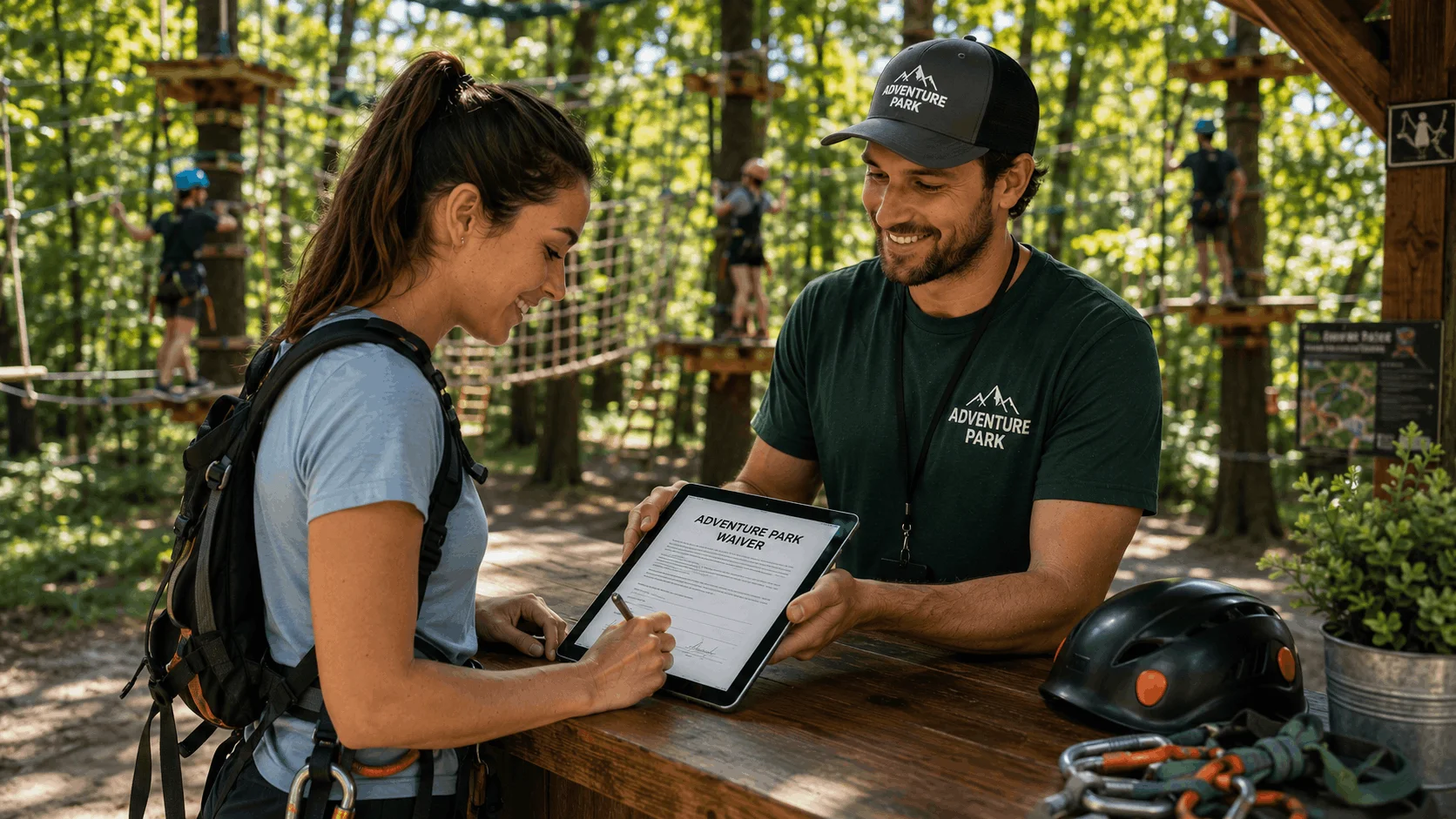
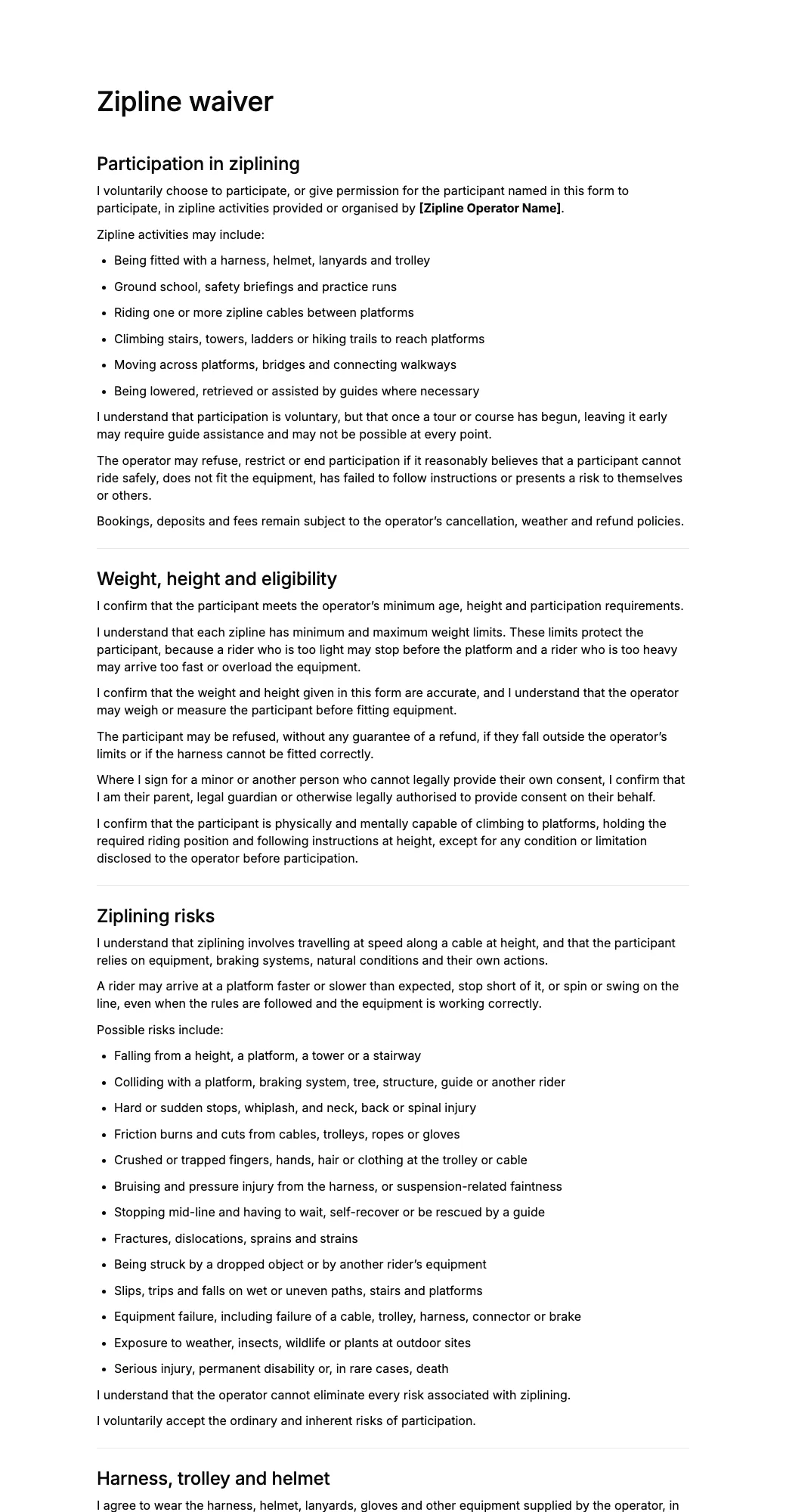

What's included in this zipline waiver PDF?
A zipline waiver PDF is a ready-to-use document that zipline operators, adventure parks, and resorts can ask riders to review and sign before they are fitted with a harness.
The PDF helps document that the participant understands the risks of riding at speed and height, acknowledges the possibility of injury, agrees to follow guide instructions, and chooses to participate voluntarily.
A zipline waiver may include participant details, weight and height confirmation, acknowledgement of zipline risks, assumption of risk, harness and platform rules, health disclosures, parental consent for minors, release of liability, and a signature.
Zipline tour companies and outdoor centres can download the PDF as a starting point and customise it for their lines, braking systems, and safety procedures.
How to use this zipline waiver PDF
- 1Download the PDFDownload the free zipline waiver PDF to your computer, tablet, or phone. You can save a blank copy for future use or print it immediately.
- 2Add your detailsReview the document before using it and make sure the wording, questions, and information requested are appropriate for your business or activity.
- 3Print it or collect signatures onlinePrint the PDF and ask people to complete and sign it in person, or edit the form with AgreeDock to send a signing link, display a QR code, and collect electronic signatures online.
Printable PDF or online zipline waiver?
A printable PDF works well when you only need to collect forms occasionally. If you collect forms regularly, an online version can make the process easier for both you and the person completing the form.
Printable zipline waiver PDF
- Download and print copies
- Collect handwritten signatures
- Store completed paperwork manually
- Print a new version after changes
- Good for occasional use
Online zipline waiver
- Share a link or QR code
- Collect electronic signatures
- Keep completed forms together online
- Update your form whenever needed
- Better for recurring use
With AgreeDock, you can turn this PDF into an online form, add your own questions and terms, and collect completed forms before customers arrive.
Why use a zipline waiver PDF?
A zipline waiver helps communicate important safety information before a rider climbs to the first platform.
It can help operators document that participants understand risks such as falls, collisions, hard stops, friction burns, and stopping mid-line.
The waiver can also reinforce rules around staying clipped in, hand position, braking signals, weight limits, loose items, and following guide instructions.
Using a consistent waiver process can make it easier to confirm that every rider in a group has reviewed the terms before a tour begins and to keep signed records organised.
Free AI waiver generator
Make a custom zipline waiver with AI
Describe your business and our AI waiver generator drafts a zipline waiver tailored to your activity, rules and risks. Edit it, share it by link or QR code, and collect e-signatures.
- Free to start
- No credit card
- Edit before you share
Questions
Anything else? Write to info@agreedock.com
Is this zipline waiver PDF free to download?
Yes. You can download the blank zipline waiver PDF and save or print it for your course or tour. You can also edit it online to add your business details, weight limits, risks, and waiver terms.
Can I print the zipline waiver PDF?
Yes. The PDF can be printed and signed by riders at check-in, before ground school, or before a tour or group booking.
Can I edit the zipline waiver before downloading it?
Yes. You can customise the waiver with your operator name, age, height and weight limits, braking methods, weather policy, and other terms relevant to your course.
What should a zipline waiver PDF include?
A zipline waiver may include participant details, weight and height confirmation, acknowledgement of zipline risks, assumption of risk, harness and platform rules, health disclosures, parental consent where applicable, release terms, and a signature.
Should a zipline waiver state our weight limits?
Many operators state their minimum and maximum weight limits in the waiver or booking terms, so riders can check them in advance. Limits should match your equipment and the manufacturer’s or designer’s guidance, and you can add them when you customise the form.
Can parents sign a zipline waiver for minors?
Yes. The form can be customised to include parent or guardian details and consent for participants under 18. Requirements for minors and parental waivers vary by jurisdiction.
Can I collect zipline waiver signatures electronically?
Yes. Instead of printing the PDF, you can create an online zipline waiver with AgreeDock and send riders a signing link or QR code so they can complete and sign it before arriving.
Is a zipline waiver legally binding?
A signed waiver may have legal effect, but enforceability depends on the wording, activity, participant age, jurisdiction, and applicable law. Zipline businesses should customise the waiver for their operations and local requirements, and the template is not legal advice.
Related templates
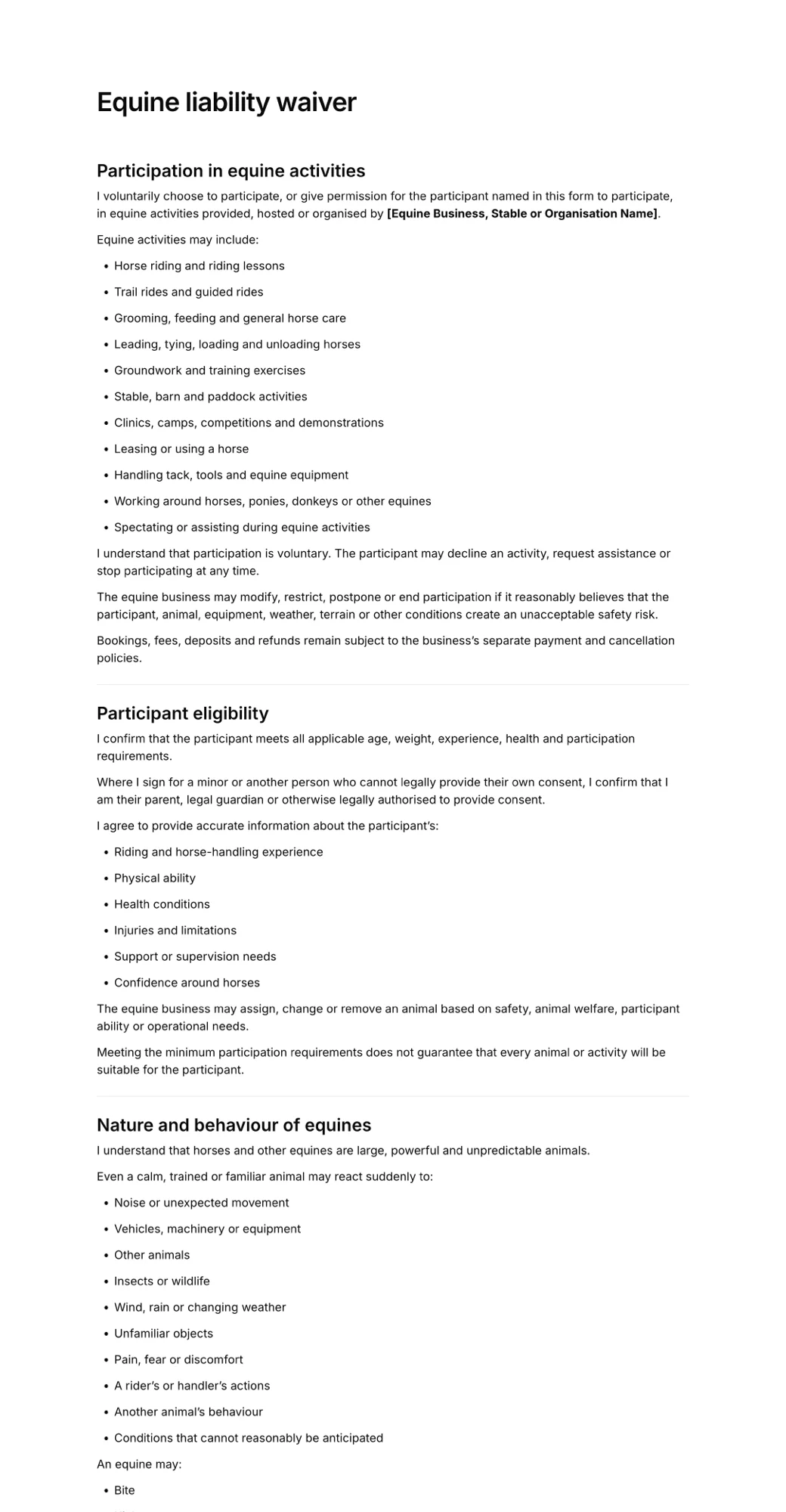
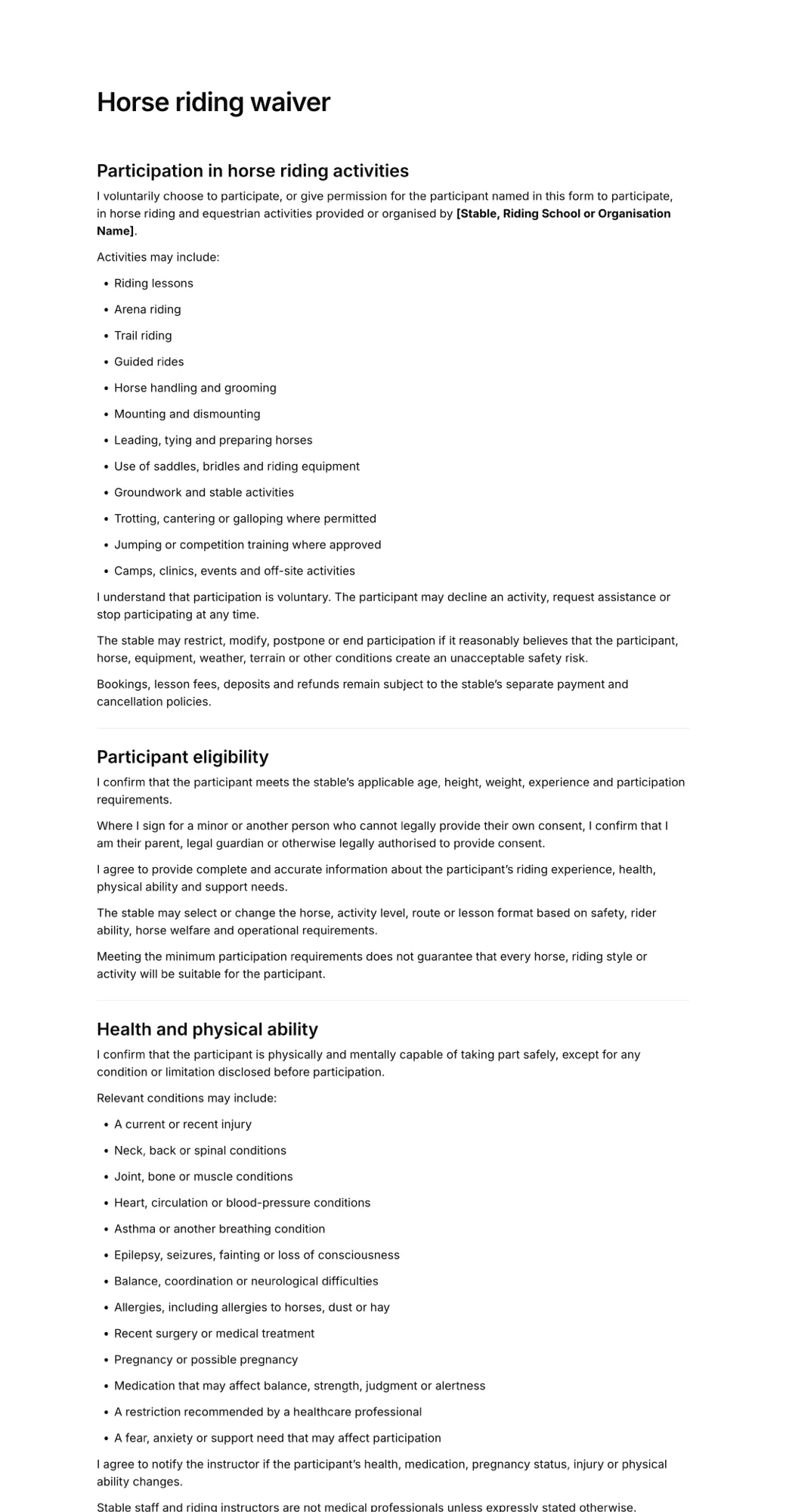
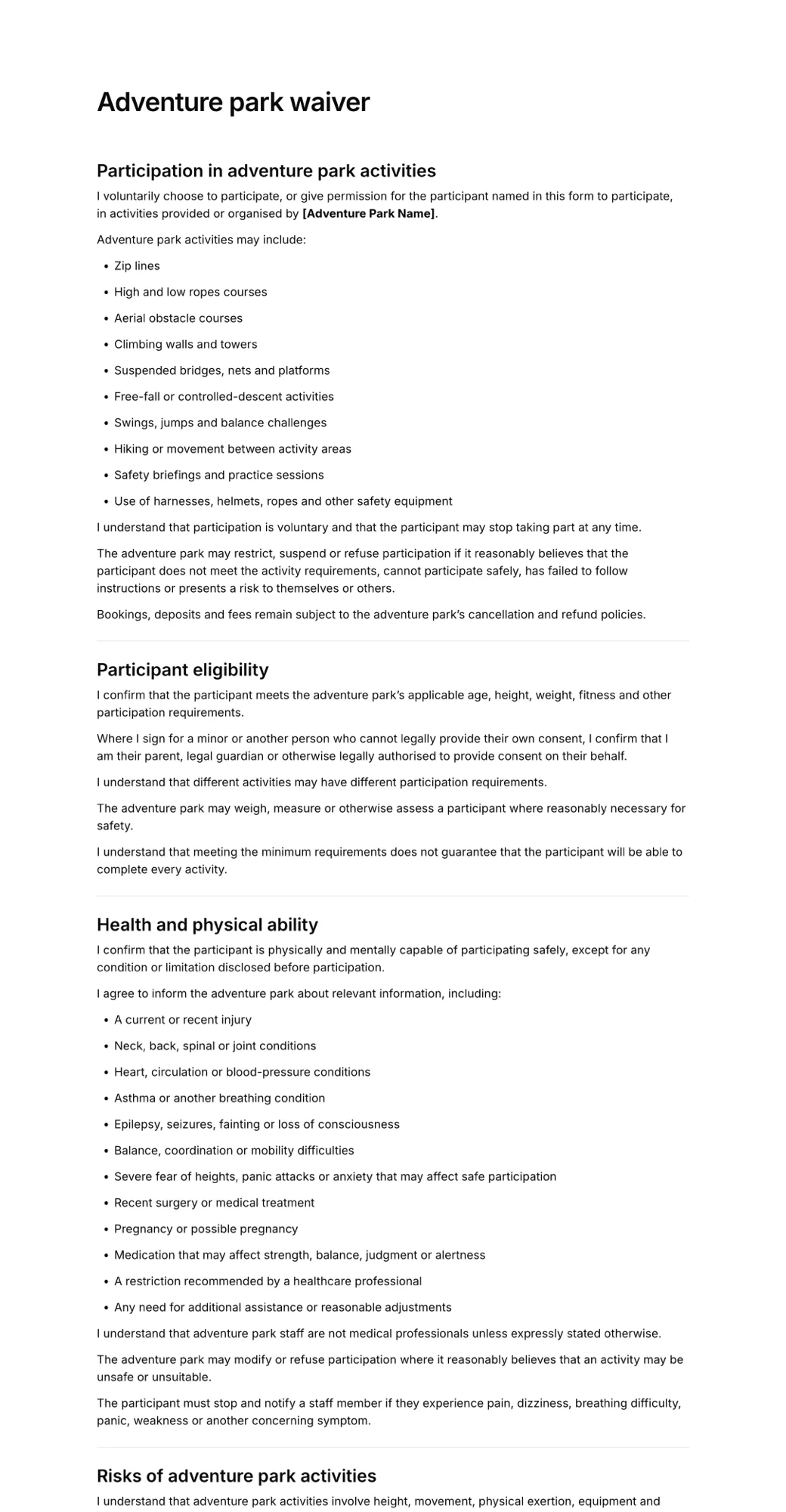
More forms businesses use alongside the zipline waiver.
Edit this zipline waiver PDF in minutes
- Edit in minutes
- Add your details
- Collect signatures