
Free auto repair release form PDF
Download a free auto repair release form PDF, print it for your shop counter, or edit it online to add your rates and collect electronic signatures.
- Free to download
- Printable PDF
- Edit online
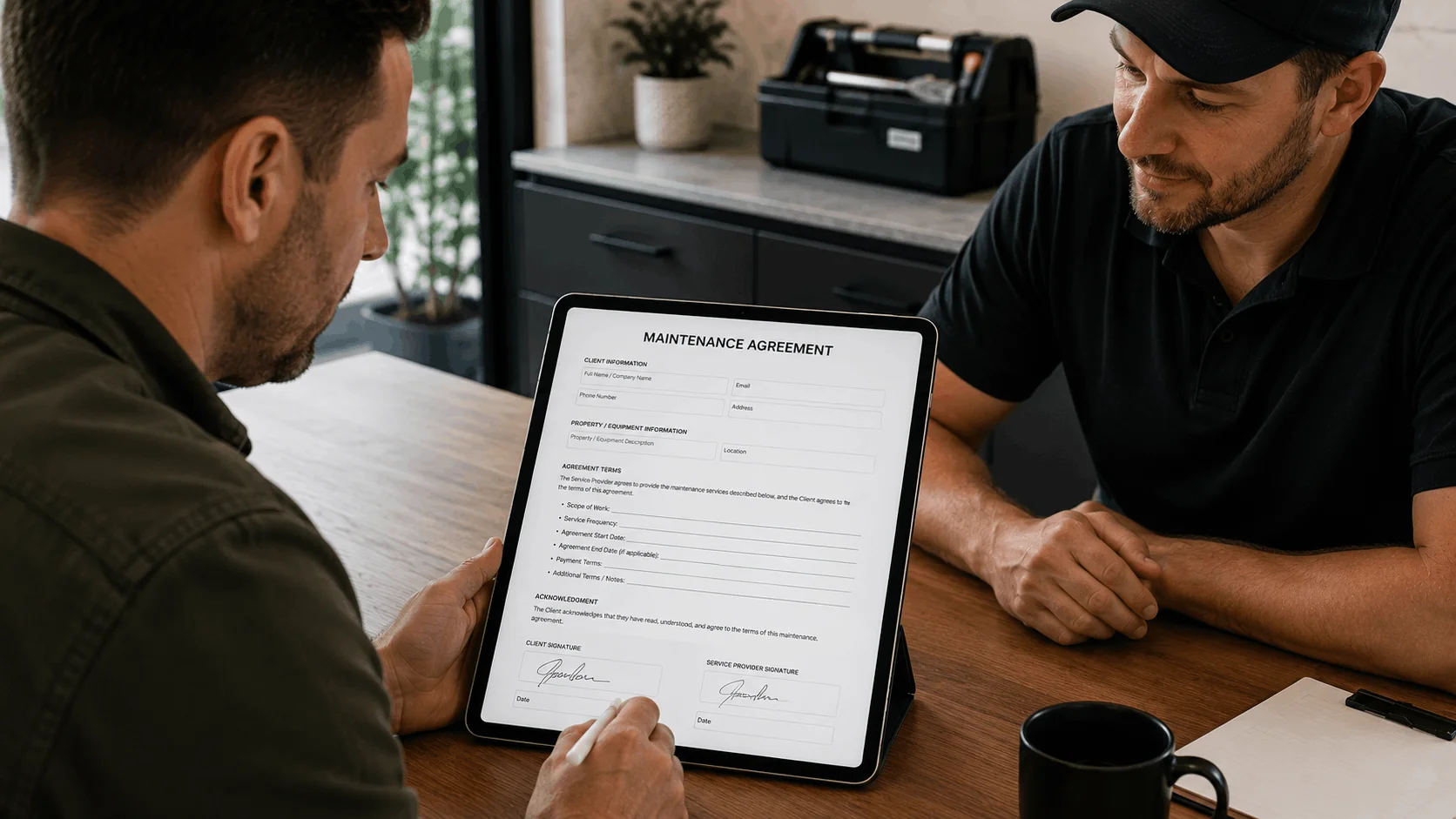
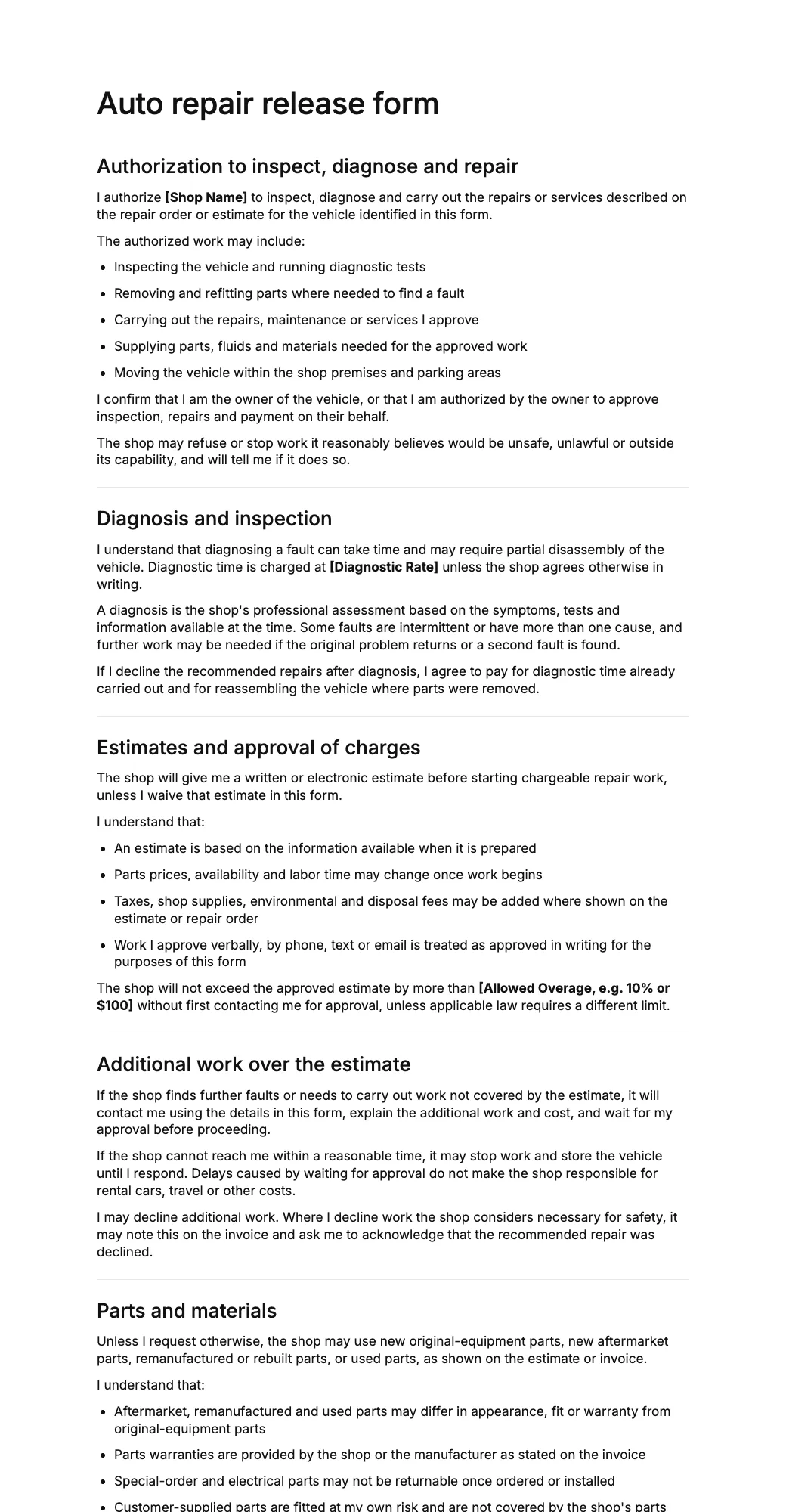

What's included in this auto repair release form PDF?
An auto repair release form PDF is a ready-to-use document that mechanics, garages and repair shops can ask customers to review and sign when they drop off a vehicle.
The PDF records that the customer owns the vehicle or is authorized to act for the owner, has approved the inspection, diagnosis and repairs, and understands how estimates and additional work are handled.
The form may include customer details, vehicle make, model, year, plate or VIN, mileage, the problem description, diagnostic charges, estimate approval, an overage limit, test drive authorization, parts preferences, return of replaced parts, payment terms, lien rights, storage fees and a signature.
It also covers common points of dispute, such as pre-existing damage, worn parts that break during removal, personal items left in the vehicle, repairs the customer declined and vehicles that are not collected on time.
Repair businesses can download the PDF as a starting point and customize it for general auto repair, dealership service departments, mobile mechanics, tire and brake shops, body shops, motorcycle repair and small-engine repair.
How to use this auto repair release form PDF
- 1Download the PDFDownload the free auto repair release form PDF to your computer, tablet, or phone. You can save a blank copy for future use or print it immediately.
- 2Add your detailsReview the document before using it and make sure the wording, questions, and information requested are appropriate for your business or activity.
- 3Print it or collect signatures onlinePrint the PDF and ask people to complete and sign it in person, or edit the form with AgreeDock to send a signing link, display a QR code, and collect electronic signatures online.
Printable PDF or online auto repair release form?
A printable PDF works well when you only need to collect forms occasionally. If you collect forms regularly, an online version can make the process easier for both you and the person completing the form.
Printable auto repair release form PDF
- Download and print copies
- Collect handwritten signatures
- Store completed paperwork manually
- Print a new version after changes
- Good for occasional use
Online auto repair release form
- Share a link or QR code
- Collect electronic signatures
- Keep completed forms together online
- Update your form whenever needed
- Better for recurring use
With AgreeDock, you can turn this PDF into an online form, add your own questions and terms, and collect completed forms before customers arrive.
Why use a auto repair release form PDF?
An auto repair authorization form helps shops confirm what work the customer approved and at what price before the job starts.
Clear estimate and overage terms reduce surprises at pickup. When the shop finds more work, the customer knows they will be contacted before charges go above the agreed amount.
Recording vehicle condition, mileage and the customer’s description of the problem at drop-off helps separate pre-existing issues from anything that happens while the vehicle is with the shop.
Stating collection deadlines, storage fees and payment terms in advance gives the shop a clearer position when vehicles are left uncollected or bills go unpaid.
A consistent sign-in process gives every job the same signed record, which can support warranty claims, customer questions and recordkeeping.
Free AI waiver generator
Make a custom auto repair release form with AI
Describe your business and our AI waiver generator drafts a auto repair release form tailored to your activity, rules and risks. Edit it, share it by link or QR code, and collect e-signatures.
- Free to start
- No credit card
- Edit before you share
Questions
Anything else? Write to info@agreedock.com
Is this auto repair release form PDF free to download?
Yes. You can download the blank auto repair release form PDF and use it as a starting point for your garage, repair shop or mobile mechanic business.
Can I print the auto repair release form PDF?
Yes. The PDF can be printed and kept at the service counter for customers to complete and sign when dropping off a vehicle.
Can I edit the auto repair release form PDF?
Yes. You can customize the form with your shop name, diagnostic rate, overage limit, storage fees, collection period, parts policy, warranty terms and any wording required by local consumer repair rules.
What is included in the auto repair release form PDF?
The PDF may include customer and vehicle details, repair authorization, diagnostic charges, estimate approval, additional work terms, test drive consent, parts choices, pre-existing damage, personal items, payment and lien terms, storage fees and a signature.
Can I use this PDF as a vehicle repair authorization form?
Yes. The template works as a vehicle repair authorization form. Add the estimate or repair order number and the approved amount so the signed form matches the specific job.
Can I use this PDF as a vehicle release form at pickup?
Yes. The form already covers collection deadlines, storage fees and payment before release. Some shops also ask customers to sign or initial the invoice at pickup to confirm the work was completed.
Does the PDF cover aftermarket and used parts?
Yes. Customers can choose original-equipment parts only, or allow the shop to use aftermarket, remanufactured or used parts where shown on the estimate. You can edit the wording to match your parts and warranty policy.
Can customers complete auto repair release forms electronically?
Yes. Instead of printing the PDF, you can create an online auto repair release form with AgreeDock and send customers a signing link or QR code, so they can sign at drop-off or approve the work before they arrive.
Related PDF templates
More printable forms businesses use alongside the auto repair release form.
Edit this auto repair release form PDF in minutes
- Edit in minutes
- Add your details
- Collect signatures