
Podcast guest release form template
Create a podcast guest release form to collect recording consent, publishing rights, name and likeness permission, and electronic signatures from guests online.
- Ready in 5 min
- Add your details
- Collect signatures

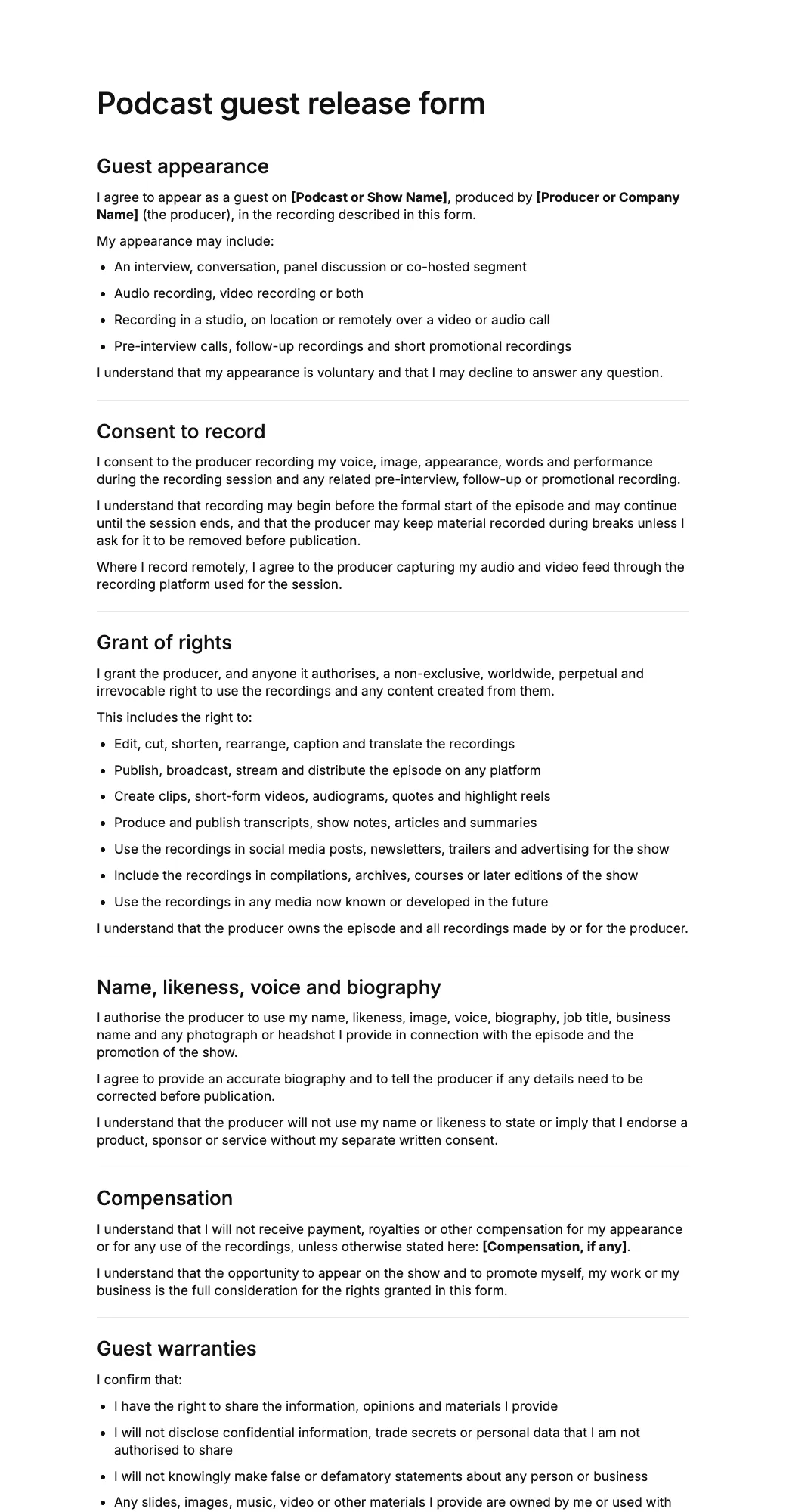

What is a podcast guest release form?
A podcast guest release form is a document a guest signs before appearing on a podcast, video show, live stream or recorded interview. It gives the show permission to record the guest and to use that recording.
The form records the guest’s consent to be recorded in audio, video or both, and grants the producer the right to edit, publish, distribute and repurpose the episode, including clips, transcripts, social media posts and advertising for the show.
A podcast release form usually also covers use of the guest’s name, likeness, voice and biography, whether the guest is paid, the guest’s promises about the material they share, the host’s editorial control, and the fact that the show is not obliged to publish the episode.
Guests often want to share their appearance, so the form can also set out how they may post the episode and official clips on their own channels. For guests under the age of majority, a parent or legal guardian signs.
Podcasters, YouTube and video shows, production companies, brands with company podcasts, journalists and researchers can customise the form as an interview release form for their show and send it with the booking confirmation.
What a podcast guest agreement should cover
A podcast guest agreement works best when it is short enough for guests to read but specific about rights. Name the show and the producer, describe the recording format, and list the ways you will use the content: the full episode, short clips, audiograms, transcripts, show notes, newsletters and trailers.
Make the grant of rights worldwide and in any media so you can move platforms or create new formats later without asking again. Keep editorial control with the host, state that you are not required to publish, and be clear about compensation, even if the answer is none.
Ask guests to confirm they own what they share, will not disclose confidential information or make defamatory statements, and will disclose sponsorships or conflicts of interest. For photo shoots and other image use, see the model release form.
Collecting a guest appearance release before recording
Send the guest appearance release with your booking email or calendar invite so it is signed before the guest joins the call. A signed online form also gives you the guest’s preferred name, title and links for the show notes in one place.
If a guest refuses to sign, or wants changes to the terms, it is easier to resolve before the episode is recorded and edited than after it has been published.
How to create a podcast guest release form
- 1Create with AI or pick a templateDescribe the form you need and let AI create it, or start with a podcast guest release form template. Add your business details, questions and terms.
- 2Share it with customersSend a signing link, sign in person, or display a QR code for customers to scan.
- 3Collect and manage signaturesSee who has signed, search customer records, and download signed podcast guest release form PDFs whenever you need them.
Free AI waiver generator
Make a custom podcast guest release form with AI
Describe your business and our AI waiver generator drafts a podcast guest release form tailored to your activity, rules and risks. Edit it, share it by link or QR code, and collect e-signatures.
- Free to start
- No credit card
- Edit before you share
Questions
Anything else? Write to info@agreedock.com
What is a podcast guest release form?
A podcast guest release form is a signed agreement in which a guest consents to being recorded and grants the show the right to edit, publish and promote the recording, including use of their name, likeness and voice.
Do I need a podcast release form for every guest?
It is good practice. A signed release gives you a clear record of what the guest agreed to, which helps if a guest later asks you to remove an episode, objects to a clip, or if a platform, sponsor or distributor asks for proof of rights.
What should a podcast guest release form include?
It may include the show and producer names, consent to record, a grant of rights to edit, publish and repurpose content, permission to use the guest’s name, likeness, voice and biography, compensation terms, guest warranties, editorial control, no obligation to publish, guest promotion rights, a section for minors and a signature.
Can I use clips from the episode on social media?
Yes, if the release grants that right. This template covers clips, short-form video, audiograms, quotes, transcripts, social posts and advertising for the show, in any media worldwide.
Can a guest ask to review the episode before it is published?
The template keeps editorial control with the host and states that guests do not have approval rights unless the producer agrees in writing. Many shows still consider reasonable requests to correct factual errors or remove confidential information.
Can this be used as an interview release form?
Yes. The same terms work for video interviews, documentary interviews, YouTube shows, live streams and recorded panels. Change the show name and recording format to match how you record.
Can a guest share the episode on their own channels?
Yes. The template lets guests share, link to and embed the published episode and official clips to promote their appearance, while preventing them from re-uploading, editing or selling the content without permission.
Is an online podcast guest release form legally binding?
An electronically signed release may be valid when the terms are clearly presented, the guest actively agrees and a reliable signed record is kept.
Enforceability, publicity rights and the rules for minors depend on the applicable jurisdiction, so shows with complex rights or sponsorship arrangements should have the wording reviewed.
Related templates
More forms businesses use alongside the podcast guest release form.
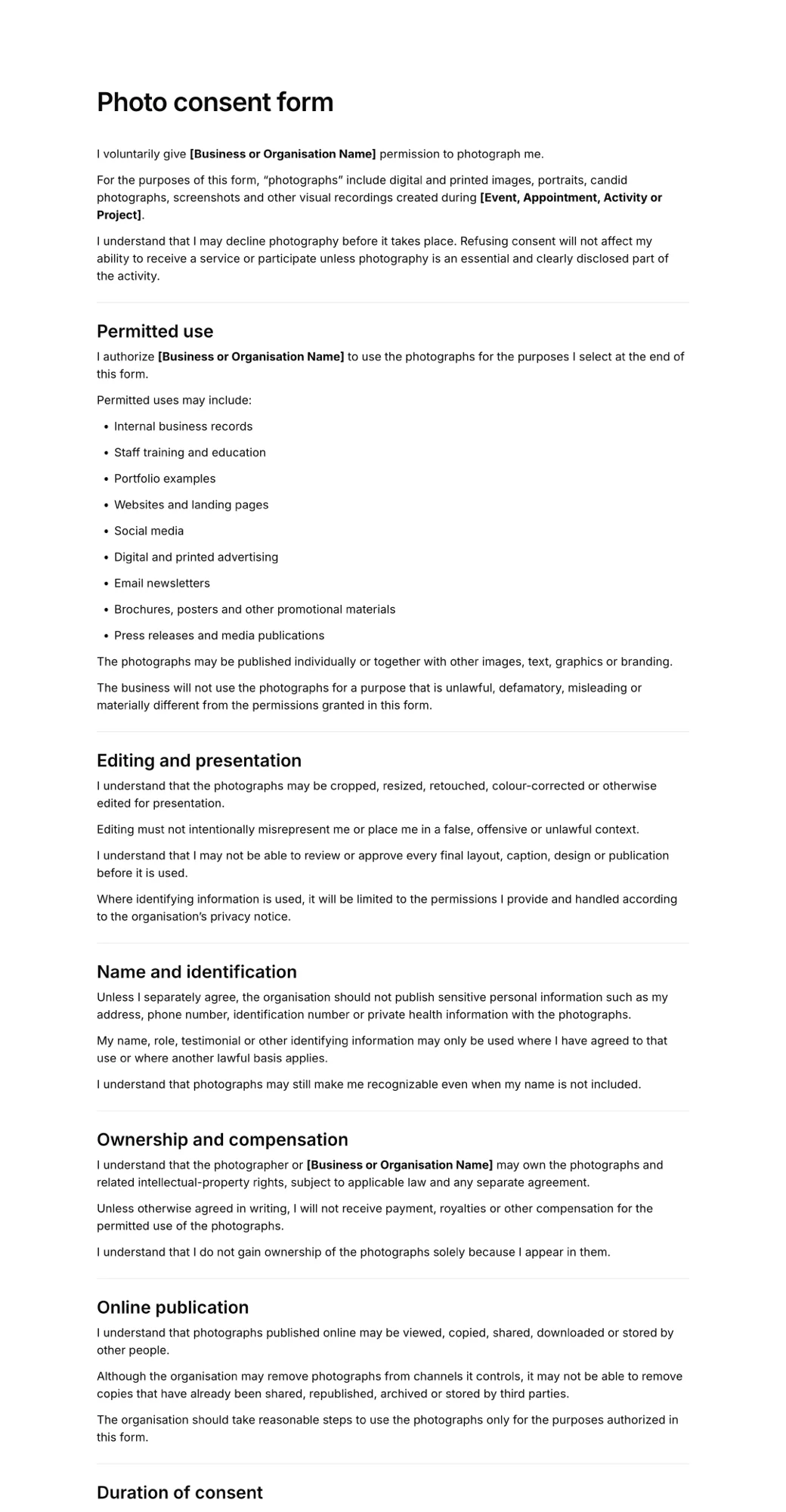
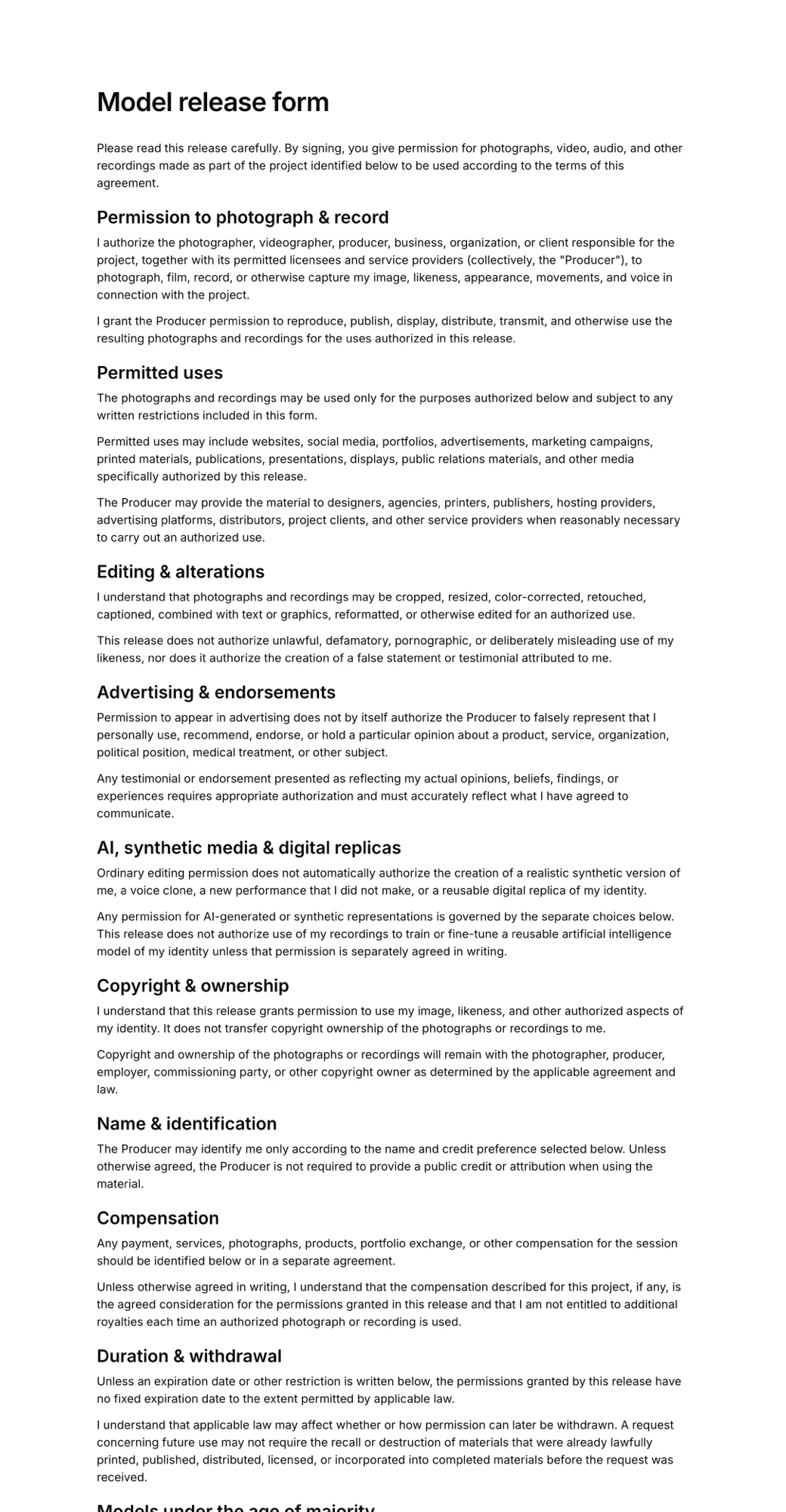
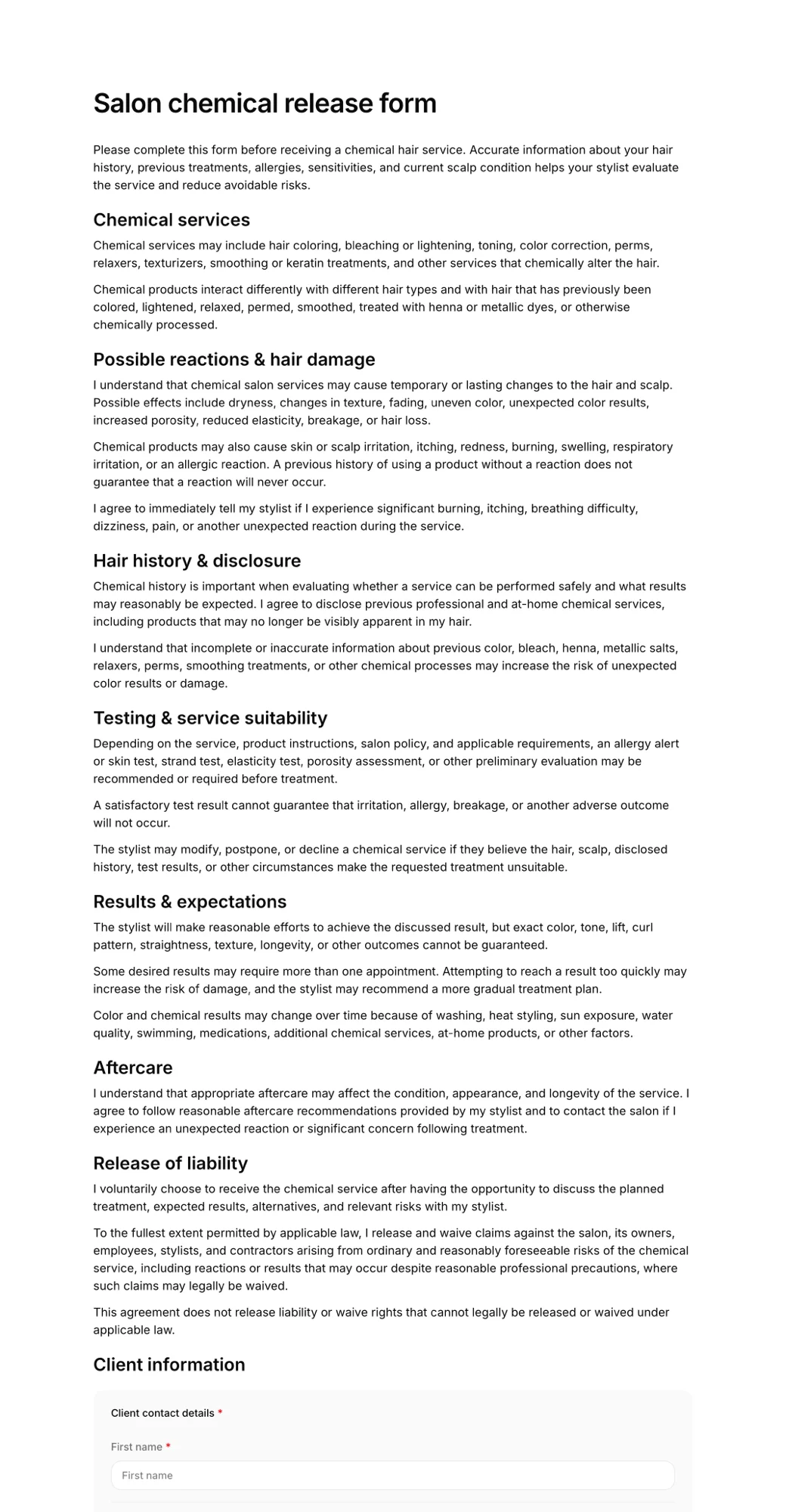
Create your podcast guest release form in minutes
- Create in minutes
- Add your details
- Collect signatures