
Free salon booking form PDF
Download a free salon booking form PDF, print it for reception, or edit it online to add your services and policies and collect electronic signatures.
- Free to download
- Printable PDF
- Edit online

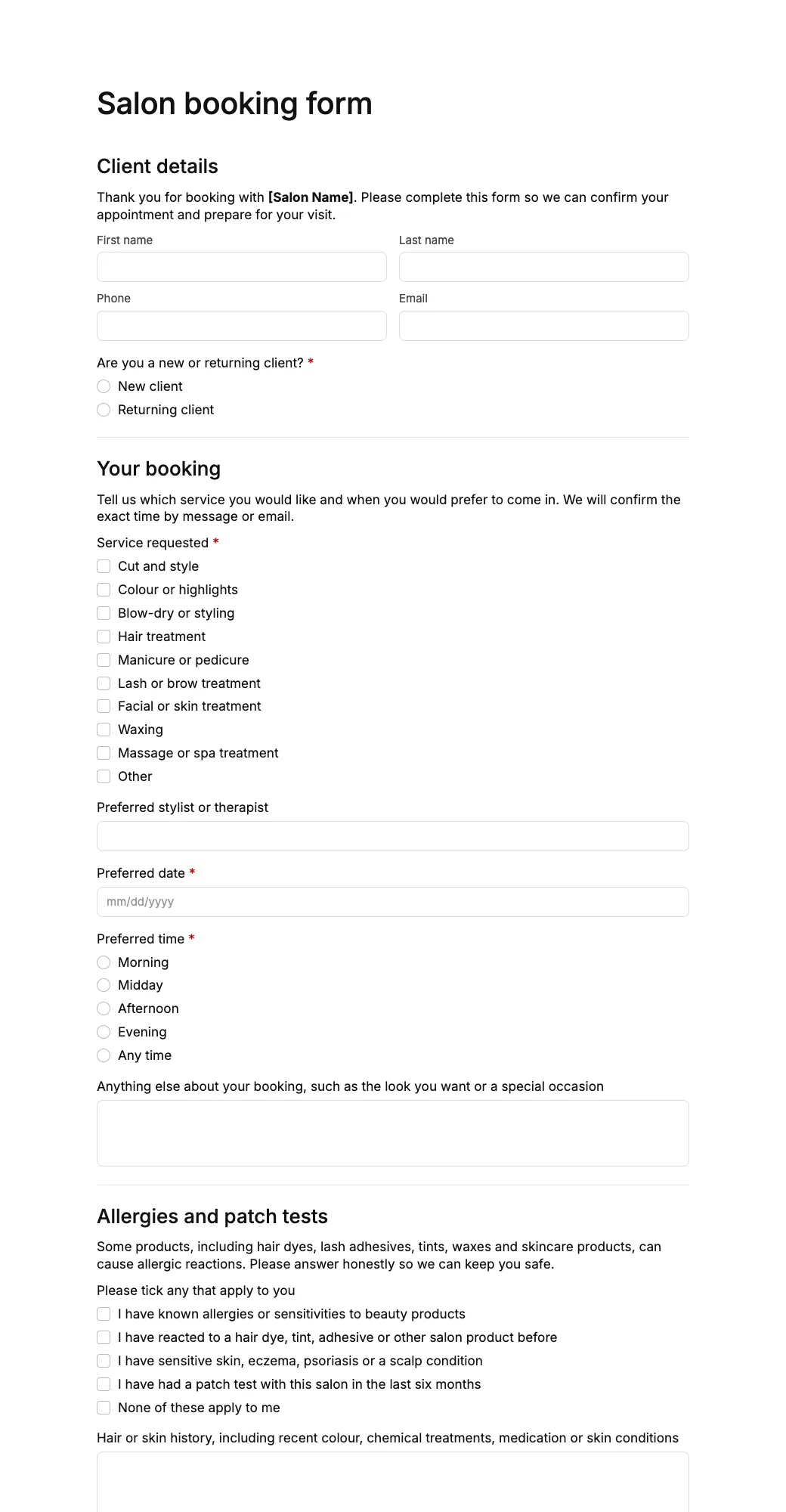

What's included in this salon booking form PDF?
A salon booking form PDF is a ready-to-use document that hair salons, beauty salons, spas, nail and lash studios can use to take appointment requests and get clients to agree to booking policies.
The PDF collects client details, whether the client is new or returning, the service requested, preferred stylist, preferred date and time window, and how the client would like to receive reminders.
It asks about allergies, sensitivities, previous reactions to products and patch test status, with space for hair or skin history and medications that may affect treatment.
The policy section covers deposits, cancellation notice, no-show fees, late arrivals, rescheduling, results and consultation, and children and guests in the salon.
The form ends with photo consent, a short liability release for salon services and a signature, and can be customised for hair salons, barbers, day spas, nail bars, lash and brow studios and mobile beauty services.
How to use this salon booking form PDF
- 1Download the PDFDownload the free salon booking form PDF to your computer, tablet, or phone. You can save a blank copy for future use or print it immediately.
- 2Add your detailsReview the document before using it and make sure the wording, questions, and information requested are appropriate for your business or activity.
- 3Print it or collect signatures onlinePrint the PDF and ask people to complete and sign it in person, or edit the form with AgreeDock to send a signing link, display a QR code, and collect electronic signatures online.
Printable PDF or online salon booking form?
A printable PDF works well when you only need to collect forms occasionally. If you collect forms regularly, an online version can make the process easier for both you and the person completing the form.
Printable salon booking form PDF
- Download and print copies
- Collect handwritten signatures
- Store completed paperwork manually
- Print a new version after changes
- Good for occasional use
Online salon booking form
- Share a link or QR code
- Collect electronic signatures
- Keep completed forms together online
- Update your form whenever needed
- Better for recurring use
With AgreeDock, you can turn this PDF into an online form, add your own questions and terms, and collect completed forms before customers arrive.
Why use a salon booking form PDF?
A salon booking form gives every client the same clear policies before their appointment, which makes it easier to apply deposit and cancellation rules fairly.
A signed agreement to the no-show and late arrival policy helps reduce missed appointments and gives the salon a record if a client disputes a fee.
Allergy and patch test questions help staff spot clients who may react to dyes, adhesives, tints or other products before the service starts.
Recording the requested service, preferred stylist and time window in one place makes it quicker to confirm bookings and plan the day.
Combining the booking request and the policy agreement means clients fill in one form instead of two, and the salon keeps one complete record.
Free AI waiver generator
Make a custom salon booking form with AI
Describe your business and our AI waiver generator drafts a salon booking form tailored to your activity, rules and risks. Edit it, share it by link or QR code, and collect e-signatures.
- Free to start
- No credit card
- Edit before you share
Questions
Anything else? Write to info@agreedock.com
Is this salon booking form PDF free?
Yes. You can download the blank salon booking form PDF and use it as a starting point for your salon, spa or studio.
Can I print the salon booking form?
Yes. The PDF can be printed for reception and completed by clients when booking in person or on arrival for a first appointment.
Can I add my own services and prices?
Yes. You can edit the service list, stylists, time windows, deposit amount, notice period and fees to match your salon.
Does the PDF include a cancellation policy?
Yes. It includes deposit, cancellation, no-show, late arrival and rescheduling terms with placeholders for your notice period and fees.
Does it include allergy and patch test questions?
Yes. The form asks about known allergies, previous reactions, sensitive skin and recent patch tests, and includes a section on patch test requirements.
Can I use it for a nail or lash studio?
Yes. Change the service options to nail or lash treatments and keep the allergy, policy and consent sections.
Does the PDF include a liability waiver?
It includes a short assumption of risk and liability release for ordinary salon service risks. For chemical treatments you may want a fuller salon waiver as well.
Can clients complete the booking form online?
Yes. Instead of printing the PDF, you can create an online salon booking form with AgreeDock and share a link or QR code so clients can book, agree to your policies and sign before they arrive.
Related PDF templates
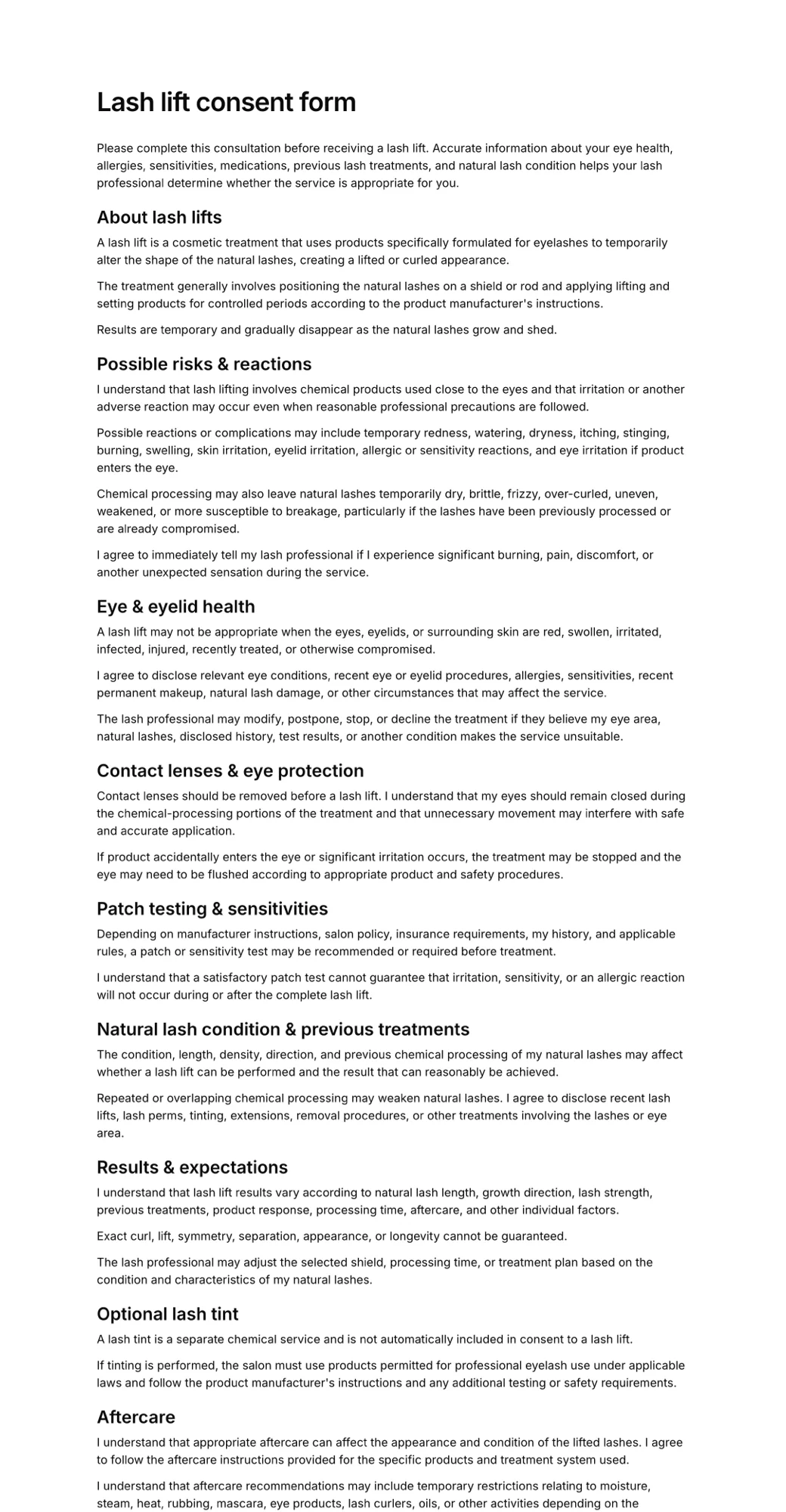
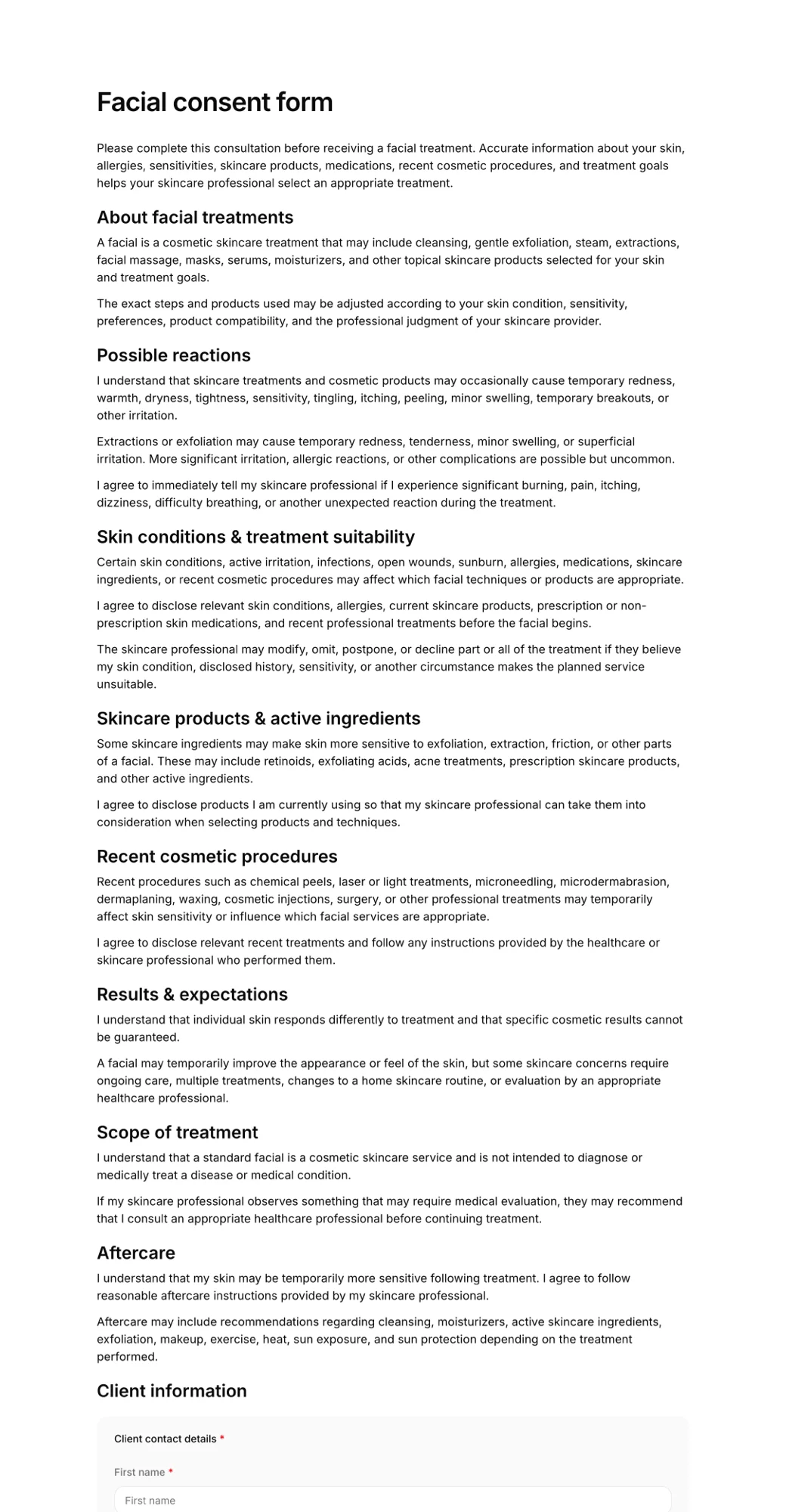
More printable forms businesses use alongside the salon booking form.
Edit this salon booking form PDF in minutes
- Edit in minutes
- Add your details
- Collect signatures