The best church check-in software for most churches is either Planning Center Check-Ins, which is free for up to 10 check-ins a day and priced by your busiest day, or KidCheck, a dedicated kids check-in system with flat per-device pricing. If you want check-in included in one church management price, Breeze and Tithely both bundle it. Larger churches should also get quotes from Realm and Pushpay ChurchStaq.
This guide is for children's pastors, kids ministry coordinators and church administrators choosing a kids check-in system for Sunday school, nursery, midweek programs and events. AgreeDock is our product, but it is not a check-in system, so it isn't ranked as one here. We've included it only at the end, for the registration, permission and medical consent forms parents sign before their child is ever checked in. Prices were checked on vendor websites in November 2026 and can change, so confirm them before you buy.
Quick comparison
| Tool | Type | Best for | Starting price |
|---|---|---|---|
| Planning Center Check-Ins | Church check-in module | Churches on Planning Center | Free to 10 a day |
| KidCheck | Dedicated kids check-in | Standalone check-in | $25/mo per device |
| Breeze | Church management | Flat all-in-one price | $72/mo flat |
| Tithely | Giving and church management | Churches on Tithely giving | Check vendor pricing |
| ChurchTrac | Church management | Small churches | Check vendor pricing |
| Realm | Church management | Mid-size and large churches | Pricing on request |
| Pushpay ChurchStaq | Church management | Multi-campus churches | Pricing on request |
| AgreeDock | Signed forms, not check-in | Consent forms before check-in | Free, Pro $15/mo |
How we chose
Children's ministry check-in is about one thing: every child goes home with the right adult. We looked at:
- Child safety features. Guardian matching, labels with allergy or medical notes, and a way to confirm who picks up.
- Pricing model. Per day, per device, or included in a church management plan.
- Church database. Whether check-in uses the same family records as the rest of your ministry.
- Ease on Sunday morning. How quickly a volunteer or parent can check in a family at a busy door.
- Extras. Event check-in, reporting and attendance tracking.
This comparison is based on vendor sites and public documentation, not a long hands-on test of every product. Check-in features vary by plan, so confirm the details that matter to you, such as label printing and security codes, with each vendor.
1. Planning Center Check-Ins
Planning Center Check-Ins is the check-in module of Planning Center's modular church management system. It uses the same People database, which is free, so families entered once can be checked in each week. It's priced by the number of people checked in on your busiest day, which means a small church can start free and pay more only as attendance grows.
Best for: Churches already using Planning Center, or small churches that want to start free.
Pricing: Free for up to 10 check-ins a day. Then $15/month for 30, $32 for 75, $69 for 200, $115 for 500, $179 for 1,000 and $239/month for unlimited, as listed in November 2026.
Strengths:
- Free tier for very small children's ministries
- Uses the free Planning Center People database
- Price based on your busiest day, not total members
- Part of a wider set of church modules
Drawbacks:
- Costs rise as attendance grows, and Easter or a big event day sets the tier
- Other Planning Center modules are priced separately
- We found no native signature field for consent forms in Planning Center
2. KidCheck
KidCheck is a dedicated children's check-in system rather than a full church management suite. That makes it a good fit for churches that are happy with their current database but want a focused, secure check-in system for kids. Check-in surveys are available on all editions, and event registration is included on Premier.
KidCheck's pricing page doesn't list waivers or e-signatures, so you'll still need a way to collect signed consent forms.
Best for: Churches that want a dedicated kids check-in system without changing their church database.
Pricing: For one check-in device, Starter is $25/month, Plus $45/month and Premier $60/month, as listed in November 2026. Unlimited devices add $15, $30 or $60 depending on the edition. Paying 12 months upfront saves 5%, and there's a 90-day money-back guarantee with free setup and training. A business edition for non-church childcare is priced separately.
Strengths:
- Built specifically for children's check-in
- Clear published pricing
- 90-day money-back guarantee and free setup
- Event registration on Premier
Drawbacks:
- Separate from your church management software
- Extra devices cost more
- No waivers or e-signatures listed
3. Breeze
Breeze includes check-in and name tags in its flat monthly price, alongside people records, forms and events. If you want one simple system and don't want to count check-ins, that flat price is the appeal. Breeze now belongs to Tithely.
Best for: Small and mid-size churches that want check-in included in one flat price.
Pricing: $72/month flat, with no contract and a 30-day free trial, as listed in November 2026.
Strengths:
- Check-in and name tags included
- Flat price not tied to attendance
- Forms and events in the same system
Drawbacks:
- Breeze's help docs say there's no official signature field for forms
- Less specialized than a dedicated check-in product
4. Tithely
Tithely's church management includes kids and event check-in with guardian matching and allergy labels, plus forms and event registration. For churches already using Tithely for giving, it keeps check-in with the same vendor.
Best for: Churches already using Tithely giving.
Pricing: All-Access is $119/month with a 30-day free trial, as listed in November 2026. The pricing page shows conflicting figures for Church Management alone, so check the vendor's pricing page.
Strengths:
- Guardian matching and allergy labels
- Kids and event check-in
- Giving, forms and check-in together
Drawbacks:
- Tithely's support docs say there's no built-in signature field for forms
- Plan pricing is confusing on the vendor's page
5. ChurchTrac
ChurchTrac is an all-in-one church management system aimed at smaller churches. It includes check-in alongside event registration and connection cards.
Best for: Small churches looking for an affordable all-in-one system with check-in.
Pricing: Check the vendor's pricing page. We couldn't load it to confirm current plans.
Strengths:
- Check-in included in a full church system
- Aimed at smaller budgets
Drawbacks:
- Pricing could not be confirmed
- We found no signature field for forms
6. Realm
Realm, from ACS Technologies, includes check-in along with events, custom forms and the wider ACS tools such as accounting and background checks. It's sold by quote through the Inform, Connect and Multiply plans.
Best for: Mid-size and large churches that want check-in within a broader system.
Pricing: Pricing on request.
Strengths:
- Check-in, events and forms in one system
- Background checks in the same ecosystem, useful for screening kids ministry volunteers
Drawbacks:
- No published prices
- More system than a small church may need
7. Pushpay ChurchStaq
Pushpay's ChurchStaq, formerly Church Community Builder, lists check-in, forms and facility management in its plans. The Complete plan is priced per campus, which suits churches with several locations.
Best for: Multi-campus churches.
Pricing: Pricing on request.
Strengths:
- Check-in alongside forms and facilities
- Designed for multiple campuses
Drawbacks:
- No published prices
- Likely more than a single small church needs
8. AgreeDock (for forms parents sign before check-in)
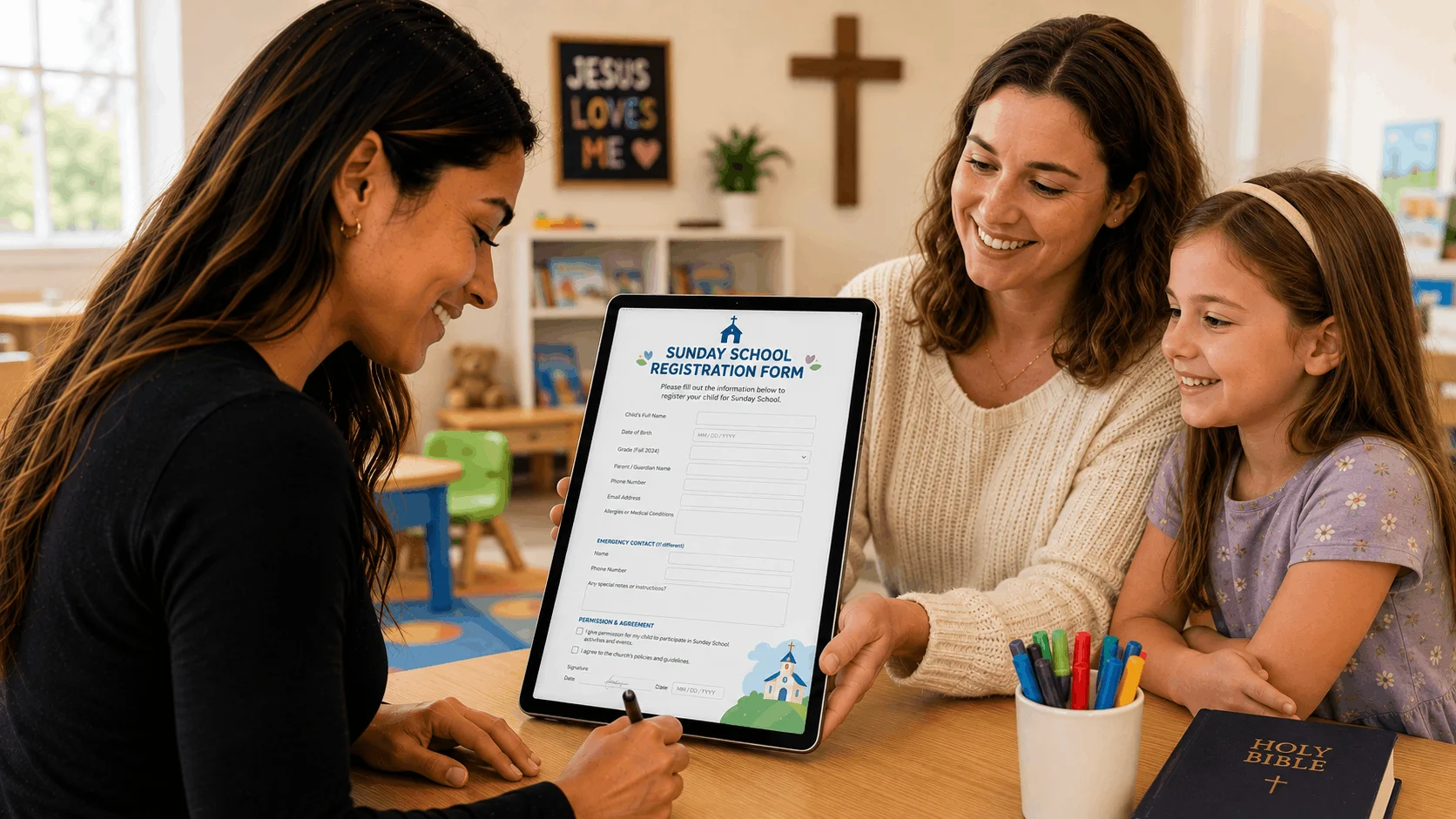
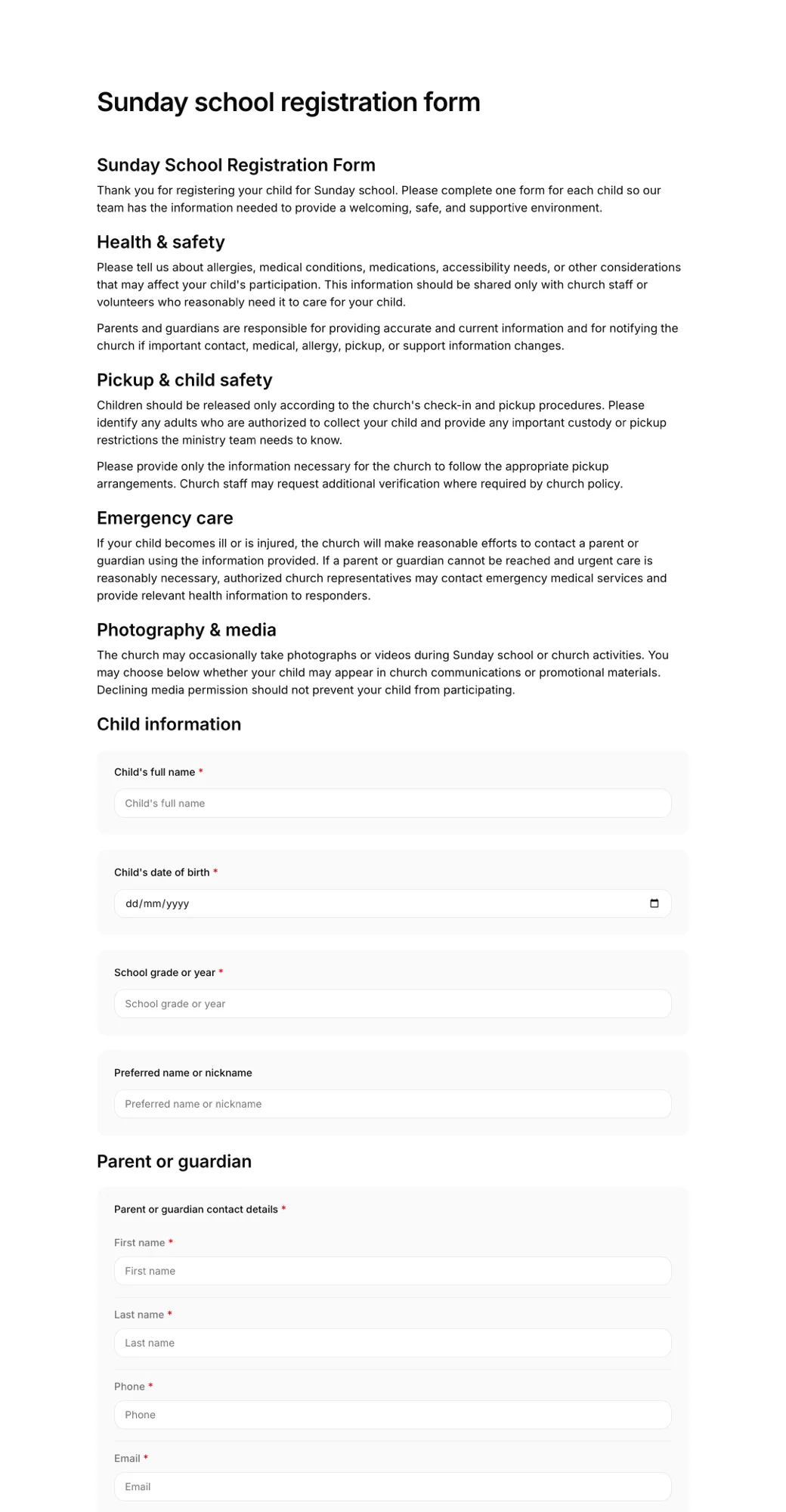
AgreeDock does not check children in or out, print labels or match guardians. Use one of the systems above for that. Where AgreeDock helps is the paperwork that comes first: the Sunday school registration form, medical consent, allergy details, photo consent and permission slips for off-site children's ministry events.
Since most church check-in systems don't have a native signature field, many churches collect these signed forms separately. A parent signs once from a link or QR code, and the form is saved with the answers and exact wording, searchable by name and downloadable as a PDF. You can then copy key details, like allergies, into your check-in system.
Best for: Collecting signed registration and consent forms from parents, alongside your check-in system.
Pricing: Free plan forever with 1 active form and 10 signatures per month. Pro is $15/month, or $10/month billed yearly ($120/year), with unlimited signatures.
Strengths:
- Real signature field with guardian and minor sections
- Kiosk mode on a tablet at the welcome desk for new families
- Children's ministry templates you can edit
- Flat price at any volume
Drawbacks:
- Not a check-in system: no labels, guardian matching or attendance
- No integrations, so data doesn't sync to your check-in software
- No file upload, conditional logic or HIPAA BAA
- Needs an internet connection
How to choose a kids check-in system for your church
Start with your database. Check-in works best when it uses the same family records as the rest of your church. If you're on Planning Center, Breeze or Tithely, try their check-in first.
By size. Very small churches can start free with Planning Center Check-Ins. Mid-size churches should compare Planning Center's daily tiers with Breeze's flat price and KidCheck's per-device price. Large and multi-campus churches should get quotes from Realm and Pushpay.
By budget predictability. Daily tiers grow with attendance, and your biggest day sets the price. Flat plans and per-device plans are easier to budget.
By child safety needs. Ask each vendor how pickup is confirmed, whether labels show allergy or medical notes, and how guardian matching works. These details matter more than any other feature.
By number of stations. Count how many check-in points you need on a busy Sunday. Per-device pricing, like KidCheck's, depends on it.
Don't forget the forms. Check-in confirms who dropped off and who picks up. It doesn't replace signed consent for medical treatment, photos or off-site trips.
Children's ministry check-in vs consent forms
Check-in software and consent forms do different jobs:
- Check-in records attendance each week, prints labels and confirms the right adult picks up.
- Registration and consent forms are signed once, or once a year, and record allergies, medical conditions, emergency contacts, authorized pickups, photo consent and permission for emergency treatment.
Most churches collect registration and consent when a family first visits or at the start of the ministry year, then use check-in every week. If something happens during a service, the check-in record shows who was there, and the church incident report form records what happened.
For more on the forms churches use, see our guide to church forms software and the article on waivers for minors.
Frequently asked questions
What is the best church check-in software?
Planning Center Check-Ins is a strong choice for churches on Planning Center and starts free for 10 check-ins a day. KidCheck is a good dedicated kids check-in system with published per-device pricing. Breeze and Tithely include check-in in their church management plans.
Is there free church check-in software?
Planning Center Check-Ins is free for up to 10 people checked in on your busiest day, as listed in November 2026. Above that, paid tiers start at $15/month.
How much does KidCheck cost?
For one check-in device, KidCheck lists Starter at $25/month, Plus at $45/month and Premier at $60/month, with extra charges for unlimited devices, as listed in November 2026.
What should a children's ministry check-in system do?
It should check children in and out quickly, match each child with an authorized guardian at pickup, show allergy and medical notes to volunteers, and keep attendance records. Ask each vendor how they handle pickup security.
Do church check-in systems collect signed consent forms?
Usually not. Breeze's and Tithely's help docs say their forms have no built-in signature field, we found none in Planning Center, and KidCheck doesn't list e-signatures. Many churches collect signed consent forms with a separate tool.
What forms should parents fill out for children's ministry?
Most churches ask for a registration form with child and parent details, allergies and medical conditions, emergency contacts and authorized pickups, plus consent for emergency treatment and photos. Off-site events need a separate permission slip.
Can I use a tablet for church check-in?
Most church check-in systems support tablets or computers as check-in stations. Check each vendor's device requirements and whether you need label printers.