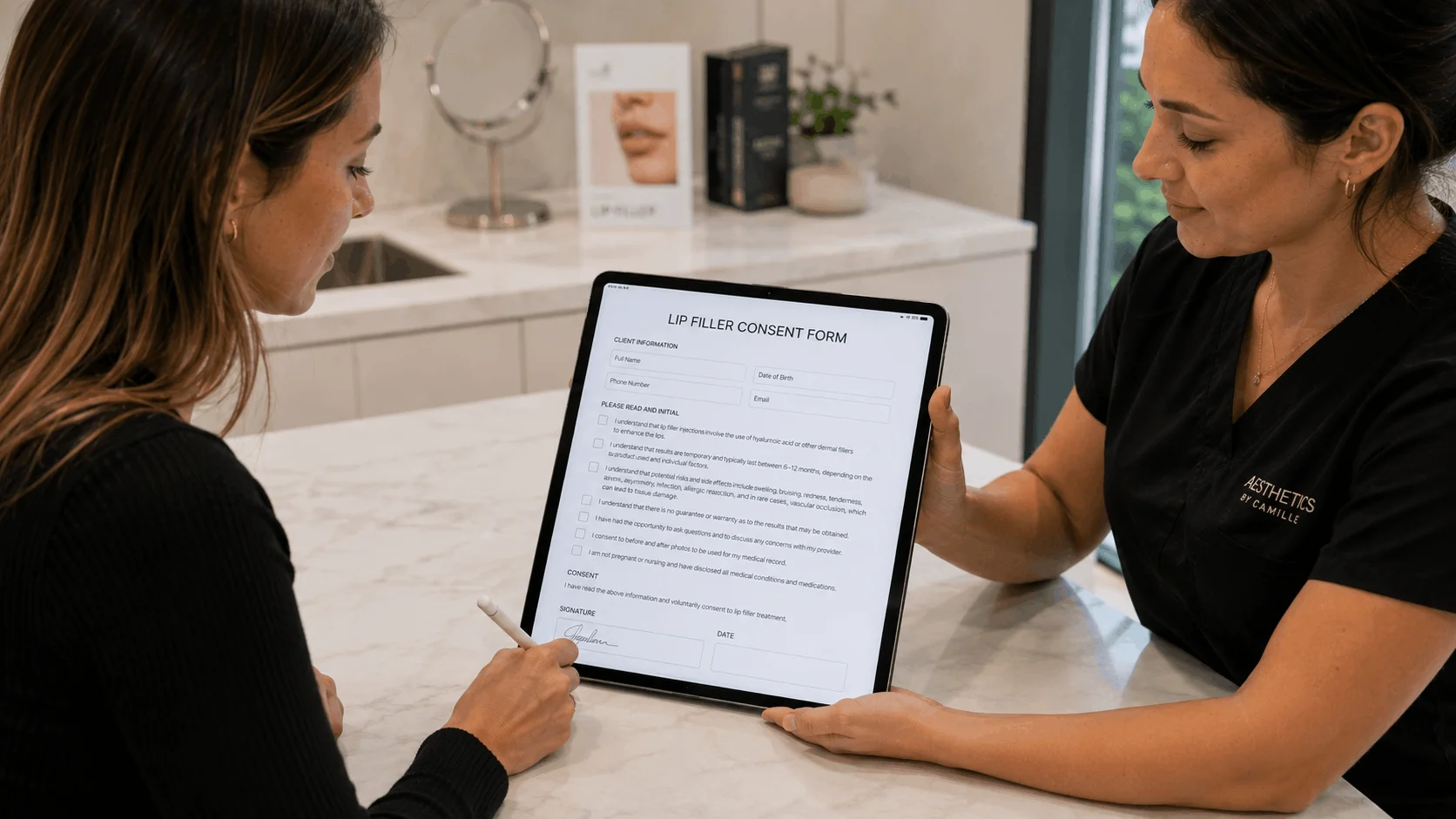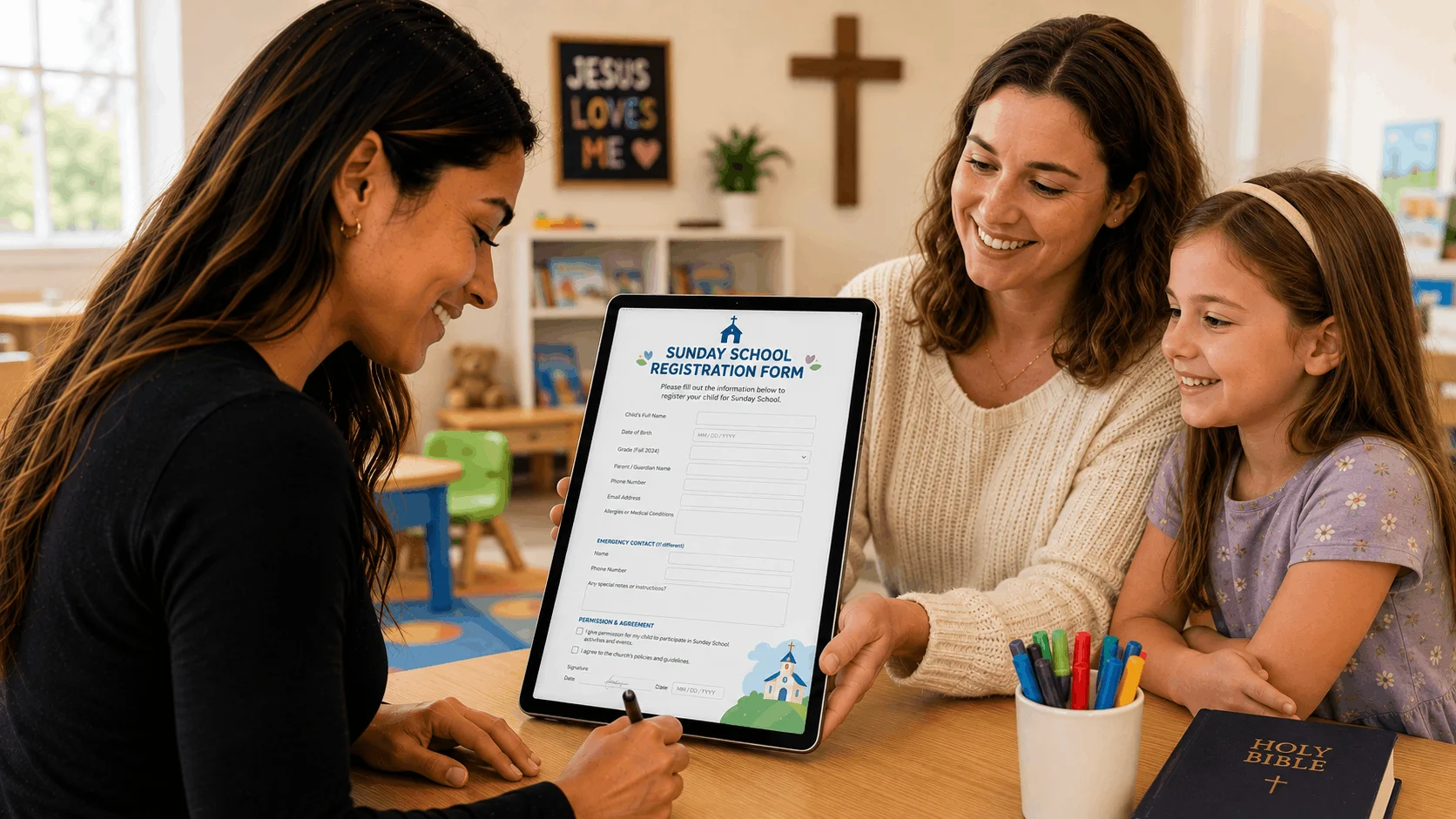
The best waiver kiosk software turns a tablet at your front desk into a self-service signing station that resets after every guest. AgreeDock is our pick for desks with reliable wifi because its kiosk mode runs in any tablet browser for a flat price. If your kiosk has to work offline, choose a native kiosk app such as Smartwaiver, WaiverForever, WaiverFile or Waiver Electronic.
A check-in kiosk waiver setup is common at trampoline parks, climbing gyms, rental shops, escape rooms and event entrances, anywhere guests arrive without having signed in advance. This guide covers the software, the hardware and the setup details that keep a line moving. AgreeDock is our product, so we've included it, and we've tried to be straight about where other tools fit better. Prices were checked on vendor websites in November 2026 (Smartwaiver's in October 2026) and can change.
Quick comparison
| Tool | Kiosk type | Offline | Device limits | Starting price |
|---|---|---|---|---|
| AgreeDock | Browser kiosk mode | No | Any number | $15/mo unlimited |
| Smartwaiver | iPad and Android app | Yes, with a cap | Check vendor | $22/mo for 100 |
| WaiverForever | iOS, Android, Amazon app | Yes | 1 device on Essential | $19/mo plus usage |
| WaiverFile | Venue App, self check-in | Yes | Unlimited kiosks | $19/mo for 150 |
| Waiver Electronic | iPad and Android app | Yes | Unlimited devices | $11.99/mo year one |
| Waiver Master | Free iPad, Android app | Not stated | Check vendor | $9.99/mo for 100 |
| Wherewolf | iPad Guest Mode | Check vendor | Check vendor | Pricing on request |
| WaiverSign | Browser via Kiosk Pro | No | Unlimited users | $19/mo for 100 |
| Jotform | Mobile app kiosk | Check vendor | Check vendor | $34/mo billed yearly |
How we chose
A waiver kiosk has a different job from a waiver link. It sits on a counter, gets used by dozens of strangers in a row, and has to keep working on a Saturday afternoon. Based on vendor sites and public documentation, we looked at:
- Kiosk mode. The form resets after each signature, so the next guest starts fresh and cannot see the previous guest's answers.
- Offline signing. Whether the kiosk keeps collecting waivers if the wifi drops, and syncs later.
- Device limits. How many tablets you can run on one plan.
- Speed. How fast a guest can read, sign and hand over the tablet.
- Groups and minors. Whether a parent can sign for children.
- Cost at kiosk volume. Kiosks tend to collect a lot of waivers, so per-waiver pricing matters.
1. AgreeDock
AgreeDock's waiver kiosk runs in the browser of any tablet, whether it's an iPad or an Android tablet. Open your waiver in kiosk mode and guests sign one after another, tapping to start a fresh form after each signature. There is nothing to install, so you can add a second tablet on a busy day in a minute. You can also print a QR code next to the kiosk so guests can sign on their own phones and skip the line.
Best for: Front desks with reliable wifi that collect a lot of waivers and want one flat price.
Pricing: Free plan with 1 active form and 10 signatures per month. Pro is $15/month, or $10/month billed yearly, with unlimited signatures on any number of tablets.
Strengths:
- Works on any tablet with a browser, nothing to install
- Flat price, which suits high-volume kiosks
- QR code signing as an overflow for busy periods
- Guardian and minor sections for families
- Each signed waiver searchable by name and downloadable as a PDF
Drawbacks:
- Needs internet; no offline signing
- No photo capture or ID scanning at the kiosk
- No check-in, booking or POS integrations
2. Smartwaiver
Smartwaiver offers free kiosk apps for iPad and Android with offline collection and automatic photo capture, which pairs a face photo with each waiver. Offline collection is off by default and is enabled per kiosk with a set offline cap. It also offers driver's license scanning and integrations.
Best for: Busy recreation venues that want a dedicated kiosk app with photo capture.
Pricing: Basic starts at $22/month for 100 waivers per month on monthly billing, as listed in October 2026. Business is $160/month for 1,000 waivers.
Strengths:
- Mature native kiosk apps
- Offline collection
- Photo capture and ID scanning
Drawbacks:
- Kiosk volume pushes you into higher tiers
- Offline mode needs setting up and has a cap
3. WaiverForever
WaiverForever has native kiosk apps for iOS, Android and Amazon devices with offline signing, driver's license scanning and check-in. The number of offline devices depends on the plan: 1 on Essential, 10 on Standard and 70 on Scale.
Best for: Venues that need offline kiosks and ID scanning, starting small.
Pricing: Free plan with 20 submissions per month. Essential starts at $19/month, as listed in November 2026, with 50 submissions included and metered usage after that. Standard is $39/month.
Strengths:
- Offline kiosk apps, even on the free plan
- Runs on Amazon tablets as well as iPad and Android
- Driver's license scanning
Drawbacks:
- Essential covers only 1 offline device
- Metered usage adds up at kiosk volume
4. WaiverFile
WaiverFile includes unlimited kiosks on every plan, plus self check-in and offline signing through its Venue App for iPad, iPhone and Android. It can also run your bookings, memberships, QR ticket check-in and POS.
Best for: Trampoline parks and play centers that want waivers, check-in and booking in one system.
Pricing: Startup starts at $19/month or $199/year for 150 waivers per month, as listed in November 2026. Business is $49/month for 400.
Strengths:
- Unlimited kiosks and staff users
- Self check-in and QR ticket check-in
- Parents can sign for minors
Drawbacks:
- $0.50 per waiver over your plan
- The booking option takes a percentage of revenue
5. Waiver Electronic
Waiver Electronic offers kiosk and offline signing in its iPad, iPhone and Android apps, with check-in and visit tracking. Every plan includes unlimited devices.
Best for: Budget-conscious venues that want several offline kiosks.
Pricing: Basic starts at $11.99/month for 70 waivers in the first year, as listed in November 2026. Starter covers 600 waivers for $34.99/month in year one, then $49.99.
Strengths:
- Unlimited devices on every plan
- Offline and kiosk modes
- Check-in and visit tracking
Drawbacks:
- Basic's 70-waiver cap is low for a kiosk
- Prices rise after the first year
6. Waiver Master
Waiver Master has a free kiosk app for iPad and Android, and supports driver's license scanning with Clover and iPad. It fits salons, spas and studios already using Mindbody, Clover or Square.
Best for: Small studios that want a cheap kiosk tied to their POS.
Pricing: WM 100 starts at $9.99/month for 100 submissions, as listed in November 2026.
Strengths:
- Free kiosk app and low entry price
- ID scanning with Clover
Drawbacks:
- Offline signing not mentioned on its site
- Integrations cost extra per location
7. Wherewolf
Wherewolf's iPad app has a Guest Mode built for front-desk check-in at tours and activities. It connects to booking systems such as FareHarbor, Bookeo, Rezdy and Xola.
Best for: Tour operators who check guests in against bookings.
Pricing: Pricing on request; check the vendor's pricing page.
Strengths:
- Guest Mode kiosk on iPad
- Check-in tied to booking systems
Drawbacks:
- iPad-focused
- Walk-in waivers do not appear in FareHarbor, per FareHarbor's help docs
8. WaiverSign
WaiverSign does not have its own kiosk app. Its iPad setup guide uses the Kiosk Pro Lite browser with Apple's Guided Access to lock the iPad to the waiver page.
Best for: Desks with stable wifi that want waivers feeding marketing tools.
Pricing: Growth starts at $19/month for 100 waivers, or $15/month on a 12-month term, as listed in November 2026.
Strengths:
- Group signing and multiple documents per session
- Marketing and CRM integrations
Drawbacks:
- No native offline mode
- Kiosk Pro's offline features are not compatible, per its help desk
9. Jotform
Jotform promotes a waiver kiosk option through its mobile app. It is a general form builder, so it suits teams already using it for other forms more than venues that need a dedicated kiosk.
Best for: Teams already on Jotform.
Pricing: Free Starter plan; Bronze starts at $34/month billed annually, as listed in November 2026.
Strengths:
- Flexible form builder and templates
Drawbacks:
- Signed document caps (100 per month on Bronze)
- Check how its kiosk mode behaves on your tablets before relying on it
Waiver kiosk hardware and setup
You don't need special hardware. A standard tablet works for every tool on this list.
- Tablet. An iPad or Android tablet with a 10 inch or larger screen is easier to read and sign on than a small one. For a browser-based kiosk like AgreeDock, any recent tablet with an up-to-date browser works.
- Stand. A locking floor or counter stand keeps the tablet at a comfortable height and stops it walking off.
- Power. Keep it plugged in. A kiosk running all day drains a battery fast.
- Stylus. Optional. Most guests sign with a finger, but a tethered stylus helps with neat signatures.
- Lock the screen to one app. On iPad, Guided Access keeps the tablet on your waiver page. Android has a similar screen pinning feature.
- Wifi. For browser kiosks, put the tablet on a reliable network, ideally separate from guest wifi.
- A QR code backup. Print a QR code next to the kiosk. On busy days, guests can sign on their own phones while the line moves. See how to create a QR code waiver.
How to choose waiver kiosk software
Wifi reliability. This is the first question. If your internet is solid, a browser kiosk like AgreeDock is the simplest and cheapest. If you are at a beach, a field or a building with dead spots, choose a native app with offline signing.
Number of tablets. If you need several kiosks, check device limits. WaiverFile and Waiver Electronic include unlimited devices, and AgreeDock works on as many tablets as you like. WaiverForever Essential allows 1 offline device.
Volume. Kiosks at busy venues can collect thousands of waivers a month. On per-waiver plans, cost rises with every guest. AgreeDock Pro stays at $15/month.
Families and groups. Parents often sign for several children. Make sure the waiver has a clear guardian and minor section. Read our guide to waivers for minors, or see how it works at a trampoline park.
Check-in and booking. If staff check guests against bookings at the kiosk, WaiverFile or Wherewolf fits better than a standalone waiver tool.
Photo and ID. If you need a photo or ID scan with each waiver, choose Smartwaiver, WaiverForever or Waiver Master. AgreeDock does not offer these.
For a wider look at waiver tools beyond kiosks, see our best waiver software guide, and for phone signing, our waiver apps comparison.
Frequently asked questions
What is waiver kiosk software?
Waiver kiosk software turns a tablet into a self-service station where guests read and sign a waiver one after another. The form resets after each signature, and every signed waiver is stored online.
What is the best waiver kiosk app?
If your wifi is reliable, AgreeDock is a strong choice because its kiosk mode runs in any tablet browser and costs a flat $15 per month with unlimited signatures. If you need offline signing or photo capture, look at Smartwaiver, WaiverForever or WaiverFile.
Can I use an iPad as a waiver kiosk?
Yes. Every tool on this list works on an iPad, either through a native app or a browser. Use Guided Access to keep the iPad locked to your waiver page.
Does a waiver kiosk work without internet?
Native apps from Smartwaiver, WaiverForever, WaiverFile and Waiver Electronic can collect waivers offline and sync later. AgreeDock and WaiverSign need an internet connection.
How do I set up a check-in kiosk waiver?
Create your waiver, open it in kiosk mode on a tablet, mount the tablet on a stand near the entrance, keep it plugged in, and lock it to the waiver page. Add a QR code sign so guests can also sign on their own phones.
How many waiver kiosks can I run?
It depends on the plan. WaiverFile and Waiver Electronic include unlimited devices, and AgreeDock works on any number of tablets. WaiverForever's Essential plan allows 1 offline device, with more on higher plans.
Can parents sign for children at a waiver kiosk?
Yes, if the waiver includes a guardian and minor section. In AgreeDock you add these fields to the form so the parent fills in the child's details and signs.