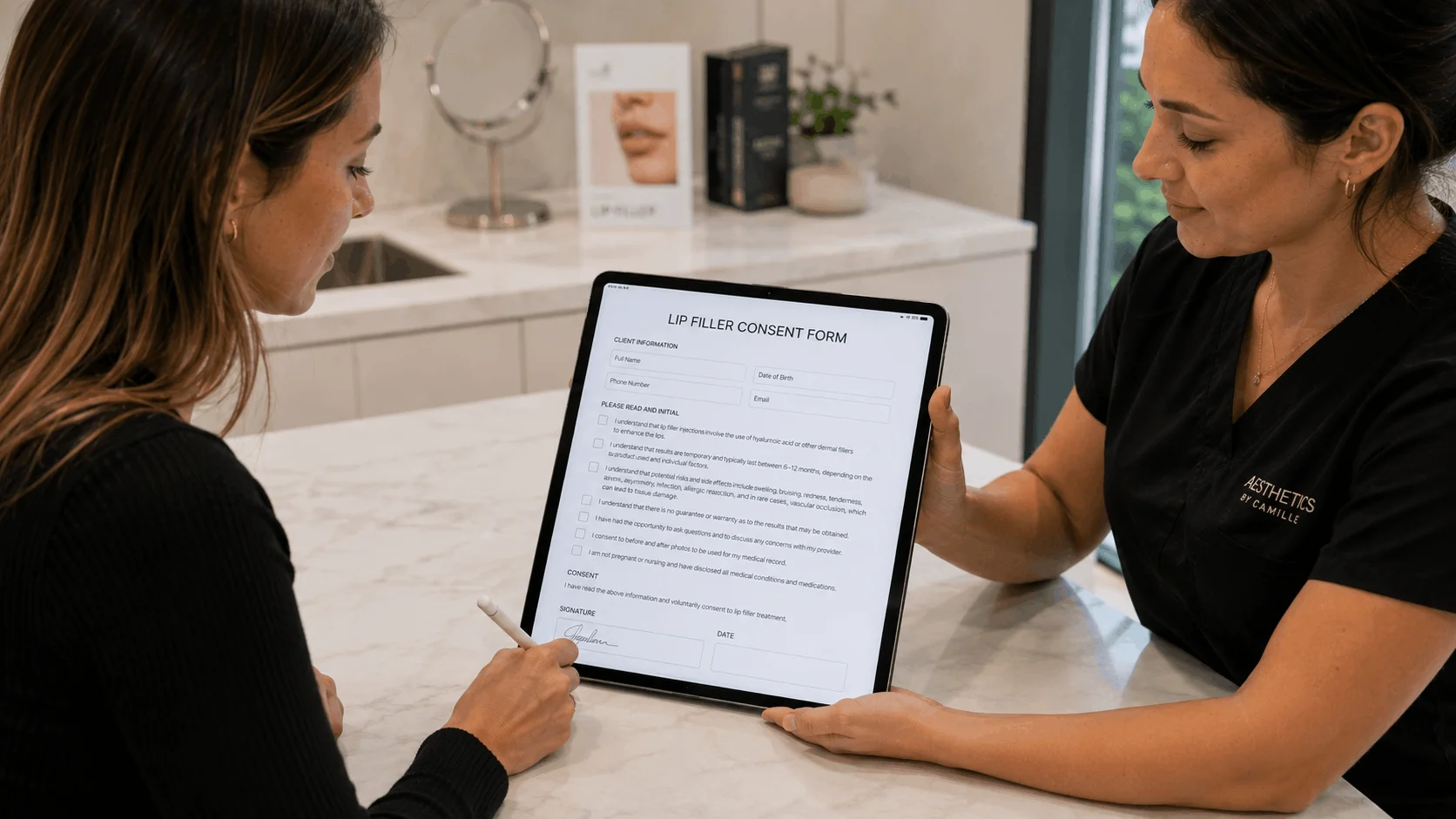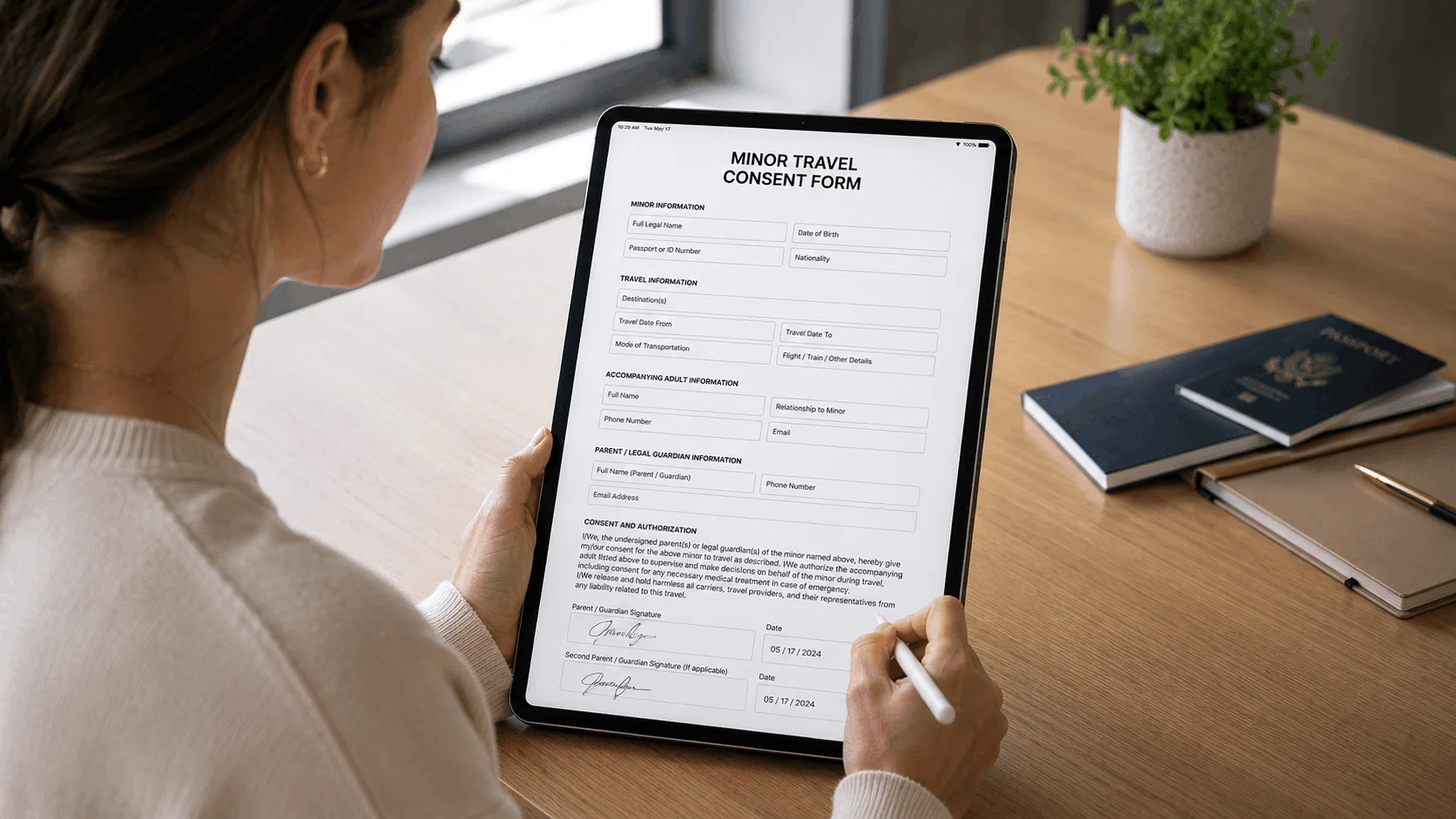
The best e-signature software for waivers is the one that lets anyone sign from a reusable link or QR code without you sending each person a document. For most small businesses that means a dedicated waiver tool such as AgreeDock (flat price, unlimited signatures on Pro) or Smartwaiver (native kiosk apps). If you already pay for a general e-signature platform, Jotform Sign and Dropbox Sign are the most practical for low volumes, while DocuSign only supports public link signing on its Business Pro plan.
This guide is for gyms, studios, rental shops and event organizers wondering whether they can just use DocuSign for waivers. AgreeDock is our product, so we've included it, and we've tried to be straight about where other tools fit better. Prices were checked on vendor websites in November 2026 (Smartwaiver in October 2026) and can change, so confirm them before you buy. Our comparison is based on vendor sites and public documentation.
Quick comparison
| Tool | Best for | Public link signing | Free plan |
|---|---|---|---|
| AgreeDock | Small businesses, flat-price waivers | All plans, link and QR | Yes, 10 signatures/month |
| Jotform Sign | Teams already using Jotform | Yes, shareable link | Yes, 10 signed docs/month |
| Dropbox Sign | Occasional waivers, simple signing | Template links, check plan | Yes, 3 requests/month |
| DocuSign | Companies already on DocuSign | Business Pro only (PowerForms) | No, free trial |
| Adobe Acrobat Sign | Teams already on Acrobat | Acrobat Pro and Studio for teams | No |
| signNow | Low-cost e-signature | Business Premium and up | No, 7-day trial |
| PandaDoc | Proposals and sales documents | Business plan, capped responses | Yes, 5 docs/month |
| Smartwaiver | High-traffic venues needing kiosk apps | Yes, plus native kiosk apps | No, free trial |
How we chose
A waiver is a standard form that many walk-in customers sign, often on their phone or a front-desk tablet. So we looked at:
- Public signing. Can a customer sign from a reusable link or QR code without you entering their email first?
- Volume limits. Does each signature count as an envelope, invite or document against a monthly or yearly cap?
- Price at waiver volume. What does it cost if you collect 300 or 1,000 waivers a month, not 10?
- Record keeping. Can you find a signed waiver by name and download it later, with the wording the person agreed to?
- Waiver features. Kiosk use, minors and guardians, health questions and checkboxes.
1. AgreeDock
AgreeDock is an electronic waiver app for online waivers, consent forms and intake forms. You build a waiver from 100+ templates or from the AI waiver generator, share it by link or QR code, or run it in kiosk mode on any tablet browser so customers sign one after another. Every signed form is saved in a Signatures list with the person's answers and the exact wording they agreed to, searchable by name and downloadable as a PDF.
Unlike e-signature platforms, Pro is a flat monthly price with unlimited signatures, so a busy weekend doesn't mean overage fees.
Best for: Small and mid-sized businesses that want walk-in waiver signing at a predictable price.
Pricing: Free plan with 1 active form and 10 signatures per month. Pro is $15/month, or $10/month billed yearly ($120/year), with unlimited signatures.
Strengths:
- Link, QR code and kiosk signing on every plan
- Unlimited signatures on Pro at a flat price
- Signature, checkbox, text, date, multiple choice and contact fields, plus guardian and minor sections where a parent signs
- Each record stores the exact wording signed
Drawbacks:
- No offline signing; it needs an internet connection
- No native iOS or Android app (it runs in the mobile browser)
- No ID scanning, photo capture, payments, SMS sending or integrations
- Built around reusable forms, not routing a contract between several named signers
- No HIPAA BAA, so check which rules apply if you collect health data
2. Jotform Sign
Jotform is a form builder with a signature field, and Jotform Sign is its separate document signing workflow. Signing documents can be shared by link, embedded on a website or sent by email, and Jotform has a large library of waiver templates. If your team already uses Jotform for registration or intake, it's an easy place to add waivers.
Best for: Businesses already using Jotform for other forms.
Pricing: The free Starter plan includes 5 active forms, 100 submissions per month and 10 signed documents per month. Bronze starts at $34/month (billed annually), or $39 billed monthly, with 100 signed documents per month, as listed in November 2026.
Strengths:
- Shareable signing link on the free plan
- Large waiver template library
- Also handles registration, intake and other forms
Drawbacks:
- Signed document caps per plan (10, 100, 250 and 1,000 per month on the self-serve tiers)
- Free plan shows Jotform branding and is single-user
- Check Jotform's documentation for how its audit trail records each signature
3. Dropbox Sign
Dropbox Sign, formerly HelloSign, is a simple e-signature tool. Its "template links" feature turns a template into a shareable URL, which can work as a public waiver link. The free plan includes 3 signature requests per month and an audit trail on completed requests.
Best for: Occasional waivers, or businesses already paying for Dropbox Sign.
Pricing: Essentials is listed at $15/month billed monthly, with a lower yearly rate, as listed in November 2026. The pricing page doesn't make clear which plans include template links, so check before you buy.
Strengths:
- Clean, simple signing experience
- Audit trail on completed requests
- Free plan for testing
Drawbacks:
- Plan limits for template links are unclear on the pricing page
- No waiver-specific features such as kiosk mode or minor handling
- Free plan's 3 requests per month won't cover regular waiver use
4. DocuSign eSignature
DocuSign is the best-known e-signature platform, built around envelopes sent to named recipients. For waivers, the feature you need is PowerForms (and Web Forms), which let a signer start their own envelope from a URL. According to DocuSign's pricing grid, those are only included in Business Pro and Enhanced.
DocuSign's audit trail (the Certificate of Completion) is strong. The issue is volume: each PowerForm submission is an envelope, and Standard and Business Pro include 100 envelopes per user per year, with overage billed pay-as-you-go.
Best for: Companies that already run contracts through DocuSign and collect a modest number of waivers.
Pricing: No free plan, but a free trial. Personal starts at $11/month with 5 envelopes per month. Business Pro, the first plan with PowerForms, is $45/user/month on an annual plan, as listed in November 2026.
Strengths:
- Strong audit trail and mobile signing
- Widely recognized by clients and lawyers
- Good fit if waivers are a small part of a larger contract workflow
Drawbacks:
- Public link signing only on Business Pro and above
- 100 envelopes per user per year on Standard and Business Pro
- Annual commitment and per-user pricing
- No dedicated waiver features; a minor and guardian flow needs template roles
5. Adobe Acrobat Sign
Adobe's e-signature is bundled into Acrobat plans for teams. The "create web forms" feature, which gives you a public signing URL, is listed for Acrobat Pro and Studio for teams, not Standard.
Best for: Teams that already pay for Acrobat Pro.
Pricing: Acrobat Pro for teams is $23.99/month per license on an annual commitment, as listed in November 2026. Adobe doesn't show transaction limits on its pricing page, so ask before relying on it for high volume.
Strengths:
- Web forms for public signing on Pro and Studio
- Solid audit report
- Familiar PDF tools in the same subscription
Drawbacks:
- No free plan
- Annual commitment with a cancellation fee after 14 days
- Transaction limits not published on the pricing page
- No kiosk or minor-specific features
6. signNow
signNow, from airSlate, has one of the lowest entry prices among e-signature tools. Signing links, which you'd need for walk-in waivers, start at the Business Premium plan. Annual plans include 100 invites per year, with per-invite overage fees.
Best for: Low-volume signing on a tight budget.
Pricing: No free plan, 7-day trial. signNow's own pricing blog lists Business Premium at $15/month billed annually or $30 billed monthly, as listed in November 2026. Check the live pricing page, which redirects to checkout.
Strengths:
- Low entry price
- Unlimited users on paid plans, according to signNow's pricing blog
Drawbacks:
- Signing links only from Business Premium
- 100 invites per year on annual plans, then overage fees
- No kiosk or waiver-specific features mentioned
7. PandaDoc
PandaDoc is a document automation tool for proposals, quotes and contracts, with e-signature built in. Its Forms feature provides a public signing link without a recipient email, but only on Business and Enterprise plans, and responses are capped.
Best for: Sales teams that send proposals and occasionally need a signed form.
Pricing: Free plan with 5 documents per month. Business starts at $49/seat/month (billed annually), as listed in November 2026, and PandaDoc says web forms on Business require usage credits.
Strengths:
- Strong proposal and quote templates
- Forms need no recipient email
- Free plan for occasional documents
Drawbacks:
- Forms capped at 250 responses per year on annual plans, or 20 per month on monthly plans
- Expensive for waivers alone
- No waiver-specific features
8. Smartwaiver
Smartwaiver isn't a general e-signature tool but one of the best-known dedicated waiver platforms. It offers native iOS and Android apps with offline collection, driver's license scanning, automatic photo capture, and an open API with integrations.
Best for: High-traffic activity venues that need offline kiosks, photo capture or integrations.
Pricing: Free trial, no free plan. Basic is $22/month for 100 waivers per month, as listed in October 2026, rising to $205/month for 2,500 waivers on Premium.
Strengths:
- Native kiosk apps with offline collection
- Photo capture and driver's license scanning
- API and integrations
Drawbacks:
- Prices rise with waiver volume
- No free plan
If you're weighing it up, our Smartwaiver alternative page compares it with AgreeDock.
Waiver software vs DocuSign
DocuSign and similar tools are built for sending a document to a known person and producing a certificate of completion. A waiver works the other way round: you don't know who will walk in on Saturday, so you can't address an envelope to them in advance.
Here's how the two approaches differ:
- Who starts the signing. In e-signature tools, you send. In waiver software, the customer opens a link, scans a QR code or taps a tablet.
- Plan tier. Public signing links are standard in waiver tools but an upper-tier feature in most e-signature platforms (DocuSign Business Pro, PandaDoc Business, signNow Business Premium, Acrobat Pro for teams).
- Volume. E-signature plans count envelopes, invites or documents, often around 100 per user per year. A venue collecting 50 waivers a day would use that in two days.
- Waiver fields. Waiver tools focus on fill-and-sign forms: checkboxes for each risk, health questions, emergency contacts and a guardian section for minors.
- Finding records. Waiver tools let you search signed forms by participant name. In e-signature tools, waivers sit among your contracts as envelopes.
DocuSign makes sense if you already pay for Business Pro and collect a handful of waivers a month. For regular walk-in signing, a dedicated electronic waiver app or waiver kiosk is usually cheaper and simpler.
Are electronic signature waivers legally valid?
In the United States, the federal ESIGN Act and the Uniform Electronic Transactions Act (UETA), adopted by most states, give electronic signatures the same legal effect as handwritten ones for most transactions. In general, a valid electronic signature shows the signer intended to sign, agreed to sign electronically, and is linked to the record they signed, which you keep and can reproduce later.
An electronic signature makes a waiver as valid as a paper one, not more. Enforceability still depends on the wording, the activity and local law. This is general information, not legal advice. Our guide to what makes a liability waiver invalid covers the common wording mistakes.
How to choose e-signature software for waivers
- By volume. Under a few waivers a month, a free plan from AgreeDock, Jotform or Dropbox Sign is enough. Above 100 a month, avoid per-envelope or per-invite caps and look at flat or waiver-tier pricing.
- Kiosk vs remote. If customers sign at the front desk, you need a tablet-friendly kiosk mode. If they sign before arrival, a link in the booking email or a QR code works.
- Offline. If your location has unreliable internet, choose a tool with native apps and offline collection, such as Smartwaiver. AgreeDock and most e-signature tools need a connection.
- Budget. Compare the price at your real monthly waiver count, including overage.
- Existing tools. If you already pay for DocuSign Business Pro or Acrobat Pro, test their public forms before adding another subscription.
- Minors. Make sure the form can collect the child's details and a parent or guardian signature.
- Health data. If your waiver asks medical questions, check which privacy rules apply to you and whether the vendor supports them.
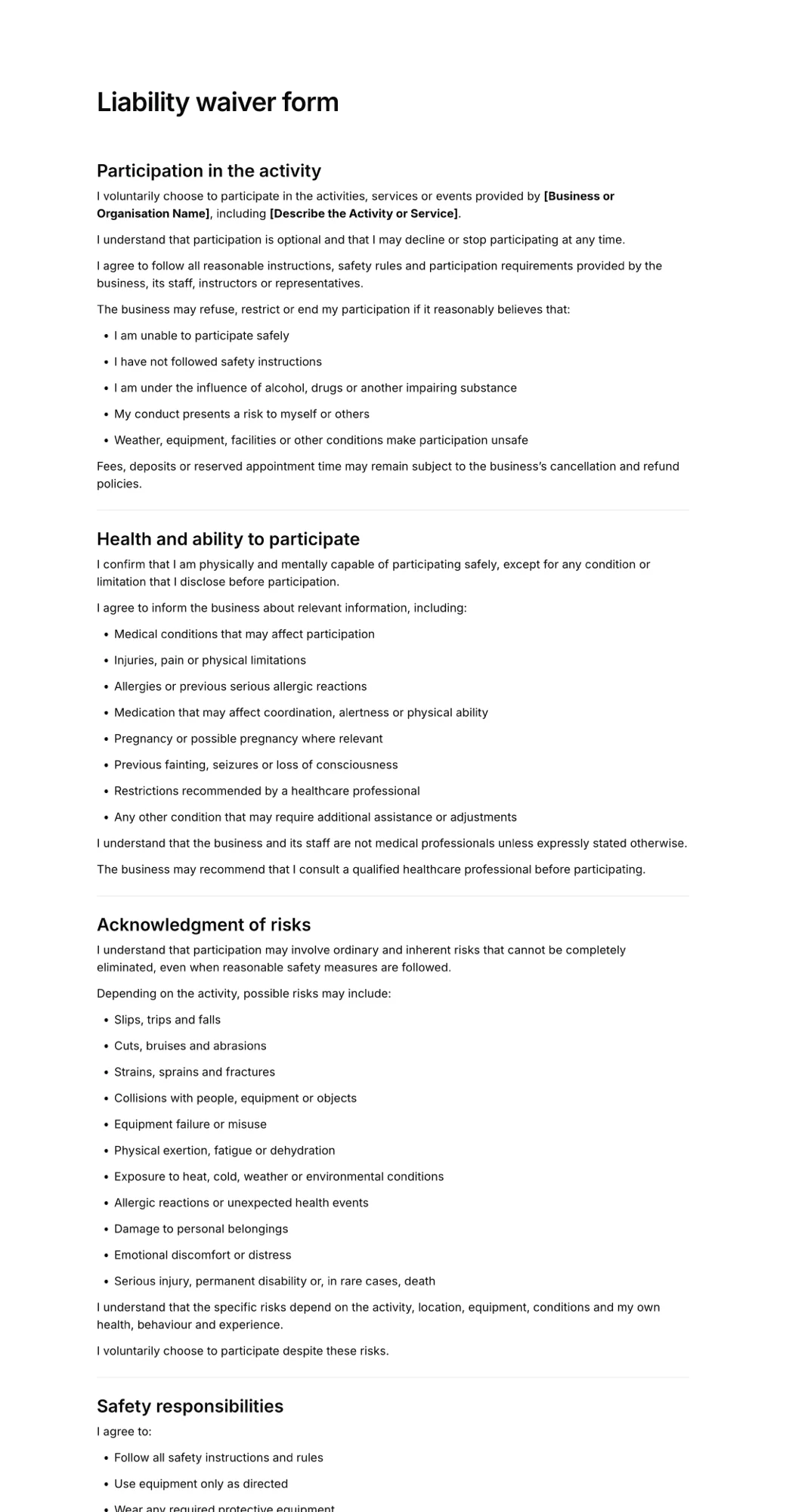
To get started, open the liability waiver form template and adapt it to your activity.
Frequently asked questions
Can I use DocuSign for waivers?
Yes, but walk-in signing needs PowerForms or Web Forms, which DocuSign includes only on Business Pro and Enhanced plans. Each submission counts as an envelope, and Business Pro includes 100 envelopes per user per year, so it suits low volumes best.
What is the best DocuSign alternative for waivers?
For walk-in waivers, a dedicated waiver tool is usually the better DocuSign alternative because public link and QR signing are standard. AgreeDock offers unlimited signatures for a flat monthly price on Pro, and Smartwaiver offers native kiosk apps with offline collection.
Is an electronic signature on a waiver legally binding?
In the United States, the ESIGN Act and UETA give electronic signatures the same legal effect as handwritten ones for most transactions. The waiver itself still has to be clearly written and enforceable under local law, so have it reviewed for where you operate.
What is the cheapest e-signature software for waivers?
AgreeDock has a free plan with 10 signatures per month and a Pro plan at $10/month billed yearly with unlimited signatures. Jotform Starter is free with 10 signed documents per month. Check the per-signature caps before choosing.
Can customers sign a waiver without an email invite?
Yes, if the tool supports public signing links. Dedicated waiver software lets customers sign from a link, a QR code or a kiosk tablet. In e-signature platforms this is usually an upper-tier feature, such as DocuSign PowerForms or PandaDoc Forms.
How do I make an electronic signature waiver?
Start with a waiver template or an AI draft, edit the activity, risks and release wording, add fields for contact details, health questions and signature, then share it by link or QR code. Our guide to creating an online waiver form walks through each step.