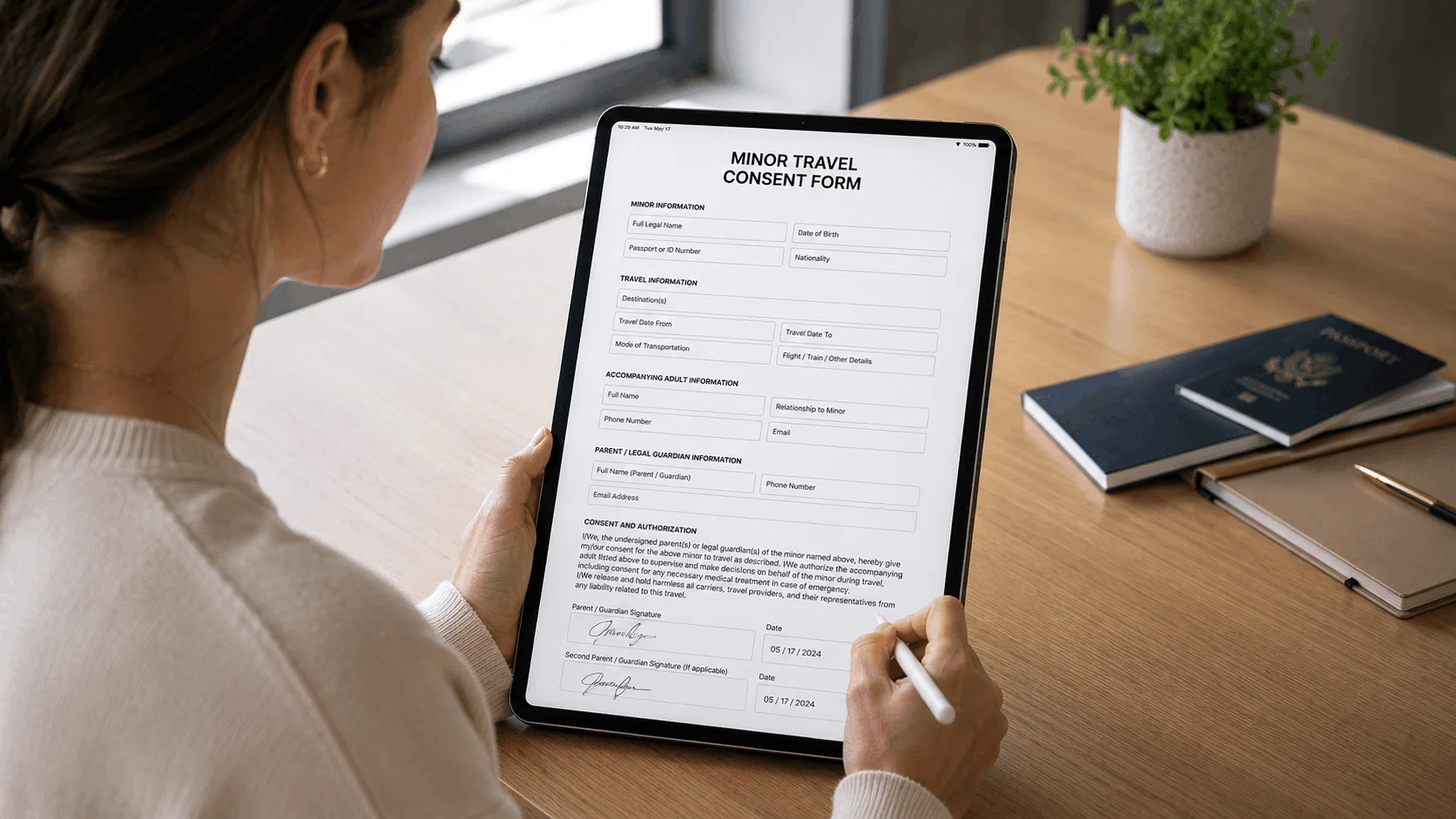
The best form builder for waivers is one with a real signature field and a record of exactly what each person agreed to. AgreeDock is the simplest pick if waivers and consent forms are your main use, Jotform is the strongest general form builder for signed forms, and Tally is the best free option. Google Forms and Microsoft Forms have no native signature field, so they're a poor fit for waivers on their own.
This guide is for small businesses, clubs and organizers who want to collect waivers online and are deciding between a general online form builder with signature support and a dedicated waiver tool. AgreeDock is our product, so we've included it, and we've tried to be straight about where other tools fit better. Prices were checked on vendor websites in November 2026 and can change, so confirm them before you buy. Our comparison is based on vendor sites and public documentation.
Quick comparison
| Tool | Best for | Signature field | Free plan |
|---|---|---|---|
| AgreeDock | Waivers and consent forms | Yes, all plans | Yes, 10 signatures/month |
| Jotform | All-round forms with signing | Yes, plus Jotform Sign | Yes, 10 signed docs/month |
| Fillout | Modern forms, high response limits | Paid plans only | Yes, without signatures |
| Tally | Free link-based forms | Yes, free | Yes, fair-use limits |
| Typeform | Conversational forms | Certain paid plans | Limited responses |
| Formstack | Enterprise forms and documents | Suite plan only | No, 14-day trial |
| Google Forms | Free internal surveys | No native field | Yes |
| Microsoft Forms | Microsoft 365 teams | No native field | Included with Microsoft 365 |
How we chose
A waiver form has a different job from a survey. Months after someone signs, you may need to show that this person agreed to this wording on this date. So we looked at:
- Signature support. Is there a real drawn or typed signature field, and on which plan?
- Record of what was signed. Can you see the exact wording the person agreed to, not just their answers?
- Audit trail. Does the tool document how each signature was captured?
- Public signing. Can anyone sign from a link or QR code, including on a front-desk tablet?
- Price at waiver volume. Free plans often cap responses or exclude signatures.
- Waiver fields. Checkboxes for each risk, health questions, emergency contacts and a guardian section for minors.
1. AgreeDock
AgreeDock is built for waivers, consent forms, intake forms and agreements rather than general surveys. You start from 100+ templates or describe your business to the AI waiver generator, then edit the form with signature, checkbox, text, long text, date, multiple choice and contact fields. Customers sign by link, QR code or in kiosk mode on a tablet browser.
Each signed form is saved in a Signatures list with the person's answers and the exact wording they agreed to, so if you edit the waiver later, older records still show what each person signed. You can search by name and download each record as a PDF.
Best for: Businesses whose main form need is waivers, consent or intake.
Pricing: Free plan with 1 active form and 10 signatures per month. Pro is $15/month, or $10/month billed yearly ($120/year), with unlimited signatures.
Strengths:
- Signature field and kiosk mode on every plan
- Waiver and consent templates ready to edit
- Stores the exact wording each person signed
- Flat price with unlimited signatures on Pro
Drawbacks:
- No conditional logic or file upload field
- No payments, integrations or Zapier
- No offline signing or native mobile app
- Not a general-purpose survey or registration tool
- No HIPAA BAA, so check which rules apply if you collect health data
2. Jotform
Jotform is the most complete general form builder for signed forms. It has a signature field in its regular forms and a separate product, Jotform Sign, for document signing that can be shared by link, embedded or sent by email. It also has a large library of waiver templates, and guardian sections for minors are handled through those templates rather than a dedicated minor feature.
Best for: Teams that need waivers plus registration, intake and other forms in one tool.
Pricing: The free Starter plan includes 5 active forms, 100 submissions per month and 10 signed documents per month. Bronze starts at $34/month (billed annually), or $39 billed monthly, as listed in November 2026. HIPAA features start at Gold.
Strengths:
- Large waiver template library
- Many field types beyond waivers
- Jotform Sign for document-style signing
- Free plan for testing
Drawbacks:
- Separate caps for submissions and signed documents
- Free plan is single-user and shows Jotform branding
- Check Jotform's documentation for audit trail details before relying on it
3. Fillout
Fillout is a modern form builder with generous response limits, unlimited forms and seats on every plan, and PDF generation. Its signature field supports drawing, typing or uploading a signature, and you can disable typing and uploading. Signatures aren't included on the free plan.
Best for: Teams that want a modern form builder with high response limits.
Pricing: Free plan with 1,000 responses per month but no signatures. Starter is $15/month with 2,000 responses and signatures, as listed in November 2026.
Strengths:
- Unlimited forms and seats on all plans
- PDF generation included
- Forms keep collecting responses over the plan limit
Drawbacks:
- No signatures on the free plan
- No signature-specific audit trail documented
- No waiver-specific templates or minor handling
4. Tally
Tally is a free-first form builder, and its signature block is free for all users. Signatures are stored as images with the submission, and you can download a submission as a PDF. It's the best truly free option for a simple link-based waiver.
Best for: Very small organizations that need a free signed form.
Pricing: Free plan with unlimited forms and submissions within fair-usage limits. Pro is €20/month, as listed in November 2026.
Strengths:
- Signature block on the free plan
- Unlimited submissions on free, within fair use
- Clean, simple builder
Drawbacks:
- No signing audit trail mentioned in its documentation
- Tally itself tells users to check local e-signature requirements
- Fair-use limits are not defined
- No waiver-specific features
5. Typeform
Typeform is known for one-question-at-a-time conversational forms. It has a signature question where respondents can type, draw or upload a signature, but Typeform says it's available only on certain paid plans.
Best for: Brands that already use Typeform for lead capture and want a consistent look.
Pricing: The plan cards list Basic at $28/month billed yearly or $39 monthly, with 100 responses per month, as listed in November 2026. The comparison table on the same page showed different figures, so check the vendor's pricing page.
Strengths:
- Polished, mobile-friendly form experience
- Type, draw or upload signatures
Drawbacks:
- Signature only on certain paid plans
- Low response limits for the price
- Free plan has only a limited number of responses
6. Formstack
Formstack is an enterprise-leaning suite of Forms, Documents and Sign. The standalone Forms plan doesn't include eSignatures. To collect signatures inside a form flow, you need the Suite plan.
Best for: Larger organizations that need forms, document generation and signing under one contract.
Pricing: No free plan, 14-day trial. Suite starts at $250/month (billed annually), with unlimited eSignatures, as listed in November 2026. Forms alone is $83/month (billed annually) without eSignatures.
Strengths:
- Forms, documents and signing in one suite
- Unlimited eSignatures on Suite
Drawbacks:
- Expensive for waivers alone
- No signatures on the Forms plan
- No free plan
7. Google Forms
Google Forms is free and familiar, but it has no native signature question. Workarounds include a typed-name "I agree" question, a file upload where people upload a photo of their signature (which requires respondents to sign in to Google), or a paid Marketplace add-on.
Best for: Internal sign-ups and surveys, not waivers.
Pricing: Free with a Google account or Workspace.
Strengths:
- Free and easy to set up
- Responses flow into Google Sheets
Drawbacks:
- No native signature field
- No record of signing intent beyond the response timestamp and email if collected
- Doesn't keep a copy of the exact wording each person saw
8. Microsoft Forms
Microsoft Forms comes with Microsoft 365. Like Google Forms, it has no native signature or e-signature question, which Microsoft's own Q&A confirms. A file upload question doesn't work for external respondents if the form is restricted to your organization, and the other workaround is Power Automate connected to DocuSign or Adobe Sign.
Best for: Internal forms inside a Microsoft 365 organization.
Pricing: Included with Microsoft 365.
Strengths:
- No extra cost for Microsoft 365 users
- Works with Power Automate
Drawbacks:
- No native signature field
- Workarounds need a separate paid e-signature tool
- Not suitable for waivers on its own
Can you use Google Forms for a waiver?
You can, but it's a weak choice. Google Forms has no signature field, so most people use a required checkbox ("I have read and agree to this waiver") and a typed full name. That shows someone clicked agree, but it's thin evidence. The response record holds a timestamp and the email if you collected it. It doesn't store a signature or a copy of the waiver text that person saw.
That second point matters more than it seems. If you edit your waiver in March, a response from January won't show which version that customer agreed to. A dedicated electronic waiver system stores the exact wording with each signed record.
If you do use Google Forms, at least:
- put the full waiver text in the form, not just a link to it
- add a required agreement checkbox and a typed full name
- collect the respondent's email
- keep a dated copy of every version of your waiver text
- add a parent or guardian name for anyone under 18
For anything beyond a casual club event, a form builder with a signature field or a dedicated waiver tool is a better fit. Our guide to creating an online waiver form covers the fields to include.
Form builder vs dedicated waiver software
General form builders are flexible. They handle surveys, registrations and many other forms, and offer field types and options that AgreeDock doesn't have, such as file uploads. If you need one tool for every kind of form, a form builder can make sense.
Dedicated waiver software is narrower but starts from waiver wording, includes a signature field on every plan, and stores each signed record with the exact text agreed to. Kiosk signing at the front desk and guardian sections for minors are built into the templates, rather than something you assemble yourself. See our free online waiver page or the templates library to compare.
How to choose a form builder for waivers
- By volume. Under 10 waivers a month, free plans from AgreeDock, Jotform or Tally work. Above that, compare the price at your real count, including signed-document caps.
- Kiosk vs remote. For front-desk signing, look for a kiosk mode that resets for the next customer. For signing before arrival, a link in your booking email or a QR code is enough.
- Evidence. If you'd ever need to defend a waiver, choose a tool that stores the signature and the wording signed, not just a checkbox.
- Budget. Watch for plans that exclude signatures, such as Fillout's free plan and Formstack's Forms plan.
- All-in-one vs standalone. If you need many kinds of forms beyond waivers, a general builder like Jotform covers more. If you only need waivers and consent forms, a dedicated tool is simpler.
- Minors. Add a guardian section with the child's details and the parent's signature.
- Health data. If you ask medical questions, check which privacy rules apply to you and whether the tool supports them.
- Offline. None of the form builders here sign offline. If your venue has no reliable internet, look at a waiver tool with native offline apps.
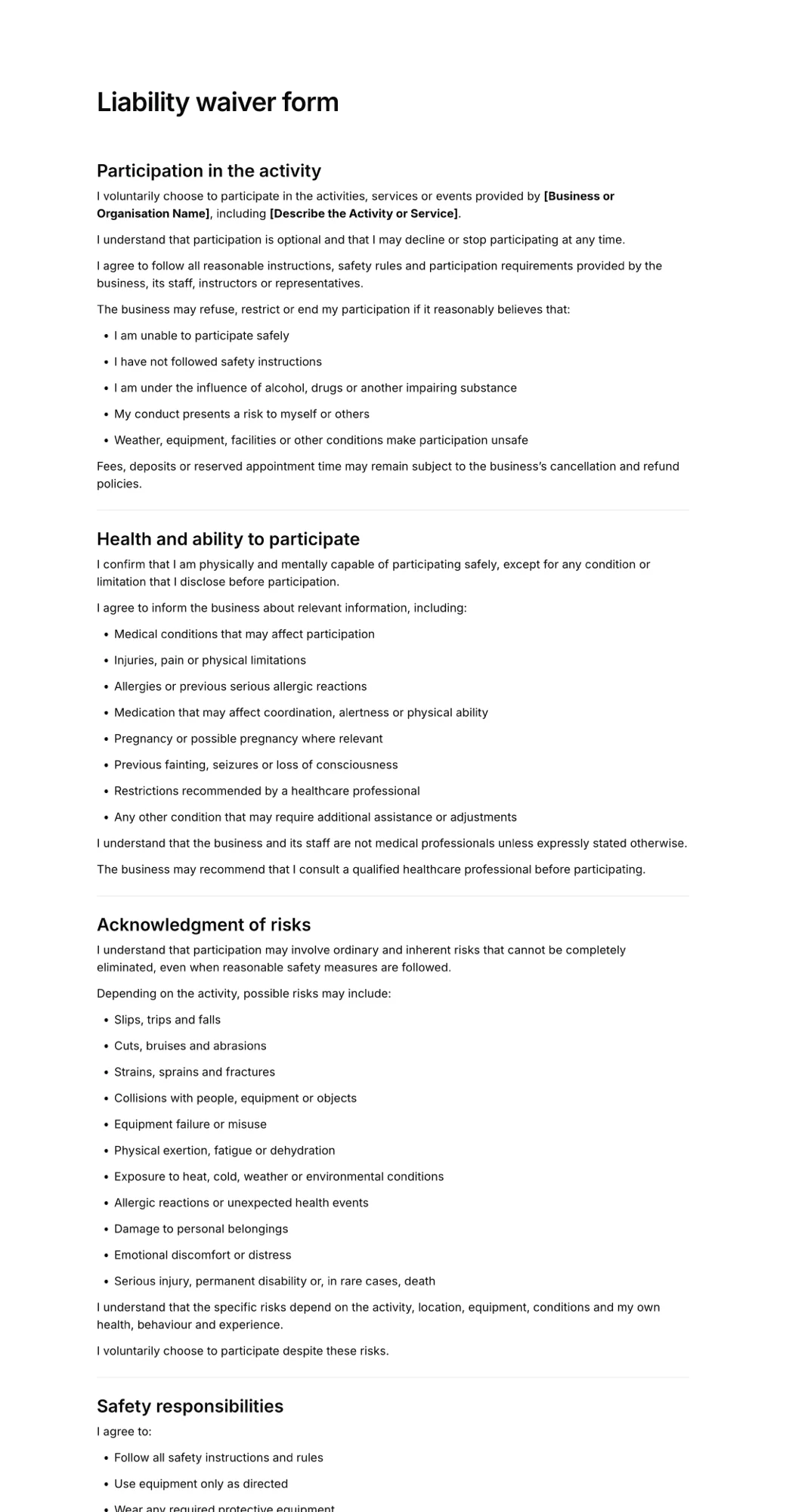
Start with the liability waiver form template and adapt it to your activity.
Frequently asked questions
Can you use Google Forms for a waiver?
You can, using a required agreement checkbox and a typed name, but Google Forms has no native signature field and doesn't store the exact waiver text each person saw. For a stronger record, use a form builder with a signature field or a dedicated waiver tool.
Does Jotform have a waiver form?
Yes. Jotform has a large library of waiver templates and a signature field, and Jotform Sign handles document-style signing. The free Starter plan includes 10 signed documents per month.
What is the best free online form builder with signature?
Tally includes a signature block on its free plan with unlimited submissions within fair-use limits. AgreeDock's free plan includes a signature field with 10 signatures per month, and Jotform's free plan includes 10 signed documents per month.
Does Microsoft Forms support signatures?
No. Microsoft Forms has no native signature question. The common workarounds are a file upload, which doesn't work for external respondents on organization-only forms, or Power Automate connected to a separate e-signature tool.
Is a typed name a valid signature on a waiver?
In the United States, the ESIGN Act and UETA can recognize a typed name as an electronic signature when the person intended to sign and agreed to sign electronically. A drawn signature plus a stored copy of the wording signed gives you a clearer record.
Should I use a form builder or waiver software?
Use a form builder if you need many types of forms in one place, such as surveys and registrations. Use dedicated waiver software if waivers and consent forms are your main need and you want signatures, kiosk signing and the exact signed wording stored on every plan.
Does Typeform have a signature field?
Yes. Typeform's signature question lets respondents type, draw or upload a signature, but Typeform says it's available only on certain paid plans.