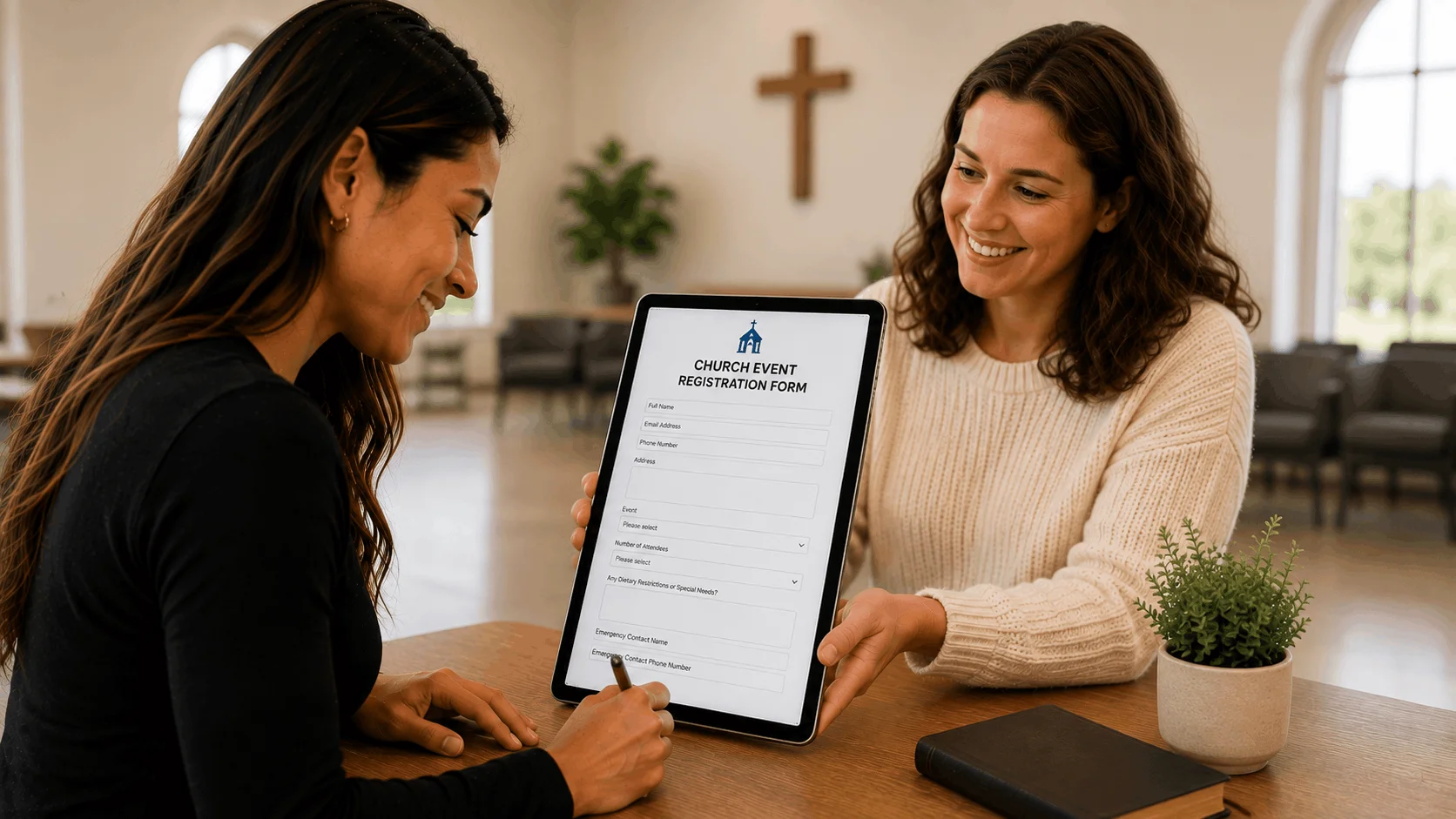
The best offline waiver app lets guests sign on a tablet with no internet and uploads every waiver once the device reconnects. Smartwaiver is the most established offline waiver kiosk app, WaiverForever suits teams that want to start with one offline device, WaiverFile fits venues that need unlimited kiosks, and Waiver Electronic is the lowest-cost entry point. GoCanvas and Fulcrum are field-data apps that suit crews already collecting other forms offline.
This guide is for anyone who needs to sign waivers without internet: car shows in a parking lot, races on a trail, river outfitters, rodeos, farm events, pop-up rentals and venues with dead spots. We focused on how each tool actually handles offline signing, not on its wider feature list. Our comparison is based on vendor sites and public documentation. AgreeDock is our product, but it has no offline mode, so it isn't ranked here. We explain below when an online tool is still enough. Prices were checked on vendor websites in November 2026 (Smartwaiver's in October 2026) and can change.
Quick comparison
| App | Offline signing | Device limits | Starting price |
|---|---|---|---|
| Smartwaiver | Kiosk app, off by default | Per-kiosk offline cap | $22/mo for 100 |
| WaiverForever | Client app | 1 offline device on Essential | $19/mo plus usage |
| WaiverFile | iOS and Android app | Unlimited kiosks | $19/mo for 150 |
| Waiver Electronic | iOS and Android app | Unlimited devices | $11.99/mo year one |
| Jotform Mobile Forms | Offline forms, kiosk mode | Check vendor | Free, Bronze $34/mo |
| GoCanvas | Field data app | Per user, 3 minimum | $29/user/mo, annual |
| Fulcrum | Field data app | Per user, 5 minimum | $43/user/mo, annual |
| Formstack Go | Offline add-on, see caveat | Check vendor | Forms from $83/mo |
How we chose
An offline waiver kiosk has one job: keep collecting valid, complete waivers when the connection drops, then get them safely to the cloud. We looked at:
- Real offline signing. The vendor documents that forms can be completed and signed with no connection, not just viewed.
- Sync behavior. Whether waivers upload automatically when the device reconnects, and whether staff can see what hasn't synced yet.
- Device and storage limits. How many offline devices a plan allows and whether the vendor states how many waivers a device can hold.
- Lock-down. Whether staff screens are protected so guests can't browse other people's waivers.
- Cost at event volume. Per-waiver or per-user pricing can matter more than the base price.
If you need a full kiosk setup for a front desk with wifi, our waiver kiosk software comparison covers hardware and check-in in more detail.
1. Smartwaiver
Smartwaiver offers free kiosk apps for iOS and Android with offline collection. Waivers signed offline are stored on the device and upload automatically when the connection returns. Offline collection is off by default: an admin sets an offline collection limit for each kiosk in the account settings, and a 4-digit code protects access to the offline waivers stored on the device. A sync indicator shows which waivers exist only on that device. These details come from Smartwaiver's own offline guide, which dates from 2019, so the current screens may look different.
Smartwaiver also lists driver's license scanning, automatic photo capture, an open API and integrations.
Best for: Recreation businesses that want a mature, dedicated offline waiver kiosk app.
Pricing: Basic starts at $22/month for 100 waivers per month on monthly billing, as listed in October 2026. Starter is $60/month for 300 and Business is $160/month for 1,000. There is a free trial but no free plan.
Strengths:
- Long-running native kiosk apps on iOS and Android
- Admin-set offline cap and a protected offline waiver list
- Photo capture and ID scanning alongside waivers
Drawbacks:
- Offline mode must be switched on for each kiosk before the event
- The maximum offline cap isn't stated publicly, so check it with the vendor
- Waiver-count tiers get expensive at large events
2. WaiverForever
WaiverForever is the most transparent about offline limits. Its pricing page counts each mobile device running the WaiverForever client app as one offline device. Essential includes 1 offline device, Standard includes 10 and Scale includes 70. Signing in a browser is not limited by device count.
Best for: Small operators who need one offline tablet now and may add more later.
Pricing: Essential starts at $19/month with 1 offline device, as listed in November 2026. Standard is $39/month (10 devices) and Scale is $129/month (70 devices). Each plan includes the first 50 submissions per billing cycle, then usage is billed from $0.10 per submission, falling to $0.05 at high volume.
Strengths:
- Clear offline device counts per plan
- Low entry price for a single offline kiosk
- Scales to dozens of devices on Scale
Drawbacks:
- Usage billing adds up at large events
- Storage and sync limits per device aren't documented in what we found
3. WaiverFile
WaiverFile's free iOS and Android app supports offline waiver signing. Waivers are stored in the app's local database and sync when internet returns. A device password lets admin screens work offline, and WaiverScan QR codes can be verified offline. Every plan includes unlimited kiosks, forms and staff users. WaiverFile can also run booking and memberships if you want more than waivers.
Best for: Venues and event teams that want many offline tablets on one plan.
Pricing: Startup starts at $19/month or $199/year for 150 waivers per month, as listed in November 2026. Business is $49/month and Growth is $89/month. An Off-season plan is $5/month plus $0.50 per waiver.
Strengths:
- Unlimited kiosks on every plan
- Offline QR code verification for check-in
- Seasonal plan for businesses with quiet months
Drawbacks:
- The pricing page doesn't say which plans include offline signing, so confirm before buying
- Storage limits on the device aren't stated
4. Waiver Electronic
Waiver Electronic's iOS and Android apps cache your waiver templates and store completed waivers encrypted (AES-256, per the vendor) in the device's secure storage. Stored waivers survive restarts and upload automatically on reconnect, with a timestamp, device ID and template version. Offline waivers are locked once completed. The vendor says a device can hold hundreds of stored waivers, limited by the device's available storage. All plans include unlimited devices.
Best for: Budget-conscious operators who want several offline tablets.
Pricing: Basic starts at $11.99/month in the first year, then $14.99/month, for 70 waivers per month, as listed in November 2026. Starter is $34.99/month in year one, then $49.99, for 600 waivers.
Strengths:
- Unlimited devices on all plans
- Detailed public explanation of how offline storage and sync work
- Low first-year price
Drawbacks:
- Basic's 70-waiver monthly cap is small for an event
- Prices rise after the first year
- Plan gating for offline isn't stated on the pricing page
5. Jotform Mobile Forms
Jotform's Mobile Forms app lets you switch on offline mode for each form. Submissions are stored on the device and sync automatically when you reconnect, with a manual Sync button as a fallback. Its kiosk mode can run online or offline and resets after each submission. Editing forms still needs internet.
Jotform notes that some widgets and form fields are not compatible with offline forms and marks them with a red cloud icon. It doesn't list which fields, and we couldn't confirm whether the signature field works offline. Test your exact waiver form in airplane mode before an event.
Best for: Teams already using Jotform for other forms who want an offline option.
Pricing: Free Starter plan with 5 forms, 100 submissions and 10 signed documents per month. Bronze starts at $34/month billed annually ($39 monthly), as listed in November 2026.
Strengths:
- Offline mode and kiosk mode in one app
- Free plan to test with
- Flexible form builder for non-waiver forms
Drawbacks:
- Some fields don't work offline, and signature support offline is unconfirmed
- Signed document caps on lower plans
- A general form builder, not built around waivers
6. GoCanvas
GoCanvas is a mobile forms app for field teams such as inspectors and contractors. Its pricing lists mobile app offline access on every plan. It suits companies whose crews already fill in forms on-site and want waivers in the same app.
Best for: Field service teams adding waivers to existing site paperwork.
Pricing: Essentials starts at $29/user/month billed annually, as listed in November 2026, with a 3-user minimum, so about $87/month. Pro is $39 and Max is $49 per user.
Strengths:
- Built for offline field work
- Handles inspections and checklists as well as sign-offs
Drawbacks:
- Annual billing and a 3-user minimum
- The plan table doesn't list e-signatures, so confirm signature capture with GoCanvas
- No guest-facing kiosk features like a waiver tool has
7. Fulcrum
Fulcrum is a field data collection platform with reliable offline data capture and signature capture on its Professional plan. Like GoCanvas, it's built for staff collecting data in the field rather than guests signing at a table.
Best for: Larger field organizations with remote sites and staff-run sign-offs.
Pricing: Professional starts at $43/user/month, as listed in November 2026. All plans need an annual subscription and at least five users, so about $215/month.
Strengths:
- Strong offline data capture
- Signature capture included on Professional
Drawbacks:
- Five-user minimum and annual billing
- Overkill if you only need waivers
8. Formstack Go
Formstack Go is Formstack's iOS and Android app, with an offline forms add-on and a kiosk mode. Formstack's own help article on submitting forms without internet says its offline effort with Formstack Go hasn't consistently met the company's standards. We'd treat that as a reason to test thoroughly before relying on it for waivers at an event.
Best for: Existing Formstack customers who want to try offline collection.
Pricing: Formstack Forms starts at $83/month paid annually, as listed in November 2026. The pricing page doesn't mention Go or the offline add-on, so check with the vendor.
Strengths:
- Part of a larger forms and documents suite
- Kiosk mode in the app
Drawbacks:
- Formstack itself flags offline reliability
- Offline add-on pricing isn't public
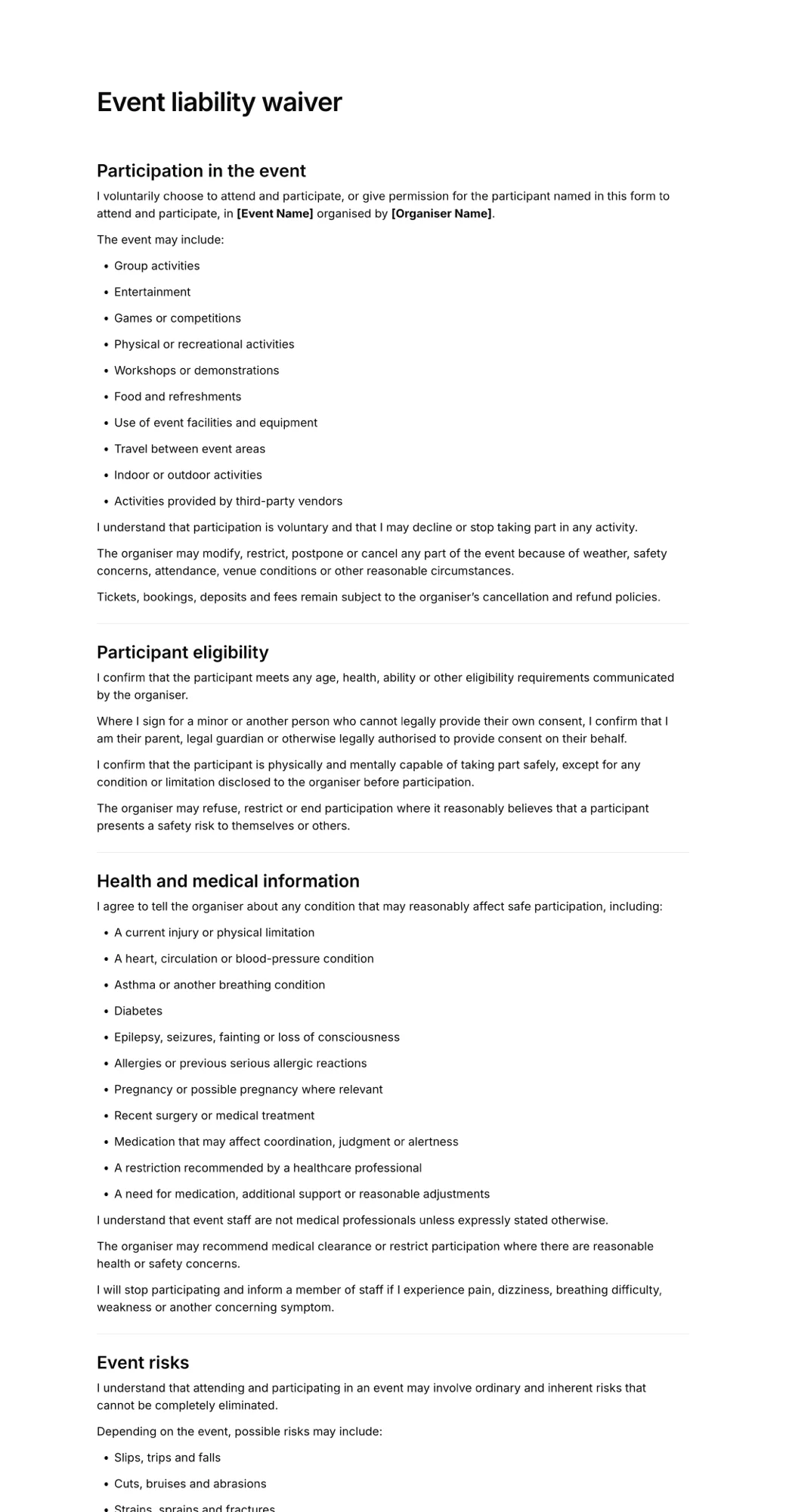
How offline waiver signing works
Most offline waiver apps follow the same pattern:
- Download the form while online. The app caches your waiver template on the device. If you change the waiver, every tablet needs to reconnect to get the new version.
- Guests sign on the device. The completed waiver, signature and timestamp are saved in the app's local storage. Good apps lock each waiver once it's completed so it can't be edited.
- The device holds the waivers. Until it syncs, the tablet is the only copy. That's the key risk.
- Sync when the connection returns. Most apps upload automatically. Some, like Jotform, also have a manual sync button. The waiver then appears in your online account like any other.
Risks to plan for
- A lost or broken tablet. Unsynced waivers live only on that device. If it's stolen, dropped in a river or wiped, those waivers are gone. Sync during the day whenever you get a signal, not just at the end.
- Sync before you close. Before packing up, connect each tablet to wifi or a hotspot and check the app's sync status shows nothing pending. Don't log out, uninstall or reset a tablet with waivers waiting.
- Storage caps. Smartwaiver uses an admin-set offline limit per kiosk, and WaiverForever limits the number of offline devices by plan. Waiver Electronic says storage is limited by the device's free space. Clear space on older tablets and know your cap before a big event.
- Outdated templates. A tablet that hasn't connected recently may still be showing last season's waiver. Open each device online before the event.
- Device security. Use the app's admin code or device password, and lock the tablet to the app with Guided Access on iPad or screen pinning on Android.
- Battery. Offline events often have no power. Bring battery packs.
- Test in airplane mode. Fill in and sign a full test waiver with the device offline, including any minor or guardian section, then reconnect and confirm it arrives.
If you don't actually need offline signing
Many businesses search for an offline waiver app when what they really need is a waiver that works at a location with patchy wifi. Before paying for native apps and per-device limits, check whether one of these covers you:
- A phone hotspot. A single phone with mobile data can keep a browser kiosk online at most outdoor events.
- Signing on guests' phones. Put a QR code on a sign. Guests sign on their own phones using their own mobile data, so your connection doesn't matter.
- Sign in advance. Send the waiver link with tickets or booking confirmations so most people arrive already signed.
If that sounds like your situation, a simple online tool is usually enough. AgreeDock, our product, runs a waiver kiosk in any tablet browser and lets guests sign by link or QR code, with a free online waiver plan to start and Pro at $15/month for unlimited signatures. It needs internet and has no offline mode, so it's not the right choice if you truly have no signal on site.
How to choose an offline waiver app
How offline is your site? Totally offline (backcountry, rural fields) needs a native app. Patchy wifi often doesn't, see the section above.
How many tablets? WaiverFile and Waiver Electronic include unlimited devices. WaiverForever limits offline devices by plan. GoCanvas and Fulcrum charge per user.
How many waivers? A one-day event with 1,000 guests can exceed low tiers. Compare per-waiver caps and usage fees against your largest day, not an average one.
Guests or staff? Waiver apps are designed for guests signing at a kiosk. Field data apps like GoCanvas and Fulcrum are designed for staff, and suit sign-offs collected by a crew member.
Families and minors. If parents sign for children, test the guardian section offline. See our guide to waivers for minors.
Already using a form builder? If you use Jotform for other forms, test its offline mode first. Our form builder for waivers comparison covers the online side. For event-specific tools, see the best event waiver software.
Frequently asked questions
Is there a waiver app that works offline?
Yes. Smartwaiver, WaiverForever, WaiverFile and Waiver Electronic all have iOS and Android apps that collect signed waivers without internet and upload them when the device reconnects. Jotform Mobile Forms also has an offline mode, though some fields aren't supported offline.
How do I sign waivers without internet?
Install an offline waiver app on a tablet, download your waiver while online, and enable offline mode before the event. Guests sign on the tablet, and the waivers are stored on the device until you reconnect to wifi or mobile data.
What happens to offline waivers if the tablet is lost?
Waivers that haven't synced exist only on that device, so they can be lost with it. Sync whenever you have a connection during the day, and always check that nothing is pending before you pack up.
How many waivers can an offline kiosk store?
It depends on the app. Smartwaiver uses an offline limit set by the admin for each kiosk. Waiver Electronic says a device can hold hundreds of waivers, limited by available storage. Check your vendor's limit before a large event.
What is the cheapest offline waiver app?
Among the apps here, Waiver Electronic Basic has the lowest listed price at $11.99/month in the first year for 70 waivers per month. WaiverForever Essential and WaiverFile Startup both start at $19/month. Jotform has a free plan with offline forms, but check that your signature field works offline.
Does Smartwaiver work offline?
Yes. Smartwaiver's kiosk apps for iOS and Android can collect waivers offline, but offline collection is off by default. An admin turns it on for each kiosk and sets an offline limit.
Do I need an offline waiver app for an outdoor event?
Not always. If you can run a phone hotspot or have guests sign on their own phones with a QR code, an online waiver tool usually works. You need an offline app when there's no mobile signal at all.