The best volunteer waiver software depends on whether you also need scheduling and hours tracking. SignUpGenius is the easiest pick for schools, churches and volunteer drives because waivers come with every plan, including free. VolunteerHub, Golden, Better Impact and Galaxy Digital suit organizations that want full volunteer management with waivers built in, and AgreeDock is the simplest standalone option when you only need volunteers to sign a waiver by link or QR code at a flat price.
This guide is for nonprofits, food banks, animal shelters, churches, schools, PTAs, hospitals, race organizers and community groups choosing how to collect signed volunteer waivers. AgreeDock is our product, so we've included it, and we've tried to be straight about where other tools fit better. Prices were checked on vendor websites in November 2026 and can change, so confirm them before you buy.
Quick comparison
| Tool | Type | Best for | Starting price |
|---|---|---|---|
| AgreeDock | Standalone waiver tool | Waivers only, flat price | Free, Pro $15/mo |
| SignUpGenius | Sign-up sheets | Schools, churches, drives | Free plan available |
| VolunteerHub | Volunteer management | Mid to large programs | From $143/mo, billed yearly |
| Golden | Volunteer management | Small nonprofits starting free | Free, Professional $100/mo |
| Better Impact | Volunteer database | Hospitals, large nonprofits | Pricing on request |
| Galaxy Digital | Volunteer management | Volunteer centers, United Ways | Pricing on request |
| WaiverForever | Standalone waiver tool | Offline signing at sites | Free, Essential $19/mo |
| WaiverSign | Standalone waiver tool | Nonprofits wanting integrations | $19/mo for 100 waivers |
How we chose
Volunteer programs collect waivers in two ways. Some volunteers sign up weeks ahead for a shift, and the waiver should be part of that sign-up. Others turn up on the day of a cleanup, build or race and need to sign at a check-in table. Good volunteer waiver software handles both. We looked at:
- Where the waiver is signed. Inside a sign-up or application, or by a standalone link and QR code.
- Whether waivers are included. Several volunteer platforms put waivers on higher plans or sell them as add-ons.
- Cost for a nonprofit budget. Free plans, annual billing, setup fees and quote-only pricing.
- Minors. Teen volunteers need a parent or guardian to sign.
- Records. Searching by name and producing a signed copy months later.
This comparison is based on vendor sites and public documentation, not a long hands-on test of every product.
1. AgreeDock
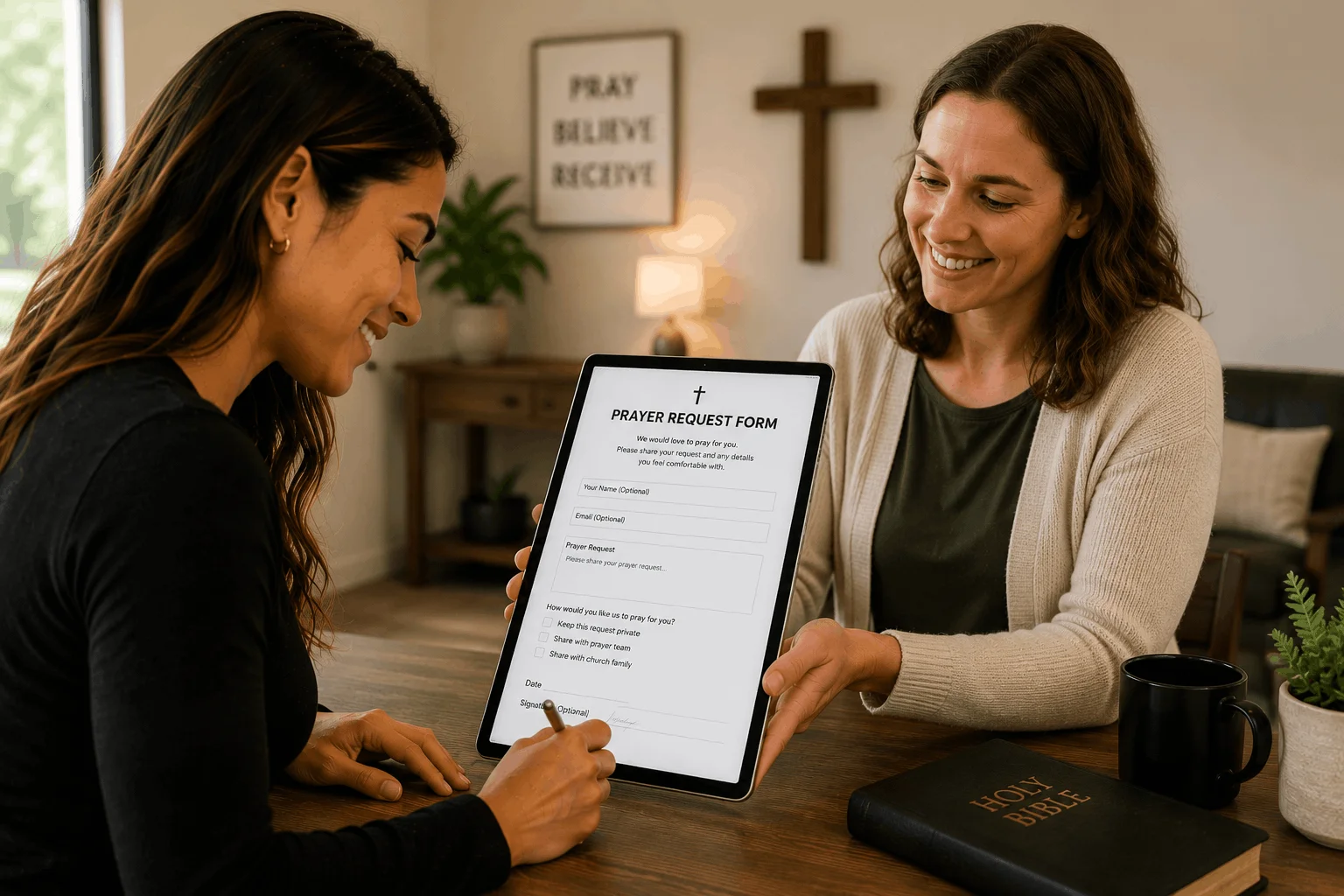
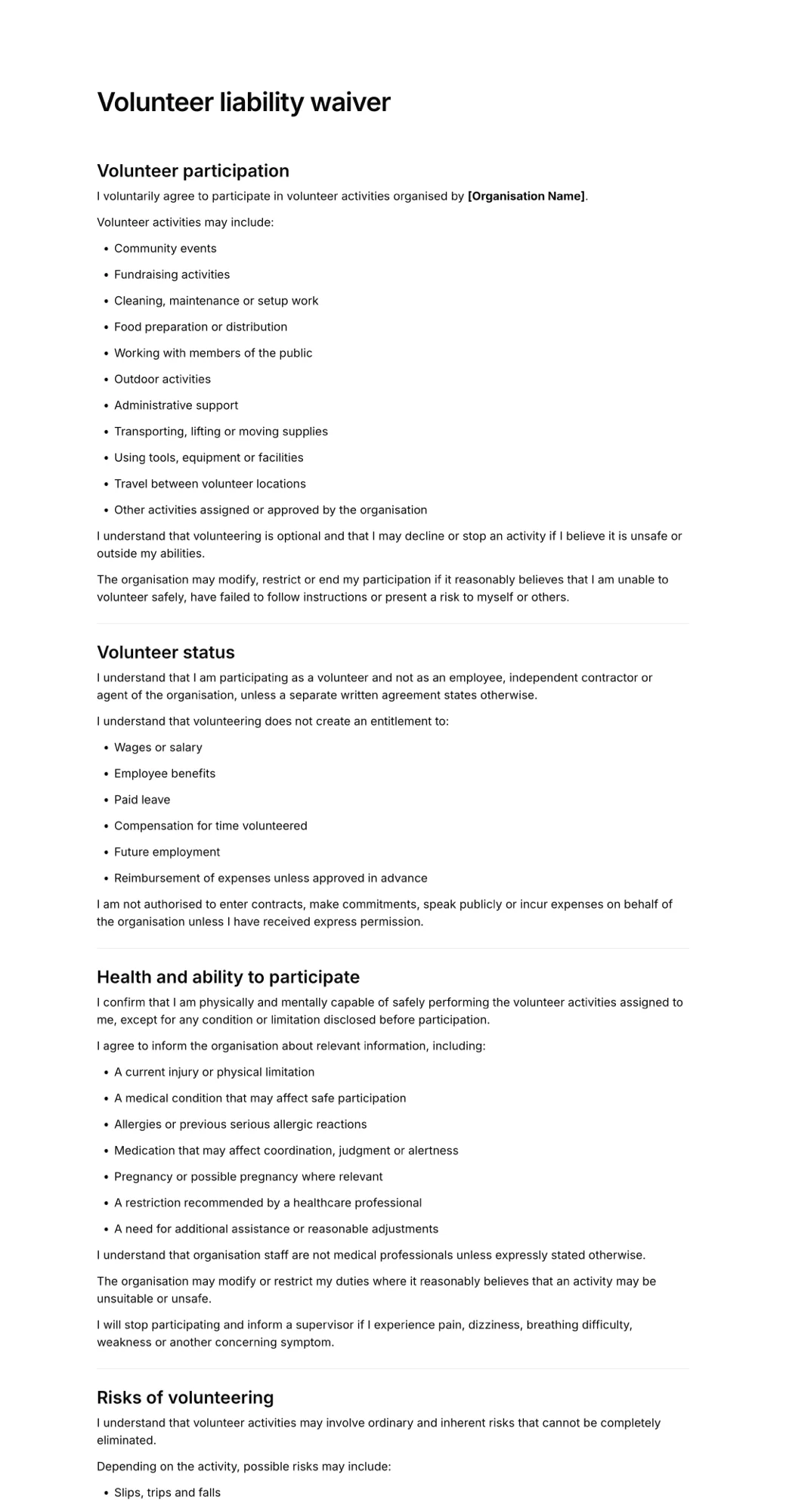
AgreeDock is a standalone online waiver platform. Start from the volunteer liability waiver template or describe your roles to the AI waiver generator and edit the draft. You can add contact and emergency fields, health questions, a photo consent checkbox, and a guardian and minor section for teen volunteers.
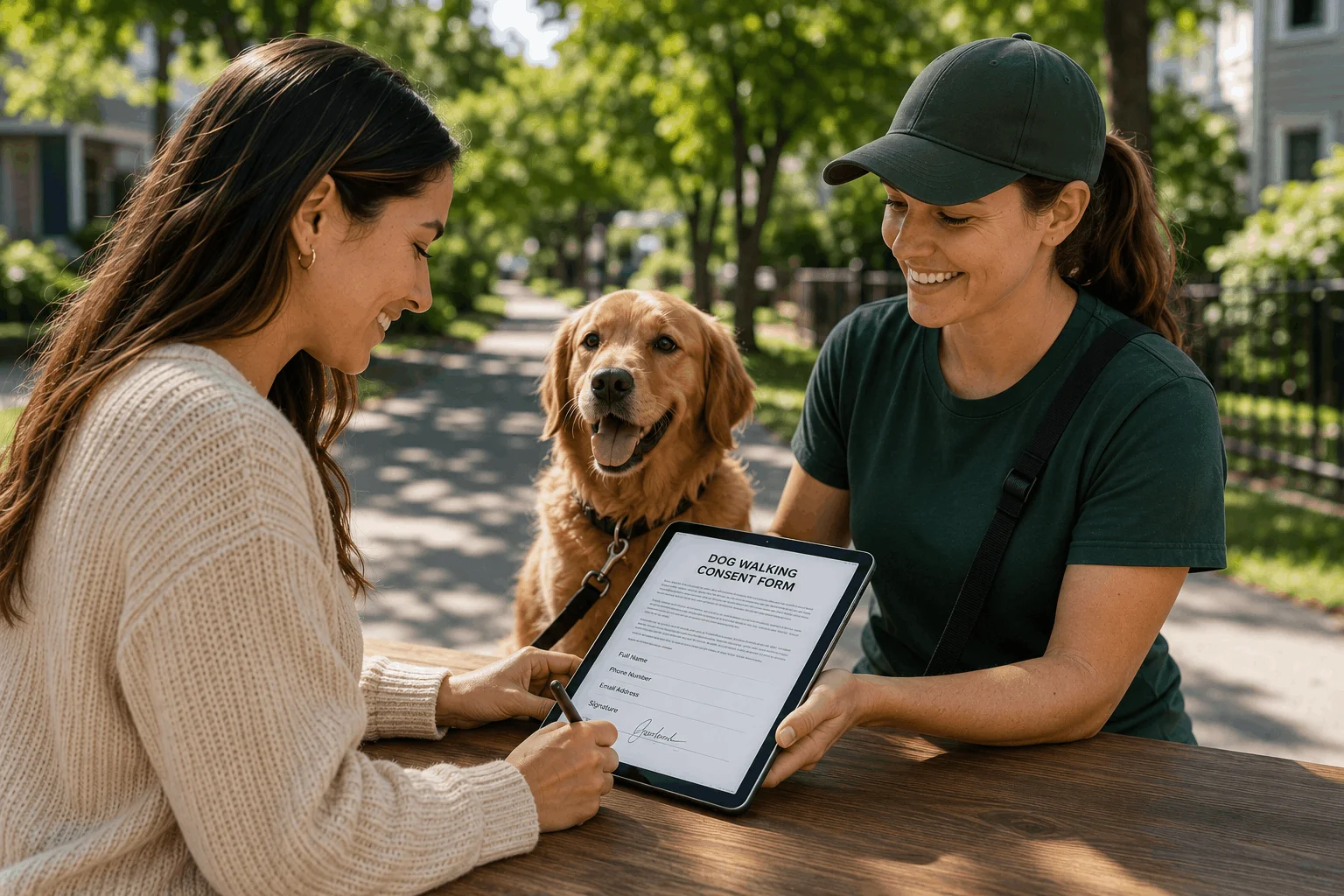
Share the link in your sign-up confirmations, print the QR code for the check-in table, or run a tablet in kiosk mode so day-of volunteers sign one after another. Every signed waiver lands in your Signatures list with the answers and the exact wording agreed to, searchable by name and downloadable as a PDF.
Best for: Organizations that already schedule volunteers somewhere else, or only need a waiver, and want unlimited signatures at one price.
Pricing: Free plan forever with 1 active form and 10 signatures per month. Pro is $15/month, or $10/month billed yearly ($120/year), with unlimited signatures.
Strengths:
- Flat price at any volume, so a big community day doesn't change your bill
- Works next to any sign-up tool or spreadsheet through a link or QR code
- Guardian and minor sections for youth volunteers
- Searchable records with a PDF of every signed waiver
Drawbacks:
- No scheduling, shift sign-ups or hours tracking
- No integrations or API, so waivers don't sync to a volunteer database
- Needs an internet connection; no offline signing
- No background checks, file uploads or conditional logic
2. SignUpGenius
SignUpGenius is a sign-up sheet tool used by schools, churches and volunteer drives. A digital waiver can be attached to any sign-up or payment. Volunteers sign electronically with a timestamp and don't need an account, and you can export signed waivers as a PDF or spreadsheet. SignUpGenius says waivers are included on every plan, including free.
Best for: Schools, PTAs, churches and volunteer drives organized around time slots.
Pricing: Free plan available. Paid tiers are Silver, Gold, Platinum and Enterprise; check the vendor's pricing page for current prices.
Strengths:
- Waivers included on every plan, including free
- Volunteers sign without creating an account
- Export signed waivers as PDF or spreadsheet
Drawbacks:
- Built around sign-up slots, so reusable walk-in waivers are less of a focus
- Not a full volunteer database with screening and hours
3. VolunteerHub
VolunteerHub is volunteer management software for registration, scheduling, hours and groups. Its "Advanced Liability Waivers" are listed as optional on the Plus plan and included on Pro and Enterprise.
Best for: Mid to large volunteer programs that want scheduling, hours and waivers in one system.
Pricing: Plus starts at $143/month and Pro at $288/month, both billed annually plus a setup fee, as listed in November 2026. Enterprise pricing is on request.
Strengths:
- Registration, scheduling, hours and groups in one place
- Waivers included from the Pro plan
- Built for recurring volunteer programs
Drawbacks:
- Annual billing and a setup fee
- Advanced waivers are only optional on Plus, so confirm what your plan includes
4. Golden
Golden is volunteer management software for opportunities, sign-ups, check-in and hours. Its help center explains how to add a waiver to an opportunity, so waivers are supported. The pricing page is less clear: the free plan lists "background checks and waiver," while the plan comparison shows waivers as a paid add-on on Professional and included on Enterprise. Ask Golden which plan you need before you rely on it.
Best for: Small to mid nonprofits that want to start free and grow into volunteer management.
Pricing: Basic is free. Professional is $100/month billed annually or $110/month billed monthly, as listed in November 2026. Enterprise is custom, with no setup fees.
Strengths:
- Permanent free tier with no card needed
- Opportunities, sign-ups, check-in and hours together
- No setup fees
Drawbacks:
- Unclear which plans include waivers
- More software than you need if you only want a waiver
5. Better Impact
Better Impact (Volunteer Impact) is a volunteer management database covering applications, screening, scheduling and hours. Volunteers can agree to a waiver as part of the online application, though we couldn't confirm the exact e-signature mechanics from public documentation.
Best for: Hospitals, municipalities and large nonprofits with formal screening.
Pricing: Pricing on request.
Strengths:
- Applications, screening, scheduling and hours in one database
- Waiver agreement built into the application
- Suited to programs with formal onboarding
Drawbacks:
- Quote-based pricing
- A heavy tool if you only need waivers
6. Galaxy Digital
Galaxy Digital (Get Connected) is volunteer management and community volunteer hub software. It has an eSign Documents feature, and its app page mentions digital liability waivers and e-signatures.
Best for: Volunteer centers, United Ways and large nonprofits running community-wide programs.
Pricing: Pricing on request. Check with the vendor for current plans.
Strengths:
- Built-in eSign documents and digital waivers
- Community volunteer hub, not just a single-organization tool
Drawbacks:
- No published pricing
- Aimed at larger programs
7. WaiverForever
WaiverForever is a standalone waiver platform with native kiosk apps for iOS, Android and Amazon devices, offline signing that syncs later, QR codes and integrations. Offline signing helps for volunteer work at parks, trails, beaches and build sites with poor signal.
Best for: Outdoor volunteer programs that need offline signing.
Pricing: Free plan with 20 submissions per month. Essential is $19/month with the first 50 submissions included, then metered from $0.10 per waiver, as listed in November 2026.
Strengths:
- Free plan for small programs
- Native apps with offline signing
- QR codes and integrations
Drawbacks:
- Metered usage makes busy months harder to budget
- No scheduling or hours tracking
8. WaiverSign
WaiverSign, from Resmark Systems, is a waiver and e-signature tool with signing by email, SMS, QR code or in person. It supports group signing and integrates with Zapier, HubSpot, Mailchimp, Salesforce and Google Sheets. Nonprofits can request custom pricing.
Best for: Nonprofits that want waivers to feed a CRM or email list.
Pricing: Growth is $19/month for 100 waivers, or $15/month on a 12-month term, with $0.15 per extra waiver, as listed in November 2026. Nonprofits can ask for custom pricing.
Strengths:
- Group signing and multiple languages
- CRM and email marketing integrations
- Nonprofit pricing on request
Drawbacks:
- No native offline mode
- No scheduling or hours tracking
Volunteer management software with waivers vs standalone waiver software
Choose volunteer management software with waivers when you need shift scheduling, hours tracking, screening or reporting for funders, and want the waiver attached to each volunteer's profile. VolunteerHub, Golden, Better Impact and Galaxy Digital all do this. Check carefully which plan includes waivers, since several put them on higher tiers or sell them as add-ons.
Choose a sign-up tool with waivers when your volunteers sign up for time slots and you don't need a full database. SignUpGenius covers this, with waivers included on every plan.
Choose standalone volunteer waiver software when you already schedule volunteers in a spreadsheet, email list or other tool, run one-off events, or need waivers for walk-up volunteers who never registered. A standalone tool also helps when different programs use different sign-up methods but you want one place to search every signed waiver. It is usually the cheapest route, but signed waivers won't be linked to volunteer profiles or hours.
Many organizations end up with both: a volunteer platform for regular volunteers and a standalone waiver link for one-day events and walk-ups.
How to choose nonprofit waiver software
By program size. A handful of volunteers a month can use a free plan from AgreeDock, SignUpGenius, Golden or WaiverForever. Programs with hundreds of regular volunteers usually benefit from full volunteer management.
By sign-up pattern. Scheduled shifts point to a sign-up or management platform. Walk-ups and event days point to a link, QR code or tablet kiosk.
By budget. Several volunteer platforms bill annually with setup fees or quote-only pricing. Standalone waiver tools are usually a low monthly fee. Ask every vendor about nonprofit pricing.
By site. If volunteers work where there's no signal, choose a tool with offline signing or have them sign before they arrive. AgreeDock needs a connection.
By age. If teens volunteer, the form needs a parent or guardian signature. Our guide to the volunteer waiver explains what to include for minors and for each type of role.
By integration needs. If waivers must sync to a volunteer database or CRM, use the waiver feature in your volunteer platform or a waiver tool with integrations. AgreeDock does not offer integrations.
What a volunteer waiver should cover
Whatever software you pick, the form matters more than the tool. A solid volunteer waiver names the role and tasks, lists the real risks, states that the role is unpaid, sets out safety rules, covers driving if volunteers use their own cars, asks for emergency contacts and relevant health details, includes optional photo consent and medical treatment consent, and ends with a release to the extent permitted by law and a signature. Volunteers at events may also need the event liability waiver, and our event waiver software guide covers ticketed events.
Frequently asked questions
What is the best volunteer waiver software?
It depends on what else you need. SignUpGenius suits slot-based sign-ups with waivers on every plan. VolunteerHub, Golden, Better Impact and Galaxy Digital suit full volunteer management. A standalone tool like AgreeDock suits organizations that only need volunteers to sign a waiver by link or QR code.
Is there free volunteer waiver software?
Yes. SignUpGenius includes waivers on its free plan, AgreeDock's free plan includes 10 signatures per month, and WaiverForever's free plan includes 20 submissions per month. Golden has a free tier, but check whether waivers are included on it.
Does SignUpGenius have waivers?
Yes. SignUpGenius lets you attach a digital waiver to any sign-up or payment. Volunteers sign electronically with a timestamp without creating an account, and you can export signed waivers. It says waivers are included on every plan, including free.
Do volunteers need to sign a waiver?
There is usually no legal requirement, but most nonprofits, churches, schools and event organizers ask for one. Volunteers often aren't covered by workers' compensation, so a waiver shows they were told about the risks and agreed to the rules.
How do I collect volunteer waivers online?
Add the waiver link to your sign-up confirmation emails so volunteers sign before their first shift, and display a QR code or a tablet at check-in for walk-ups. Keep every signed waiver in one place where you can search by name.
Can a parent sign a volunteer waiver for a teenager?
Yes. For volunteers under 18, or the age of majority where you operate, a parent or legal guardian should sign. Some places limit how far a parent can waive a child's claims, so check local rules.
How often should volunteers sign a new waiver?
Many organizations ask volunteers to re-sign once a year, and whenever roles, tools or locations change. Re-signing also keeps emergency contacts and health details current.