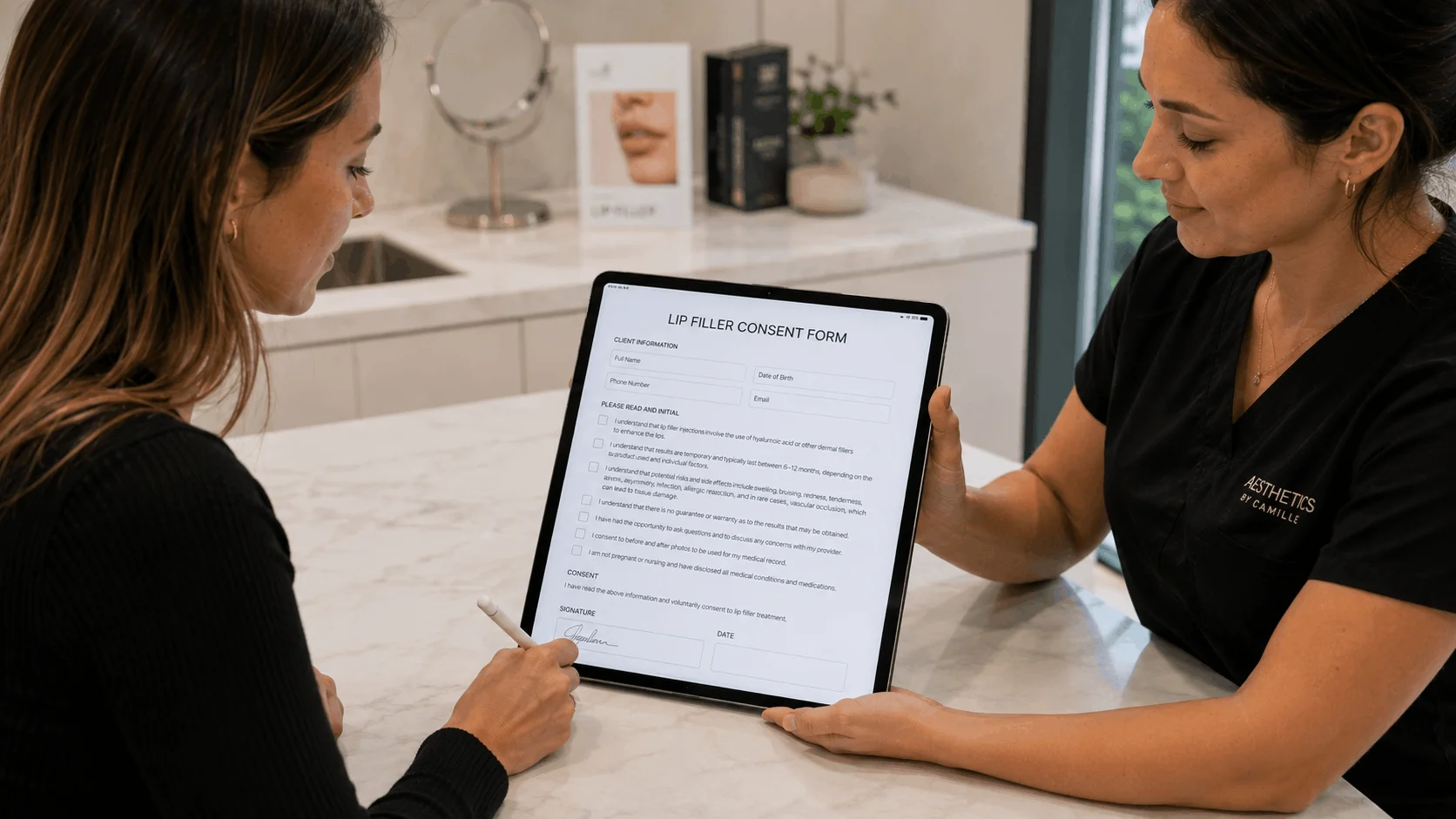
The best waiver software depends on how many waivers you collect and where people sign. AgreeDock is the best pick for small and growing businesses that want unlimited waivers at one flat price. Smartwaiver and WaiverForever suit busy venues that need native kiosk apps and offline signing, WaiverFile fits venues that want booking and waivers together, and Jotform works if you need a general form builder that also handles waivers.
This guide is for gyms, studios, rental shops, tour operators, venues and event organizers choosing an online waiver system for the first time, or replacing one that has become expensive. AgreeDock is our product, so we've included it, and we've tried to be straight about where other tools fit better. Prices were checked on vendor websites in November 2026 (Smartwaiver's in October 2026) and can change, so confirm them before you buy.
Quick comparison
| Tool | Best for | Starting price | Free plan |
|---|---|---|---|
| AgreeDock | Flat price at any volume | $15/mo, unlimited waivers | Yes, 10 signatures/mo |
| Smartwaiver | Busy venues needing native apps | $22/mo for 100 waivers | Free trial only |
| WaiverForever | Offline kiosks and ID scanning | $19/mo plus usage | Yes, 20 submissions/mo |
| WaiverSign | Marketing and CRM integrations | $19/mo for 100 waivers | 7-day trial |
| WaiverFile | Booking plus waivers in one | $19/mo for 150 waivers | Trial, 30 days or 100 |
| Waiver Electronic | Budget apps with payments | $11.99/mo year one | 15-day trial |
| Waiver Master | Spas on Mindbody or Clover | $9.99/mo for 100 | Trial, 30 submissions |
| Wherewolf | Tour operators on booking tools | Pricing on request | Check vendor |
| Jotform | General forms plus waivers | $34/mo billed yearly | Yes, limited |
How we chose
We looked at tools built for collecting signed waivers, plus one general form builder that many small businesses use for the same job. For each, we checked the vendor's own pricing page and product documentation. We did not run a long hands-on test of every product, so this comparison is based on vendor sites and public documentation.
The criteria that matter most for digital waiver software:
- Cost at your real volume. Most waiver tools price by the number of signed waivers per month, so the cheapest plan on paper is not always the cheapest for you.
- How people sign. By link or QR code on their own phone, on a tablet at the front desk, or both.
- Offline support. Whether signing still works when the wifi drops.
- Minors. Whether a parent or guardian can sign for a child.
- Records. Whether you can search signed waivers and download a PDF of each one.
- Extras you may or may not need. Integrations, ID scanning, photo capture, booking and payments.
1. AgreeDock
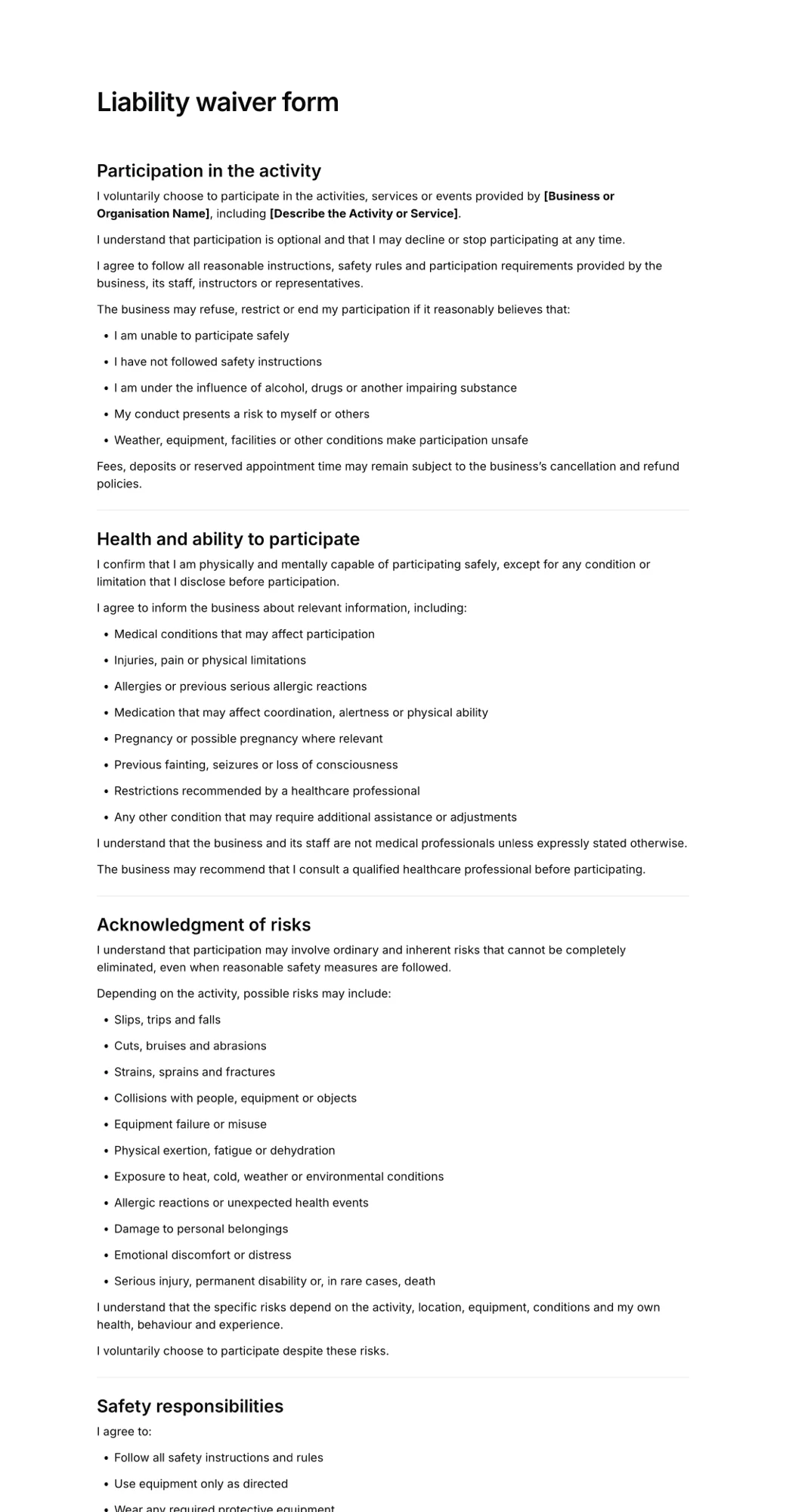
AgreeDock is an online waiver platform for waivers, consent forms, intake forms and agreements. You start from one of 100+ ready templates or describe your business to the AI waiver generator, which drafts a waiver you then edit. The editor has signature, checkbox, text, long text, date, multiple choice and contact fields, and you can add a guardian and minor section so a parent signs for a child.
Customers sign from a link or QR code on their own phone, or one after another on a tablet in kiosk mode. Every signed form lands in your Signatures list with the answers and the exact wording agreed to. You can search by name and download each one as a PDF. The main difference from most tools here is pricing: Pro is one flat price whether you collect 50 waivers a month or 5,000.
Best for: Small and growing businesses that want unlimited waivers without volume tiers.
Pricing: Free plan forever with 1 active form and 10 signatures per month. Pro is $15/month, or $10/month billed yearly ($120/year), with unlimited signatures.
Strengths:
- Flat price, so a busy season never pushes you into a higher plan
- AI drafting and 100+ templates to start from
- Link, QR code and tablet kiosk signing with nothing to install
- Guardian and minor sections for parental consent
- Searchable records with a PDF of every signed form
Drawbacks:
- Needs an internet connection; there is no offline signing
- No native iOS or Android app (it runs in the mobile browser)
- No ID scanning, photo capture, file uploads or conditional logic
- No integrations, API, payments, SMS or booking
- No HIPAA BAA, so check which rules apply if you collect health data
2. Smartwaiver
Smartwaiver is the best-known name in dedicated waiver software and is widely used by activity, rental and recreation businesses. It offers native iOS and Android apps with offline collection, driver's license scanning, automatic photo capture, an open API and integrations with other software.
Pricing is tiered by how many new signed waivers you collect each month, so costs rise as your volume grows. If you are weighing it against cheaper options, our Smartwaiver alternatives guide compares prices by volume.
Best for: High-traffic venues that rely on native kiosk apps, offline signing and integrations.
Pricing: Basic starts at $22/month for 100 waivers per month on monthly billing, as listed in October 2026. Starter is $60 (300 waivers), Business $160 (1,000) and Premium $205 (2,500). Free trial, no free plan.
Strengths:
- Mature native kiosk apps for iPad and Android
- Offline collection
- ID scanning and automatic photo capture
- Open API and integrations
Drawbacks:
- Price climbs steeply with waiver volume
- No free plan, only a trial
- Offline mode has to be enabled per kiosk
3. WaiverForever
WaiverForever combines native kiosk apps for iOS, Android and Amazon devices with offline signing, driver's license scanning and integrations with tools such as Mindbody, Square, Shopify and Google Sheets. Its pricing is a low base fee plus metered usage per waiver.
Best for: Low-volume businesses that want a free plan, and multi-device venues that need offline kiosks.
Pricing: Free plan with 20 submissions per month. Paid plans start at $19/month (Essential), as listed in November 2026, with the first 50 submissions included, then $0.10 per waiver for the next 250, falling to $0.05 at high volume. Standard is $39/month and Scale $129/month.
Strengths:
- Generous free plan that includes the native app and offline mode
- Native apps on iOS, Android and Amazon devices
- Driver's license scanning and SMS or email copies
- API, webhooks and white label on Standard and above
Drawbacks:
- Metered usage makes monthly cost harder to predict
- Essential allows 1 offline device and no team users
- API and most integrations need the Standard plan or higher
4. WaiverSign
WaiverSign, from Resmark Systems, is a usage-based waiver and e-signature tool. Signers can sign by email, SMS, QR code or in person, and it connects to marketing tools through Zapier and direct HubSpot, Mailchimp, Salesforce and Google Sheets integrations.
Best for: Businesses with reliable wifi that want waivers to feed their marketing and CRM.
Pricing: Growth starts at $19/month for 100 waivers, or $15/month on a 12-month term, as listed in November 2026. Professional is $49/month (250) and Business $149/month (1,000). Extra waivers cost $0.15 each.
Strengths:
- Strong marketing and CRM integrations, plus an API
- Email, SMS and QR code delivery
- Unlimited users and multi-location support
- Builds your first waiver for you
Drawbacks:
- No native offline mode; its help desk says a stable connection is needed
- Overage fees when you exceed your plan
- No free plan, only a 7-day trial
5. WaiverFile
WaiverFile started as waiver software and now covers more of the venue: waivers, a booking engine, memberships, self check-in and point of sale. Every waiver plan includes unlimited kiosks, forms and staff users, and its Venue App runs on iPad, iPhone and Android with offline signing. Parents can sign for minors.
Best for: Trampoline parks, play centers and venues that want booking and waivers together, and clinics that need a HIPAA plan.
Pricing: Startup starts at $19/month or $199/year for 150 waivers per month, as listed in November 2026. Business is $49/month (400) and Growth $89/month (700). HIPAA versions cost more. Overage is $0.50 per waiver.
Strengths:
- Unlimited kiosks and staff users on every plan
- Offline signing and self check-in
- Optional booking, memberships and POS
- HIPAA plans available
Drawbacks:
- $0.50 overage per waiver is high
- HIPAA costs extra
- The booking option takes a percentage of booking revenue
6. Waiver Electronic
Waiver Electronic is a low-cost waiver app with iPhone, iPad and Android apps, kiosk and offline modes, and sharing by QR code, email, SMS or website link. It includes conditional logic, branding, expiration rules and check-in tracking, and it takes payments through Stripe, Square and PayPal.
Best for: Small studios and budget-conscious operators that want native apps.
Pricing: Basic starts at $11.99/month for 70 waivers in the first year, then $14.99/month, as listed in November 2026. Starter is $34.99/month in year one (600 waivers), then $49.99.
Strengths:
- Low entry price with unlimited devices and templates
- Offline and kiosk signing in native apps
- Payments and conditional logic built in
Drawbacks:
- First-year promo prices go up in year two
- Basic is capped at 70 waivers per month
- No free plan, only a 15-day trial
7. Waiver Master
Waiver Master is a low-cost cloud waiver tool with a free kiosk app for iPad and Android. It integrates with salon, spa and fitness systems such as Mindbody, Booker, ClubReady, Clover and Square, and supports driver's license scanning with Clover and iPad.
Best for: Salons, spas and studios on Mindbody, Clover or Square with a tight budget.
Pricing: WM 100 starts at $9.99/month for 100 submissions, as listed in November 2026. WM 250 is $14.99, WM 500 $24.99 and WM 1000 $44.99. Annual billing saves 10%.
Strengths:
- Lowest entry price in this list
- Free kiosk app
- Many salon, spa and POS integrations
Drawbacks:
- Integrations cost $10 to $20 per location per month
- Form setup help is charged per page
- Offline signing was not mentioned on its site
8. Wherewolf
Wherewolf is a guest experience platform for tours and activities. It covers waivers, an iPad kiosk called Guest Mode, check-in and marketing data, and it connects to booking systems such as FareHarbor, Bookeo, Rezdy and Xola rather than replacing them.
Best for: Tour and activity operators already on a booking platform who want guest check-in on top of waivers.
Pricing: Pricing on request; check the vendor's pricing page.
Strengths:
- Built for tours and activities
- iPad Guest Mode for front-desk signing
- Integrations with popular tour booking systems
Drawbacks:
- Not a booking system on its own
- Pricing is not easy to confirm from its website
- Walk-in waivers do not show in FareHarbor, per FareHarbor's help docs
9. Jotform
Jotform is a general form builder with a signature field, a Jotform Sign document workflow and a large library of waiver templates. If you already use it for other forms, adding a waiver is simple. It is not built only for waivers, so guardian sections and similar details come from templates and conditional logic rather than dedicated features.
Best for: Businesses that need many kinds of forms, with waivers as one of them.
Pricing: Free Starter plan with 5 forms, 100 submissions and 10 signed documents per month. Bronze starts at $34/month billed annually ($39 monthly), as listed in November 2026.
Strengths:
- Huge template library and flexible form builder
- Share by link, embed or email, plus a mobile app
- HIPAA features on the Gold plan
Drawbacks:
- Signed document limits are tight on lower plans
- Free plan shows Jotform branding
- More setup than a tool designed only for waivers
How to choose the best waiver software for your business
Start with the questions that rule tools out, then compare price.
Your monthly volume. Count how many waivers you collect in your busiest month, not an average one. Under about 20 a month, a free plan from AgreeDock or WaiverForever may be enough. Above a few hundred a month, per-waiver tiers add up quickly, and a flat-price tool like AgreeDock Pro costs the same at any volume.
Remote vs kiosk signing. If most customers sign before they arrive, any tool with a link and QR code works. If most sign at the front desk, look at kiosk features. Our waiver kiosk software guide goes deeper.
Offline needs. If your venue has unreliable wifi, such as a beach rental stand or a remote trailhead, choose a tool with a native app and offline signing, like Smartwaiver, WaiverForever, WaiverFile or Waiver Electronic. AgreeDock needs a connection.
All-in-one vs standalone. If you also need booking, memberships and POS, WaiverFile bundles them. If you already have a booking system, a standalone waiver tool is simpler and usually cheaper.
Integrations. If waivers must sync to a CRM, booking or POS system, pick a tool with integrations or an API. AgreeDock does not offer these.
Health data. If your forms collect medical history, check which rules apply to you. WaiverFile sells HIPAA plans and Jotform offers HIPAA features on Gold.
Minors. If children take part, make sure a parent or guardian can sign. See our guide to waivers for minors.
Waiver software vs a general e-signature tool
E-signature tools like DocuSign are built around sending a document to a named person. That works for contracts, but waivers usually need a public link or QR code that anyone can open and sign. In DocuSign, that feature (PowerForms) is on the Business Pro plan, and its plans come with envelope allowances that a busy venue can use up fast. Dedicated electronic waiver systems are built for the walk-in, sign-and-go pattern, which is why they tend to cost less per waiver.
Frequently asked questions
What is the best waiver software?
For most small and growing businesses, AgreeDock is a strong choice because it offers unlimited waivers for a flat $15 per month and a free plan. If you need offline kiosk apps, ID scanning or integrations, look at Smartwaiver or WaiverForever. If you want booking and waivers in one system, look at WaiverFile.
What is the cheapest digital waiver software?
It depends on volume. Waiver Master starts at $9.99 per month for 100 submissions, and AgreeDock Pro is $10 per month billed yearly with no waiver limit. At a few hundred waivers a month or more, flat pricing is usually cheapest. AgreeDock and WaiverForever also have free plans.
Is there free waiver software?
Yes. AgreeDock's free plan includes 1 active form and 10 signatures per month, and WaiverForever's free plan includes 20 submissions per month. Jotform and Tally also have free plans with signature fields. See our free waiver software guide for the limits of each.
Can customers sign an online waiver on their phone?
Yes. All the tools in this list let customers sign on a phone, usually from a link or QR code. AgreeDock works in the mobile browser, so there is nothing to install.
Which waiver software works offline?
Smartwaiver, WaiverForever, WaiverFile and Waiver Electronic all offer offline signing in their native apps. AgreeDock and WaiverSign need an internet connection.
Are electronic waivers legally binding?
Electronic signatures are generally accepted in the US under the ESIGN Act and state laws, but whether a specific waiver holds up depends on its wording, the activity and local law. Have your waiver reviewed by a lawyer where you operate, and read what makes a liability waiver invalid.
Do I need waiver software or can I use a PDF?
You can print a PDF waiver, and AgreeDock lets you download templates as free PDFs. Online waiver software saves you storing paper, lets customers sign before they arrive, and makes it easy to find a signed waiver later by searching a name.
What should I look for in an electronic waiver system?
Check the price at your busiest month's volume, how customers sign (link, QR code or kiosk), whether you need offline signing, how minors are handled, and whether you can search and download signed records. Only pay for integrations, ID scanning or booking if you will use them.