
No signup to preview
Free Waiver Generator
Describe your business in a sentence and get a complete liability waiver in seconds. Preview it free, then download the PDF or collect e-signatures.
- Preview without signup
- Ready in seconds
- PDF or e-signatures
How to make a liability waiver in 3 steps
No blank page and no legal jargon to write. Describe what you do and see the waiver before you create an account.
- 1
Describe your business
Write a sentence or two about what you do, the activity customers take part in, and anything they must agree to, such as age limits, rules or damage charges. Or start from one of the examples.
- 2
Preview your waiver
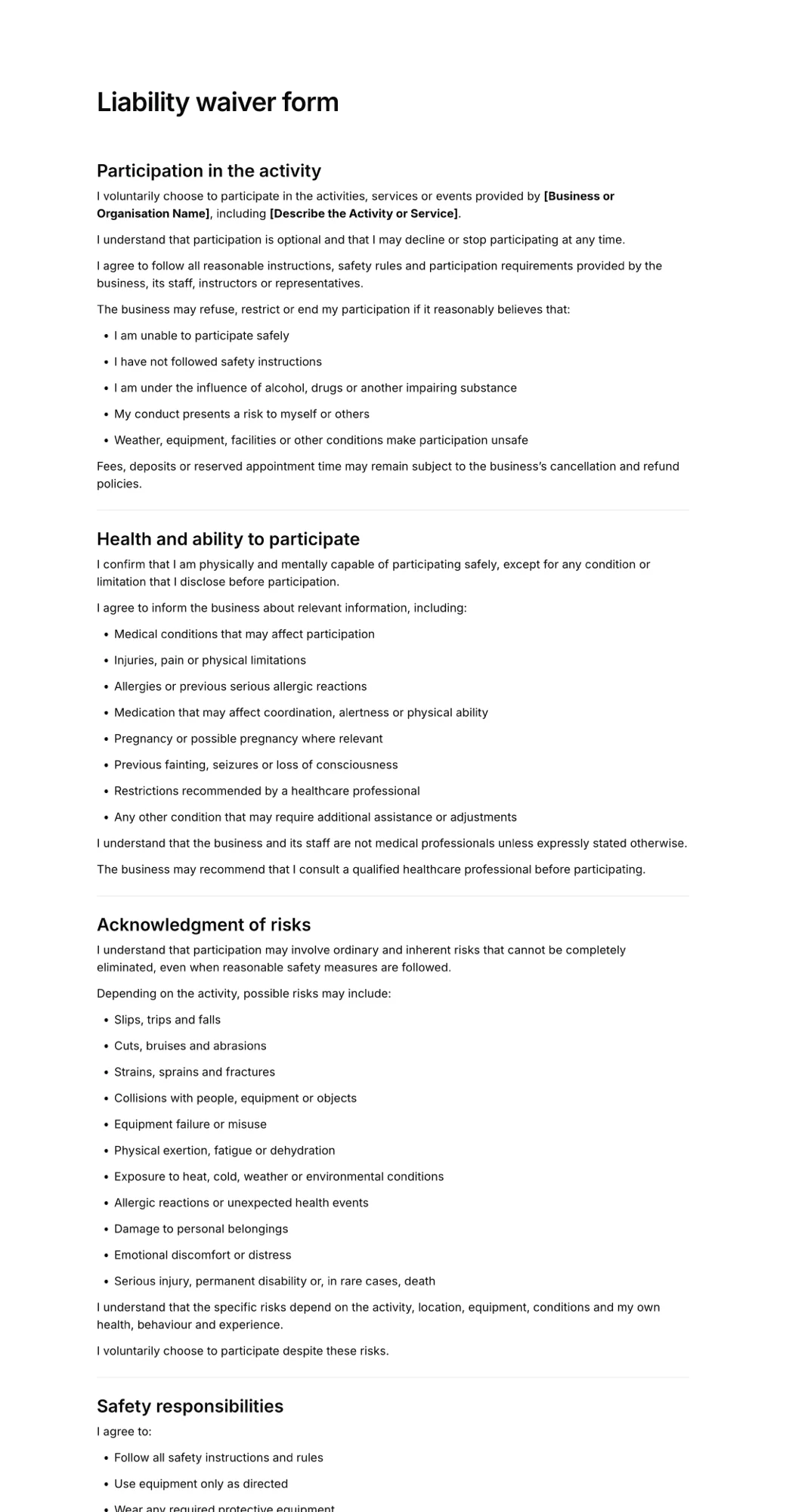
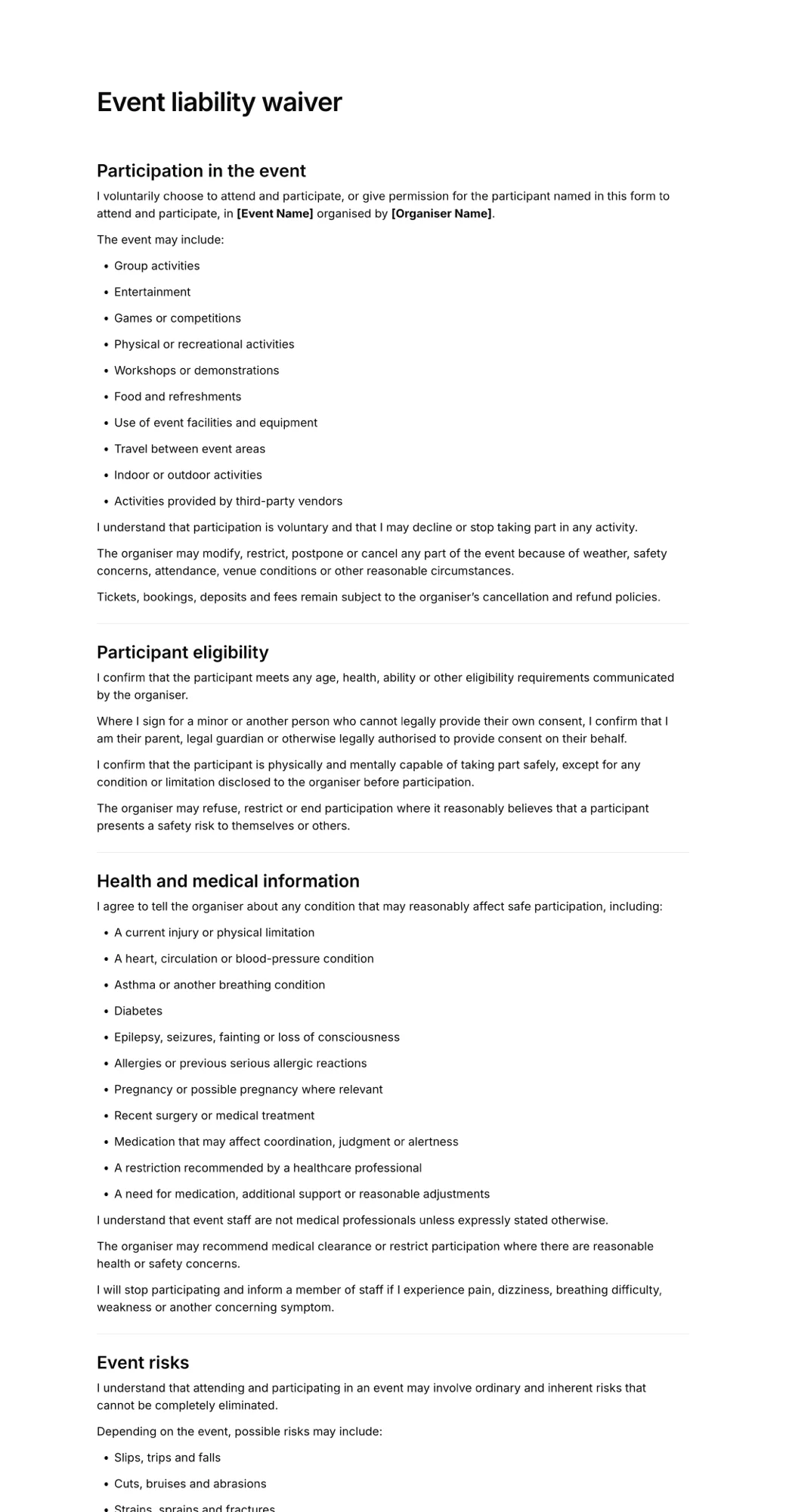
In seconds the generator drafts a complete waiver with the real risks of your activity, a release of liability and signature fields. Read the opening sections right here, with no account.
- 3
Get the waiver, sign it online
Create a free account and the full waiver opens in the editor, ready to edit. Download it as a PDF or share a link or QR code to collect e-signatures.
What’s inside your generated waiver
Every waiver is built from the clauses courts and insurers expect to see. Here is what each one does, so you know what you’re asking people to sign.
Assumption of risk
The participant confirms they understand the activity’s inherent risks and choose to accept them. Naming specific risks, rather than a vague “all risks”, makes this clause far stronger, which is why the generator lists the risks of your activity.
Release of liability
The heart of the waiver. The signer gives up the right to bring claims against your business, staff and volunteers for injury or loss, including claims for ordinary negligence where the law allows it.
Indemnification (hold harmless)
The signer agrees to cover costs your business incurs because of their actions, such as a claim from another participant they injured. Often called a hold harmless clause.
Health declaration
The participant confirms they are fit to take part and have disclosed conditions, injuries, allergies or pregnancy. The generator adds a required question so the disclosure is on record.
Emergency medical consent
Authorizes you to give first aid or call for treatment if someone is hurt, and makes clear who pays. Essential for camps, sports and anything remote.
Equipment and damage
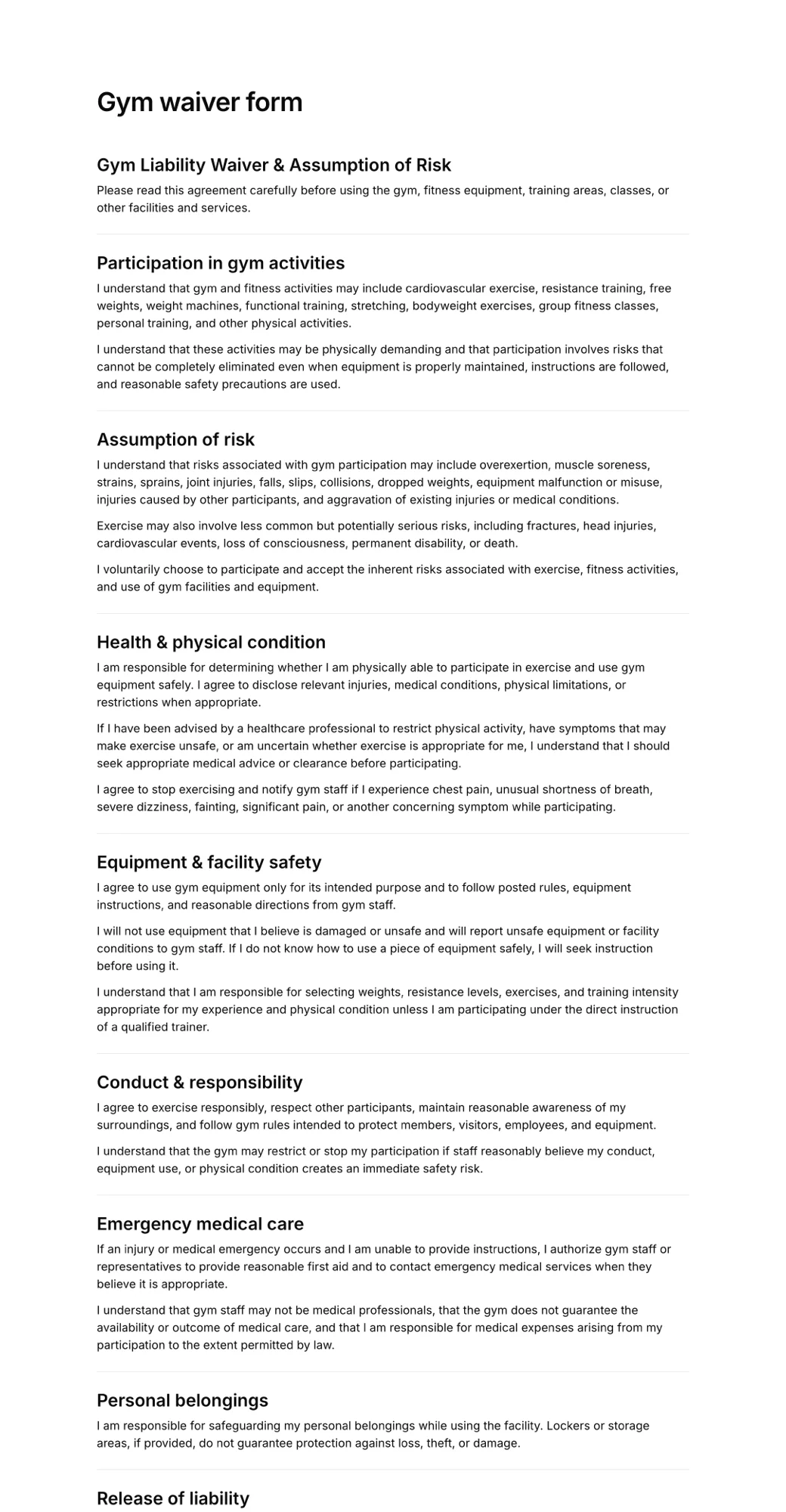
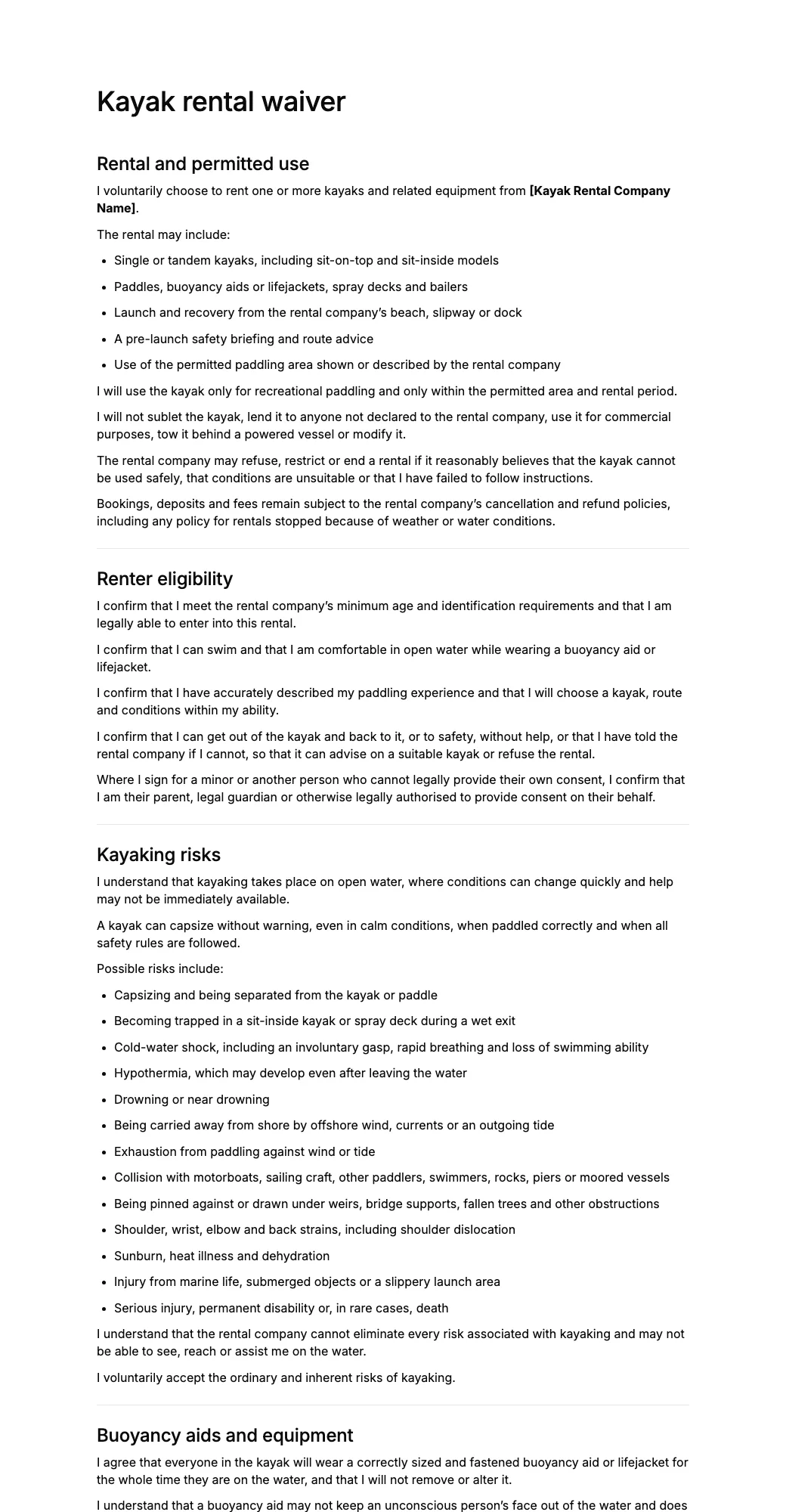
For rentals and gyms: the signer inspects equipment, uses it as instructed and pays for loss or damage beyond normal wear and tear.
Photo and video release
Opt-in permission to use images in your marketing. It works best as a separate, optional checkbox so consent is clear and freely given.
Parent or guardian consent
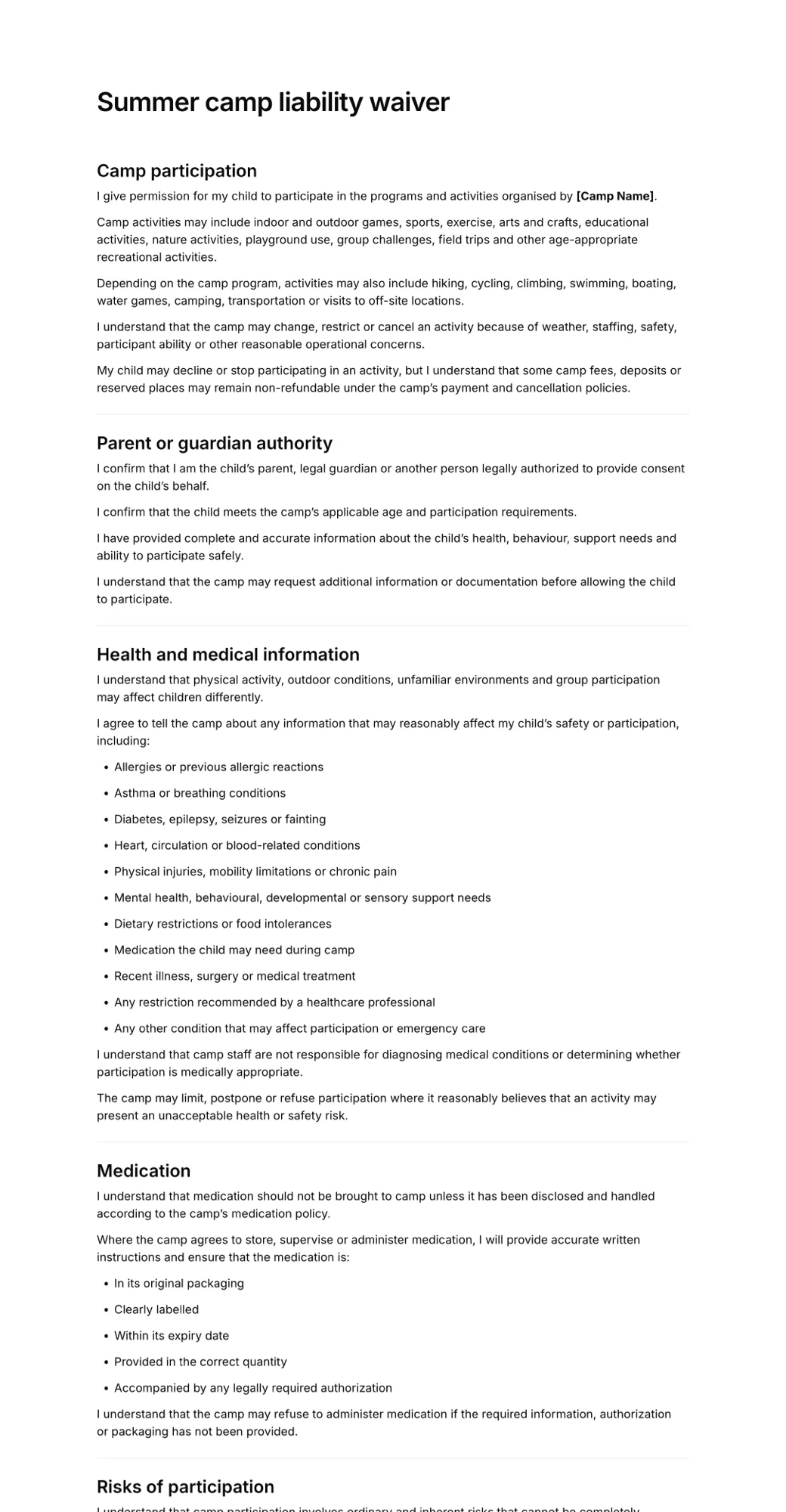
When minors take part, a parent or legal guardian signs for them and accepts the terms on their behalf. Mention that children take part and the generator adds it.
Governing law and severability
States which law applies, and keeps the rest of the waiver in force if a court strikes out one clause. A small section that protects all the others.
Waiver generators by activity
Each one comes with an example description and the risks that suit the activity.
- Liability Waiver GeneratorGeneral activity
- Gym Waiver GeneratorGym & fitness
- Personal Training Waiver GeneratorPersonal training
- Yoga Waiver GeneratorYoga & Pilates
- Martial Arts Waiver GeneratorMartial arts
- Dance Waiver GeneratorDance studio
- Sports Waiver GeneratorSports & leagues
- Boat Rental Waiver GeneratorKayak & boat rental
- Rental Waiver GeneratorBike & gear rental
- Trampoline Park Waiver GeneratorTrampoline & play
- Climbing Waiver GeneratorClimbing
- Equine Waiver GeneratorHorse riding
- Tour Waiver GeneratorTours & adventure
- Camp Waiver GeneratorCamps & youth
- Event Waiver GeneratorEvents & parties
- Volunteer Waiver GeneratorVolunteers
- Tattoo Waiver GeneratorTattoo & piercing
- Salon Waiver GeneratorSalon & spa
A better free waiver generator
Many free waiver makers ask you to sign up before you see anything. This one drafts your waiver and shows it to you first.
| Feature | AgreeDock | Typical free generator |
|---|---|---|
| See the waiver before signing up | Sometimes | |
| Risks specific to your activity | Generic | |
| One-click examples for 18 activities | A few | |
| Signer fields and signature included | Sometimes | |
| Saved for you through signup | ||
| Parent or guardian section for minors | Sometimes | |
| Download as PDF | ||
| Collect e-signatures by link or QR code | Varies |
How to make your waiver hold up
How a waiver is written and signed matters as much as what it says. Follow these habits, and see our liability waiver examples for real-world wording.
- Write in plain language and use clear, readable headings
- Name the specific risks of your activity
- Make the release language conspicuous, not hidden in small print
- Have every participant sign before the activity, not after
- Use a parent or guardian signature for anyone under 18
- Keep a dated, searchable copy of every signed waiver
- Review the wording each year and when your activities change
- Ask a local lawyer to check it if you need certainty
Prefer a ready-made template?
Start from a finished, editable waiver instead. Every template can be signed online and downloaded as a PDF.
Questions
Is this waiver generator really free?
Yes. Generating and previewing your waiver is free and needs no account. To see the full text, edit it, download the PDF or collect signatures you create a free AgreeDock account, with no credit card. The Free plan includes up to 10 signatures a month; Pro adds unlimited signatures.
Why do I need an account to download the waiver?
The account is where your waiver lives: it lets you edit the text, keep a copy, publish a signing link and store every signed record. The waiver you generated is saved for you, so it opens in the editor as soon as you sign up.
What is a liability waiver?
A liability waiver, also called a release of liability or release form, is an agreement in which a participant accepts the risks of an activity and gives up the right to sue the provider for injuries or losses that may result. Read our full guide on how to write a liability waiver.
Is a waiver from a free generator legally binding?
A waiver can be enforceable when it is clear, specific to the activity, signed voluntarily and allowed by the law where you operate. Courts in most US states uphold releases for ordinary negligence, but none cover gross negligence or intentional harm, and some states limit waivers more than others.
The generator follows widely used drafting practice, but it is not legal advice. Review the result and have a lawyer in your state or country check it if you need certainty.
What should a liability waiver include?
At minimum: the parties, a description of the activity, the specific risks, an assumption of risk clause, the release of liability, and a dated signature. Most businesses also add a health declaration, emergency medical consent, an indemnity clause, rules, and a parent or guardian section when minors take part. The generator picks the ones that fit what you describe.
Can I create a waiver for minors?
Yes. Mention that children or under-18s take part and the generator adds a parent or guardian section, where the adult confirms their authority and signs on their behalf. See also our parental consent form.
Can I edit the generated waiver?
Yes, every word. After signing up the waiver opens in AgreeDock’s editor, where you can rewrite sections, paste in your lawyer’s wording, and add questions such as date of birth, ID or custom checkboxes.
How do participants sign the waiver?
Publish it and share the signing link by email or text, show a QR code at the front desk, or run it on a tablet in kiosk mode. Signers can complete it on any phone, and each signed copy is saved as a PDF.
How do I get a better waiver from the generator?
Be specific. Include your business name, what customers do, the main risks, age limits, rules, and anything they must agree to, such as damage charges or a photo release. The more detail you give, the less you need to edit afterwards.
Is my information saved?
Your generated waiver is saved as a private draft for 30 days so it can open in your account after you sign up. Please don’t include personal or health details about individual customers in your description.
Anything else? Write to info@agreedock.com
Your waiver is seconds away
- Free to start
- No credit card
- Saved through signup