
For events and venues
Event waiver software
Get attendee waivers signed before the gates open, collect vendor applications without email attachments, and send party forms to every guest from one link.
- Free to start
- Sign by link or QR code
- Every signed form on file
How events & venues use AgreeDock
Attendee waivers
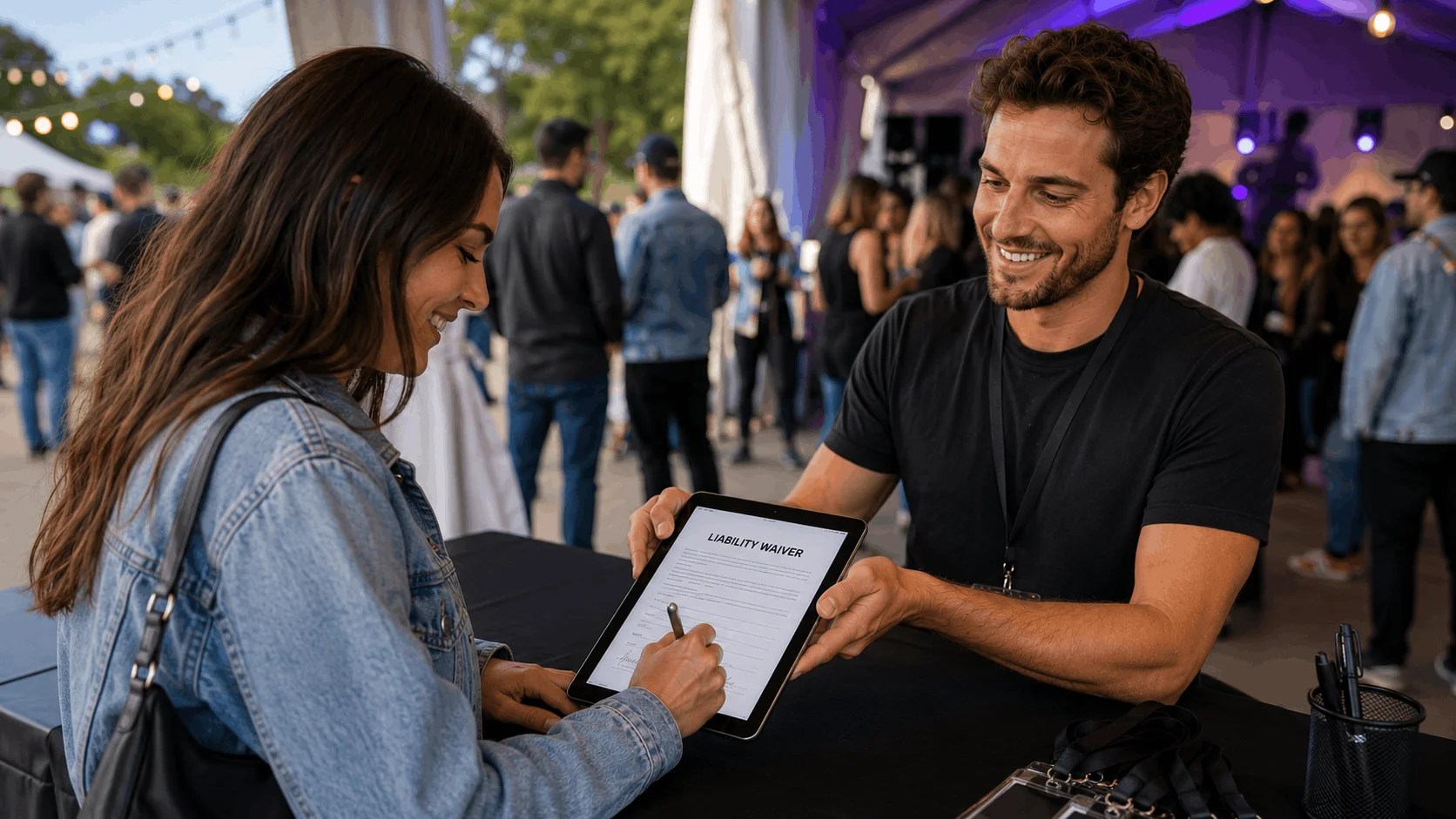
Send the waiver with event details so attendees sign at home, and each person in a group signs their own copy from the same link.
Gate and registration desk
Put a QR code on signs at the entrance so walk-ups sign on their phone instead of crowding a clipboard table.
Vendor applications
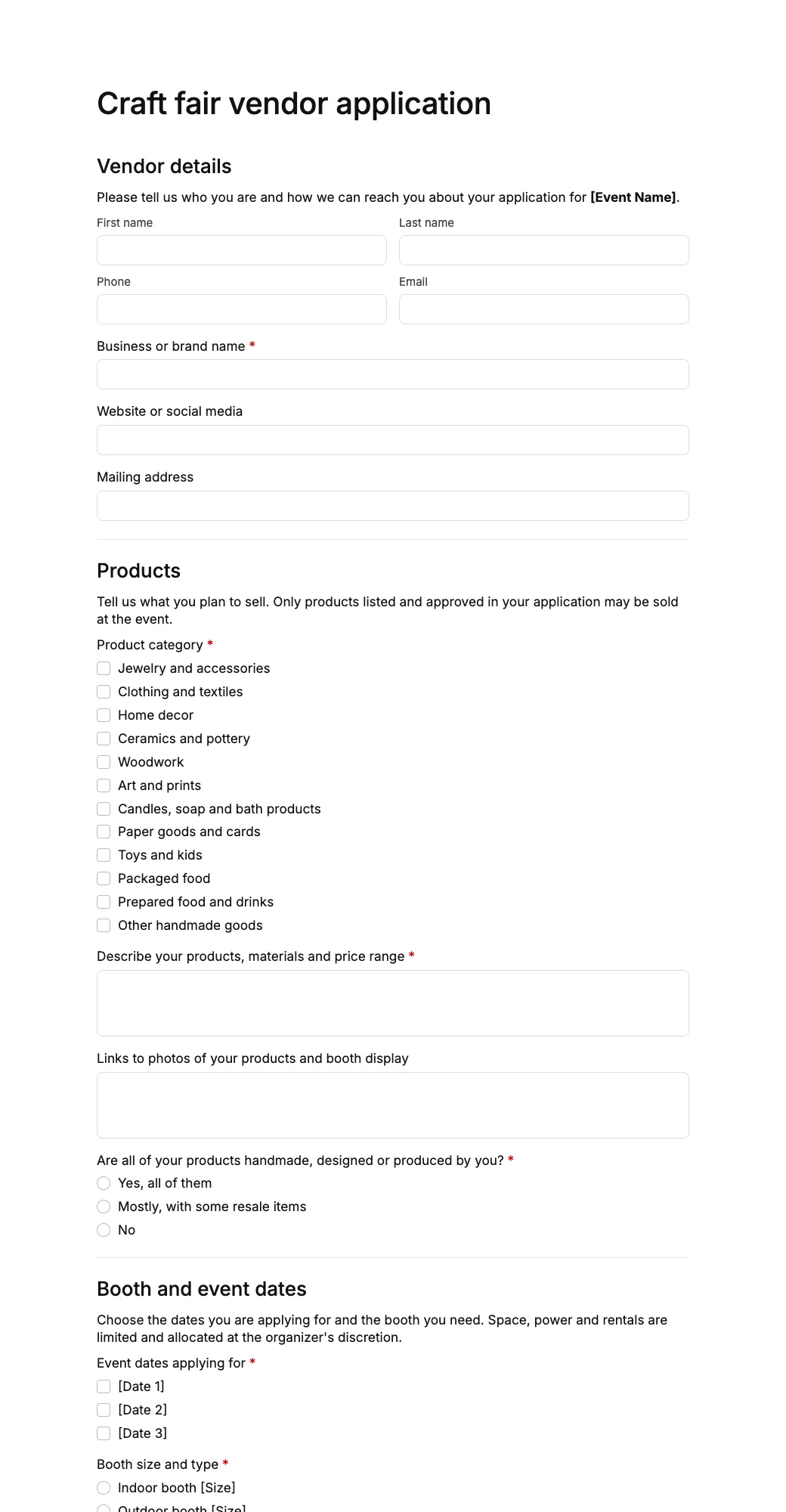
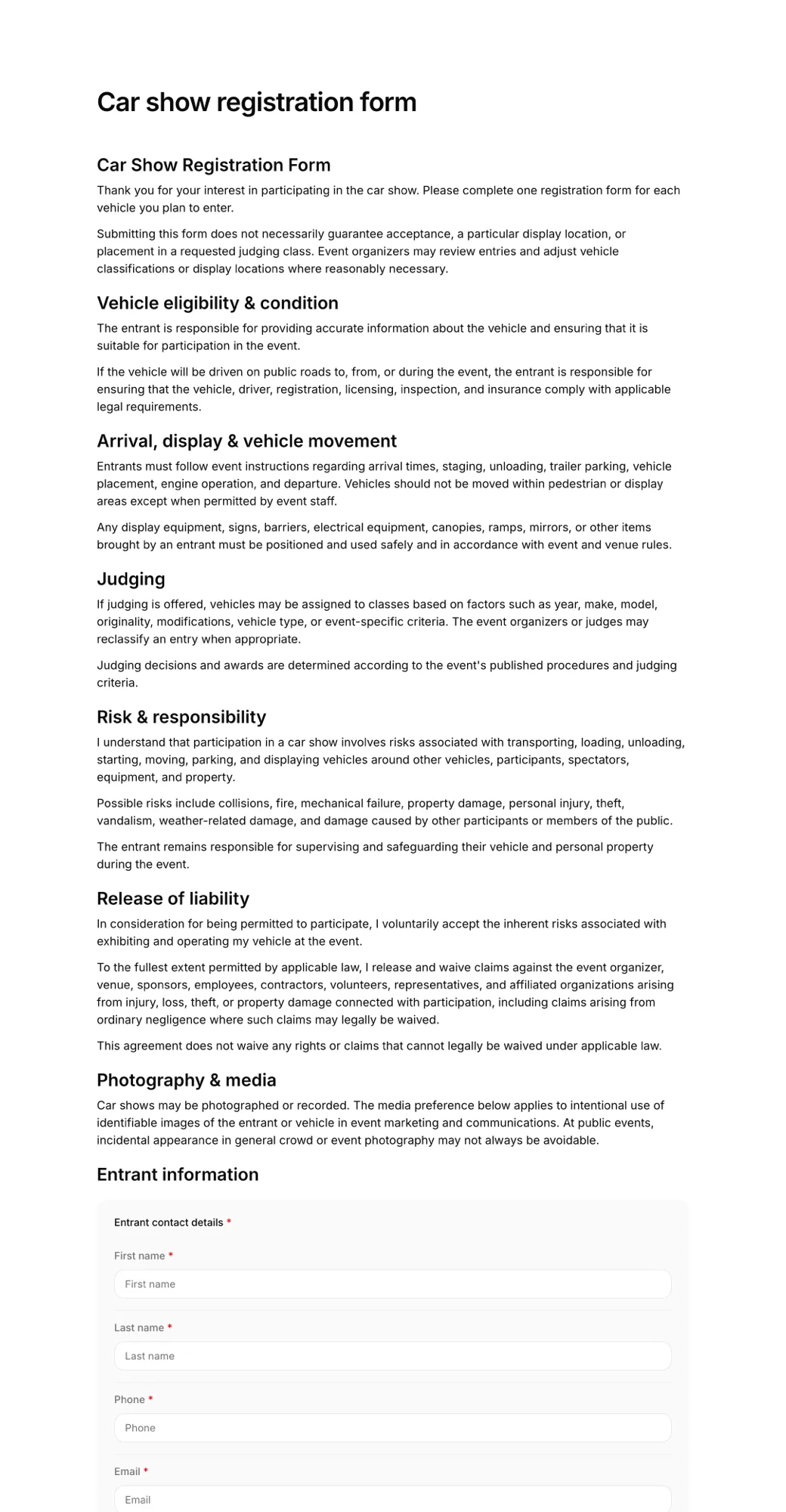
Craft fair, market and car show applicants fill in one online form with their details and sign your vendor terms.
Parties and private bookings
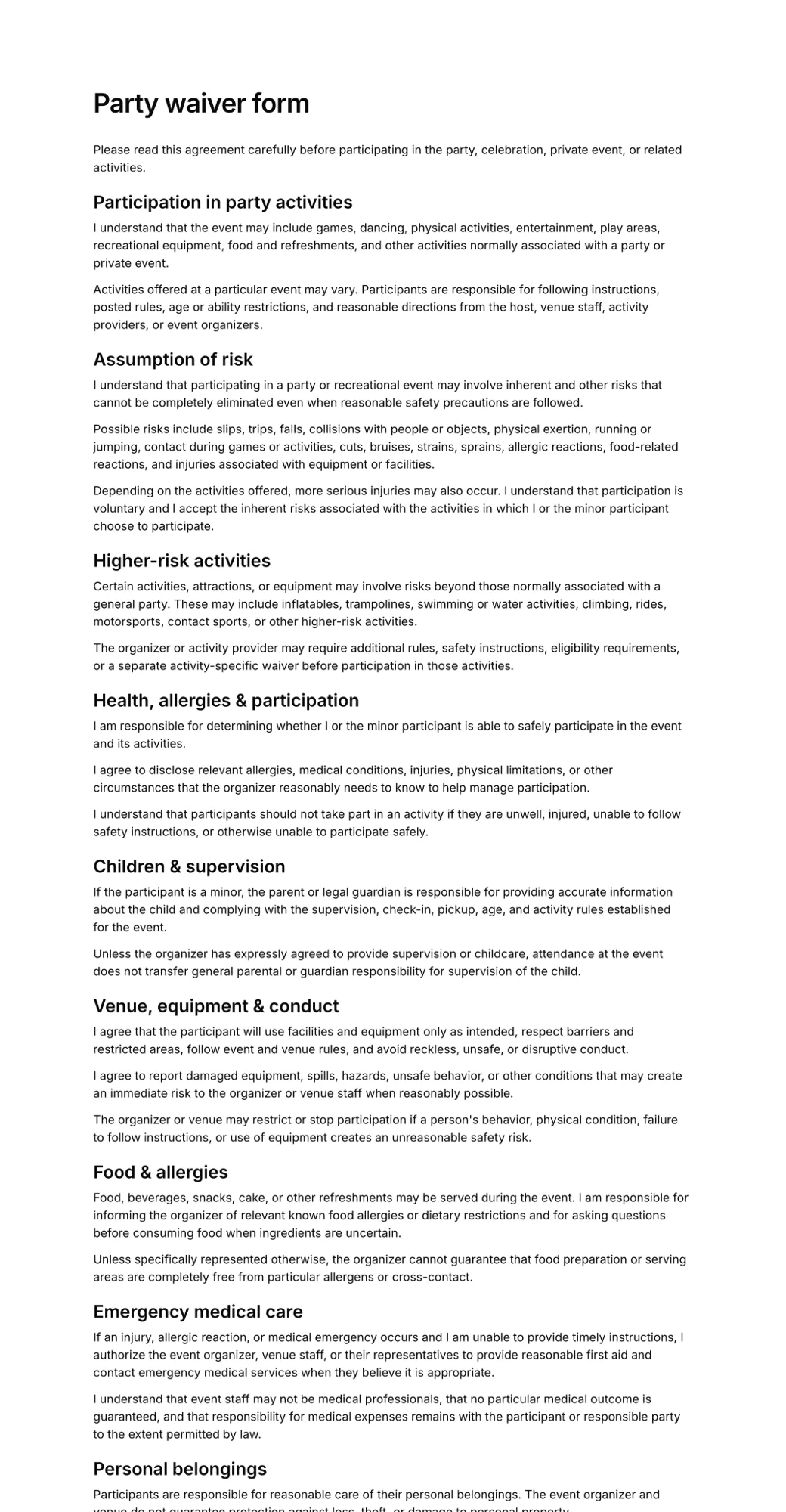
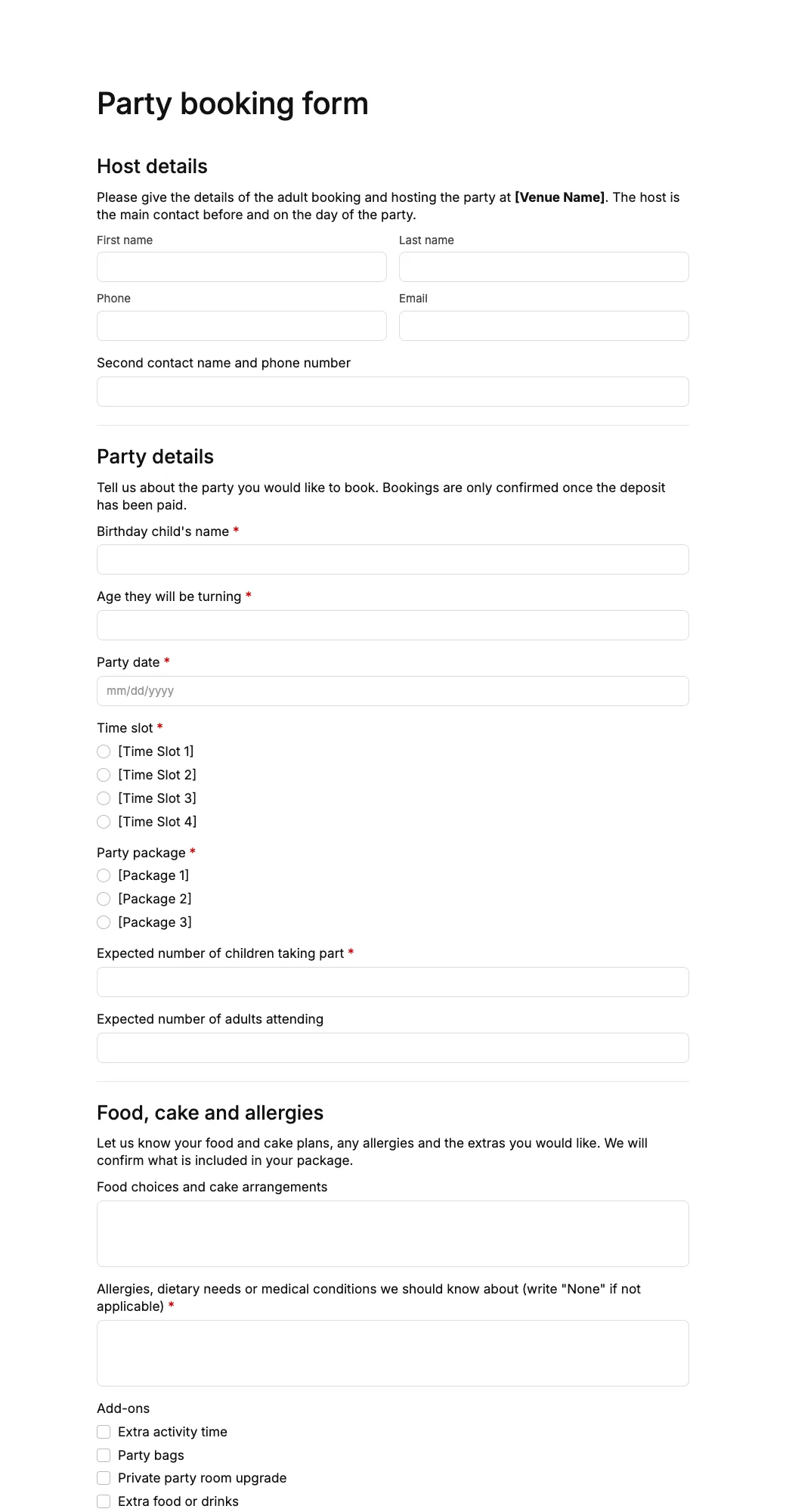
The host books with a party booking form, then shares the party waiver with guests, with parents signing for kids.
What to include in an event waiver
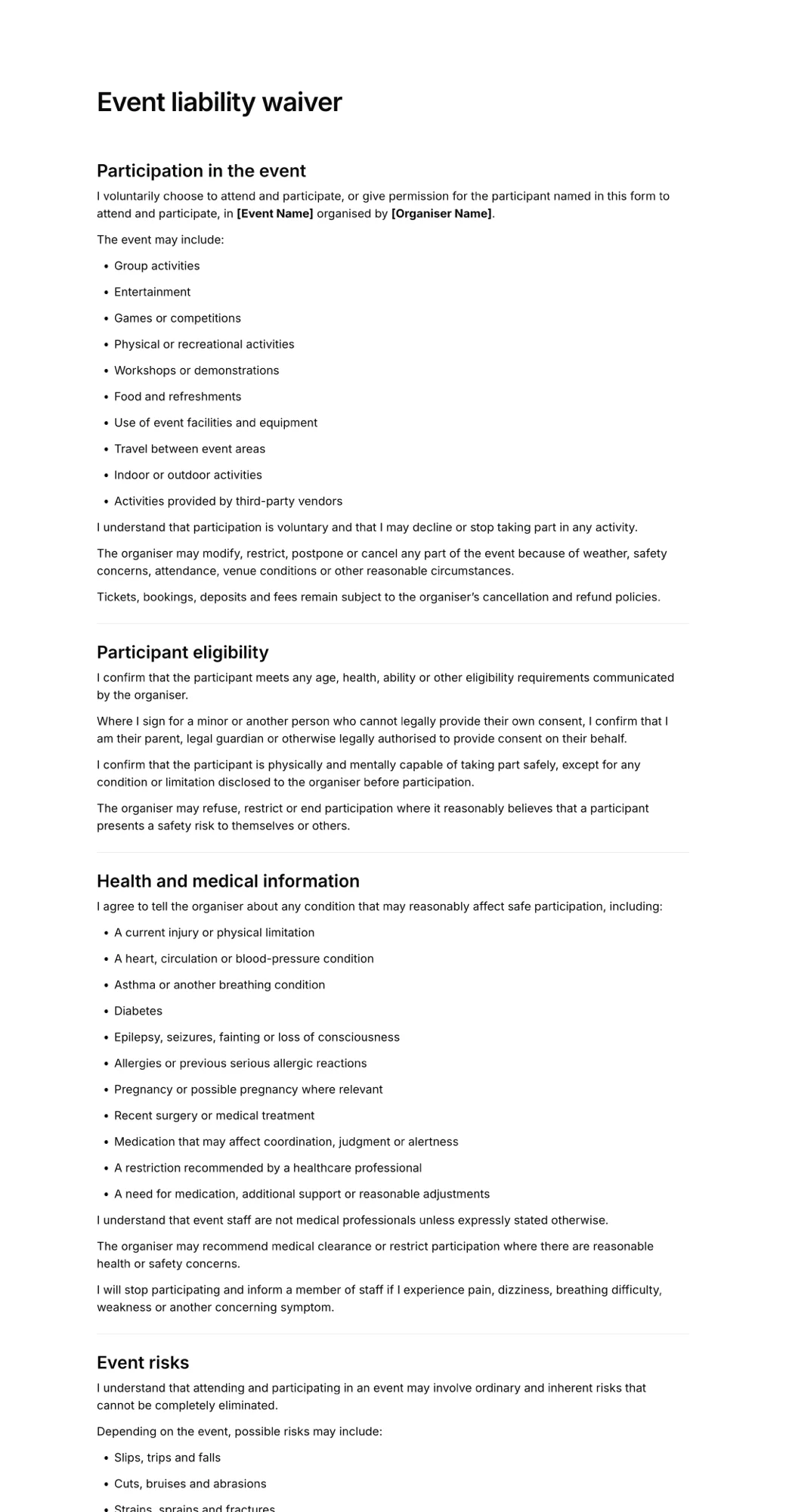
An event waiver should describe what attendees will do at your event and record that each of them accepted the risks. Most organizers cover:
- Attendee name, date of birth and contact details
- Event name, date and location
- The activities and their risks, such as running, climbing, crowds or scare actors
- Agreement to follow event rules and staff instructions
- Health conditions that affect participation
- Responsibility for personal belongings
- Emergency contact details
- Photo and video consent
- Parent or guardian signature for minors
Live signing example
See what your clients sign
This is the real event liability waiver template in the same signing page your clients use. Fill it in, tick the boxes and draw a signature with your mouse or finger. Nothing is sent.
- Opens in any browser, no app to download
- Works on phones, tablets and computers
- Signature drawn with a finger or mouse
- Each signed form keeps the exact version agreed to
How it works for events & venues
- 1Pick the forms for your eventStart from the event liability waiver, party waiver or vendor application, or describe your event and let AI draft one. Add questions with text, checkbox, multiple choice and date fields.
- 2Share before and on the dayPaste the link into ticket confirmations, event pages and emails to vendors, and print the QR code for the gate.
- 3Check signatures at the doorSearch your Signatures list by name at check-in, or open the form on a venue tablet for anyone who still needs to sign.
Share a QR code, collect signatures
Every form gets its own signing link and QR code. As clients sign, each form appears in your Signatures list with their name, answers and the exact wording they agreed to.
- Link for confirmations, emails and messages
- QR code for the counter or front desk
- Newest signatures first in your list
Scan to sign
Event liability waiver
app.agreedock.com/sign/x7k2p9

Templates for events & venues
Start from a ready-made form and edit the wording, questions and fields to match your business.
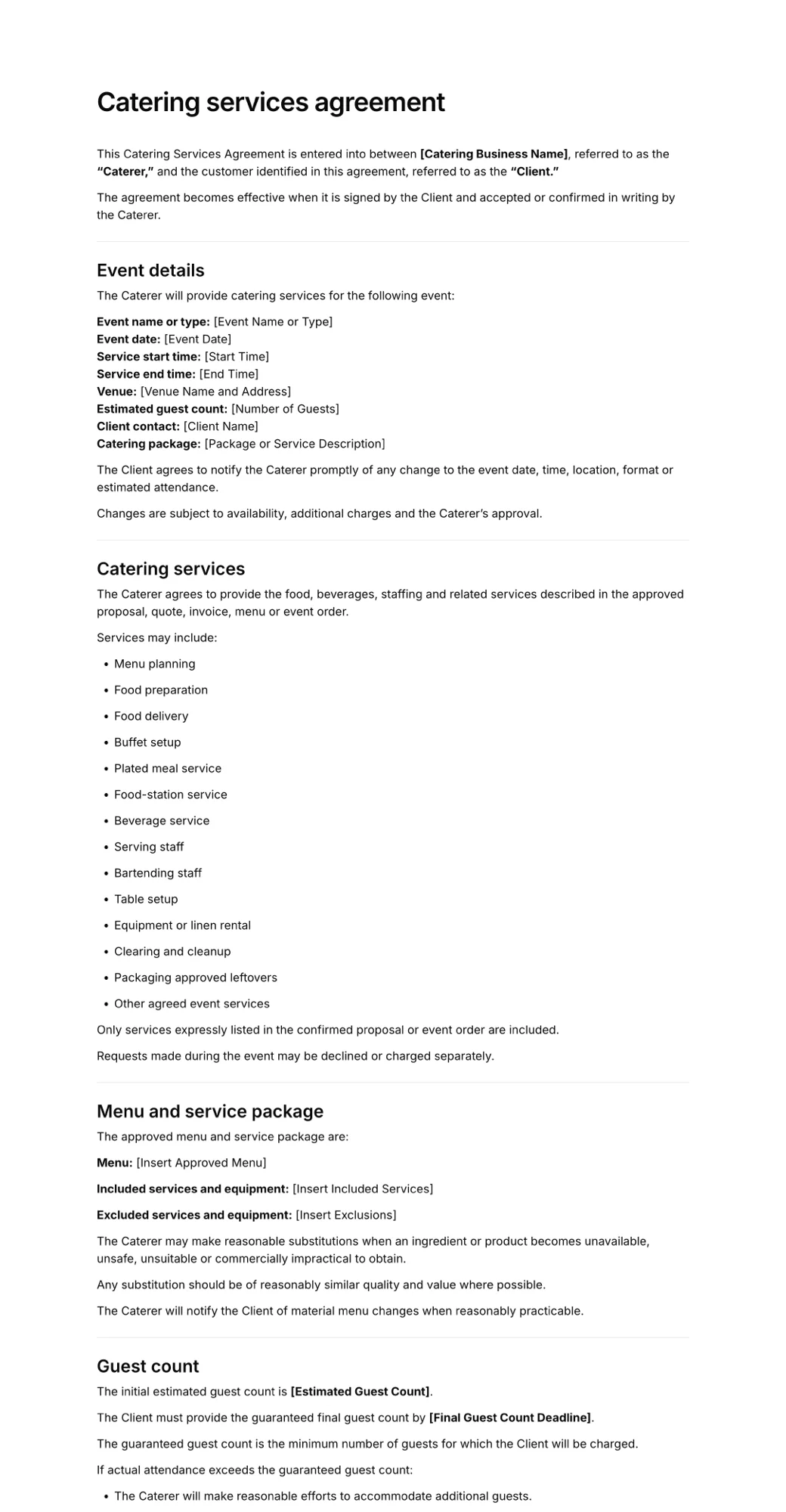
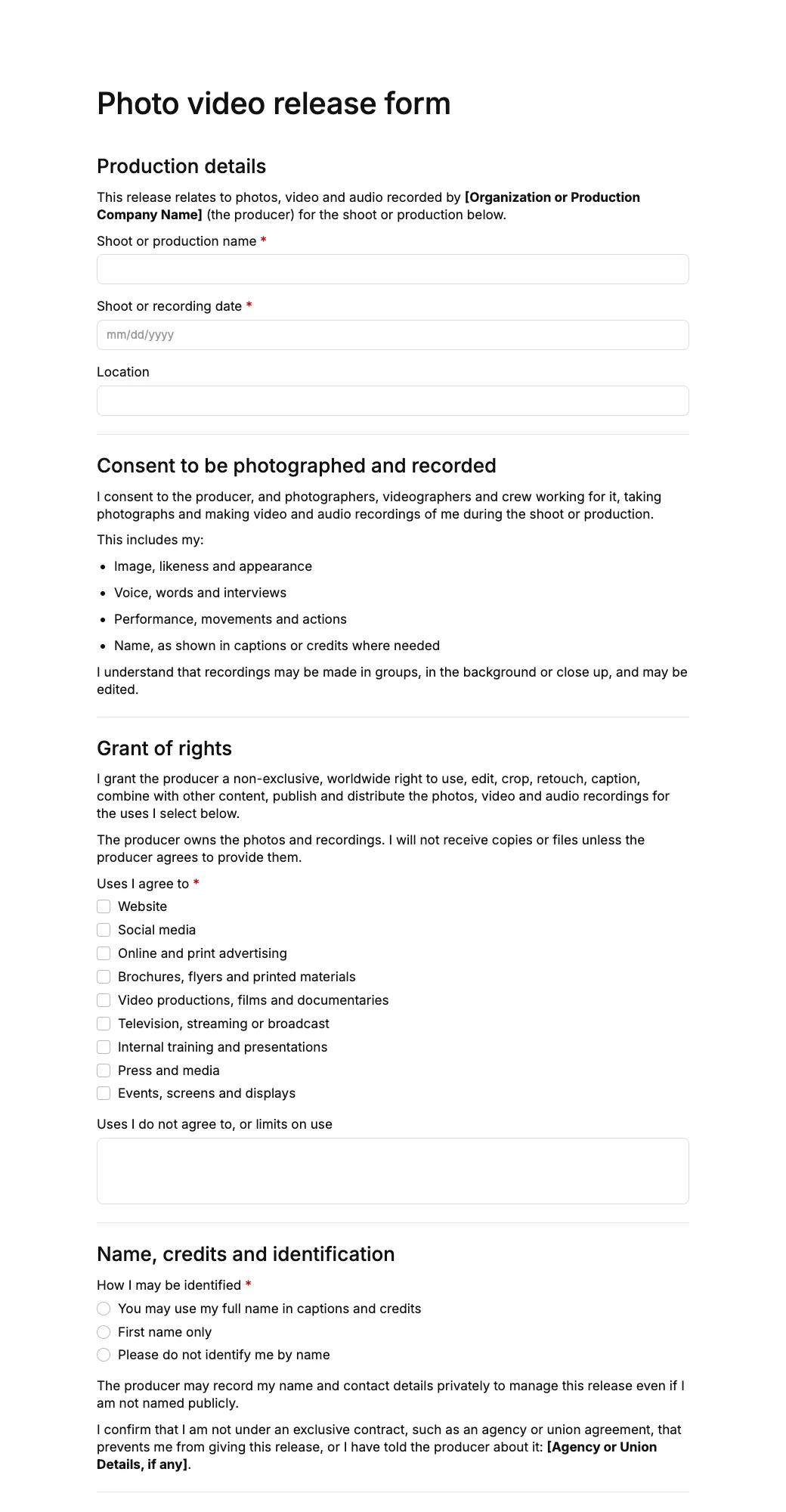
Why event organizers collect waivers online
The worst place to collect waivers is the gate. A fun run, mud race or haunted house has hundreds of people arriving in the same hour, and every paper form slows the line and has to be sorted, filed and read later. Online waivers move most of that work to the days before the event.
Send the signing link with ticket confirmations and event reminders. Groups share one link, but each attendee signs their own copy with their own details. On the day, a QR code at the entrance catches the walk-ups, and staff check names in the Signatures list. Our comparison of event waiver software covers what to look for.
Forms for vendors, parties and seasonal events
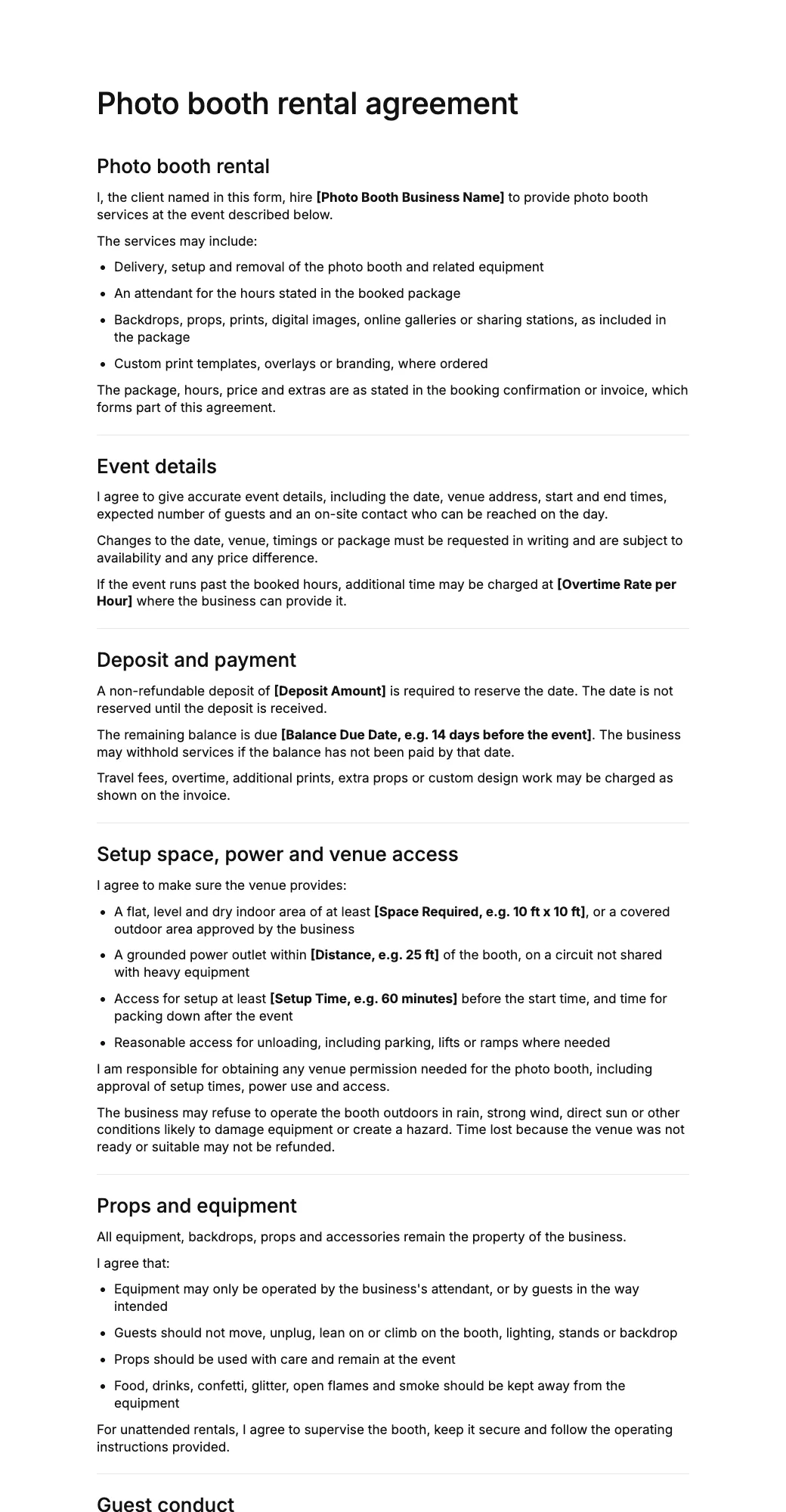
Events need more than attendee waivers. Craft fairs and markets collect vendor details through a vendor application form, car shows register entries, and venues book parties with a booking form, then send a waiver to each guest.
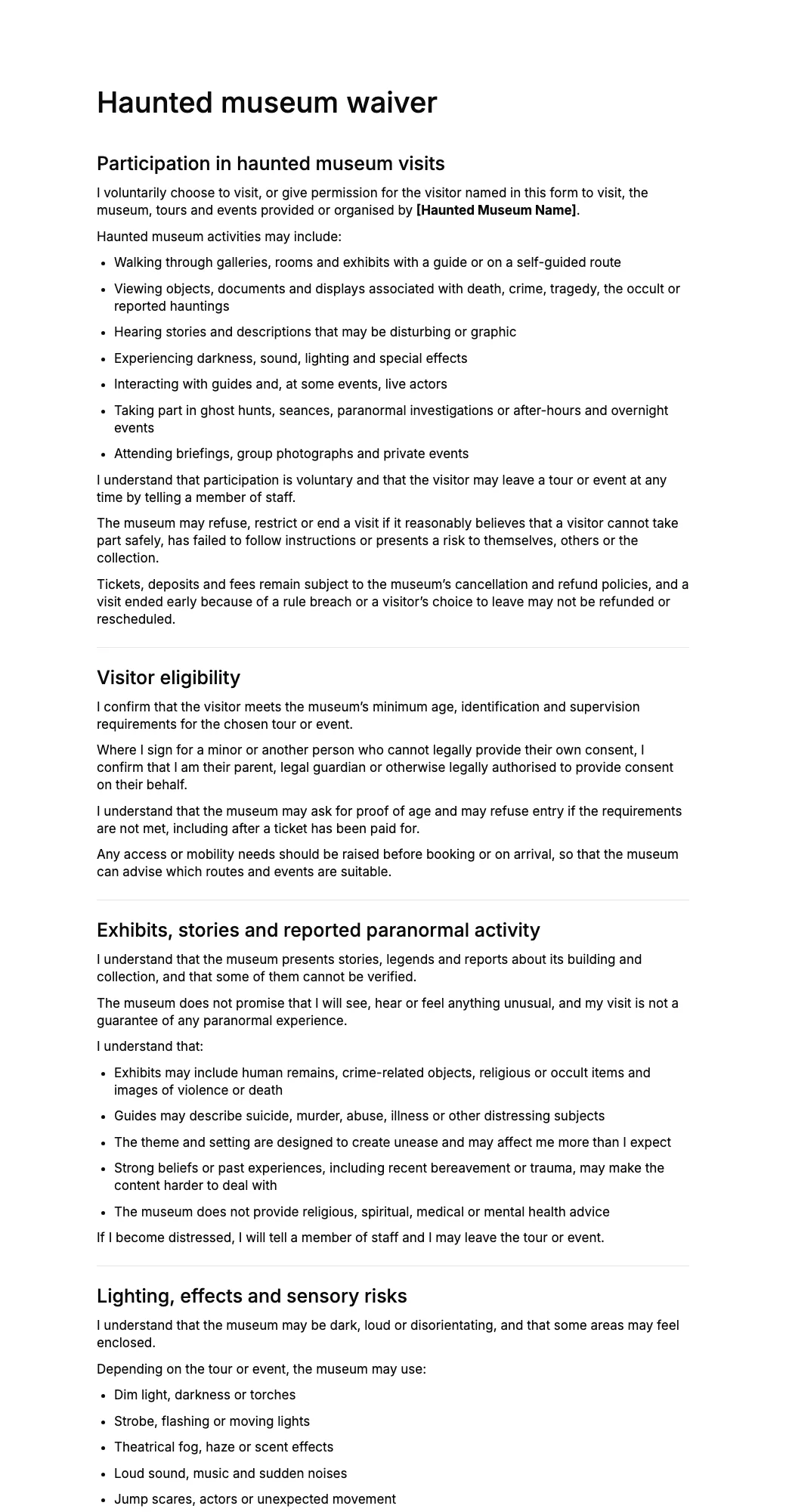
Seasonal attractions have their own risks. A haunted attraction waiver covers dark rooms, startle effects and actors who may touch guests, and our haunted museum waiver template and haunted museum waiver guide explain what to include.
Waiver rules differ between states and countries, especially for minors, so have your final wording reviewed locally.
Guides for events & venues
Simple pricing.
Start for free. Upgrade when you need more signatures. No per-signature fees.
Free
For trying AgreeDock or collecting occasional signatures.
$0/month
- 10 signatures per month
- 1 active waiver
- Signing link and QR code
Pro
For businesses collecting waivers regularly.
$10$15/month
- Unlimited signatures
- Unlimited waivers
- Signing link and QR code
- Expiration tracking
- Signed PDF records
- Priority support
Questions
Do I need a waiver for my event?
If attendees run, climb, jump, ride or do anything else with a real risk of injury, most organizers ask them to sign one, and many venues and insurers require it. A signed waiver records that each attendee was told about the risks.
How do I get attendees to sign a waiver before the event?
Paste the signing link into ticket confirmations and reminder emails. Each attendee signs on their phone, tablet or computer with no app, and you can see who has signed in your Signatures list.
Can one person sign for a whole group?
Each person should sign their own copy. Share the same link with the group and every attendee signs with their own name. For children, add parent or guardian fields so a parent signs for each child.
Can vendors apply to my craft fair online?
Yes. Start from the craft fair vendor application, add questions about what they sell and their booth needs, and share the link. Each completed application appears in your Signatures list.
Is AgreeDock ticketing or event registration software?
No. AgreeDock handles waivers, applications and signatures. It doesn't sell tickets, take payments, schedule events or send automatic reminders, so you add the signing link to the messages your ticketing tool already sends.
How much does event waiver software cost?
AgreeDock is free for up to 10 signatures a month. Pro costs $15 a month, or $10 a month billed yearly, for unlimited signatures and forms.
Anything else? Write to info@agreedock.com
Related industries
- Activity businessesGuests signed before arrival or by QR code at reception.
- Nonprofits & volunteer groupsVolunteer waivers and photo consent signed before every shift.
- Churches & ministriesActivity waivers, membership and event forms for your congregation.
- Photographers & videographersPhotography contracts, model releases and booking forms, e-signed.
Get your events & venues paperwork signed
- Pick a template
- Share the link
- Collect signatures