
For martial arts studios
Martial arts waiver software
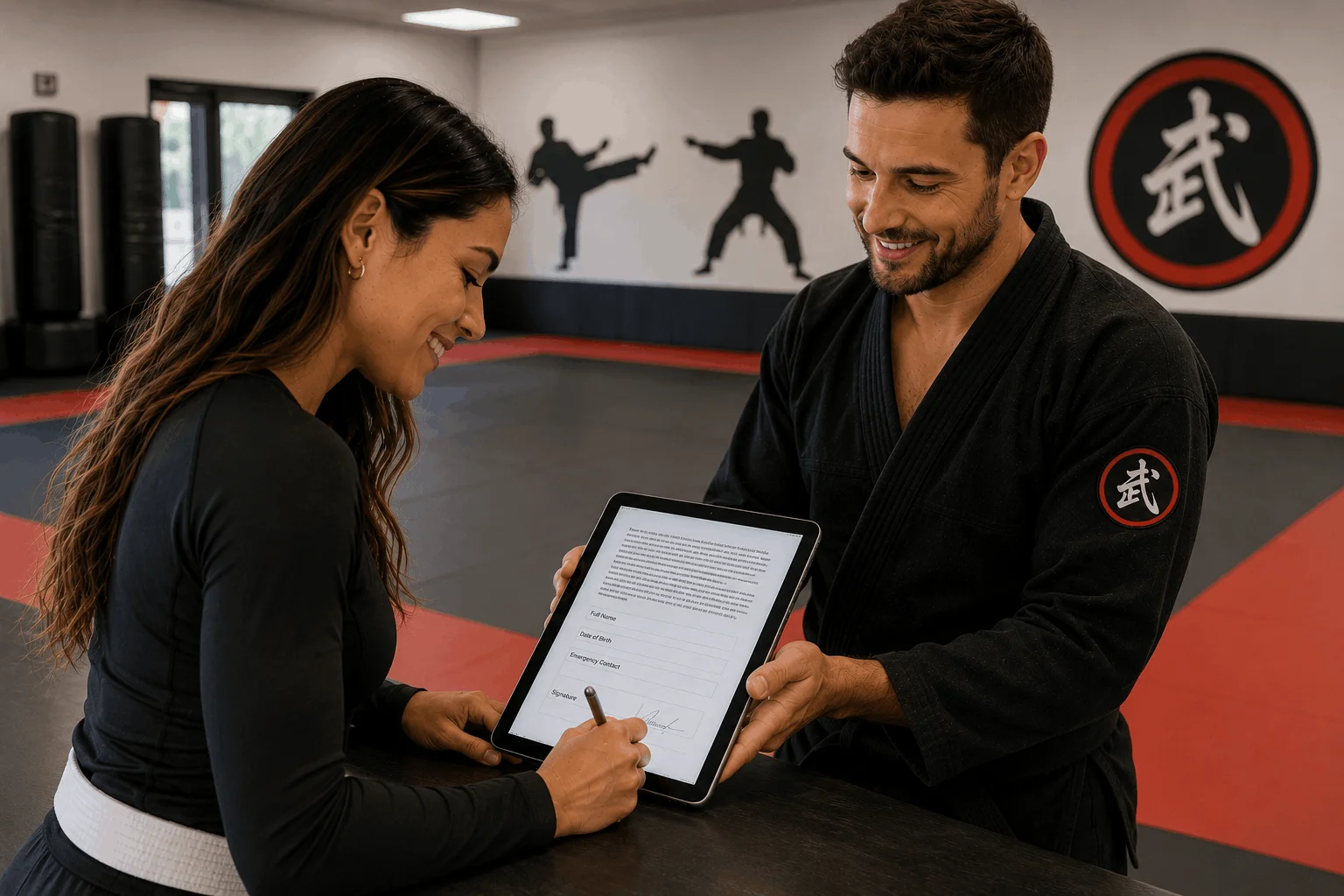
Get every student signed before they step on the mat: waivers and enrollment forms sent with the trial booking, a QR code at the front desk, and parent signatures for junior classes.
- Free to start
- Sign by link or QR code
- Every signed form on file
How martial arts studios use AgreeDock
Trial class sign-ups
Send the waiver with the trial booking so new students arrive signed and the instructor can start on time.
Junior classes
Parents sign for kids' classes from their own phone, with the child's details, medical notes and emergency contacts.
Mat-side QR code
Drop-ins, seminar guests and visiting students scan a QR code at the desk and sign before warm-up.
Every student on file
Each signed waiver is listed by name and date and keeps the exact wording the student or parent agreed to.
What to include in a martial arts waiver
A martial arts waiver should name the contact risks of your style and get the student, or a parent, to accept them in writing. Most schools cover:
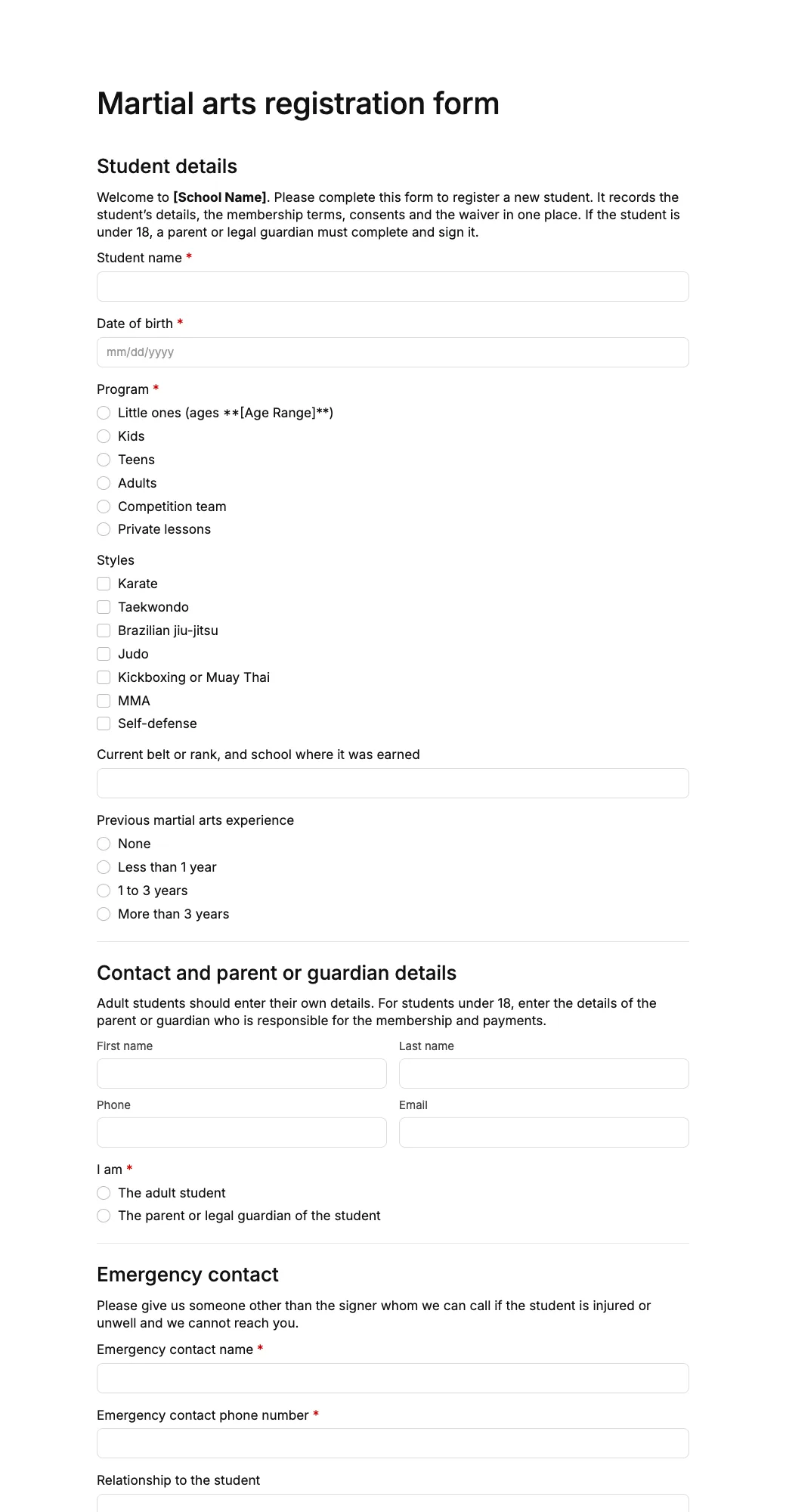
- Student name, date of birth and contact details
- The disciplines taught: striking, grappling, weapons
- Sparring, rolling and contact risks, including injury
- Acknowledgement of instructor and gym rules
- Pre-existing injuries and medical conditions
- Protective gear the student must wear
- Belt testing, seminars and competitions
- Emergency contact and consent to first aid
- Parent or guardian signature for minors
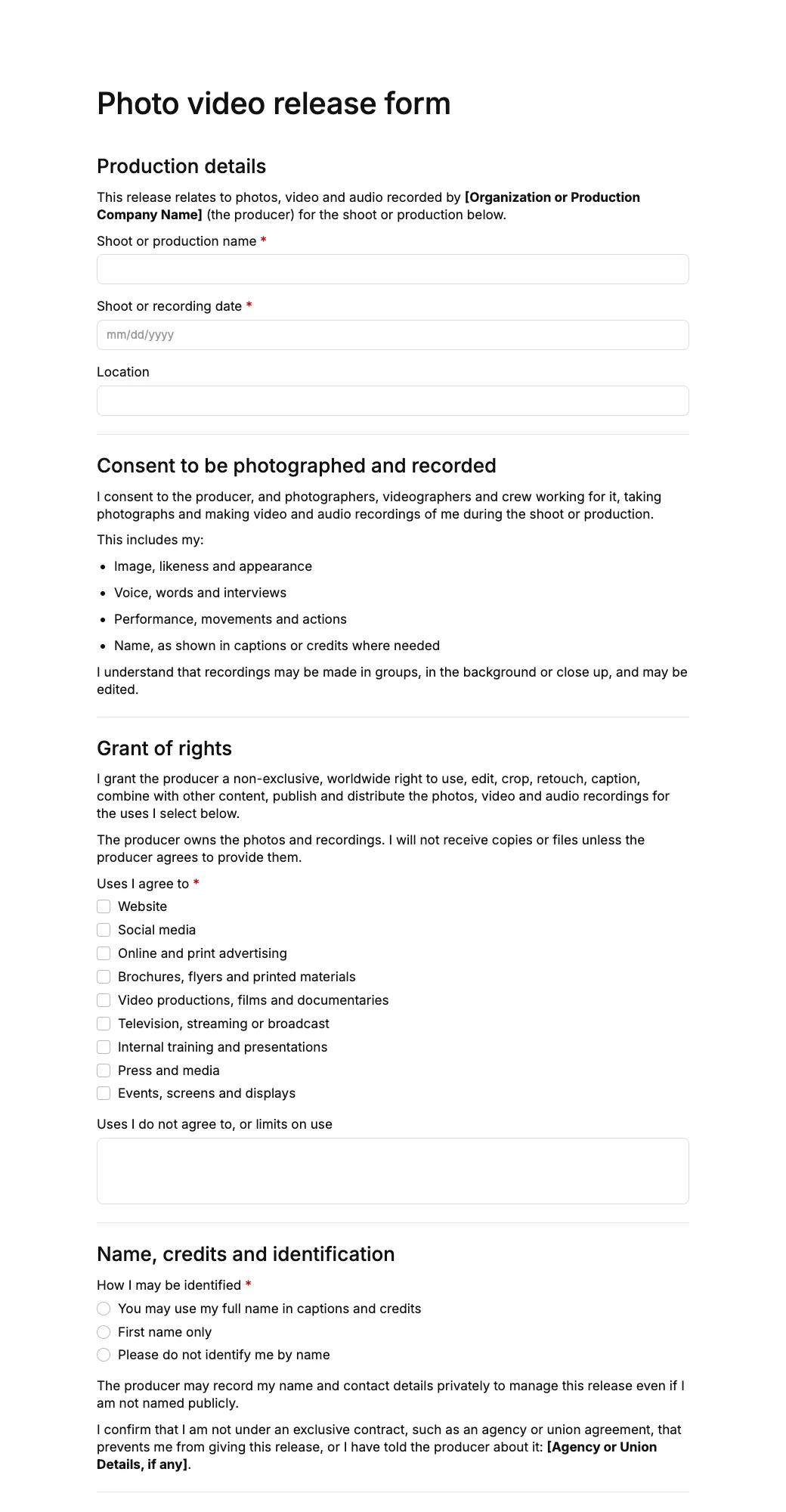
- Photo and video consent for social media
Live signing example
See what your clients sign
This is the real martial arts waiver template in the same signing page your clients use. Fill it in, tick the boxes and draw a signature with your mouse or finger. Nothing is sent.
- Opens in any browser, no app to download
- Works on phones, tablets and computers
- Signature drawn with a finger or mouse
- Each signed form keeps the exact version agreed to
How it works for martial arts studios
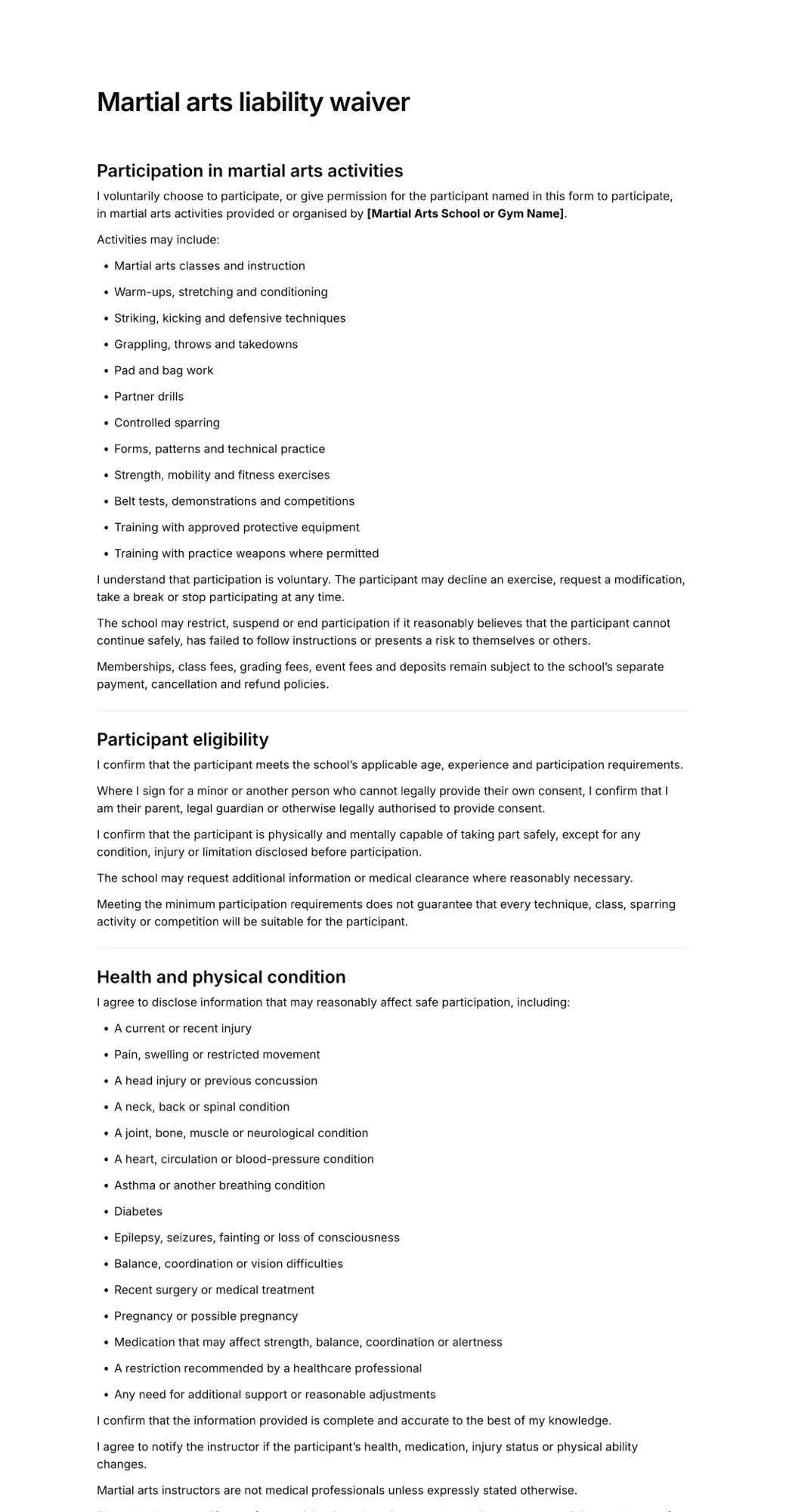
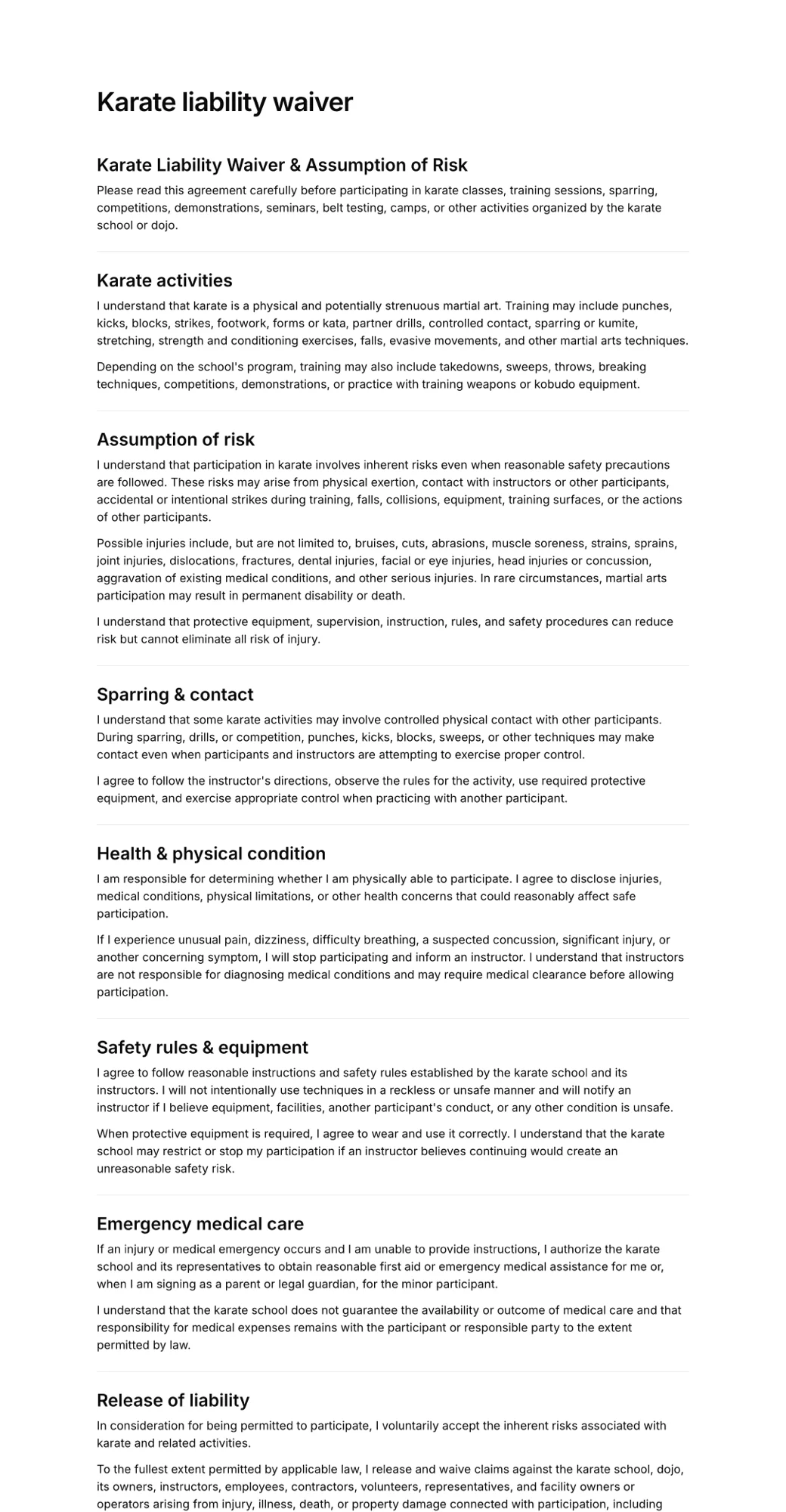
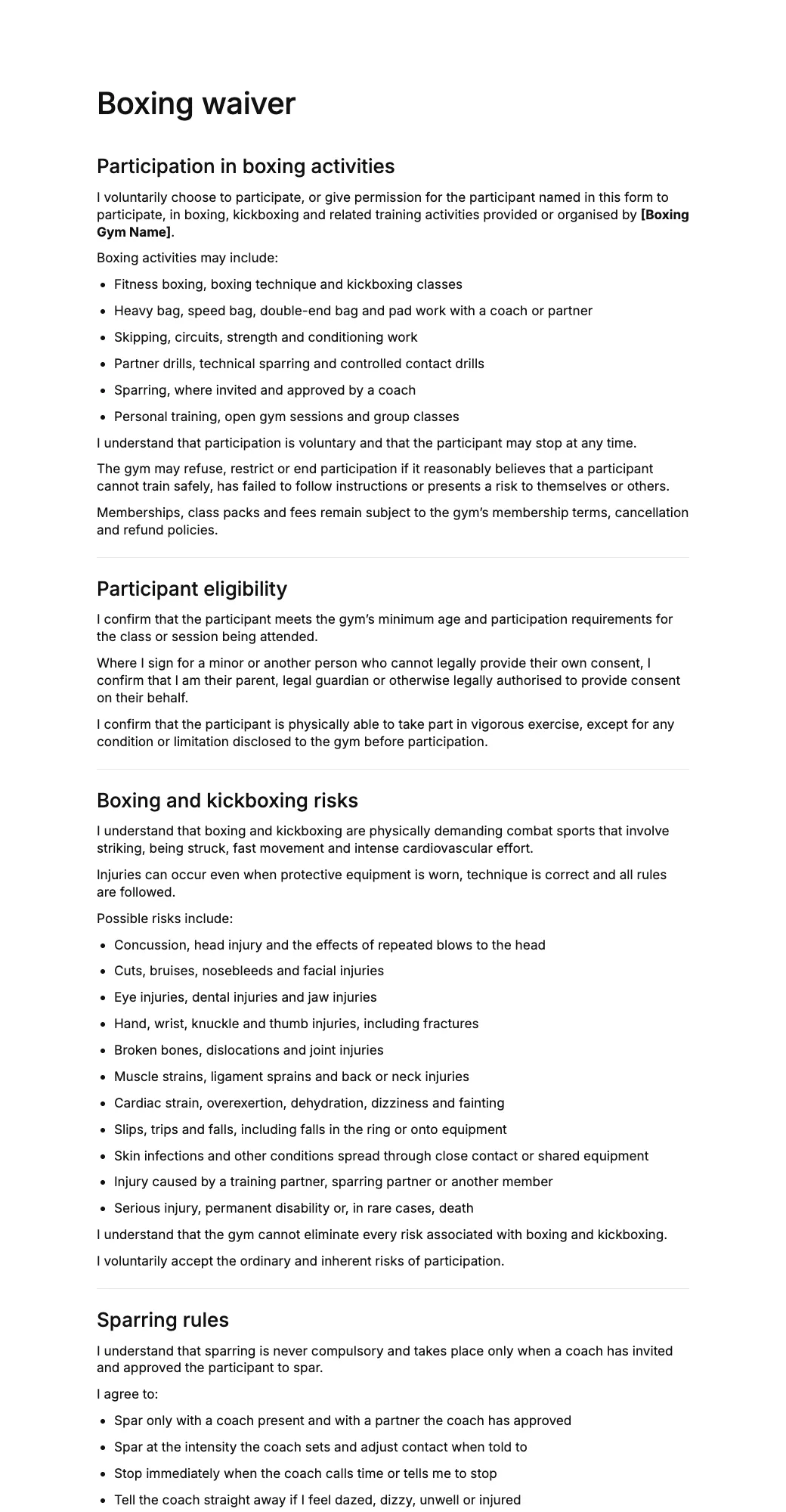
- 1Set up your dojo waiverStart from the martial arts, karate or boxing waiver, or describe your school and let AI draft one. Add sparring rules, belt testing and photo consent.
- 2Share with trials and drop-insAdd the link to your trial class confirmation and website, and print the QR code for the front desk.
- 3Check before classLook up a student in your Signatures list and review their injuries and emergency contact before they spar.
Share a QR code, collect signatures
Every form gets its own signing link and QR code. As clients sign, each form appears in your Signatures list with their name, answers and the exact wording they agreed to.
- Link for confirmations, emails and messages
- QR code for the counter or front desk
- Newest signatures first in your list
Scan to sign
Martial arts waiver
app.agreedock.com/sign/x7k2p9

Templates for martial arts studios
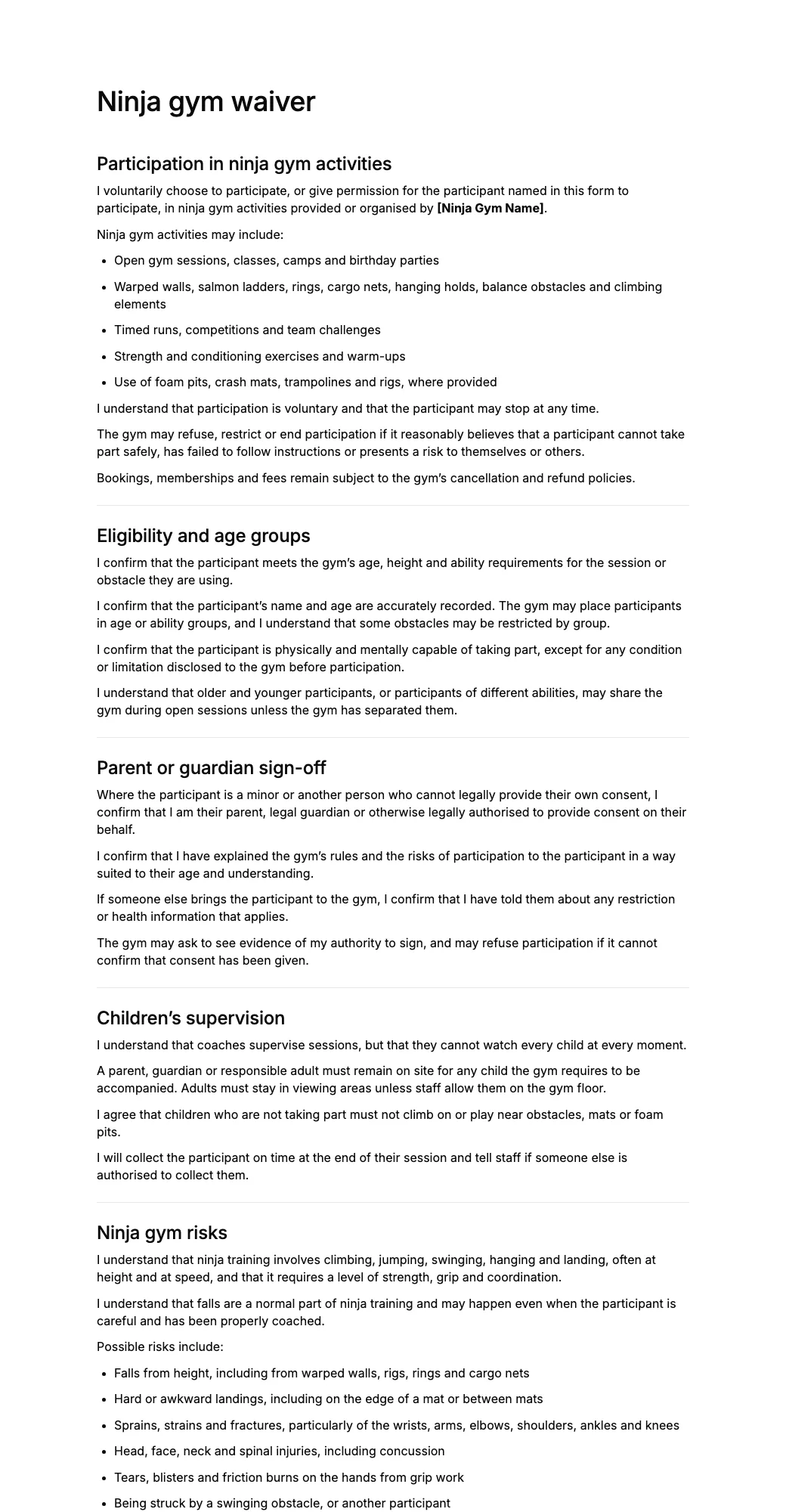
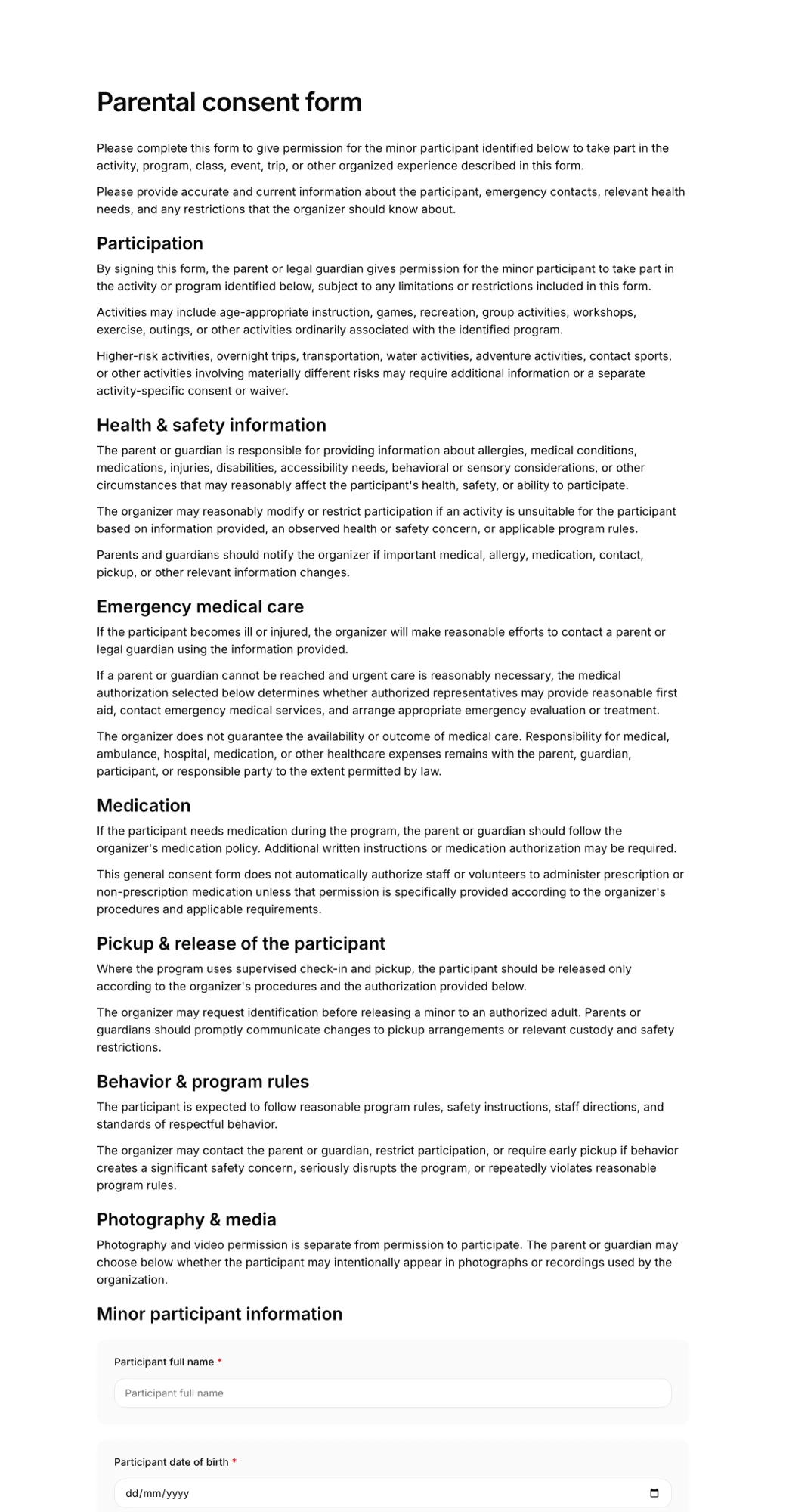
Start from a ready-made form and edit the wording, questions and fields to match your business.
Why dojos and fight gyms move waivers online
Paper waivers fail at the worst moment: a trial student arrives five minutes before class, the clipboard is missing, and nobody checks the form until after they've sparred. With an online waiver the link goes out with the trial booking, so most students sign at home and the instructor only has to check a list.
Signed forms are also easier to find. Instead of a filing cabinet of binders, every waiver sits in your Signatures list with the student's name, the date and the exact version they agreed to. If you update your wording, past signatures keep the version that was signed.
If you need a starting point, our martial arts waiver template covers striking and grappling arts, and the registration form collects enrollment details in the same signing flow.
Waivers for kids' martial arts classes
Junior programs are often the biggest part of a school, and minors can't sign for themselves. Add fields for the child's name and date of birth and the parent or guardian's name and relationship, and the parent signs from their own phone.
How far a parent can waive a child's claims depends on where you operate, so have your final wording checked locally. Our guide to waivers for minors explains the basics.
Guides for martial arts studios
Simple pricing.
Start for free. Upgrade when you need more signatures. No per-signature fees.
Free
For trying AgreeDock or collecting occasional signatures.
$0/month
- 10 signatures per month
- 1 active waiver
- Signing link and QR code
Pro
For businesses collecting waivers regularly.
$10$15/month
- Unlimited signatures
- Unlimited waivers
- Signing link and QR code
- Expiration tracking
- Signed PDF records
- Priority support
Questions
Do martial arts schools need a waiver?
Most schools ask every student to sign one. Sparring, grappling and throws carry a real risk of injury, and a signed waiver shows the student was told about those risks and accepted them. Insurers often ask for one too.
Can parents sign the waiver for kids' classes?
Yes. Add fields for the child's details and the parent or guardian's name and relationship, then share the link with families. Each child gets their own signed record.
Can trial students sign before their first class?
Yes. Paste the signing link into your trial booking confirmation or website. Students sign on any device and you can see who has signed before class.
Does one waiver cover BJJ, Muay Thai and kids' classes?
It can. Write one waiver that lists every discipline you teach, or create separate forms per program and share whichever applies.
Is AgreeDock martial arts school management software?
No. AgreeDock handles waivers, enrollment forms and signatures. It doesn't do billing, attendance or belt tracking, so it works alongside the school software you already use.
How much does it cost?
AgreeDock is free for up to 10 signatures a month. Pro costs $15 a month, or $10 a month billed yearly, for unlimited signatures and forms.
Anything else? Write to info@agreedock.com
Related industries
Get your martial arts studios paperwork signed
- Pick a template
- Share the link
- Collect signatures