
For med spas & aesthetic clinics
Med spa consent form software
Get treatment consent signed before the client sits in the chair: one form per treatment, sent with the booking or opened on the clinic tablet, and a record of exactly what each client agreed to.
- Free to start
- Sign by link or QR code
- Every signed form on file
How med spas & aesthetic clinics use AgreeDock
A form for each treatment
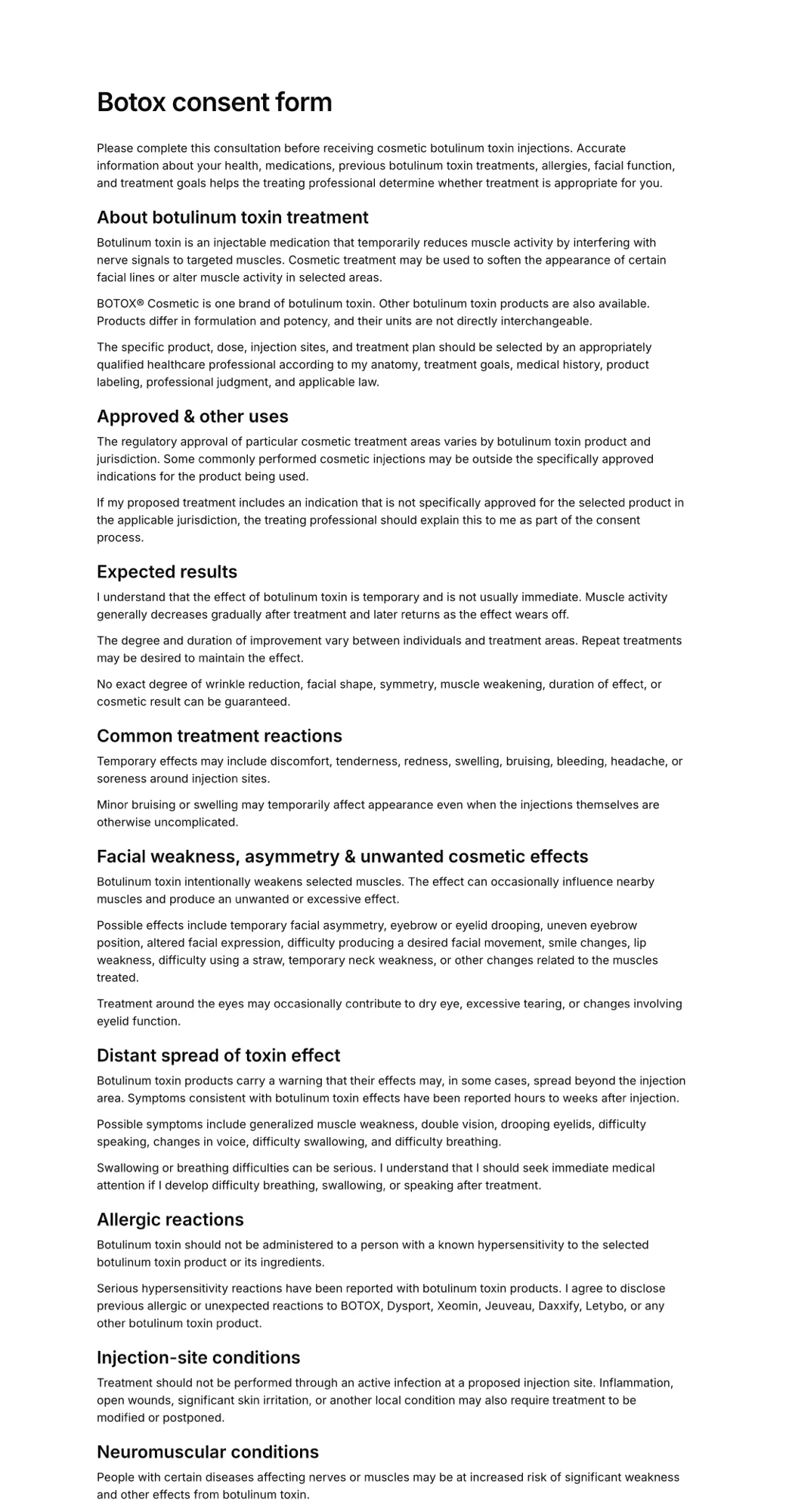
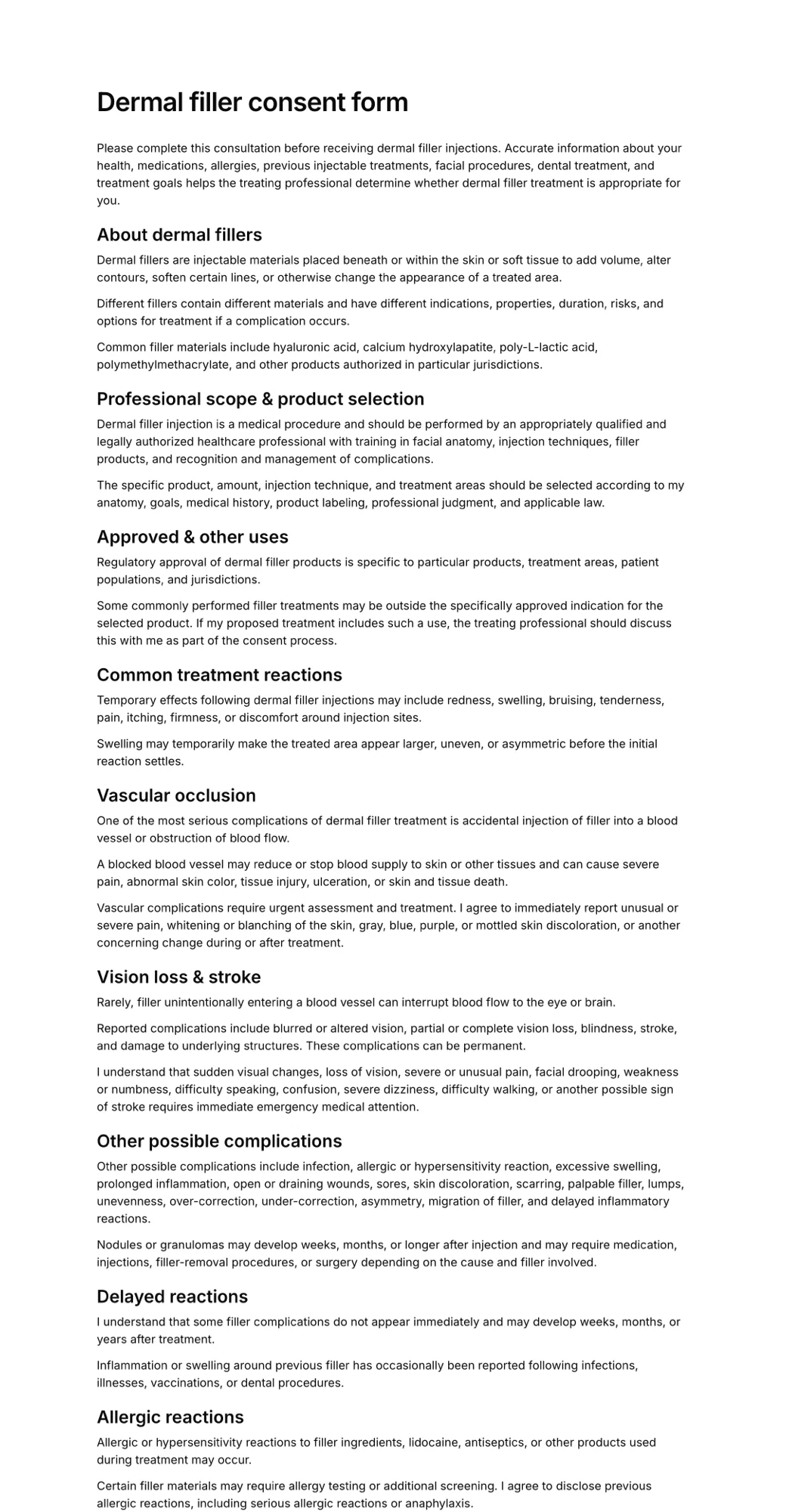
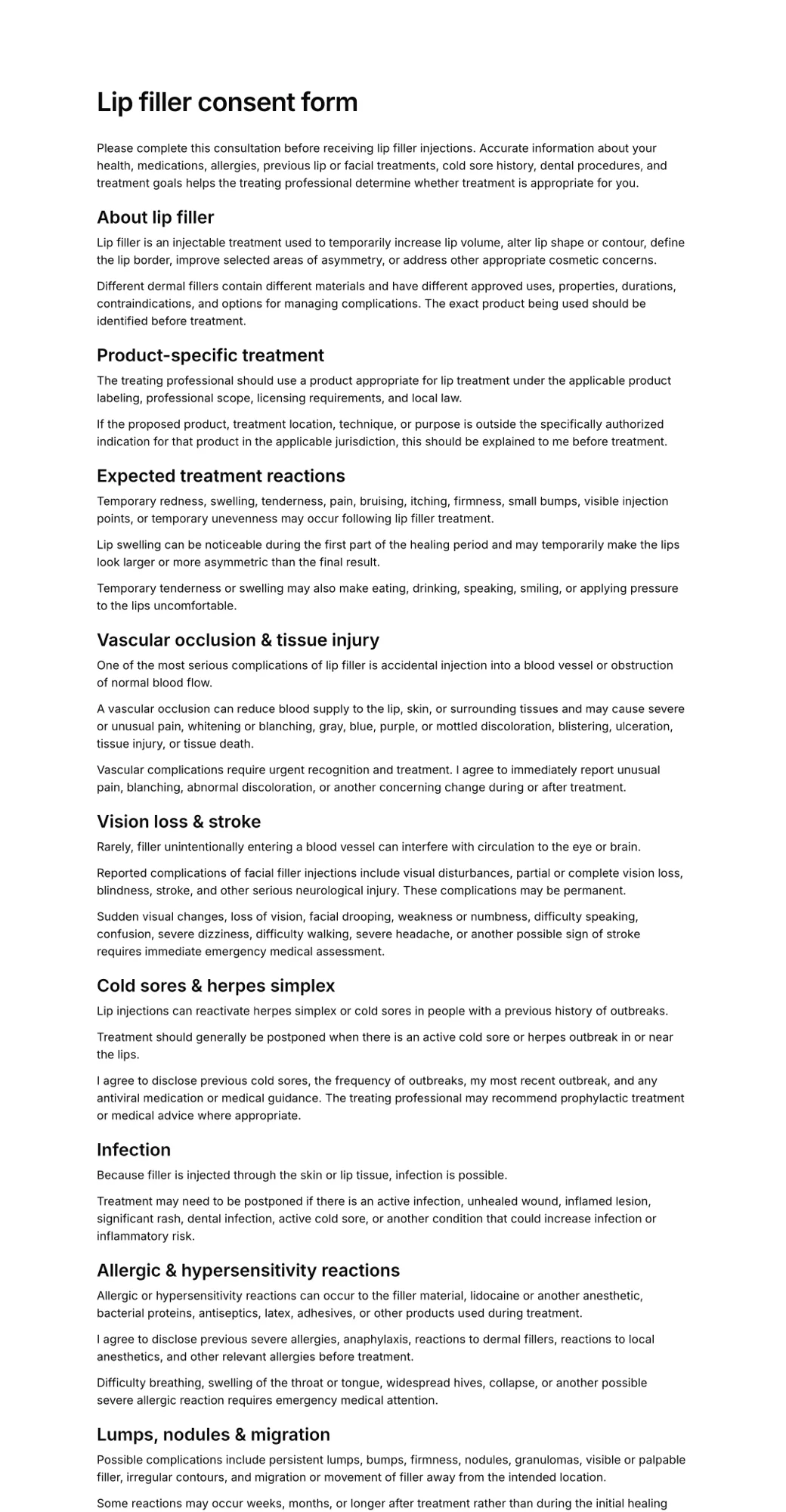
Keep separate consent forms for Botox, fillers, laser, peels and IV therapy, each with the risks and aftercare for that treatment.
Signed before the appointment
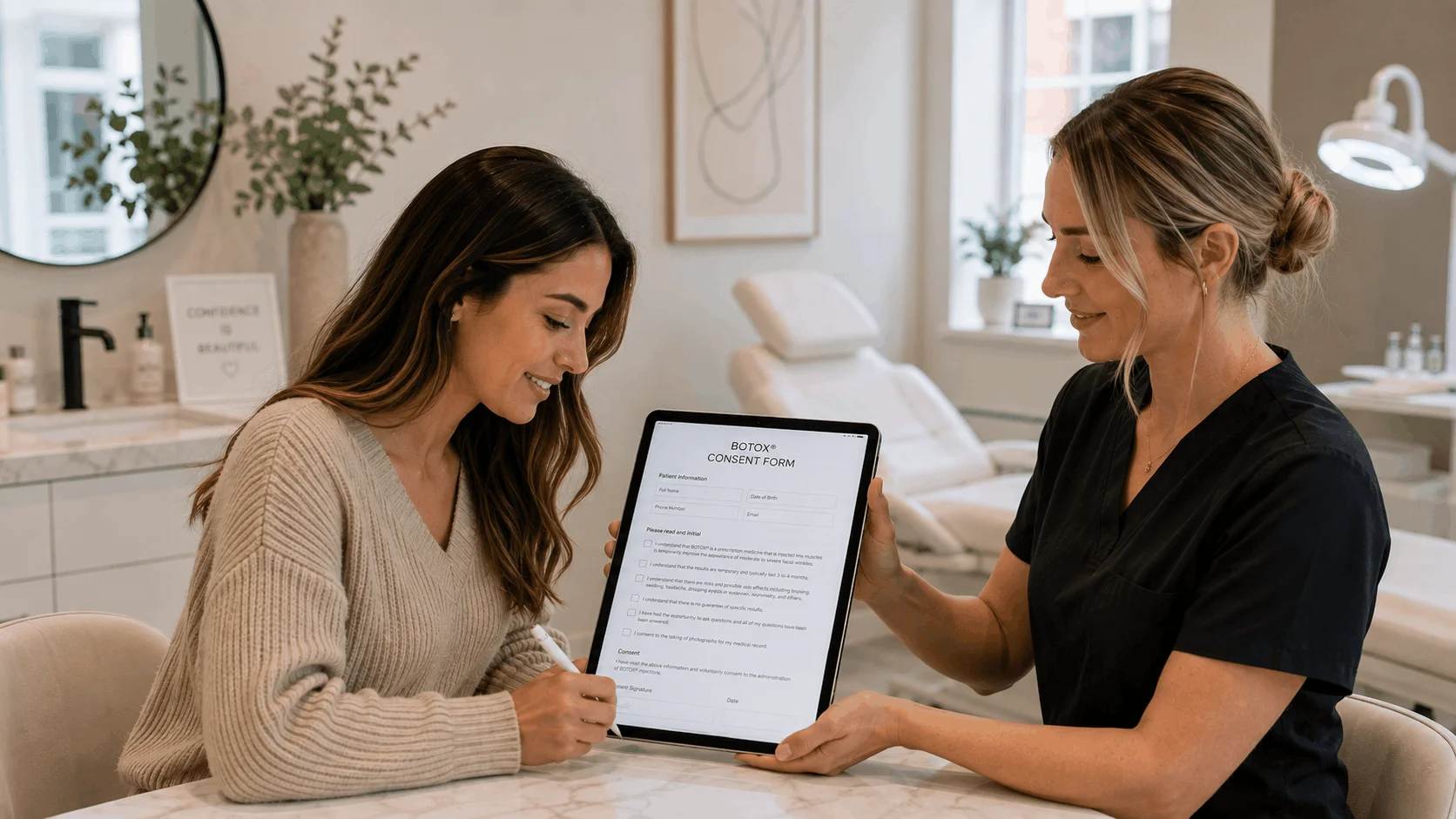
Add the signing link to your booking confirmation so clients read the risks at home instead of skimming them in the treatment room.
Clinic tablet
Open the form on a tablet at reception for walk-ins and clients who forgot to sign. They sign with a finger in a couple of minutes.
The exact version signed
Each signed consent keeps the wording the client agreed to. Updating a form later doesn't change past signatures.
What to include in a med spa consent form
An aesthetic consent form should describe the treatment, its risks and alternatives, and get the client's informed agreement in writing. Most clinics cover:
- Client name, date of birth and contact details
- The treatment, area and product being used
- Common side effects and less common risks
- Alternatives, including choosing no treatment
- Medical history, medications, allergies and pregnancy
- Realistic results and that outcomes vary
- Pre-treatment and aftercare instructions
- Before-and-after photo consent
- Cancellation and touch-up policy
- Client signature and date
Live signing example
See what your clients sign
This is the real botox consent form template in the same signing page your clients use. Fill it in, tick the boxes and draw a signature with your mouse or finger. Nothing is sent.
- Opens in any browser, no app to download
- Works on phones, tablets and computers
- Signature drawn with a finger or mouse
- Each signed form keeps the exact version agreed to
How it works for med spas & aesthetic clinics
- 1Set up your consent formsStart from the Botox, filler, laser or IV therapy templates, or describe a treatment and let AI draft one. Have your medical director review the wording.
- 2Send with the bookingPaste the link into booking confirmations for each treatment, and keep the QR code or a tablet at reception.
- 3Check before treatmentOpen your Signatures list to confirm the client signed the right form, and review their answers before you start.
Share a QR code, collect signatures
Every form gets its own signing link and QR code. As clients sign, each form appears in your Signatures list with their name, answers and the exact wording they agreed to.
- Link for confirmations, emails and messages
- QR code for the counter or front desk
- Newest signatures first in your list
Scan to sign
Botox consent form
app.agreedock.com/sign/x7k2p9

Templates for med spas & aesthetic clinics
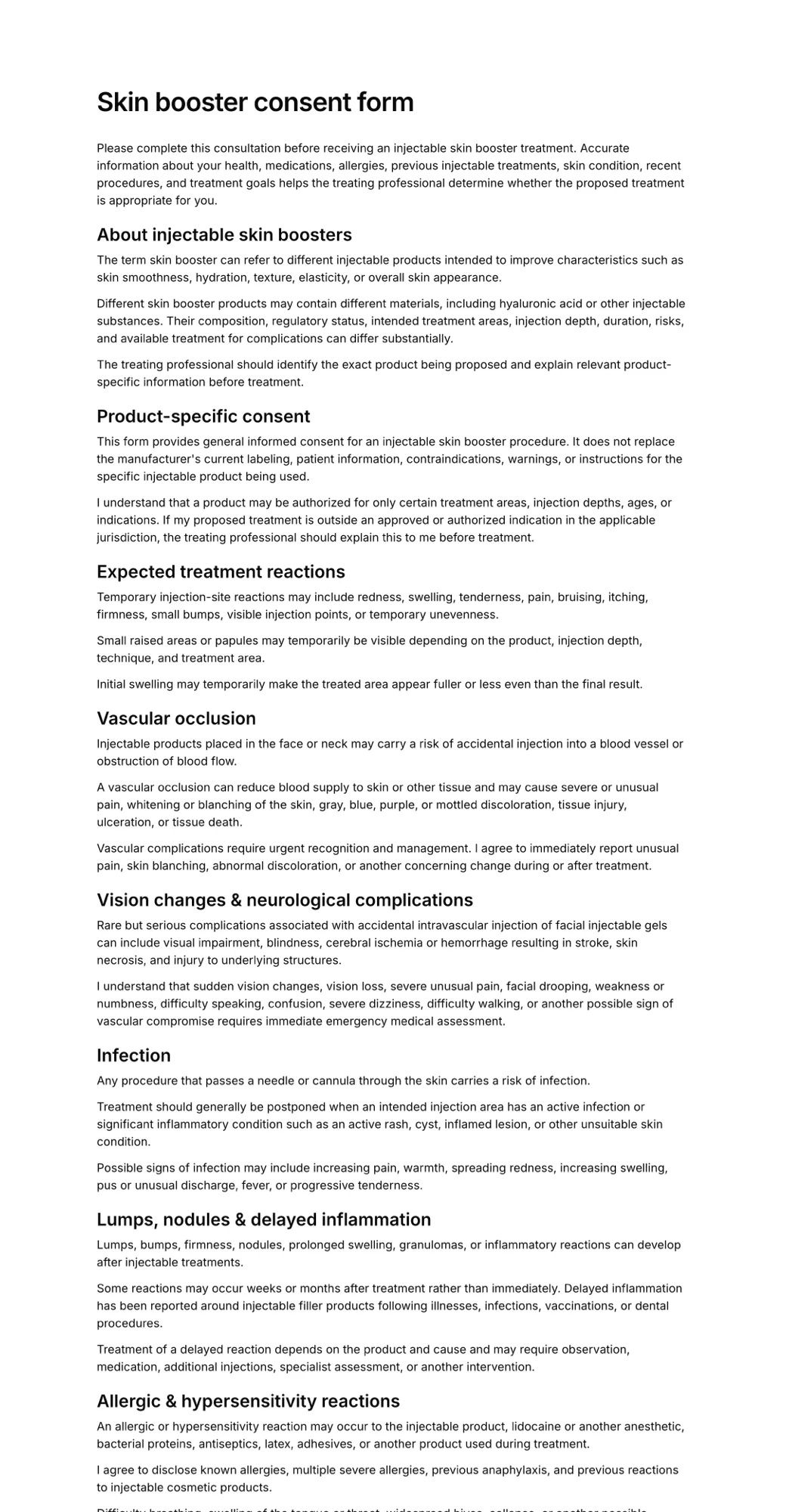
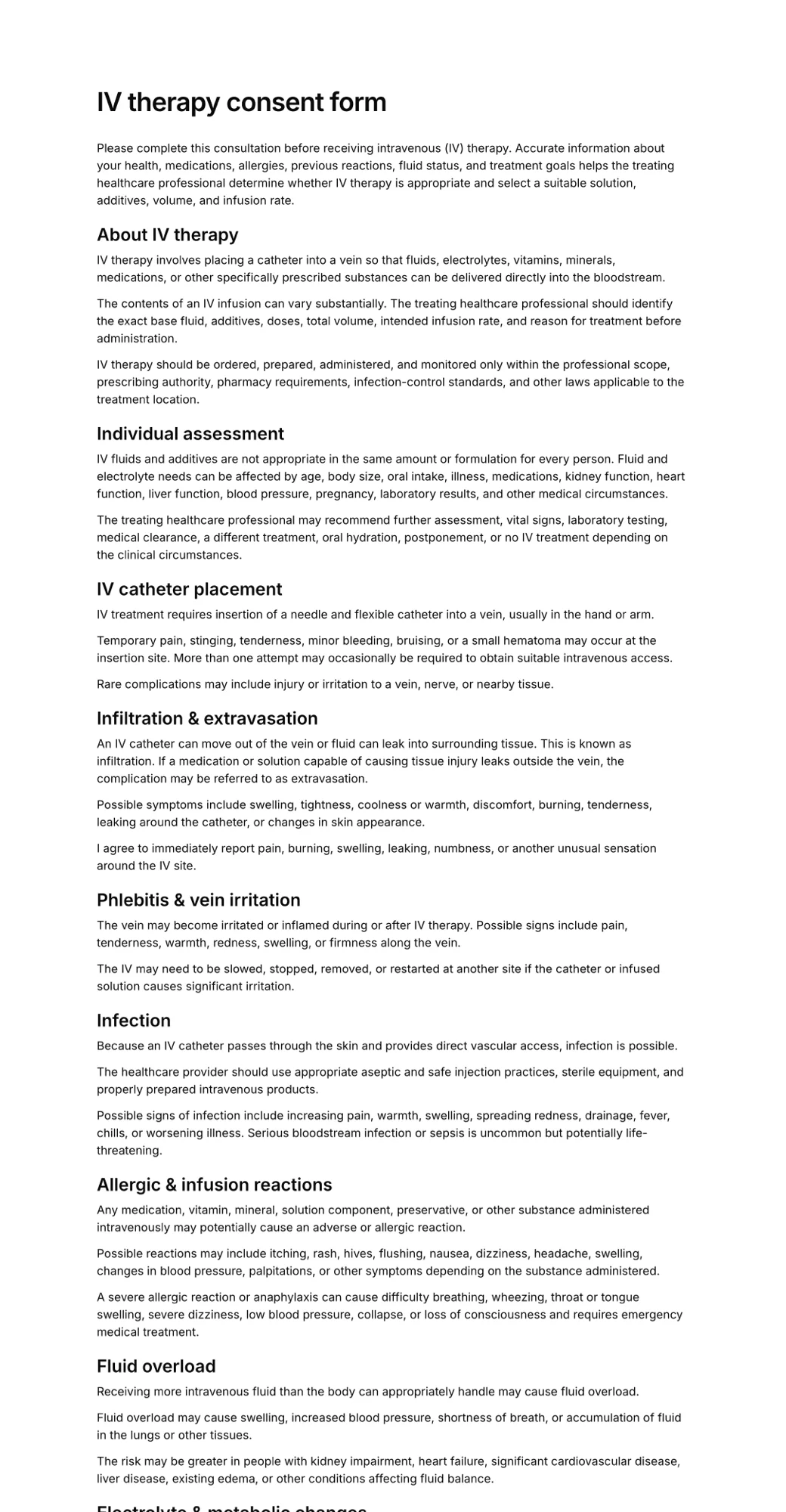
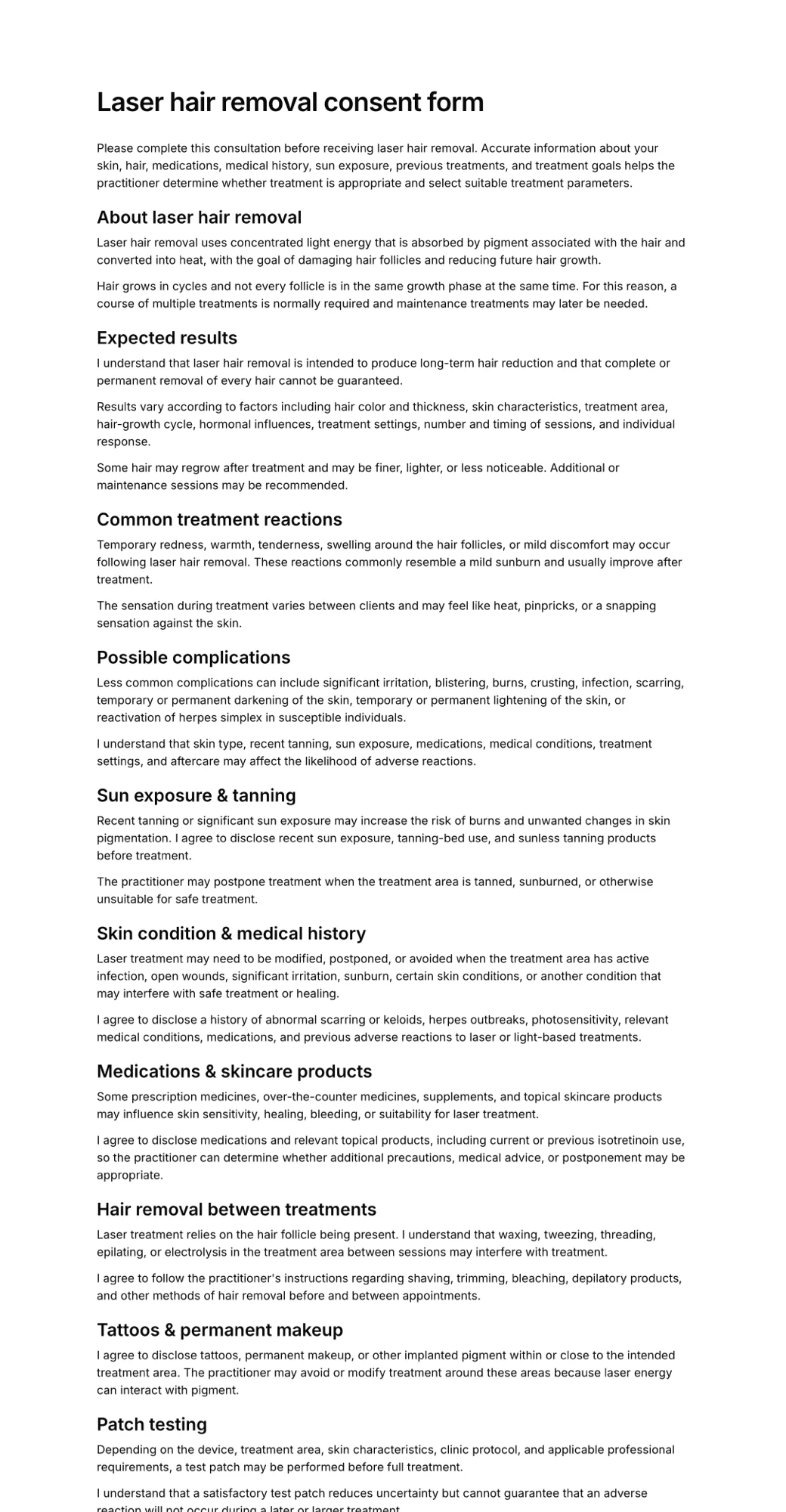
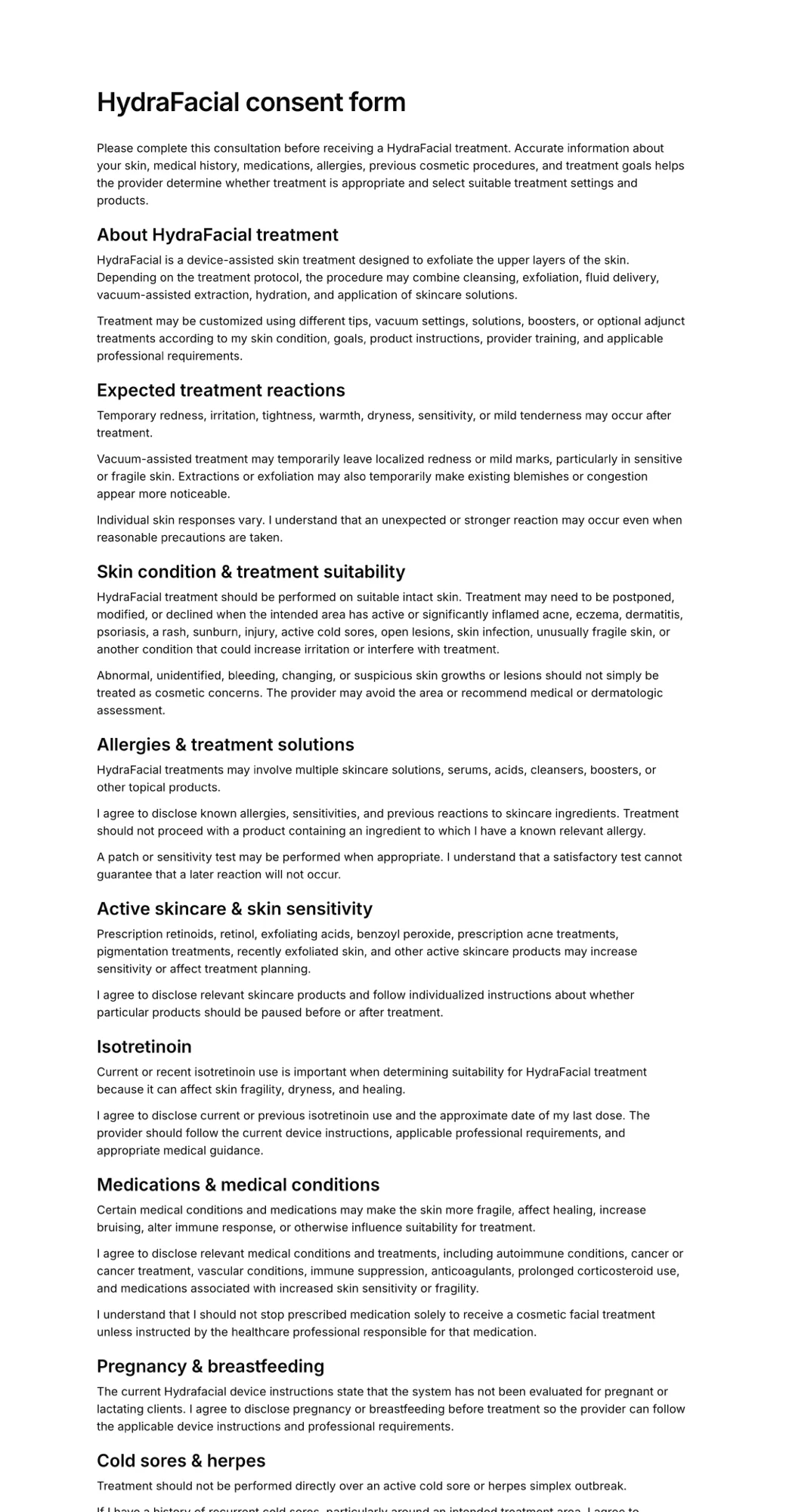
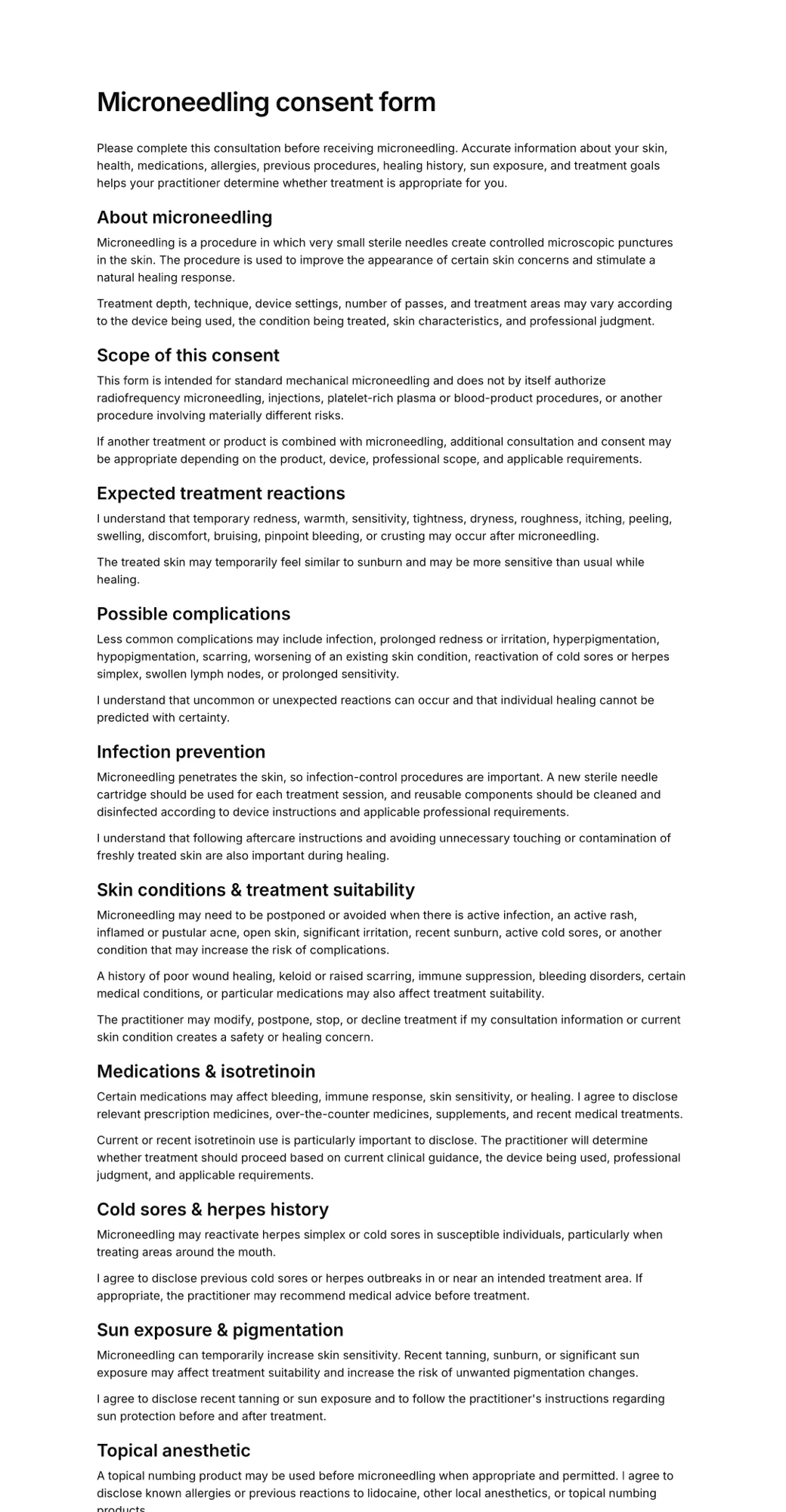
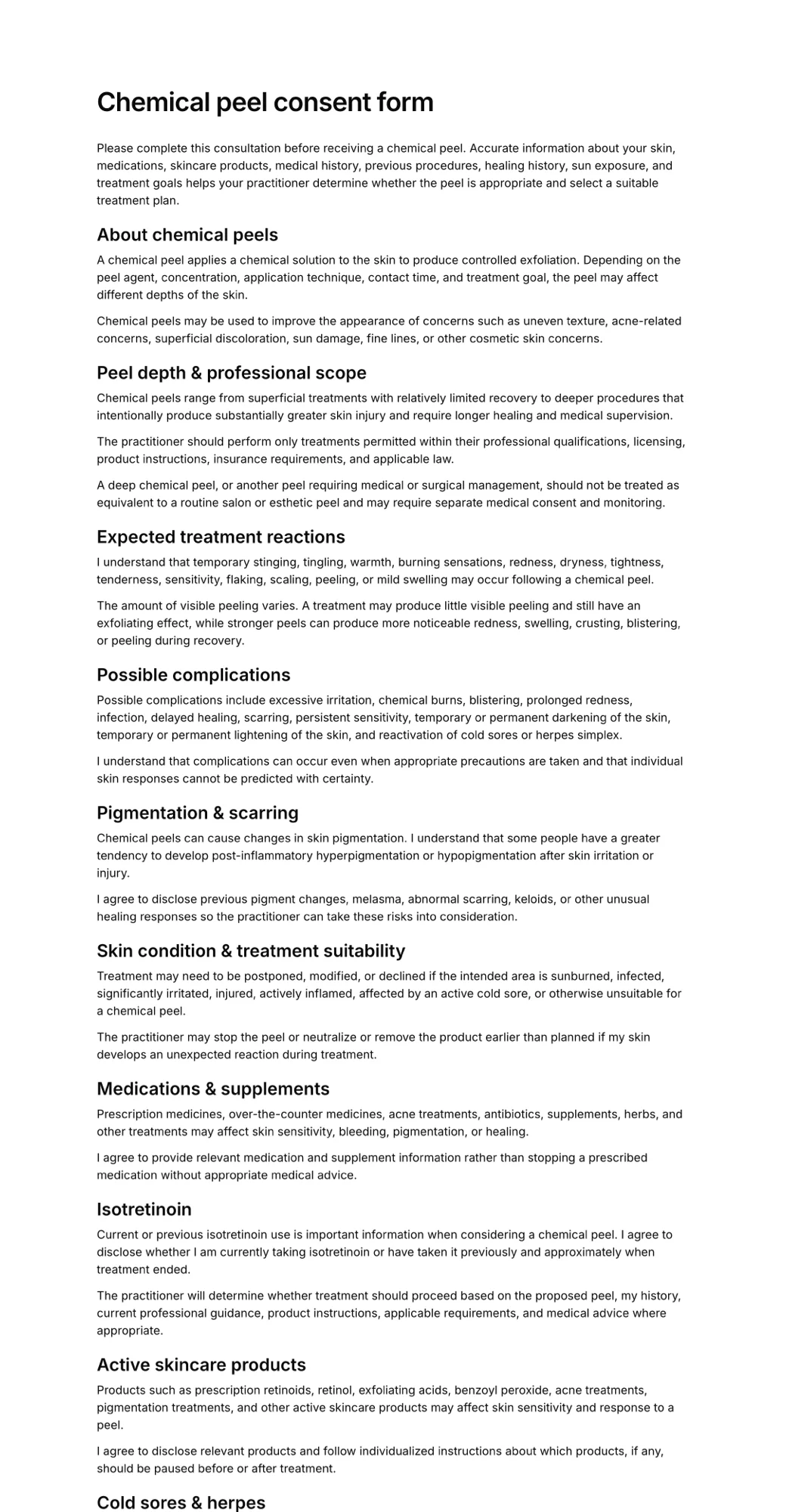
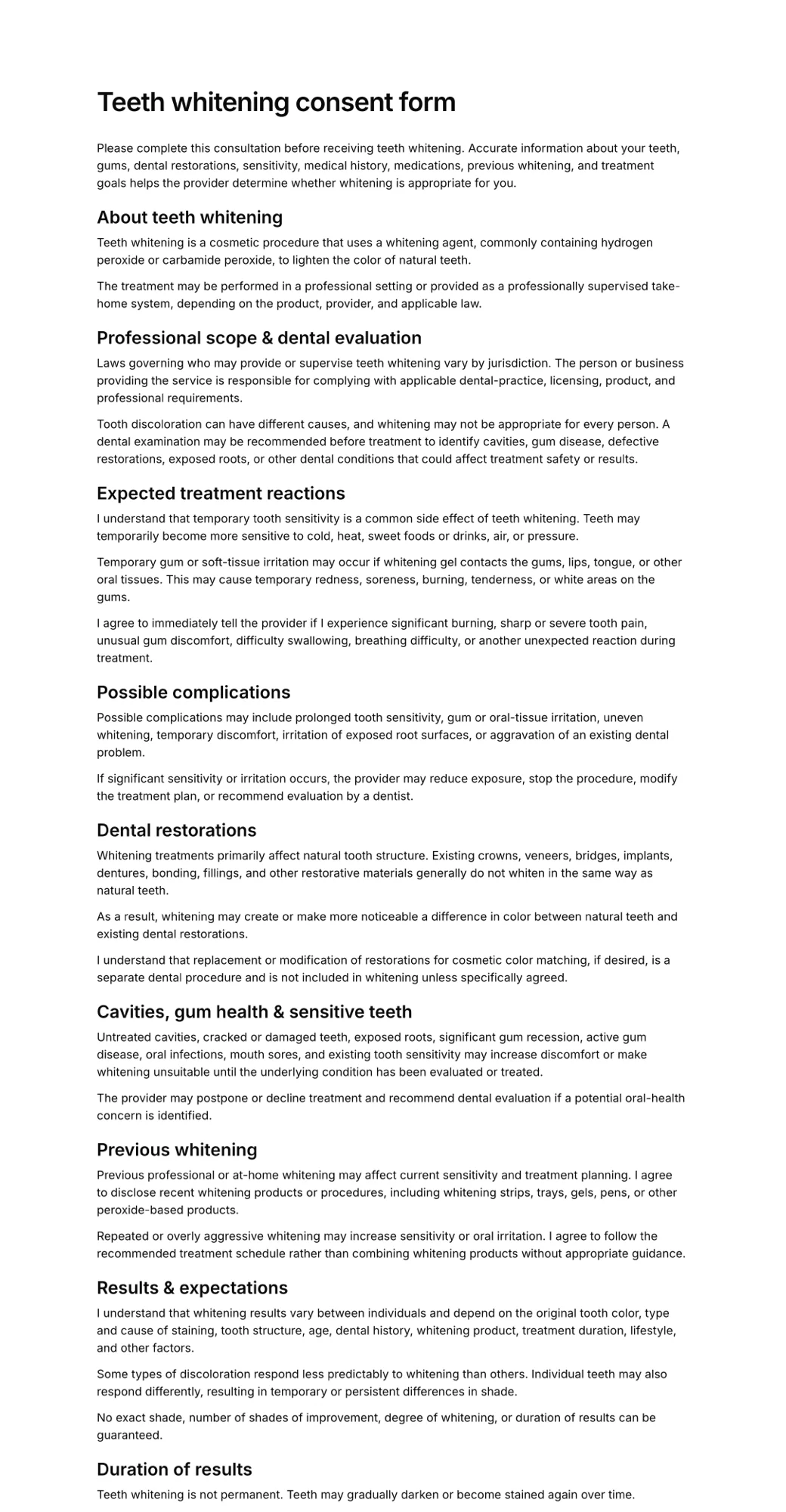
Start from a ready-made form and edit the wording, questions and fields to match your business.
Why med spas move consent forms online
Paper consent in the treatment room is rushed: the client signs a page they haven't read while the injector waits. Sending the form with the booking gives clients time to read the risks at home and ask questions, and your team only has to check that it's signed.
Each treatment gets its own form. Our Botox consent form and dermal filler consent form are starting points for injectables, and the IV therapy consent form covers drips and boosters. Treat any template as a draft: consent wording should be reviewed by your medical director and checked against local rules.
Keeping a record of what each client agreed to
Every signed form appears in your Signatures list with the client's name, the form and the time, newest first. Each record keeps the exact version of the wording that was signed, so if you update a form after a protocol change, older consents still show what that client agreed to.
AgreeDock is a consent and signature tool, not a medical record. It doesn't hold treatment notes, injection maps or batch numbers, so keep those in your charting system. Our comparison of med spa consent form software covers tools that do both.
Guides for med spas & aesthetic clinics
Simple pricing.
Start for free. Upgrade when you need more signatures. No per-signature fees.
Free
For trying AgreeDock or collecting occasional signatures.
$0/month
- 10 signatures per month
- 1 active waiver
- Signing link and QR code
Pro
For businesses collecting waivers regularly.
$10$15/month
- Unlimited signatures
- Unlimited waivers
- Signing link and QR code
- Expiration tracking
- Signed PDF records
- Priority support
Questions
What should a Botox consent form include?
Most cover the treatment and area, common side effects and rarer risks, alternatives, medical history and medications, pregnancy, aftercare, photo consent and the client's signature. The exact wording should be reviewed by your medical director and checked against local rules.
Can clients sign aesthetic consent forms before the appointment?
Yes. Paste the signing link into your booking confirmation. Clients open it in any browser on their phone, tablet or computer and sign with a finger or mouse, with no app to download.
Can I have a different consent form for each treatment?
Yes. Create as many forms as you need, from injectables to laser and peels, each with its own risks and aftercare. Every form gets its own link and QR code.
Is AgreeDock HIPAA compliant?
No. AgreeDock doesn't sign a Business Associate Agreement (BAA) and isn't built for HIPAA. Completed forms are stored in your AgreeDock workspace and are only visible to your team. If you handle health information, check which rules apply to your clinic (such as HIPAA in the United States) and only ask for information you need for the treatment.
Is AgreeDock an EMR or charting system?
No. AgreeDock handles consent forms and signatures. It doesn't do charting, treatment notes, bookings, payments, deposits or reminders, so it works alongside the clinic software you already use.
How much does it cost?
AgreeDock is free for up to 10 signatures a month. Pro costs $15 a month, or $10 a month billed yearly, for unlimited signatures and forms.
Anything else? Write to info@agreedock.com
Related industries
Get your med spas & aesthetic clinics paperwork signed
- Pick a template
- Share the link
- Collect signatures