
For massage, spas & wellness
Massage intake form software
Have clients fill in their intake and sign consent before they arrive: health questions answered at home, a tablet at reception for walk-ins, and waivers for sauna, cold plunge and cryotherapy.
- Free to start
- Sign by link or QR code
- Every signed form on file
How massage, spas & wellness use AgreeDock
Intake before the session
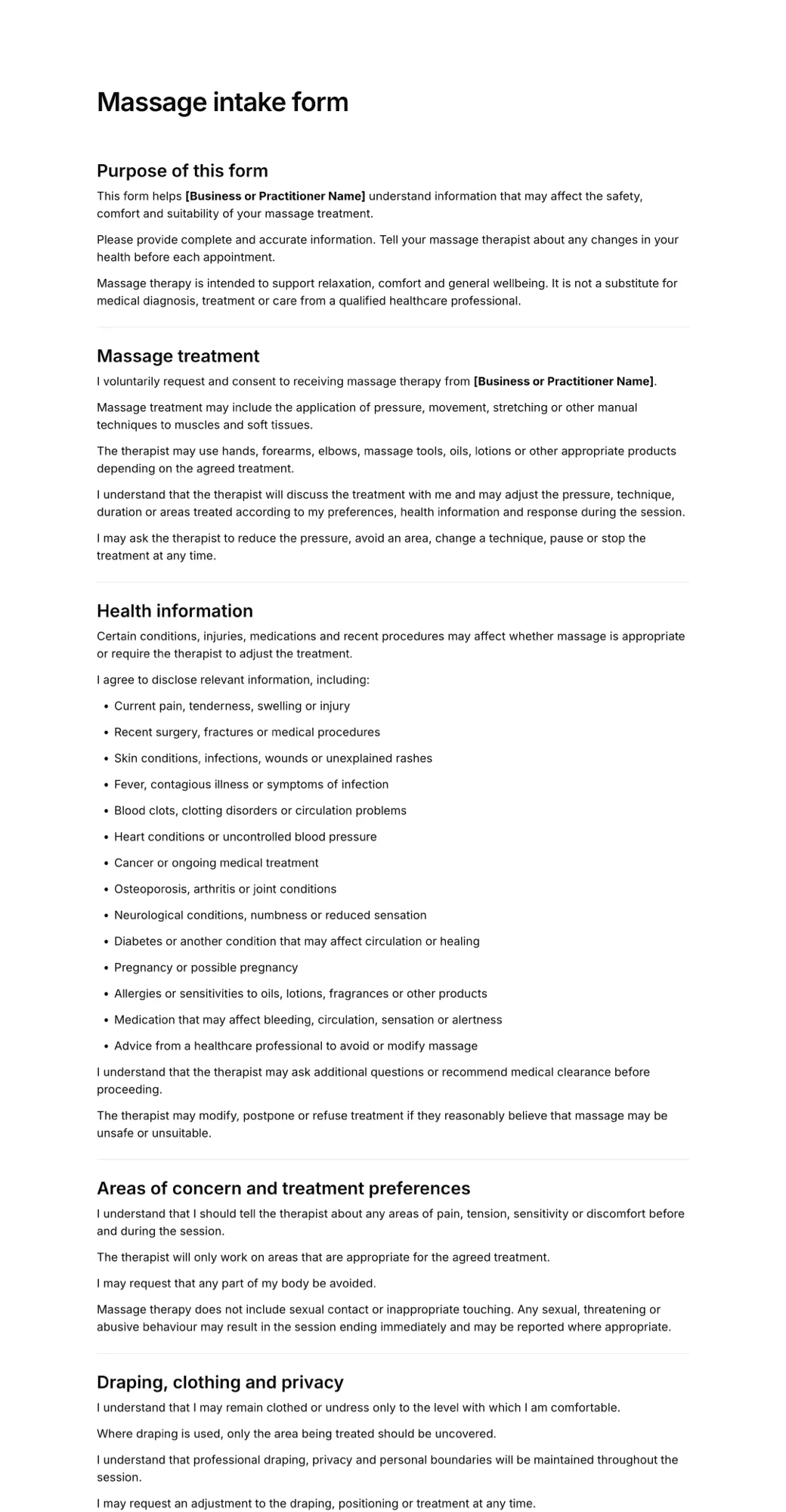
Send the intake form with the booking so clients list injuries, pressure preferences and areas to avoid before they're on the table.
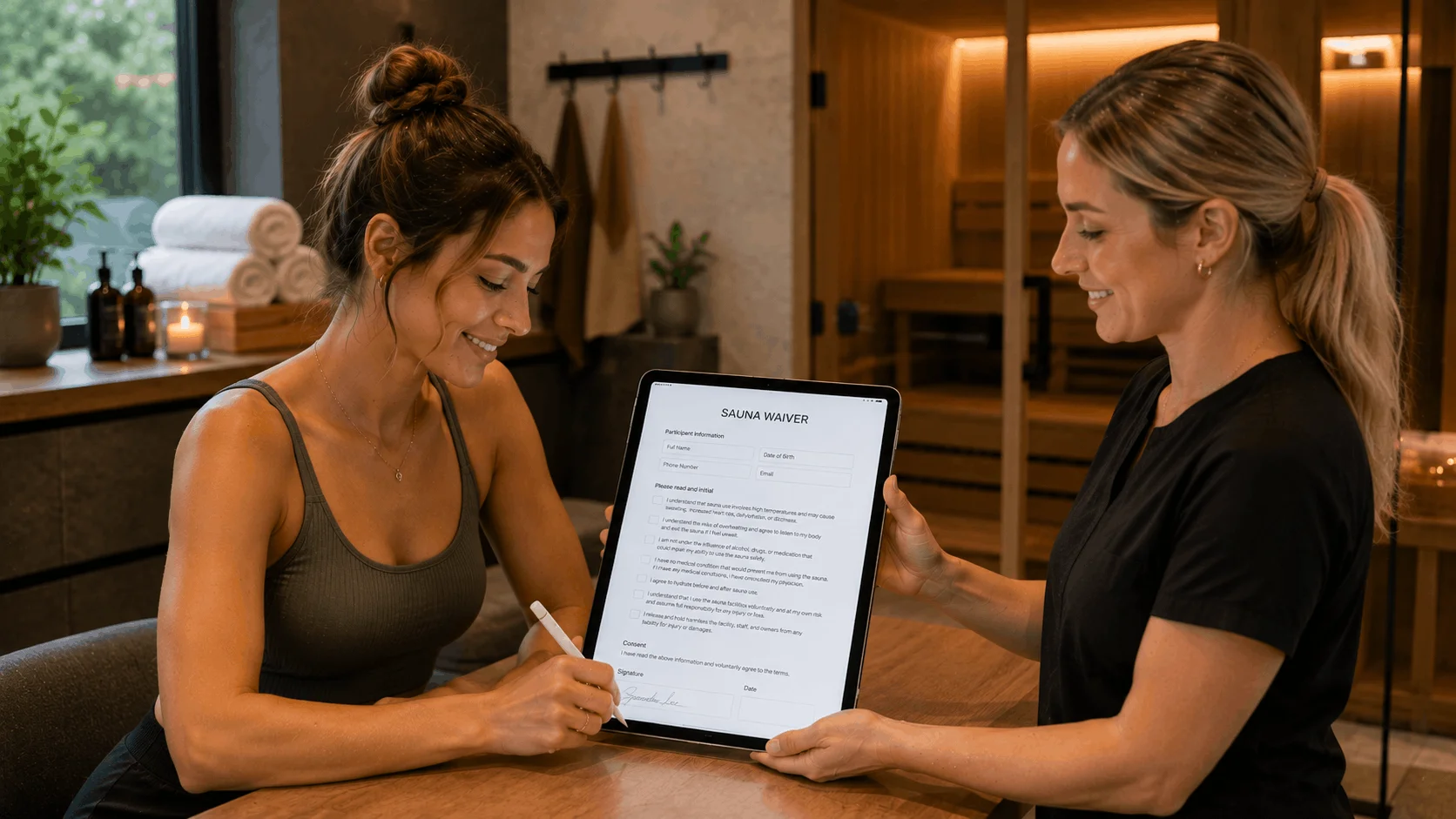
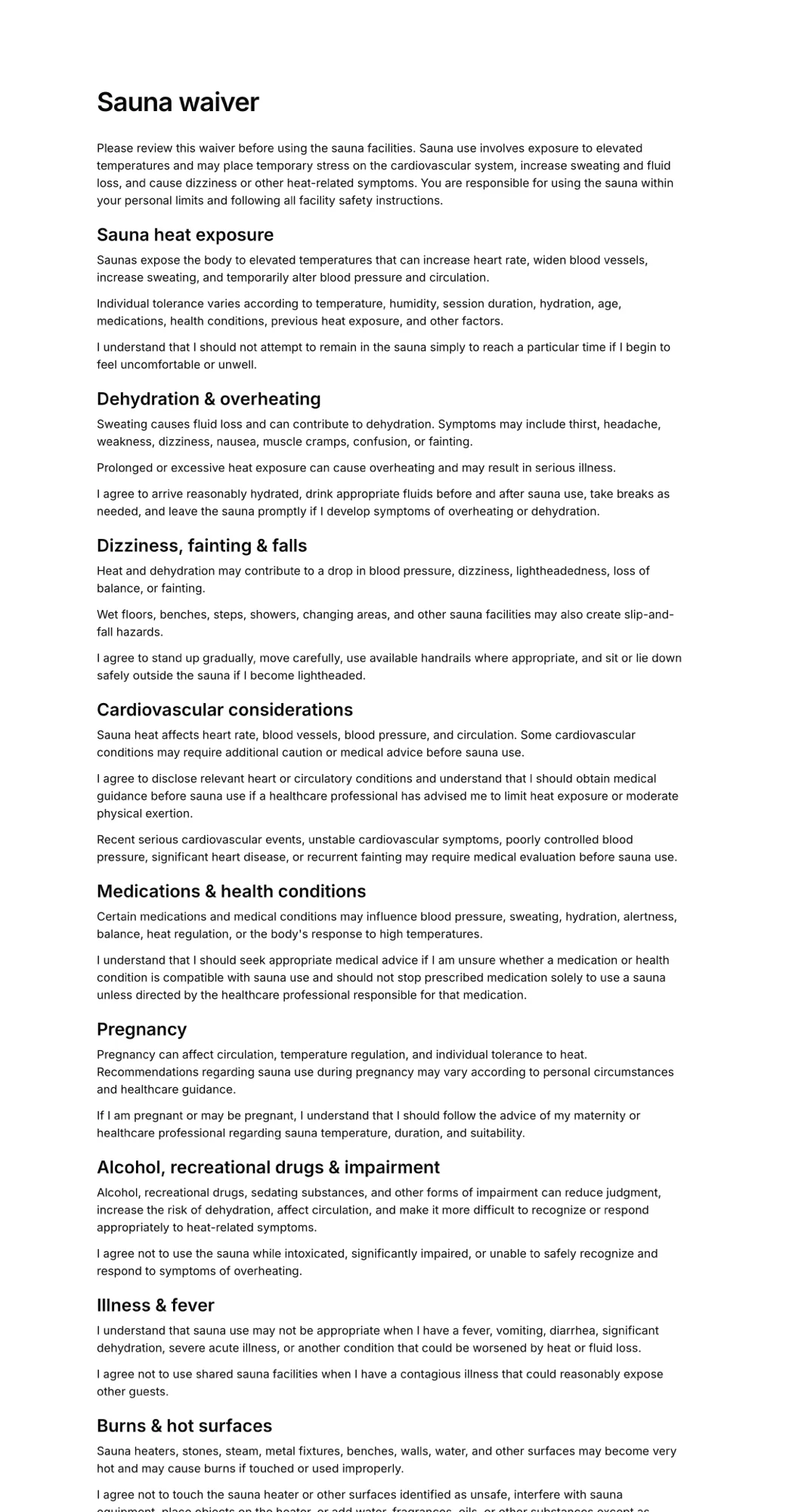
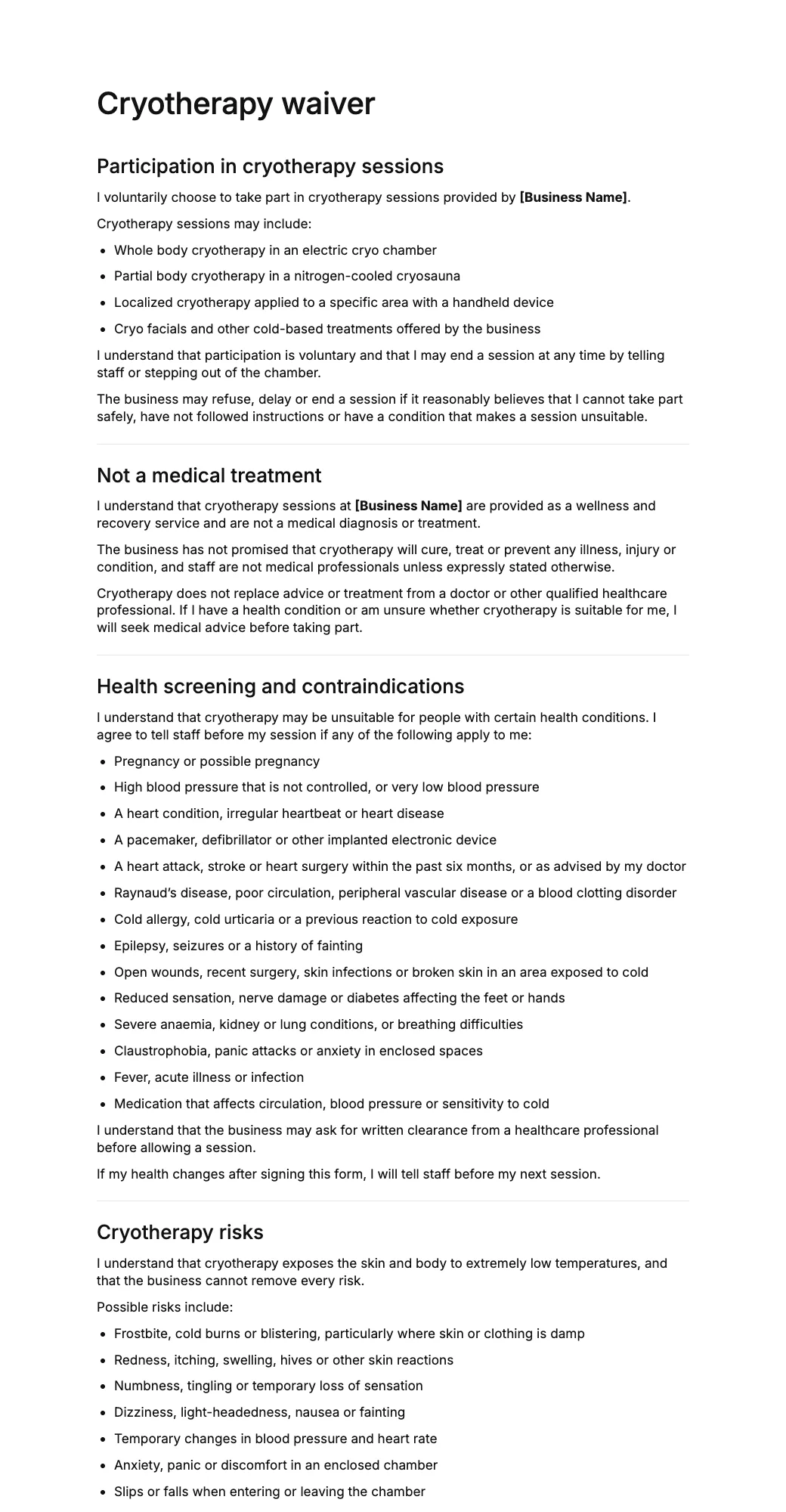
Sauna, plunge and cryo waivers
Have every guest sign a waiver for heat and cold sessions, with health questions about heart conditions, pregnancy and blood pressure.
Reception tablet
Open the form on a tablet at reception for walk-ins and gift voucher clients. They fill it in and sign with a finger.
Answers you can pull up
Each signed form is listed by name, form and time, with the client's answers and the exact wording they agreed to.
What to include in a massage intake form
A massage intake form tells the therapist what to watch for and records the client's consent to treatment. Most therapists and spas cover:
- Client name, date of birth and contact details
- Reason for the visit and areas to focus on or avoid
- Injuries, surgeries and current pain
- Medical conditions, medications and allergies, including to oils
- Pregnancy and recent illness
- Pressure preference and draping consent
- Consent to treatment and the right to stop at any time
- Cancellation and late arrival policy
- Client signature and date
Live signing example
See what your clients sign
This is the real massage intake form template in the same signing page your clients use. Fill it in, tick the boxes and draw a signature with your mouse or finger. Nothing is sent.
- Opens in any browser, no app to download
- Works on phones, tablets and computers
- Signature drawn with a finger or mouse
- Each signed form keeps the exact version agreed to
How it works for massage, spas & wellness
- 1Set up your intake and waiversStart from the massage intake, sauna or cryotherapy templates, or describe your service and let AI draft one. Add your own health questions and policies.
- 2Send with the bookingPaste the link into booking confirmations, and keep the QR code or a tablet at reception for walk-ins.
- 3Read it before the sessionOpen the client's form from your Signatures list and check their health notes before you start.
Share a QR code, collect signatures
Every form gets its own signing link and QR code. As clients sign, each form appears in your Signatures list with their name, answers and the exact wording they agreed to.
- Link for confirmations, emails and messages
- QR code for the counter or front desk
- Newest signatures first in your list
Scan to sign
Massage intake form
app.agreedock.com/sign/x7k2p9

Templates for massage, spas & wellness
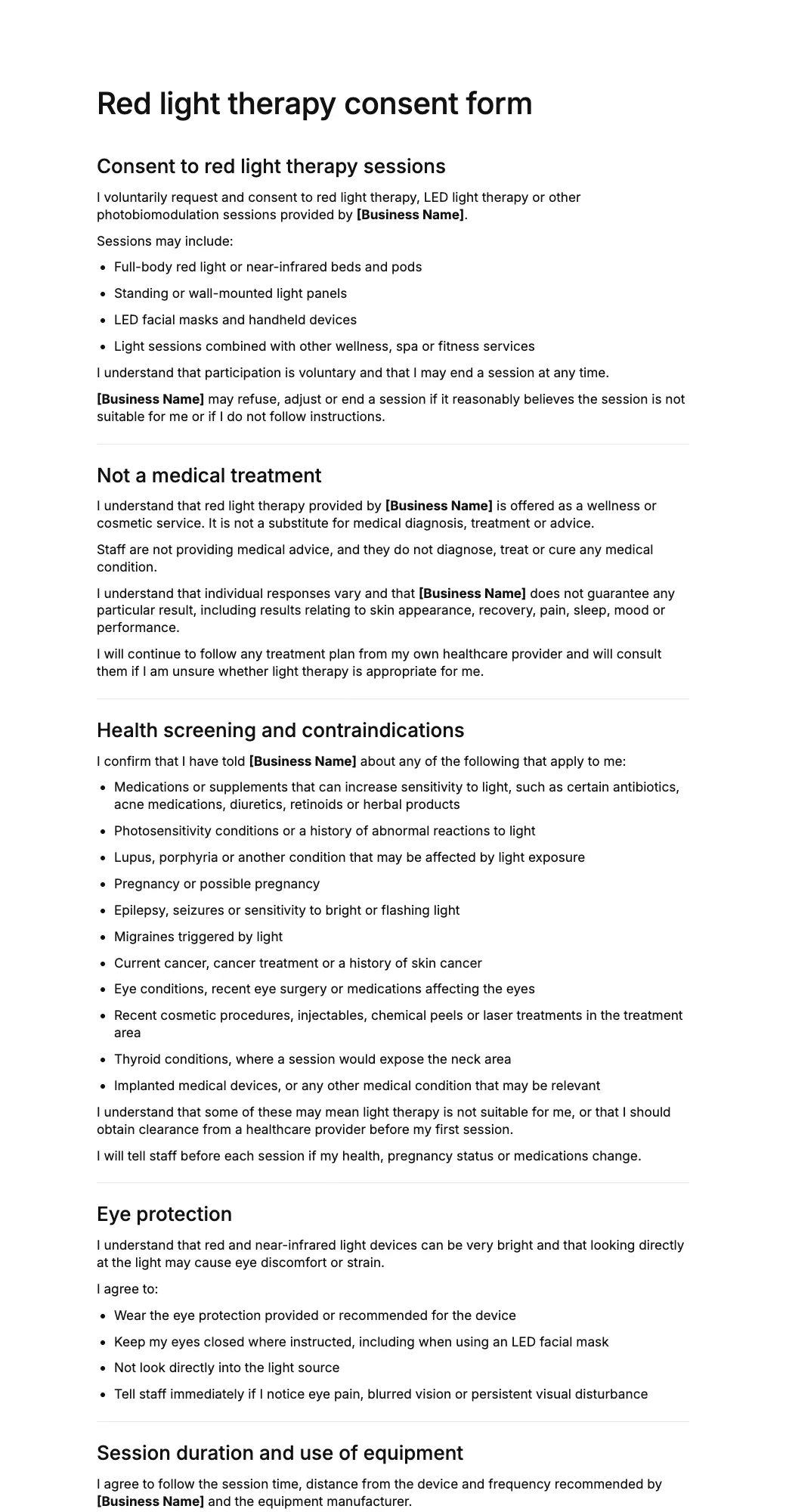
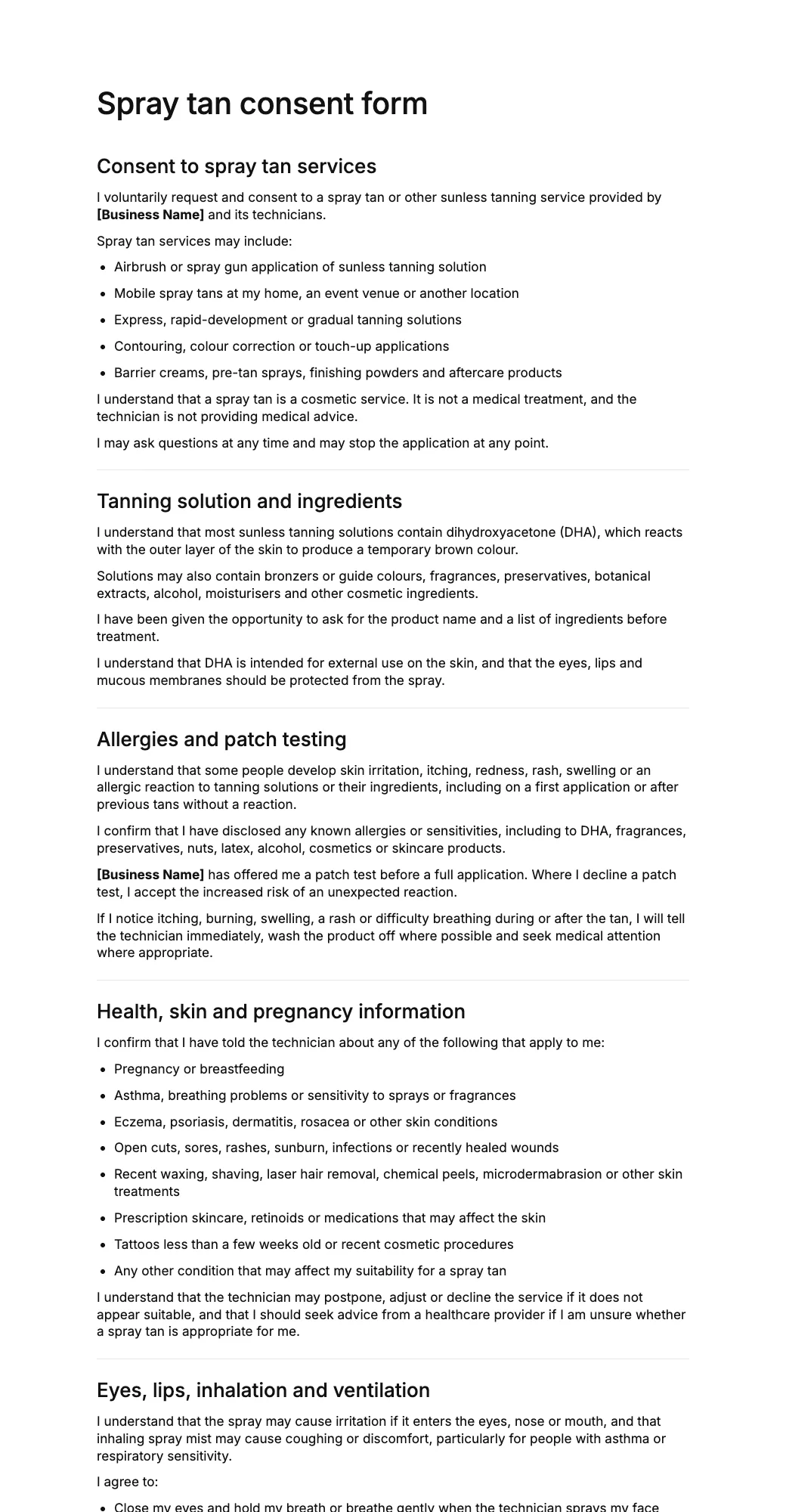
Start from a ready-made form and edit the wording, questions and fields to match your business.
Why spas and therapists move intake forms online
A clipboard at reception eats into the session: the client arrives, spends ten minutes on a form, and the therapist reads it in a hurry. Sending the intake with the booking means clients answer at home, and you read their notes before they walk in.
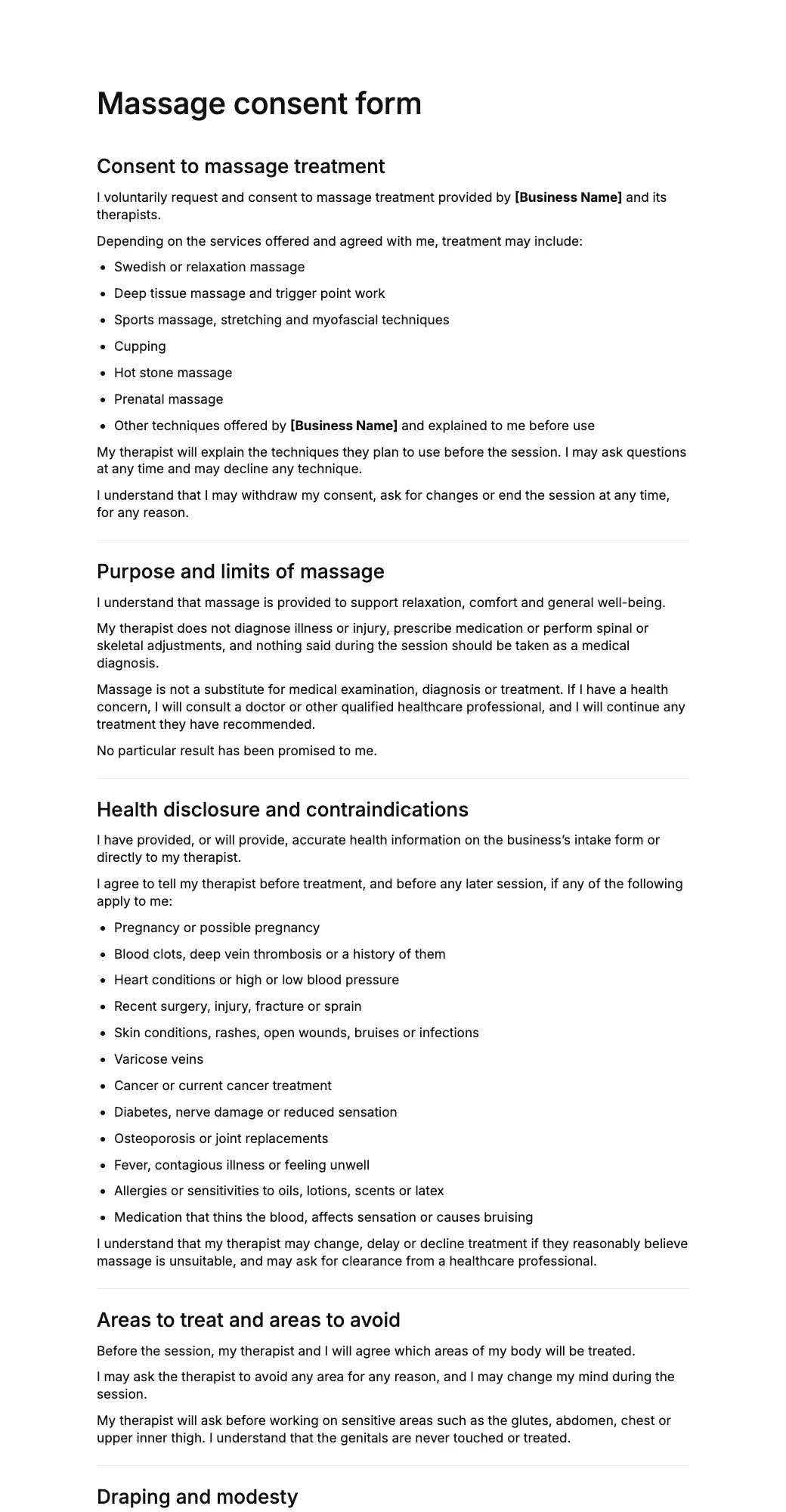
Our massage intake form covers health history, pressure preferences and areas to avoid, and the massage consent form records consent to treatment. Edit the questions to match your practice. Questions can be text, checkboxes, multiple choice or dates.
Signed forms appear in your Signatures list with the name, form and time, newest first, and each keeps the exact version the client signed.
Waivers for sauna, cold plunge and cryotherapy
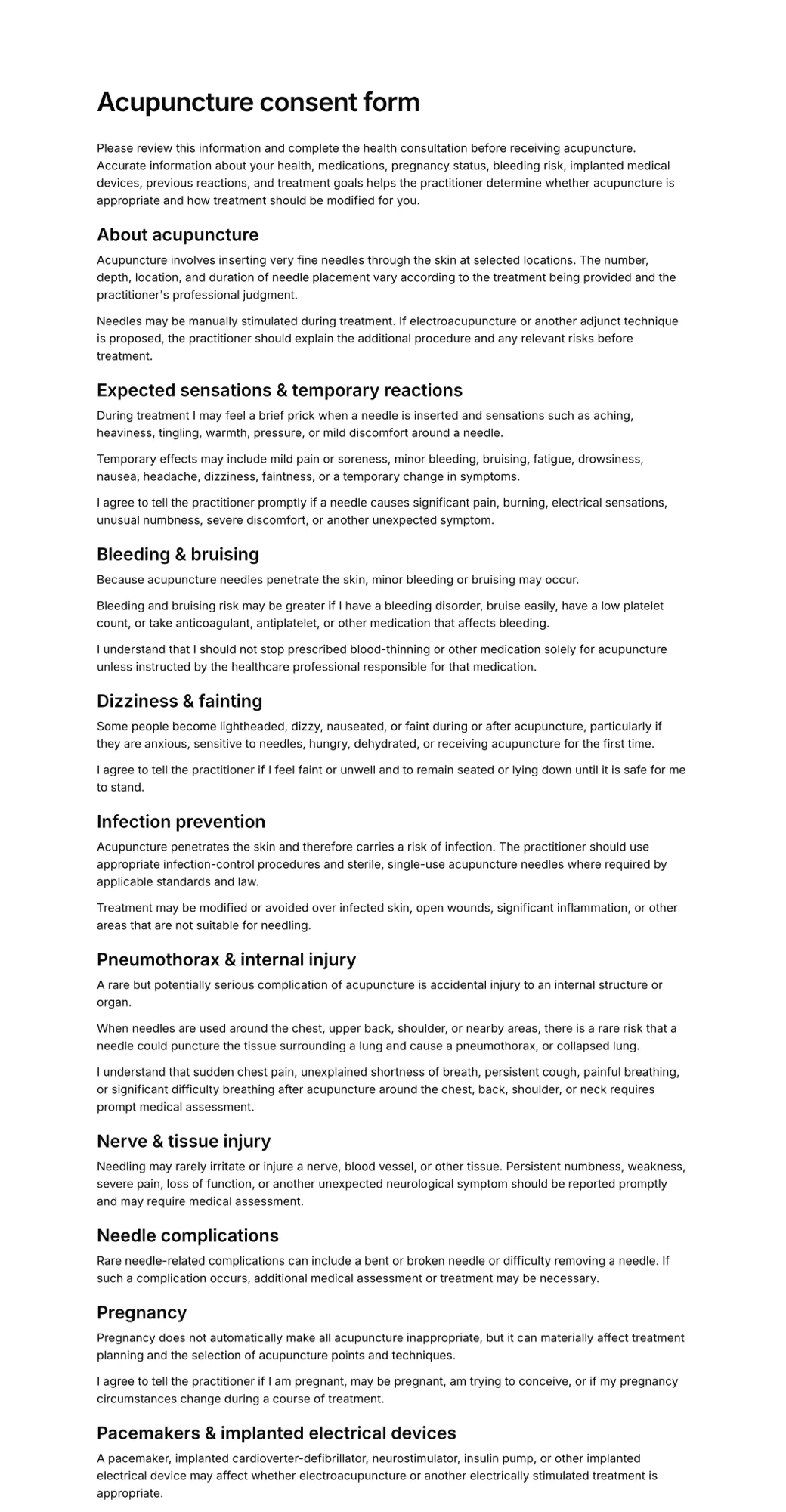
Heat and cold therapy carry different risks from massage, so most wellness studios ask for a separate waiver. A sauna waiver or cryotherapy waiver asks about heart conditions, blood pressure and pregnancy and sets out your session rules.
Treat any template as a starting point. Have the wording checked locally, and only ask for the health information you need for the service.
Guides for massage, spas & wellness
Simple pricing.
Start for free. Upgrade when you need more signatures. No per-signature fees.
Free
For trying AgreeDock or collecting occasional signatures.
$0/month
- 10 signatures per month
- 1 active waiver
- Signing link and QR code
Pro
For businesses collecting waivers regularly.
$10$15/month
- Unlimited signatures
- Unlimited waivers
- Signing link and QR code
- Expiration tracking
- Signed PDF records
- Priority support
Questions
What should a massage intake form include?
Most cover the client's details, reason for the visit, injuries and medical conditions, medications and allergies, pregnancy, pressure preference, consent to treatment and a signature. Start from our template and edit it for your practice.
Can clients fill in the intake form before the appointment?
Yes. Paste the signing link into your booking confirmation. Clients open it in any browser on their phone, tablet or computer and sign with a finger or mouse, with no app to download.
Do I need a waiver for sauna or cryotherapy?
Most wellness studios use one, because heat and cold sessions aren't safe for everyone. A waiver records that the guest was told about the risks and answered your health questions. Have the wording checked locally.
Is AgreeDock HIPAA compliant?
No. AgreeDock doesn't sign a Business Associate Agreement (BAA) and isn't built for HIPAA. Completed forms are stored in your AgreeDock workspace and are only visible to your team. If you handle health information, check which rules apply to your practice (such as HIPAA in the United States) and only ask for information you need for the service.
Is AgreeDock spa booking software?
No. AgreeDock handles intake forms, consent forms, waivers and signatures. It doesn't take bookings, payments or memberships, send reminders or keep SOAP notes, so it works alongside the spa software you already use.
How much does it cost?
AgreeDock is free for up to 10 signatures a month. Pro costs $15 a month, or $10 a month billed yearly, for unlimited signatures and forms.
Anything else? Write to info@agreedock.com
Related industries
Get your massage, spas & wellness paperwork signed
- Pick a template
- Share the link
- Collect signatures