
For dance studios
Dance studio waiver software
Get registration, waivers and photo consent signed before the first class: one link in your registration email, a QR code at the front desk, and a parent signature for every young dancer.
- Free to start
- Sign by link or QR code
- Every signed form on file
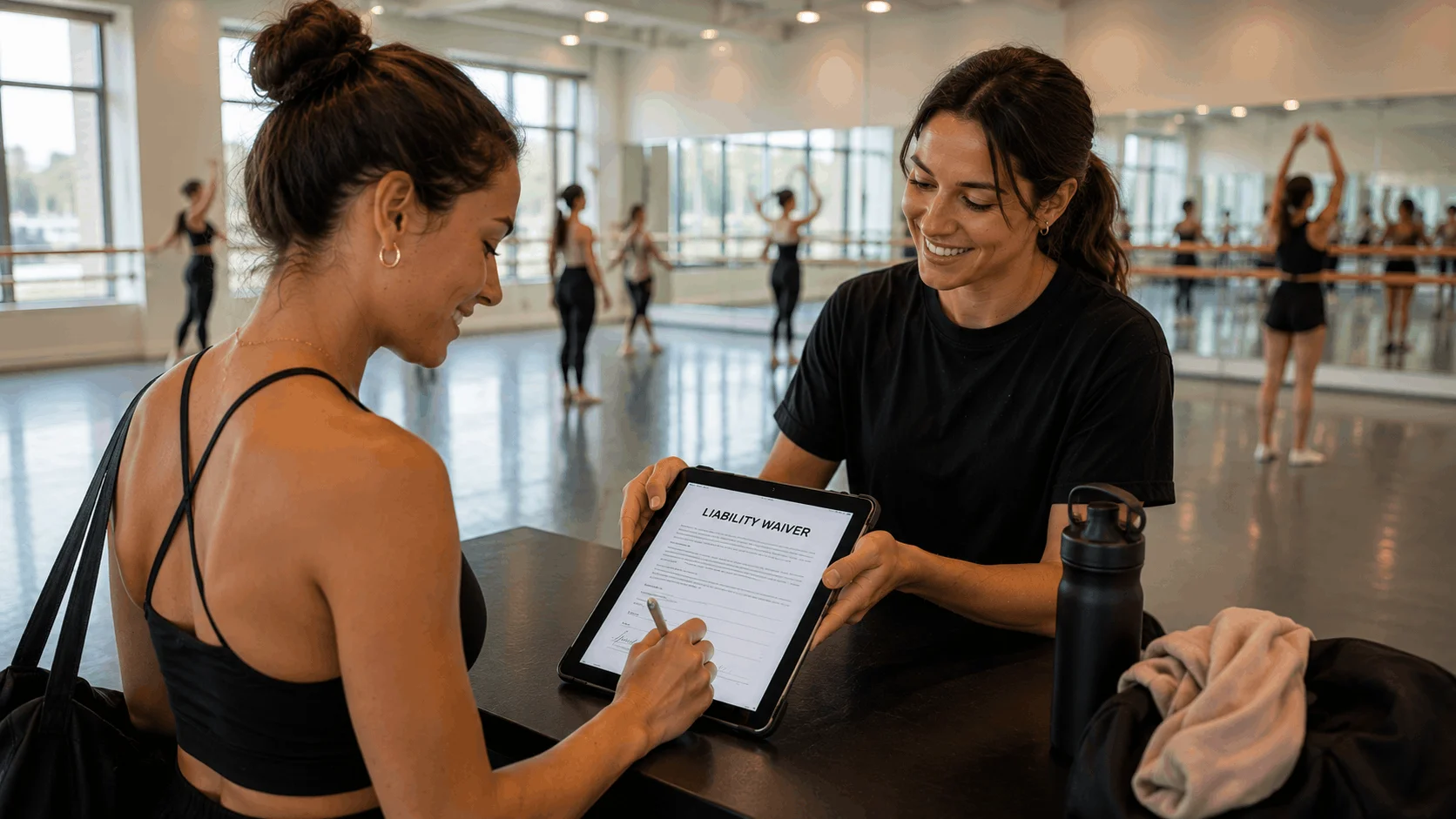
How dance studios use AgreeDock
Registration season
Send one link with your fall registration email so families fill in the dancer's details and sign the waiver at home, not in a queue at the front desk.
Parents sign for kids
Most dancers are minors. Parents sign from their own phone with the child's name, date of birth, medical notes and emergency contacts.
Photo and recital consent
Ask for photo and video consent for recitals, competitions and social media, so you know which dancers can appear in posts.
Every dancer on file
Each signed form is listed by name, form and time, and keeps the exact wording the parent or adult student agreed to.
What to include in a dance studio waiver
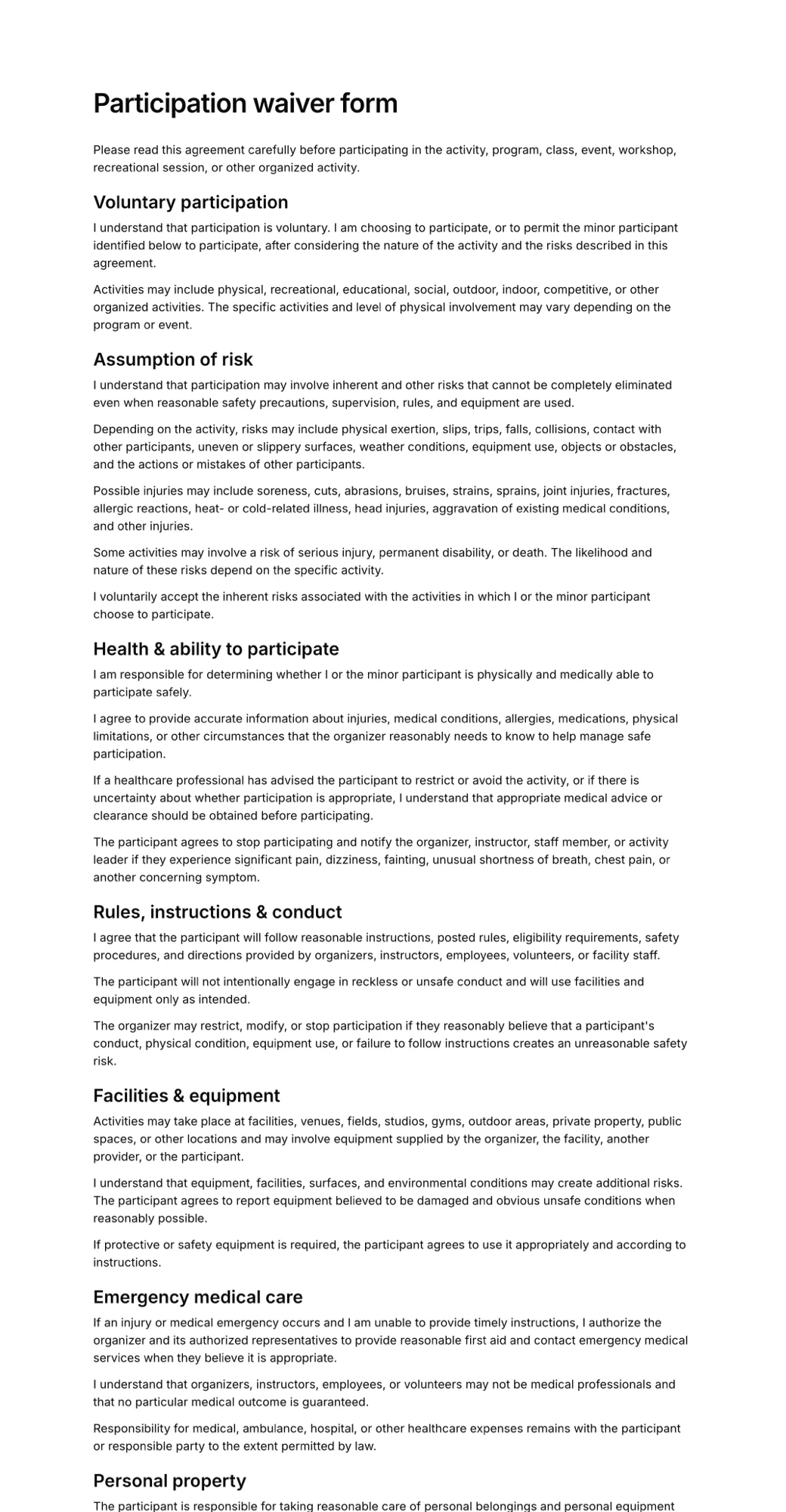
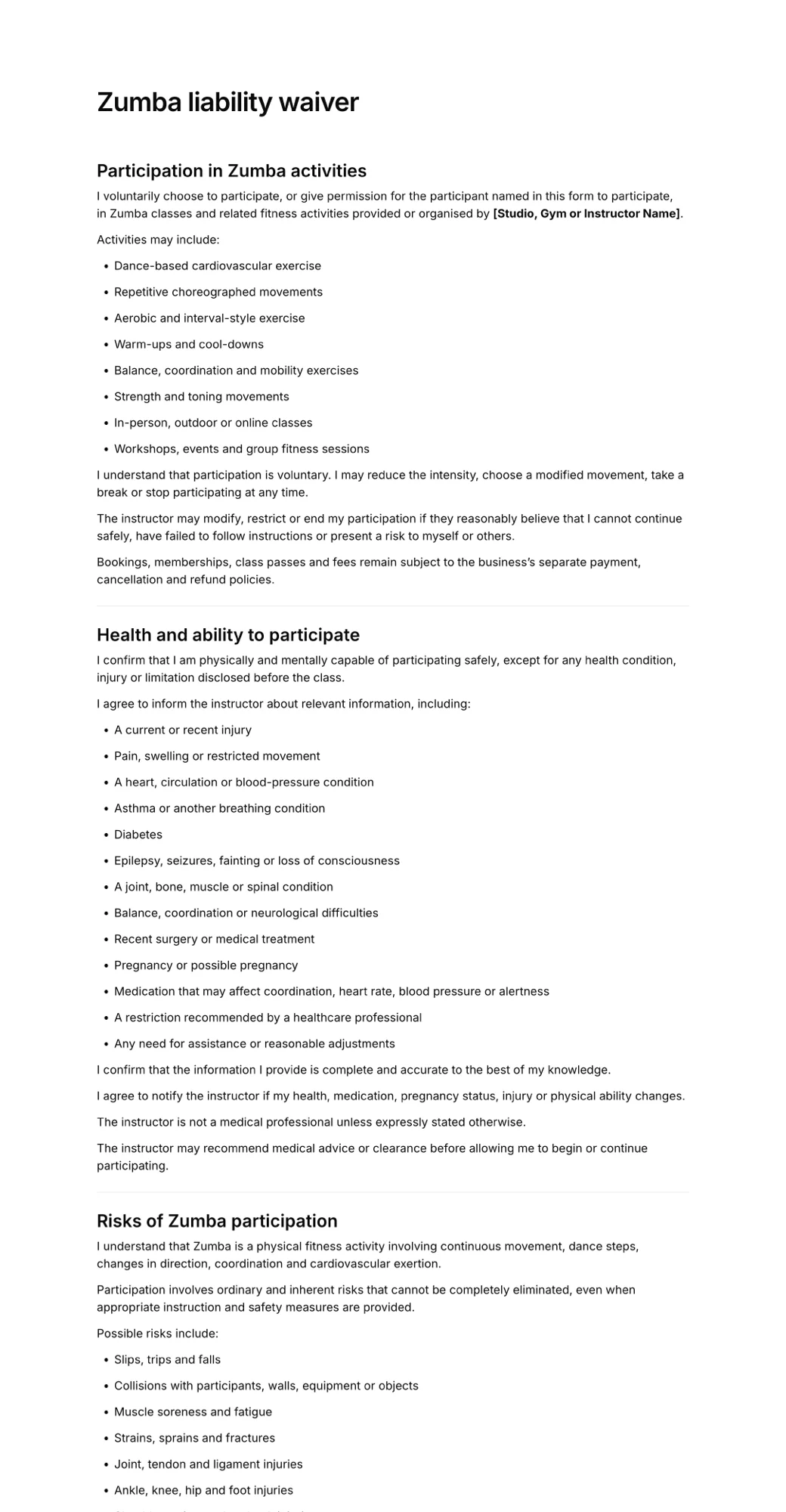
A dance studio waiver should explain the physical risks of class and get the dancer, or a parent, to accept them in writing. Most studios cover:
- Dancer name, date of birth and class or level
- Parent or guardian name, relationship and contact details
- Risks of dance training: strains, falls, lifts and partnering
- Studio rules, dress code and drop-off and pick-up policy
- Injuries, allergies and medical conditions instructors should know
- Emergency contact and consent to first aid
- Recitals, competitions and off-site performances
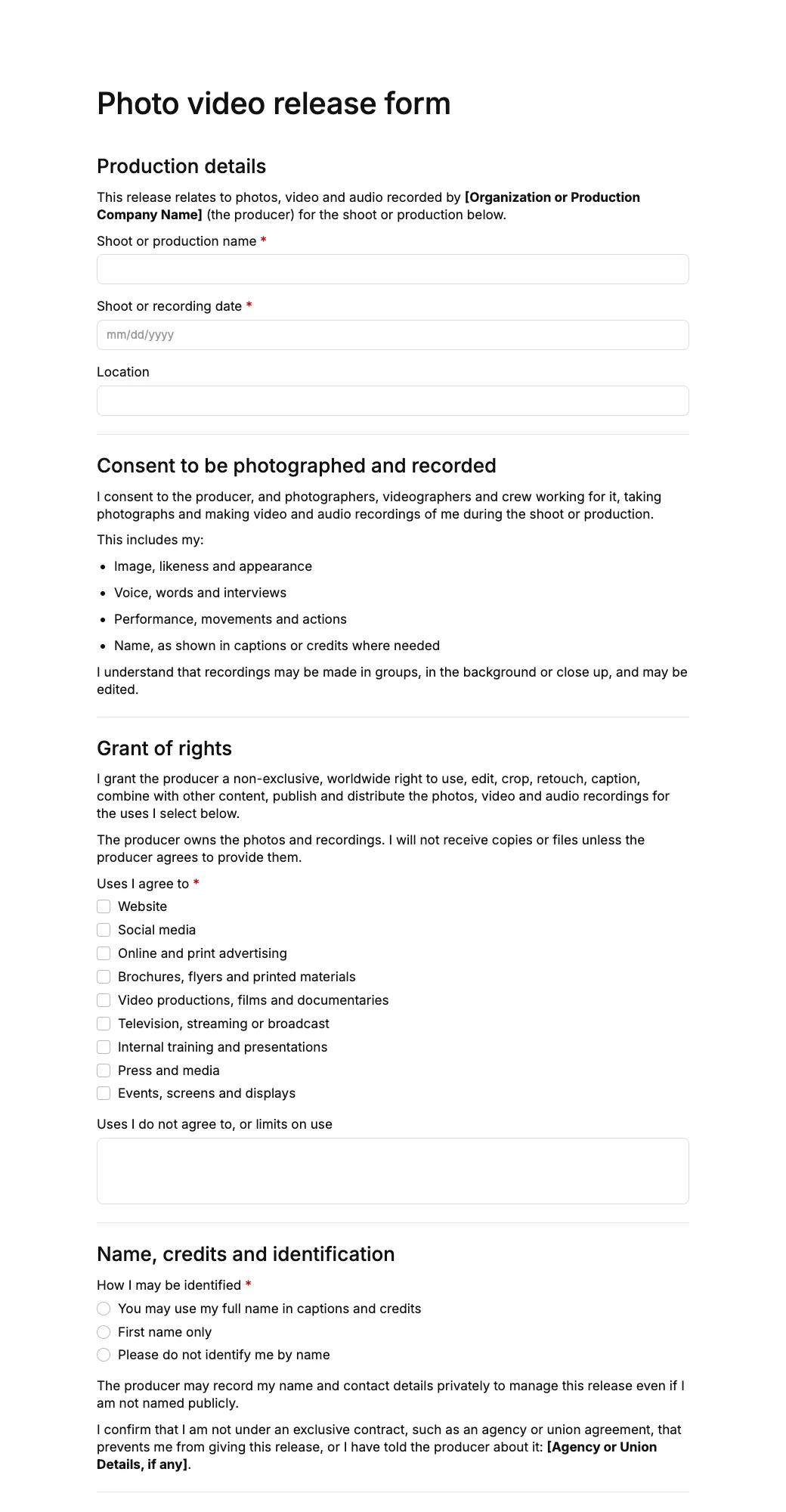
- Photo and video consent for recitals and social media
- Parent or guardian signature for dancers under 18
Live signing example
See what your clients sign
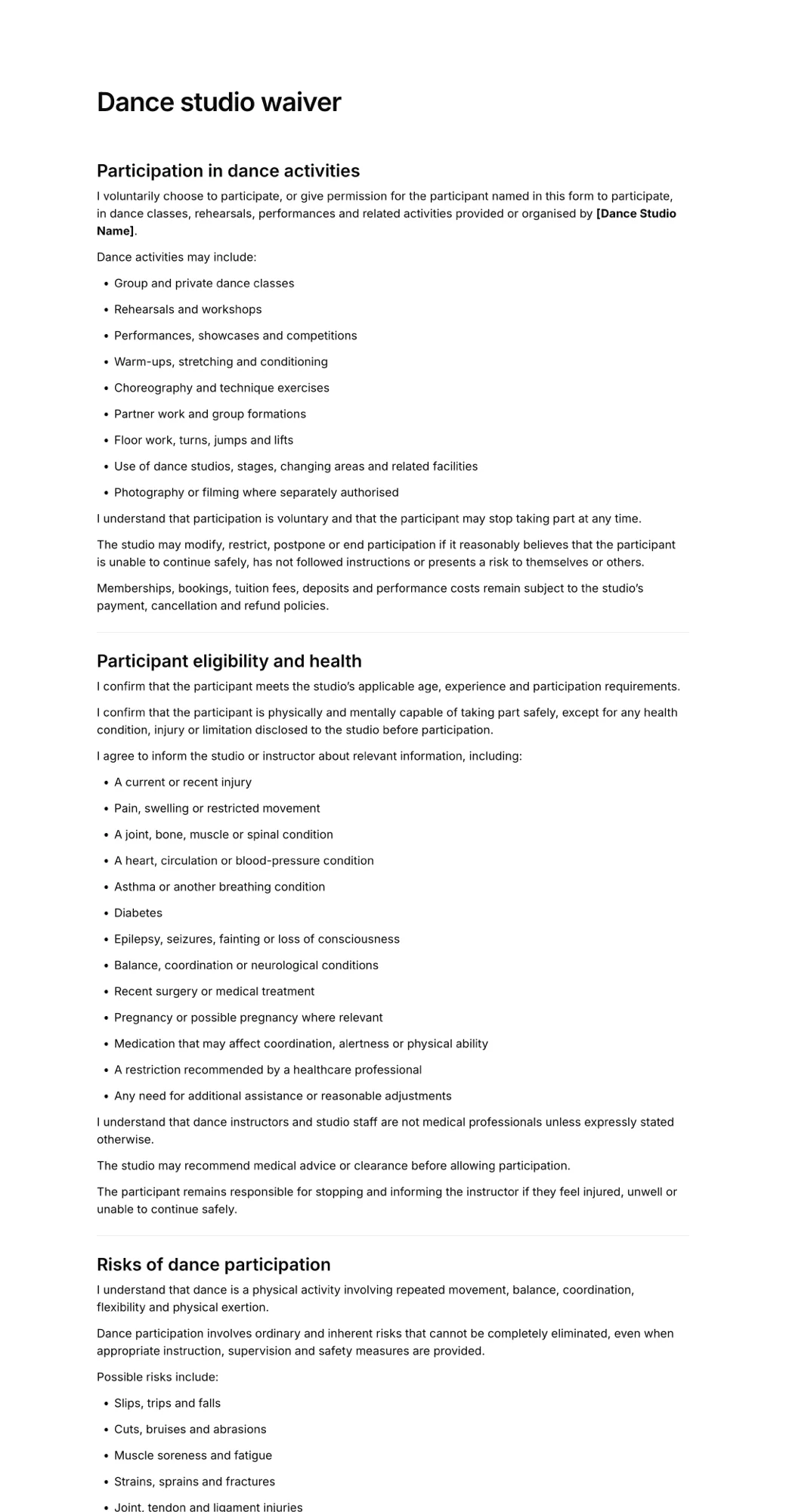
This is the real dance studio waiver template in the same signing page your clients use. Fill it in, tick the boxes and draw a signature with your mouse or finger. Nothing is sent.
- Opens in any browser, no app to download
- Works on phones, tablets and computers
- Signature drawn with a finger or mouse
- Each signed form keeps the exact version agreed to
How it works for dance studios
- 1Set up your studio formsStart from the dance studio waiver and registration form, or describe your studio and let AI draft one. Add your class levels, studio rules and photo consent.
- 2Share with familiesPaste the link into your registration email and website, and print the QR code for the front desk and trial classes.
- 3Check before classOpen your Signatures list to see who has signed, and look up a dancer's allergies or injuries before rehearsal.
Share a QR code, collect signatures
Every form gets its own signing link and QR code. As clients sign, each form appears in your Signatures list with their name, answers and the exact wording they agreed to.
- Link for confirmations, emails and messages
- QR code for the counter or front desk
- Newest signatures first in your list
Scan to sign
Dance studio waiver
app.agreedock.com/sign/x7k2p9

Templates for dance studios
Start from a ready-made form and edit the wording, questions and fields to match your business.
Why dance studios move registration and waivers online
Registration week is when paper breaks down. Dozens of families arrive at once, forms come back half filled in, and someone has to type every phone number into a spreadsheet. With an online form the link goes out in your registration email, parents fill it in at home, and the front desk only checks a list.
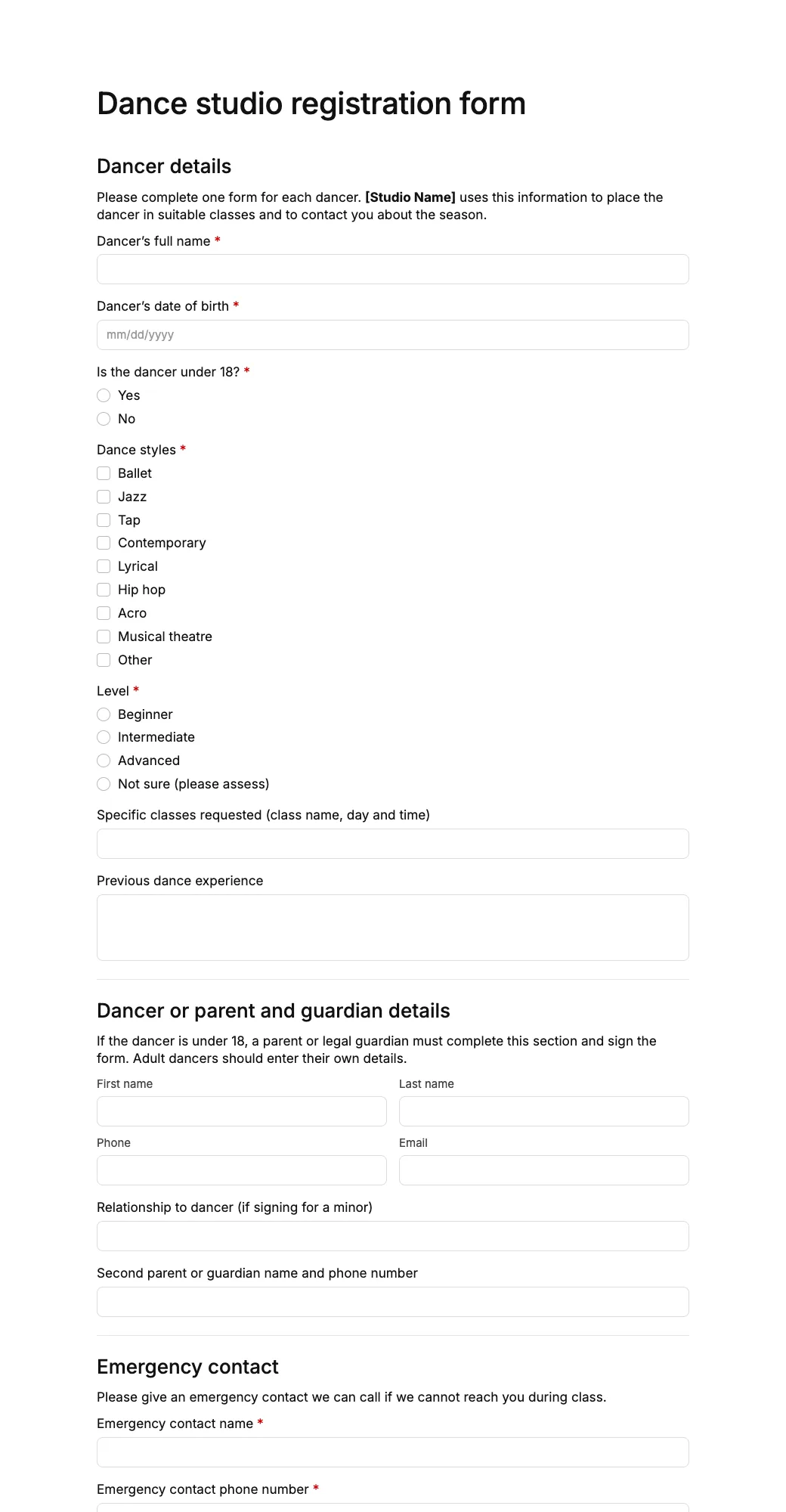
You can keep the waiver and registration separate or combine them in one form. Our dance registration form collects the dancer's details and class choice, and the dance studio waiver template covers the risk wording and studio rules.
Every signed form sits in your Signatures list with the name, form and time, newest first. If you update your wording for next season, past signatures keep the exact version that was signed.
Waivers for minors and recital photos
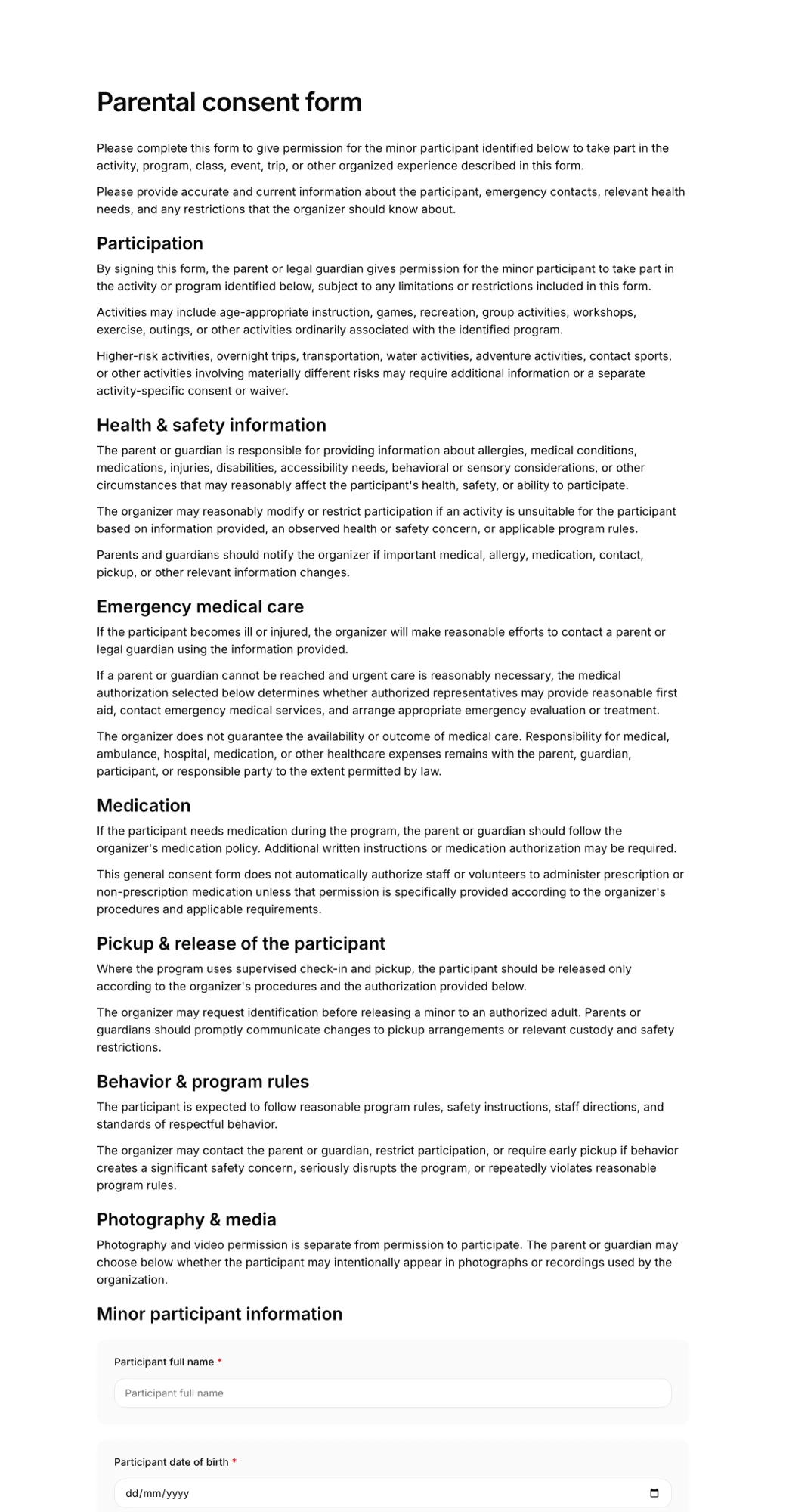
Most dance students are children, so a parent or guardian signs for them. Add fields for the child's name and date of birth and the parent's name and relationship, and each dancer gets their own signed record. How far a parent can waive a child's claims depends on where you operate, so have your final wording checked locally.
Recitals and competitions bring photos and videos, and some families don't want their child online. A photo and video release signed at registration tells you who can appear in posts. Our guide to waivers for minors explains the basics.
Guides for dance studios
Simple pricing.
Start for free. Upgrade when you need more signatures. No per-signature fees.
Free
For trying AgreeDock or collecting occasional signatures.
$0/month
- 10 signatures per month
- 1 active waiver
- Signing link and QR code
Pro
For businesses collecting waivers regularly.
$10$15/month
- Unlimited signatures
- Unlimited waivers
- Signing link and QR code
- Expiration tracking
- Signed PDF records
- Priority support
Questions
What should a dance studio waiver include?
Most cover the dancer's details, the physical risks of class, studio rules, medical conditions, an emergency contact, photo consent and a parent or guardian signature for minors. Start from our template and edit it to match your classes.
Can parents sign the dance waiver online?
Yes. Share the signing link by email, text or on your website. Parents open it in any browser on their phone, tablet or computer and sign with a finger or mouse, with no app to download.
Can I combine the registration form and the waiver?
Yes. Put the registration questions and the waiver wording in one form with a single signature, or keep them as two forms and send both links. Questions can be text, checkboxes, multiple choice or dates.
Are online dance waivers legally valid?
Electronic signatures are generally recognised in the US under the ESIGN Act and UETA, and in many other countries. Whether a particular waiver holds up depends on its wording and local law, so have it reviewed by a local lawyer.
Is AgreeDock dance studio management software?
No. AgreeDock handles waivers, registration forms and signatures. It doesn't take tuition payments, schedule classes, track attendance or send reminders, so it works alongside the studio software you already use.
How much does it cost?
AgreeDock is free for up to 10 signatures a month. Pro costs $15 a month, or $10 a month billed yearly, for unlimited signatures and forms.
Anything else? Write to info@agreedock.com
Related industries
Get your dance studios paperwork signed
- Pick a template
- Share the link
- Collect signatures