
For nonprofits & volunteer groups
Volunteer waiver software
Get every volunteer signed before the shift starts: a waiver link in your sign-up email, a QR code at the check-in table, and parent consent for teen volunteers.
- Free to start
- Sign by link or QR code
- Every signed form on file

How nonprofits & volunteer groups use AgreeDock
Signed before the shift
Add the waiver link to your volunteer sign-up confirmation so people arrive signed and the coordinator can start the briefing on time.
Photo consent
Ask volunteers in the same form whether you can use photos of them in newsletters, reports and social posts.
Teen volunteers
Add parent or guardian fields so a parent signs for a volunteer under 18 from their own phone.
One list for every event
Signed waivers are listed by volunteer name, form and time, and each keeps the exact wording that was signed.
What to include in a volunteer waiver
A volunteer waiver should describe the work people will do and get them, or a parent, to accept the risks in writing. Most organizations cover:
- Volunteer name, date of birth and contact details
- The tasks and locations involved, such as builds, cleanups or food service
- Risks of the work, including lifting, tools, weather and traffic
- Agreement to follow coordinator instructions and safety rules
- Statement that the volunteer is unpaid and not an employee
- Health conditions or allergies the coordinator should know about
- Emergency contact and consent to first aid
- Photo and video consent for your newsletter and social media
- Parent or guardian signature for volunteers under 18
Live signing example
See what your clients sign
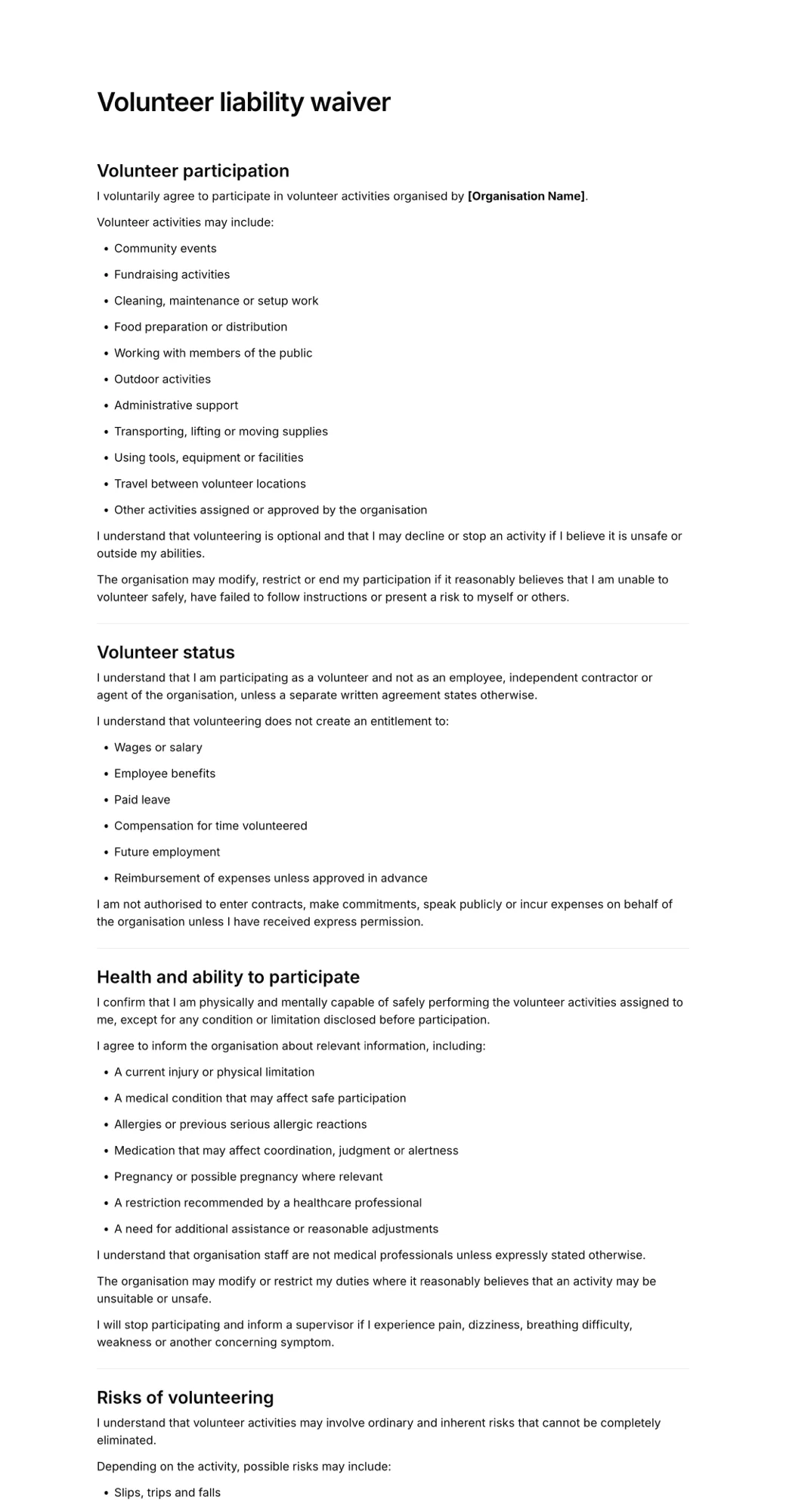
This is the real volunteer liability waiver template in the same signing page your clients use. Fill it in, tick the boxes and draw a signature with your mouse or finger. Nothing is sent.
- Opens in any browser, no app to download
- Works on phones, tablets and computers
- Signature drawn with a finger or mouse
- Each signed form keeps the exact version agreed to
How it works for nonprofits & volunteer groups
- 1Set up your volunteer waiverStart from the volunteer liability waiver, or describe your program and let AI draft one. Add the tasks, sites and photo consent that apply.
- 2Share it with volunteersPaste the link into sign-up emails and group chats, and print the QR code for the check-in table on the day.
- 3Check in on the dayLook up a volunteer in your Signatures list before they start, and see their emergency contact if you need it.
Share a QR code, collect signatures
Every form gets its own signing link and QR code. As clients sign, each form appears in your Signatures list with their name, answers and the exact wording they agreed to.
- Link for confirmations, emails and messages
- QR code for the counter or front desk
- Newest signatures first in your list
Scan to sign
Volunteer liability waiver
app.agreedock.com/sign/x7k2p9

Templates for nonprofits & volunteer groups
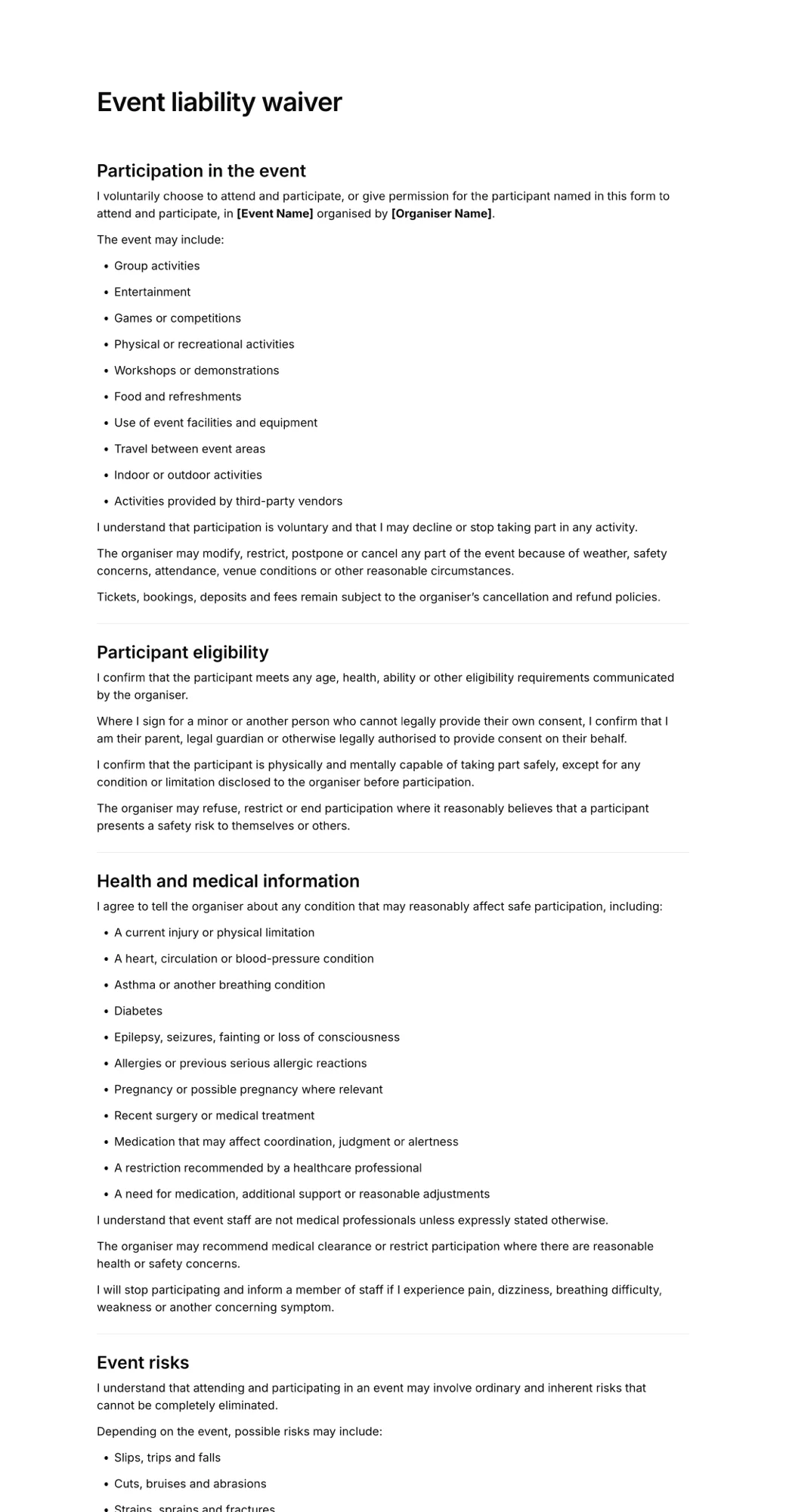
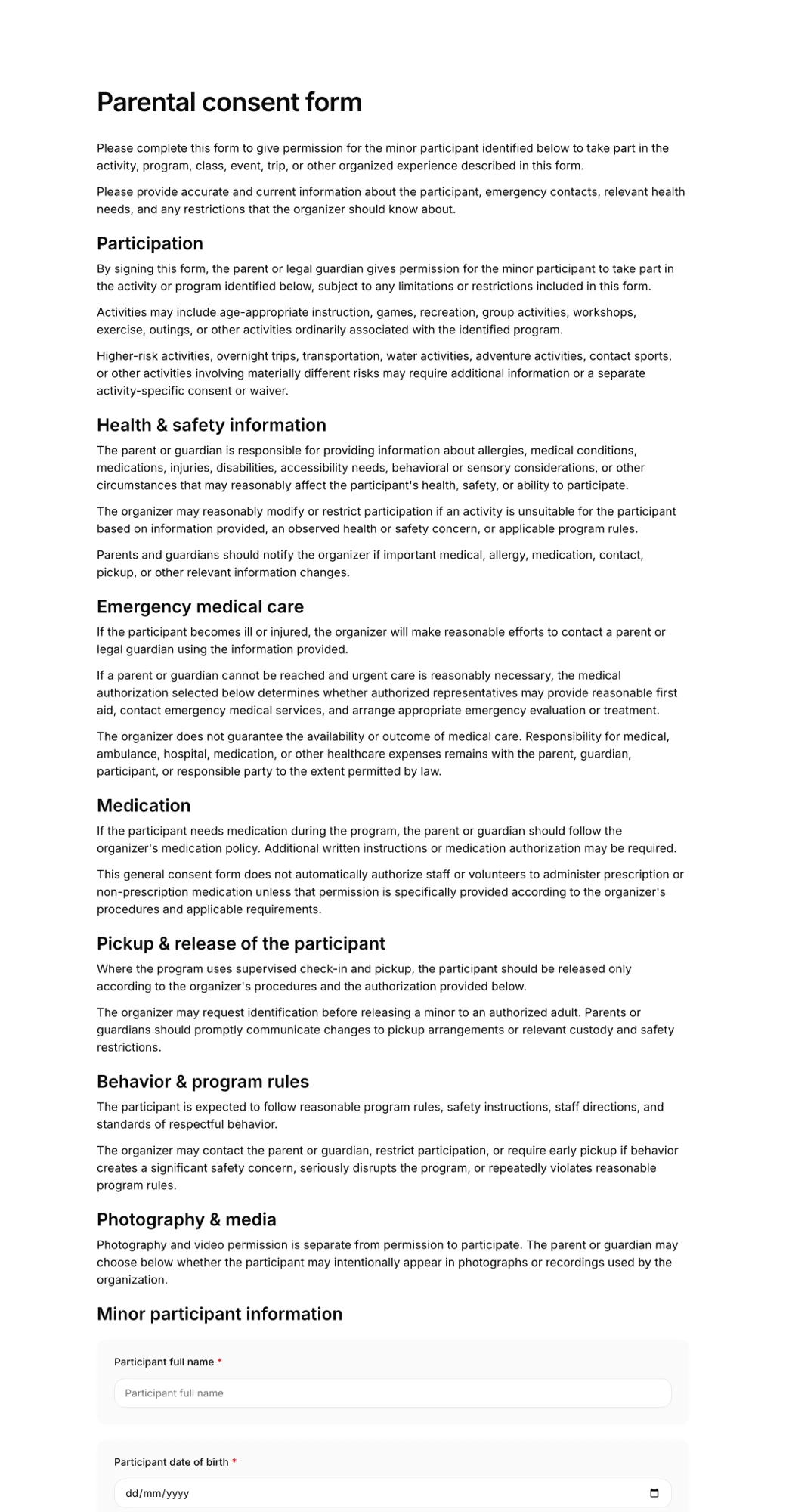
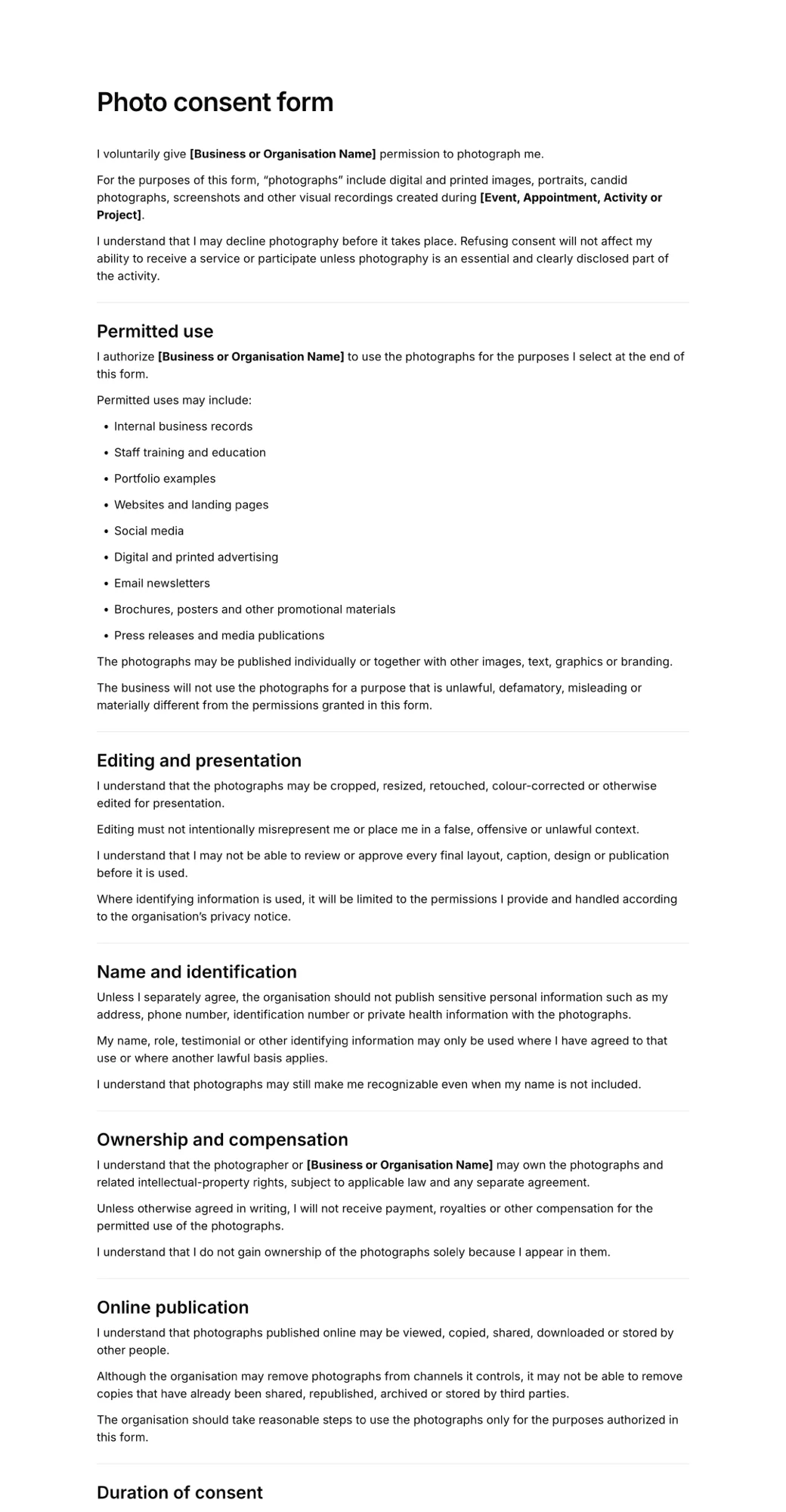
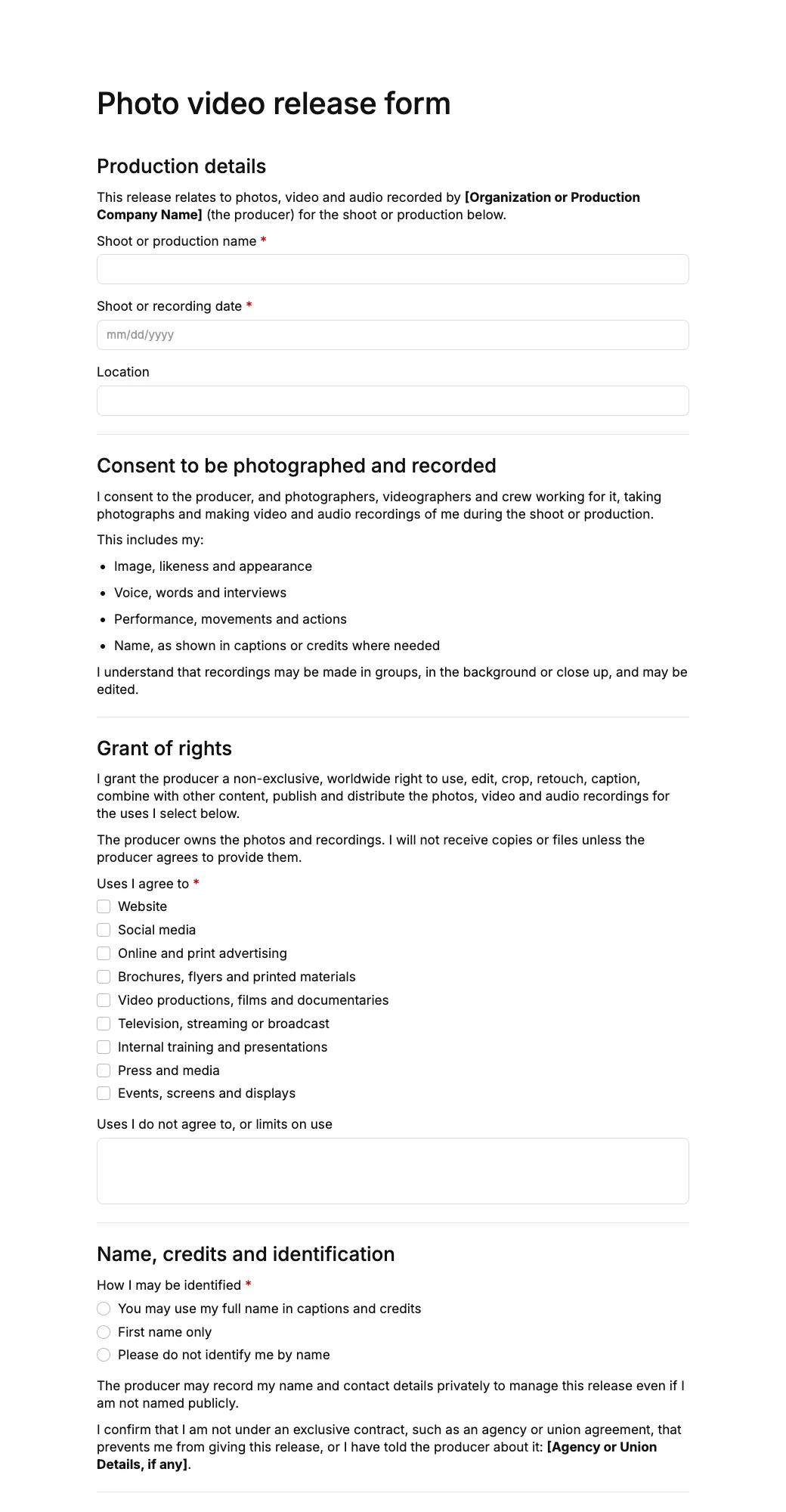
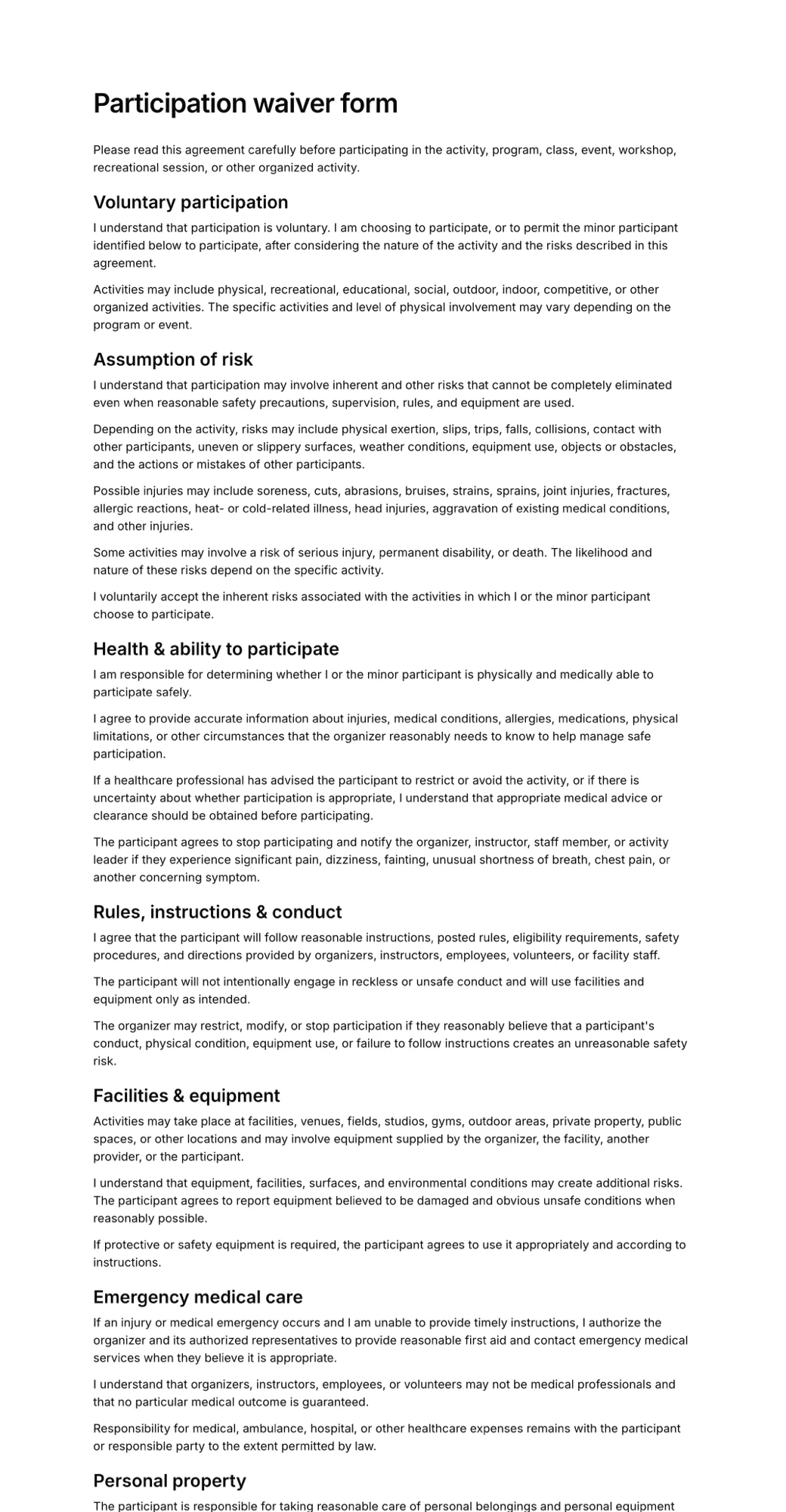
Start from a ready-made form and edit the wording, questions and fields to match your business.
Why nonprofits move volunteer waivers online
Paper waivers on a clipboard tend to go missing between the event and the office. Someone forgets to sign, a page gets rained on, or the box of forms ends up in a coordinator's car. With an online waiver the link goes out with the sign-up confirmation, most volunteers sign at home, and the check-in table only needs to check names.
Every signed form sits in your Signatures list with the volunteer's name, the form and the time. If you update the wording for next season, past signatures keep the version that was signed. Our volunteer liability waiver template is a good starting point, and our guide to the volunteer waiver explains what each section is for.
AgreeDock only handles forms and signatures. It doesn't schedule shifts, track hours or manage donors, so you keep using your volunteer management or sign-up tool and share the waiver link alongside it. The best volunteer waiver software roundup compares options.
Teen volunteers and photo consent
Youth volunteers can't usually sign for themselves. Add fields for the volunteer's name and date of birth and the parent or guardian's name and relationship, or send a separate parental consent form. How far a parent can agree on a minor's behalf depends on where you operate, so have your final wording checked locally. Our guide to waivers for minors covers the basics.
If you post event photos, ask for consent up front. Add a checkbox to the waiver or use the photo consent form, so you can see who agreed before a picture goes into the annual report.
Guides for nonprofits & volunteer groups
Simple pricing.
Start for free. Upgrade when you need more signatures. No per-signature fees.
Free
For trying AgreeDock or collecting occasional signatures.
$0/month
- 10 signatures per month
- 1 active waiver
- Signing link and QR code
Pro
For businesses collecting waivers regularly.
$10$15/month
- Unlimited signatures
- Unlimited waivers
- Signing link and QR code
- Expiration tracking
- Signed PDF records
- Priority support
Questions
Do volunteers need to sign a waiver?
Many nonprofits ask every volunteer to sign one, especially for builds, cleanups, food service and events. A signed waiver records that the volunteer was told about the risks and agreed to follow your safety rules. Your insurer may also ask for one.
Can a large group of volunteers sign from one link?
Yes. Share the same link with a corporate team, school group or church group, and each person signs their own copy, which appears separately in your Signatures list.
Can parents sign for teen volunteers?
Yes. Add fields for the volunteer's details and the parent or guardian's name and relationship, and the parent signs from their own phone. Check local rules on what a parent can agree to for a minor.
Can volunteers sign on the day without a sign-up?
Yes. Print the form's QR code for the check-in table. Volunteers scan it with their phone camera and sign in a couple of minutes, or you can open the form on a tablet.
Is AgreeDock volunteer management software?
No. AgreeDock handles waivers, consent forms and signatures. It doesn't schedule shifts, log hours, send reminders or manage donors, so it works alongside the tools you already use.
How much does volunteer waiver software cost?
AgreeDock is free for up to 10 signatures a month, which covers many small groups. Pro costs $15 a month, or $10 a month billed yearly, for unlimited signatures and forms.
Anything else? Write to info@agreedock.com
Get your nonprofits & volunteer groups paperwork signed
- Pick a template
- Share the link
- Collect signatures