
For sports teams & leagues
Sports waiver software
Get every player registered and signed before the first practice: one link for the whole roster, parent signatures for youth teams, and a QR code at tryouts for late sign-ups.
- Free to start
- Sign by link or QR code
- Every signed form on file

How sports teams & leagues use AgreeDock
Season registration
Send one link to every family on the roster. Players or parents fill in their details and sign the waiver before the first practice.
Youth teams
Parents sign for their child with medical notes, allergies and emergency contacts, so coaches have what they need at the field.
Tryouts and tournaments
Print the QR code for the registration table. Late sign-ups and guest players scan it and sign on their phone before they play.
Coaches and volunteers
Collect volunteer waivers from parent coaches, referees and snack-stand helpers with the same link-and-sign flow.
What to include in a sports waiver
A sports waiver should name the risks of the sport and get the player, or a parent, to accept them in writing. Most teams and leagues cover:
- Player name, date of birth, team and age group
- Parent or guardian name and contact details
- Risks of the sport: contact, collisions, falls and heat
- Practices, games, tournaments and team travel
- Medical conditions, allergies and medications
- Emergency contact and consent to medical treatment
- Code of conduct for players and parents
- Photo and video consent for team pages and social media
- Parent or guardian signature for players under 18
Live signing example
See what your clients sign
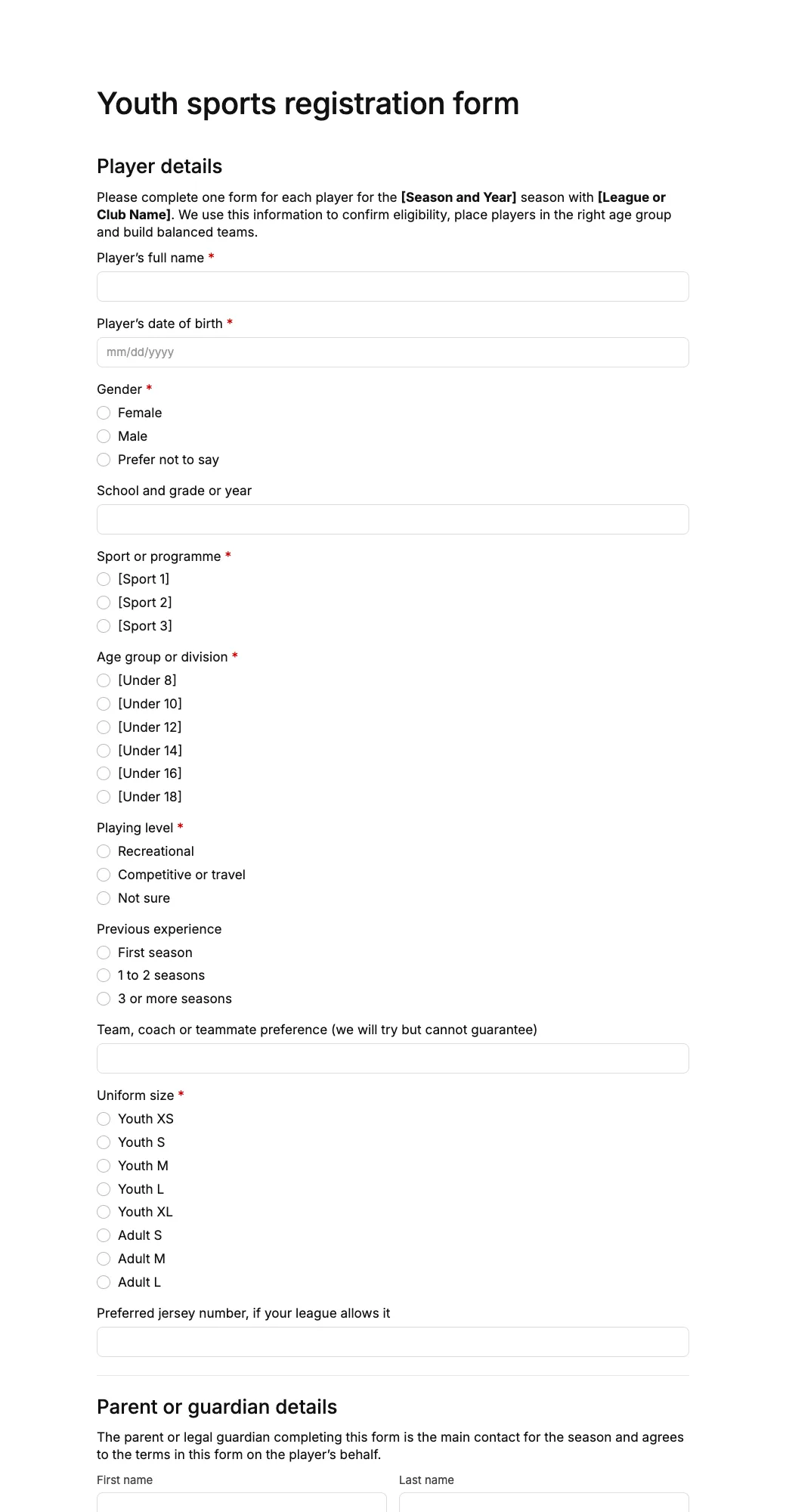
This is the real youth sports registration form template in the same signing page your clients use. Fill it in, tick the boxes and draw a signature with your mouse or finger. Nothing is sent.
- Opens in any browser, no app to download
- Works on phones, tablets and computers
- Signature drawn with a finger or mouse
- Each signed form keeps the exact version agreed to
How it works for sports teams & leagues
- 1Set up your league formsStart from the youth sports registration form and sports waiver, or describe your league and let AI draft one. Add age groups, positions, medical questions and photo consent.
- 2Share with the rosterSend the link to team managers and families, post it in the team group chat, and print the QR code for tryouts.
- 3Check before the first gameOpen your Signatures list to see which players have signed, and chase the ones who haven't before kickoff.
Share a QR code, collect signatures
Every form gets its own signing link and QR code. As clients sign, each form appears in your Signatures list with their name, answers and the exact wording they agreed to.
- Link for confirmations, emails and messages
- QR code for the counter or front desk
- Newest signatures first in your list
Scan to sign
Youth sports registration form
app.agreedock.com/sign/x7k2p9

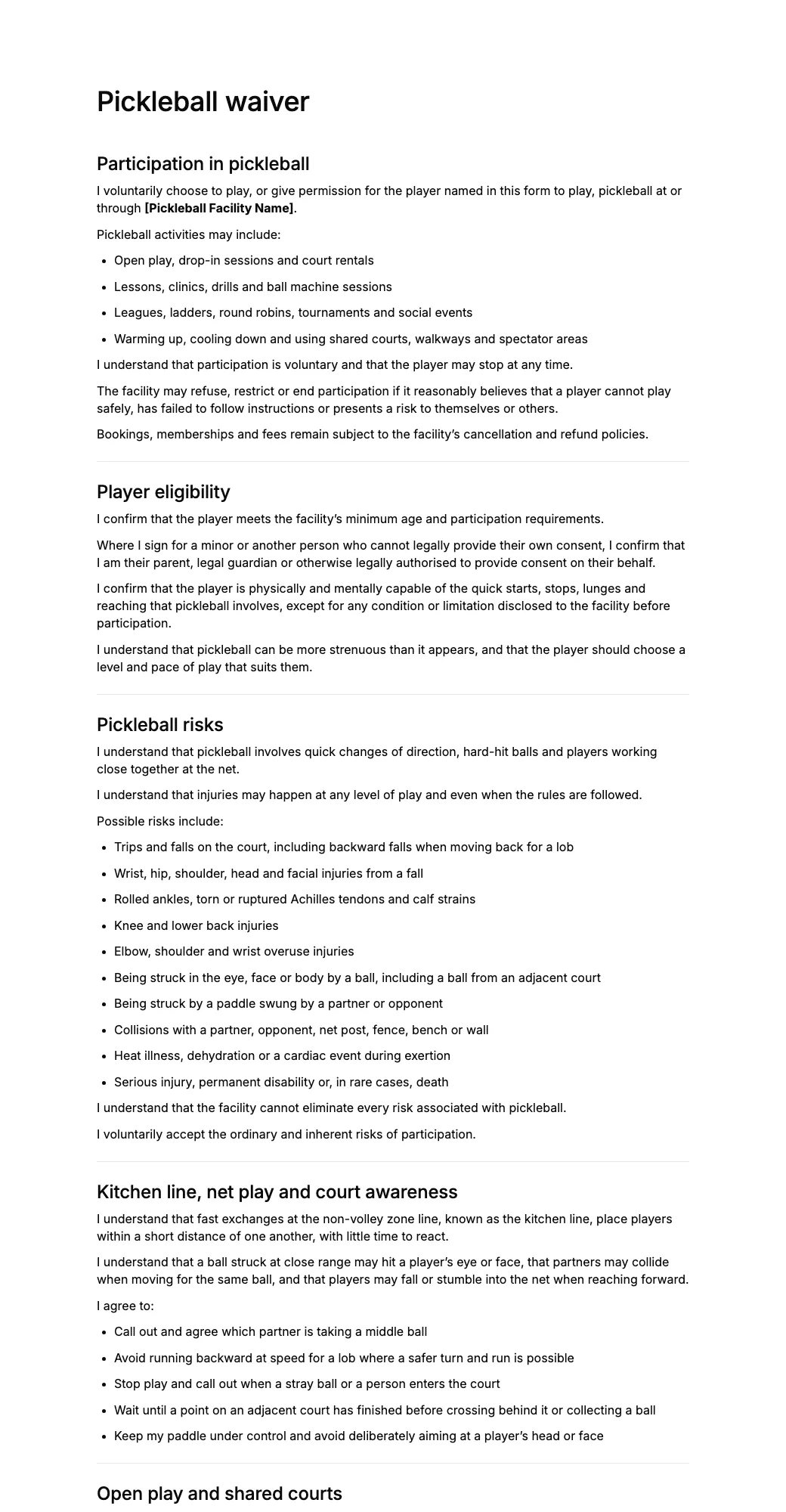
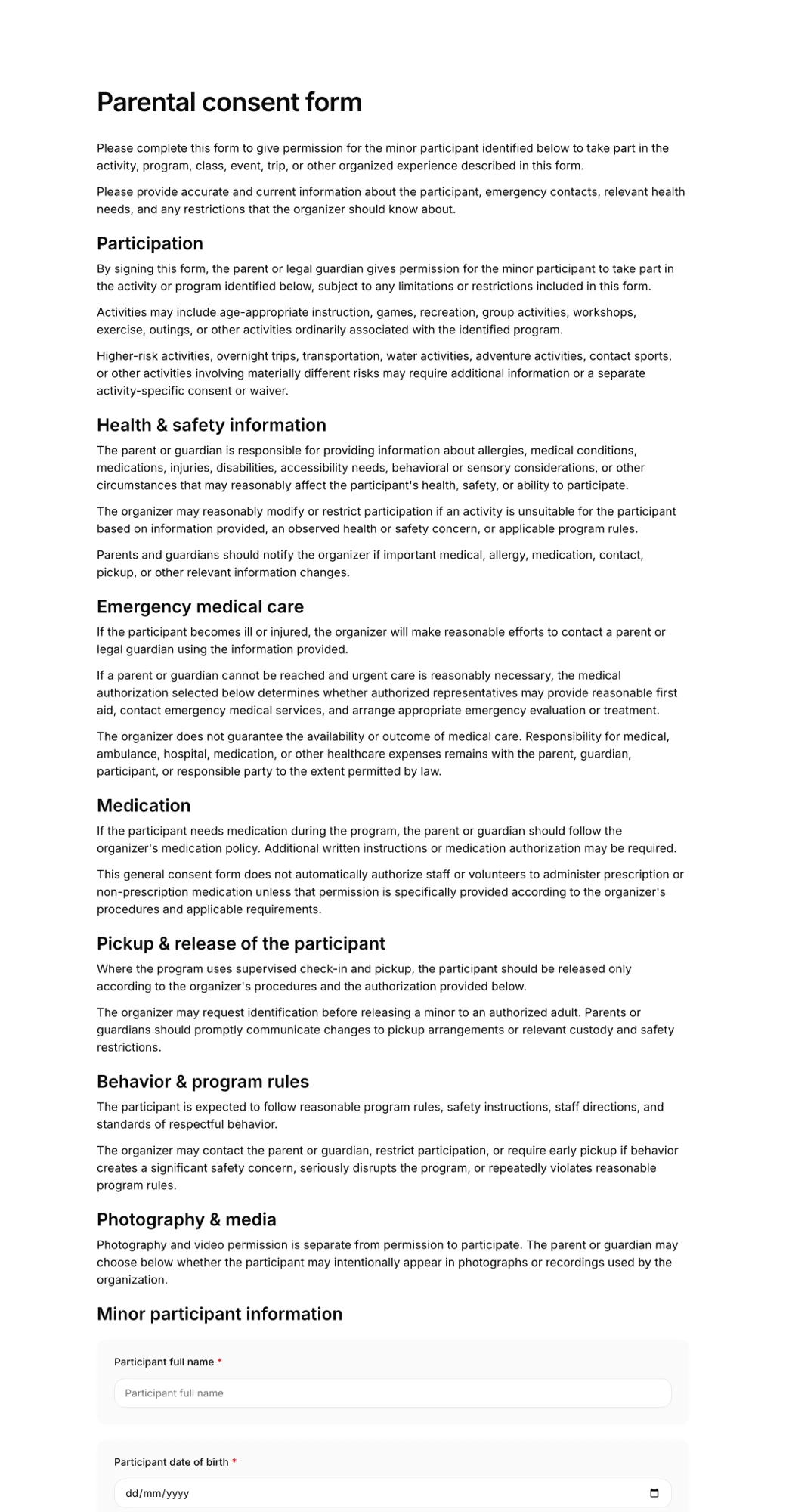
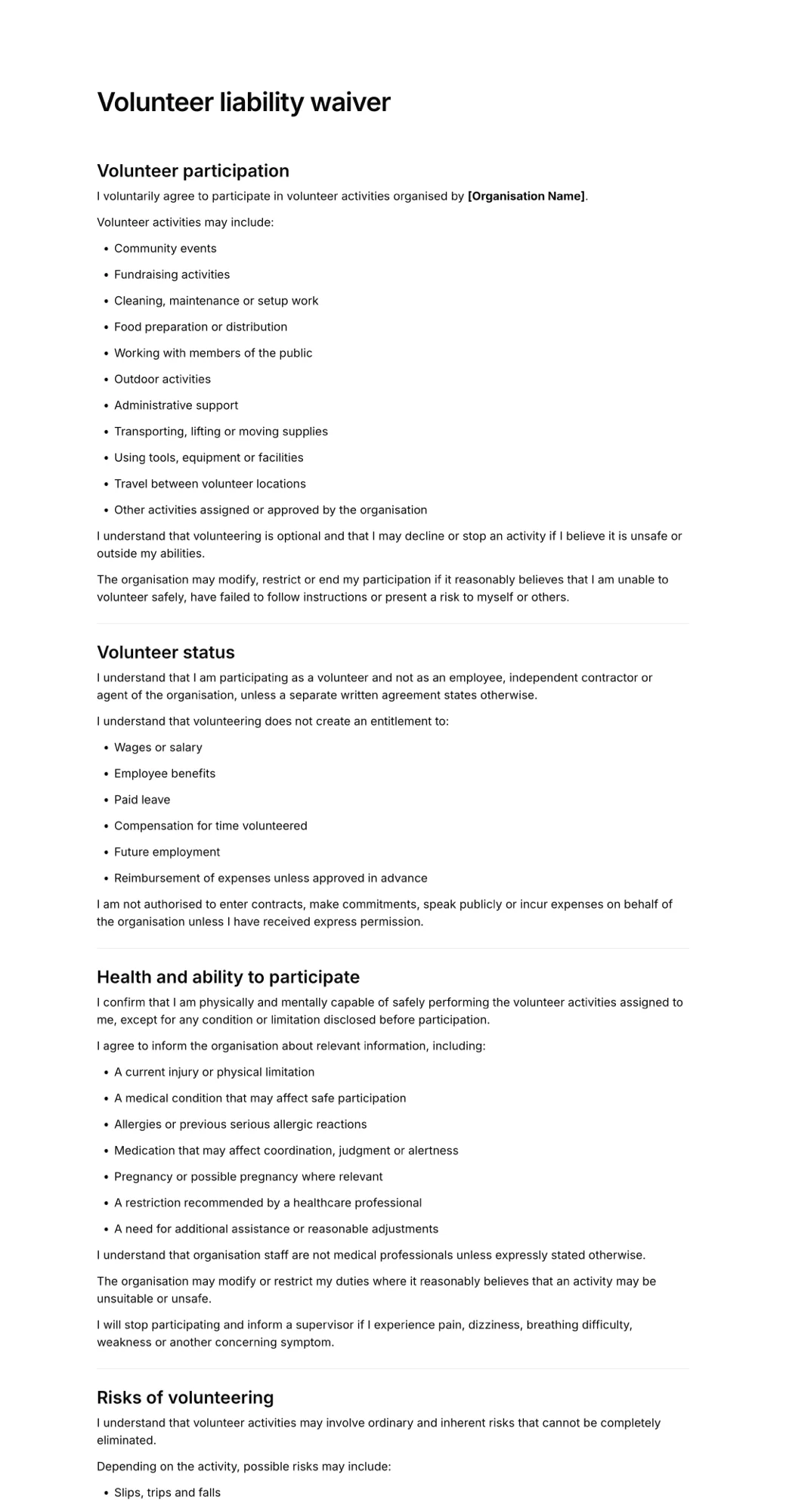
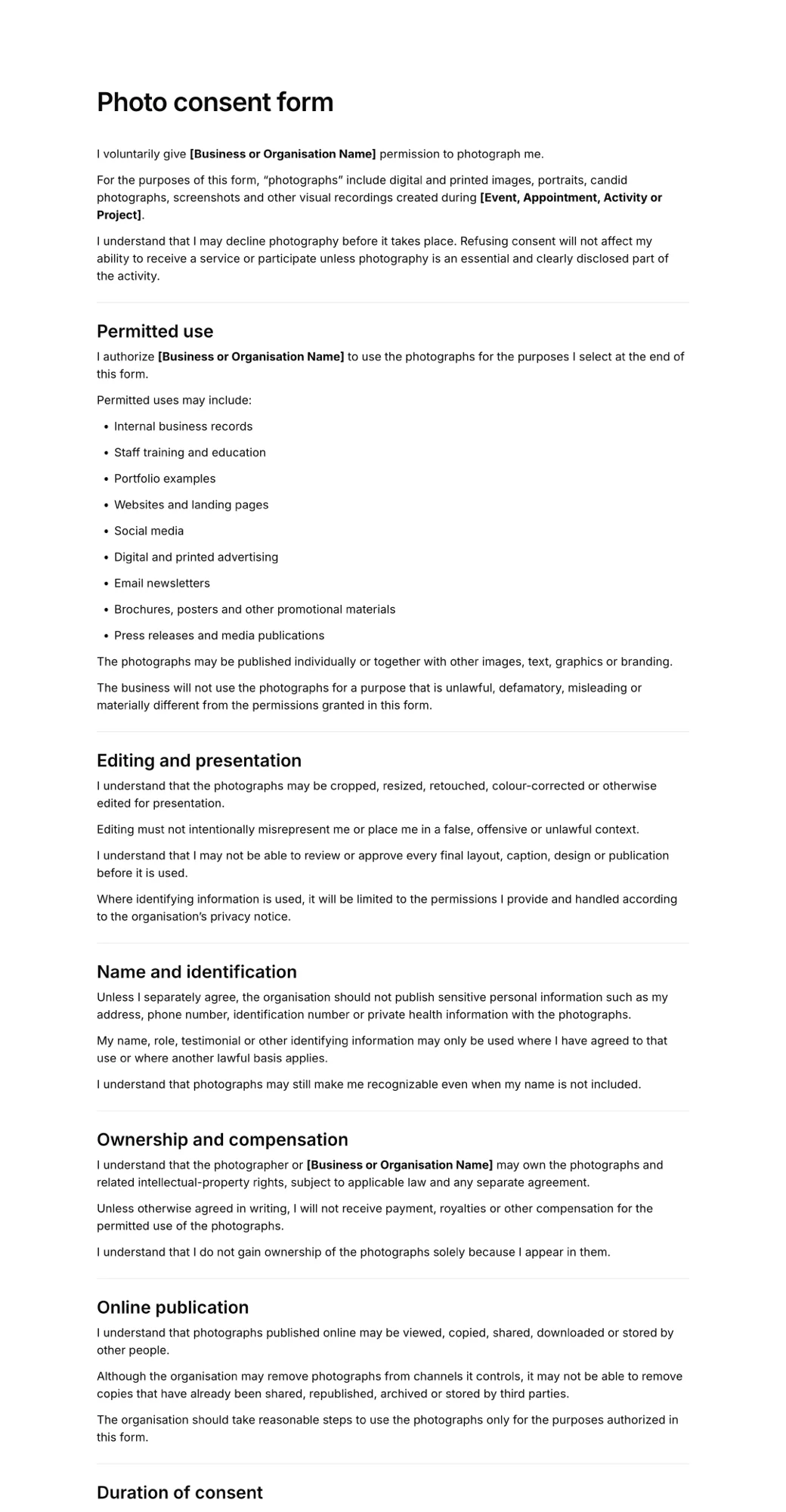
Templates for sports teams & leagues
Start from a ready-made form and edit the wording, questions and fields to match your business.
Why teams and leagues move registration online
Paper registration means a volunteer chasing forms at the first practice, reading messy handwriting and typing phone numbers into a spreadsheet. With an online form the link goes out to every family at once, players sign before the season starts, and the registrar only has to check a list.
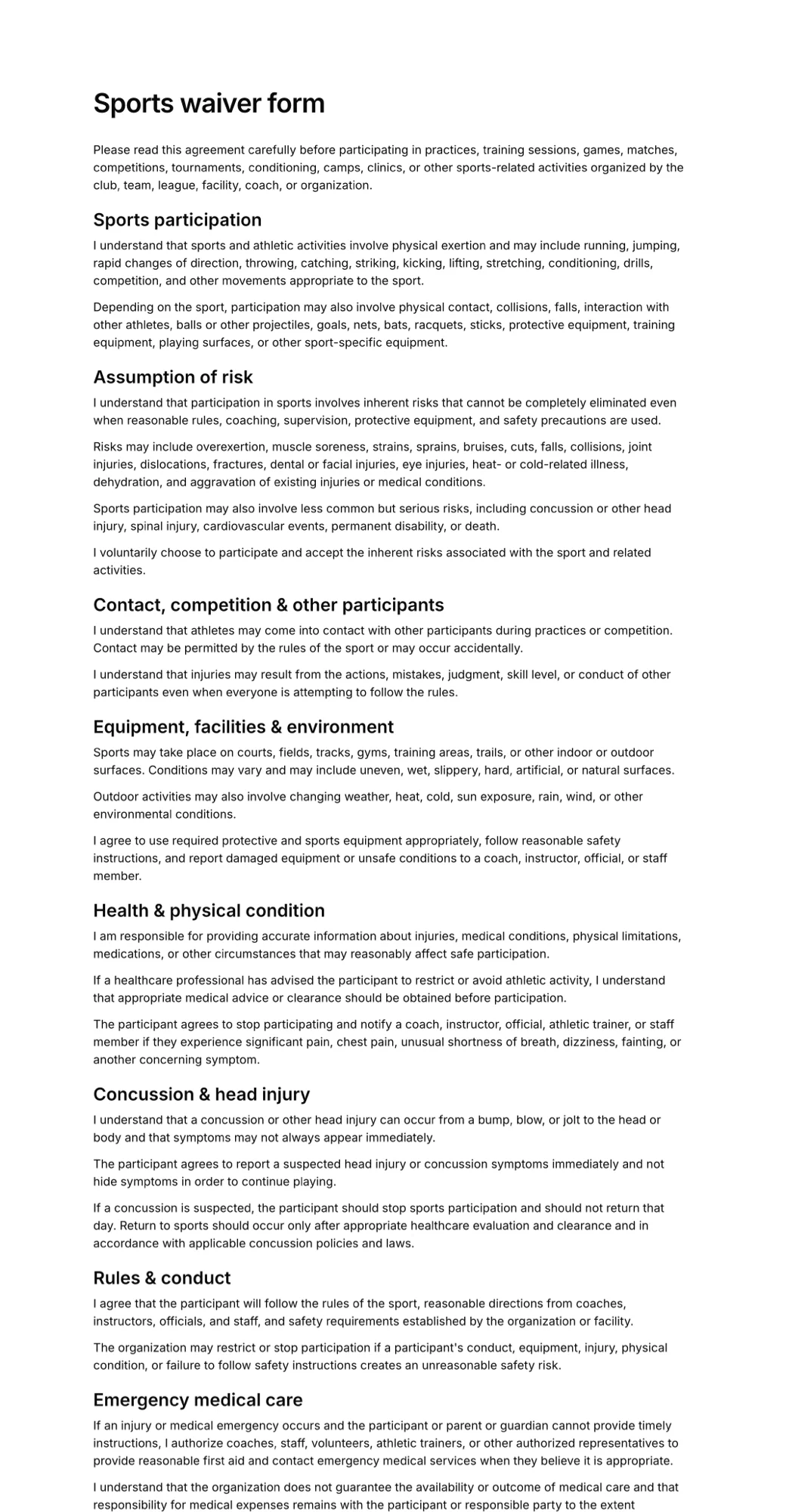
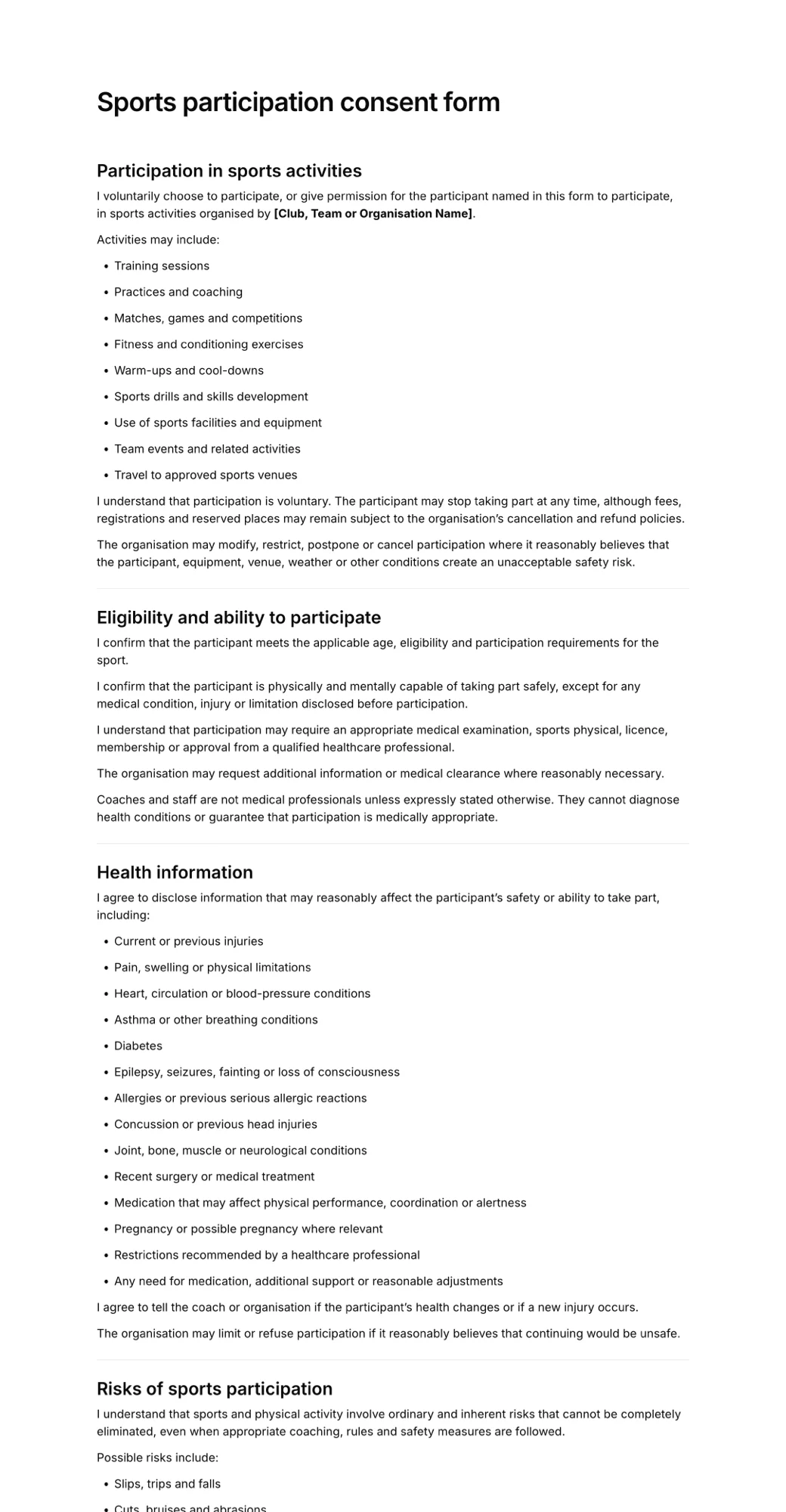
Our youth sports registration form collects player details, medical notes and emergency contacts, and the sports waiver form covers the risk wording. Use them as two forms or combine them into one.
Every signed form appears in your Signatures list with the name, form and time, newest first. If you change the wording next season, past signatures keep the exact version that was signed.
Waivers for youth players, camps and volunteers
Youth leagues need a parent or guardian to sign for each child. Add fields for the player's name and date of birth and the parent's name and relationship, and each player gets their own signed record. How far a parent can waive a child's claims depends on where you operate, so have your wording checked locally. Our guide to waivers for minors explains the basics.
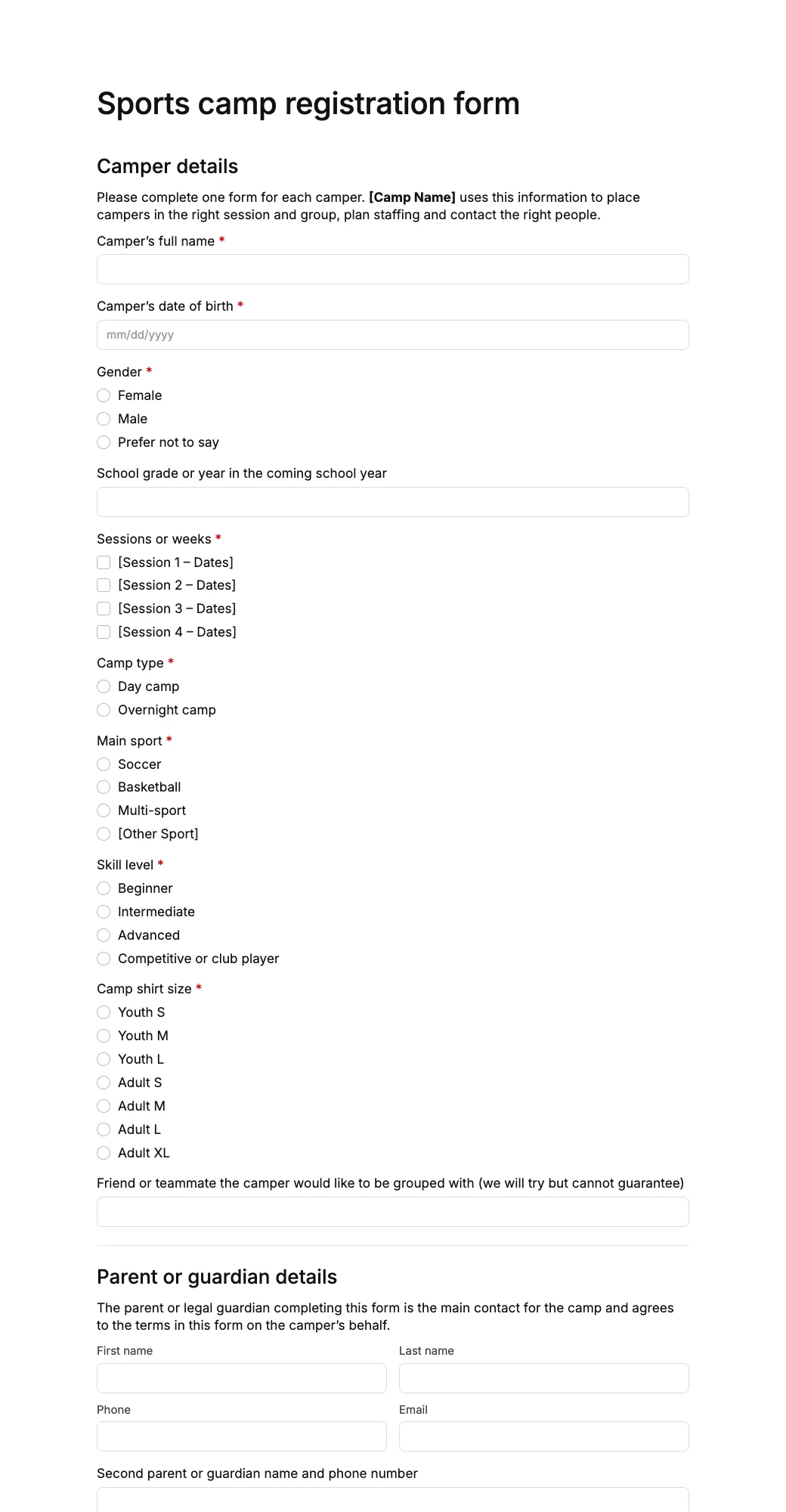
Holiday clinics and summer camps work the same way with the sports camp registration form, and parent coaches and referees can sign a volunteer waiver from the same account.
Guides for sports teams & leagues
Simple pricing.
Start for free. Upgrade when you need more signatures. No per-signature fees.
Free
For trying AgreeDock or collecting occasional signatures.
$0/month
- 10 signatures per month
- 1 active waiver
- Signing link and QR code
Pro
For businesses collecting waivers regularly.
$10$15/month
- Unlimited signatures
- Unlimited waivers
- Signing link and QR code
- Expiration tracking
- Signed PDF records
- Priority support
Questions
What should a youth sports waiver include?
Most cover the player's details, the risks of the sport, medical conditions, an emergency contact, consent to treatment, a code of conduct, photo consent and a parent or guardian signature. Start from our template and edit it for your sport.
Can parents sign the league waiver online?
Yes. Send the signing link by email or the team chat. Parents open it in any browser on their phone, tablet or computer and sign with a finger or mouse, with no app to download. Each child gets their own record.
Can players sign at tryouts or tournaments?
Yes. Print the QR code for the registration table, or open the form on a tablet at the field. Players or parents sign there and the form shows up in your Signatures list straight away.
Are online sports waivers legally valid?
Electronic signatures are generally recognised in the US under the ESIGN Act and UETA, and in many other countries. Whether a particular waiver holds up depends on its wording and local law, so have it reviewed by a local lawyer or your league's governing body.
Is AgreeDock league management software?
No. AgreeDock handles registration forms, waivers and signatures. It doesn't collect fees, build schedules, manage rosters or send reminders, so it works alongside the league software or spreadsheet you already use.
How much does it cost?
AgreeDock is free for up to 10 signatures a month. Pro costs $15 a month, or $10 a month billed yearly, for unlimited signatures and forms, which suits a whole league's registration.
Anything else? Write to info@agreedock.com
Related industries
- Camps & retreatsParticipant information and guardian consent collected before arrival.
- Martial arts studiosStudent waivers and enrollment forms for dojos, BJJ and boxing gyms.
- Gyms & fitness studiosNew-member waivers, intake forms and class sign-ups, signed online.
- Nonprofits & volunteer groupsVolunteer waivers and photo consent signed before every shift.
Get your sports teams & leagues paperwork signed
- Pick a template
- Share the link
- Collect signatures